

Your Browsing History

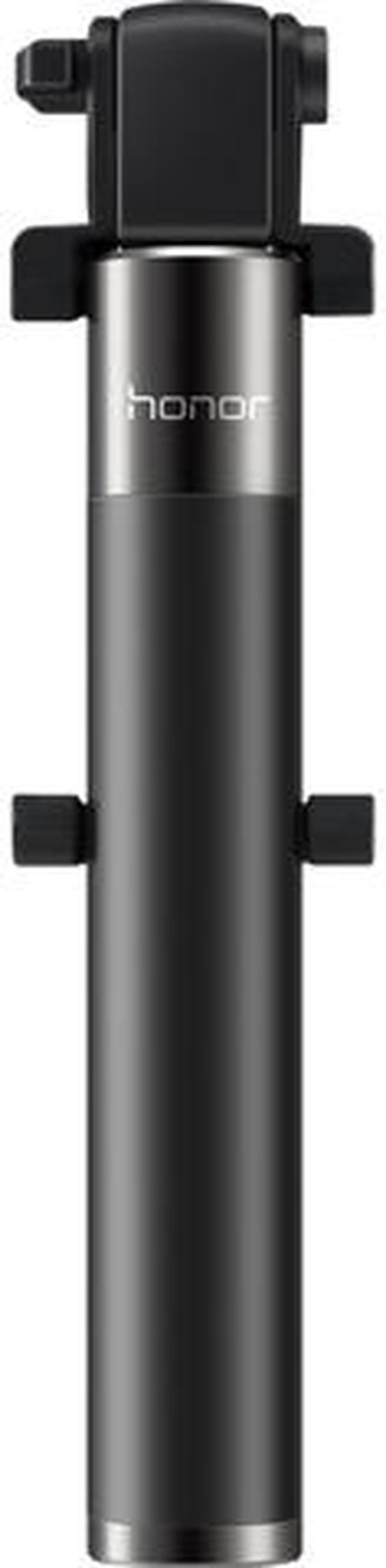
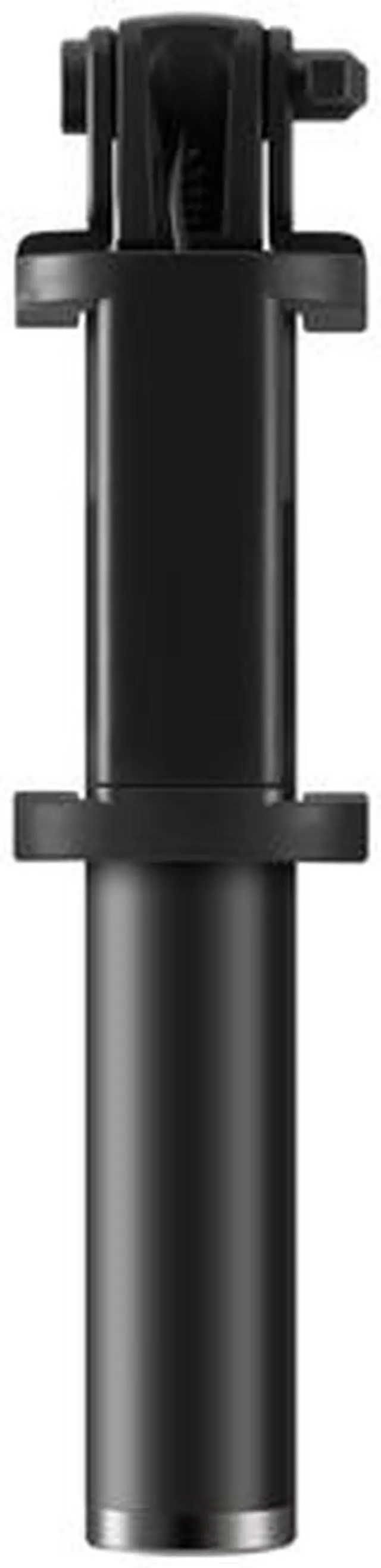
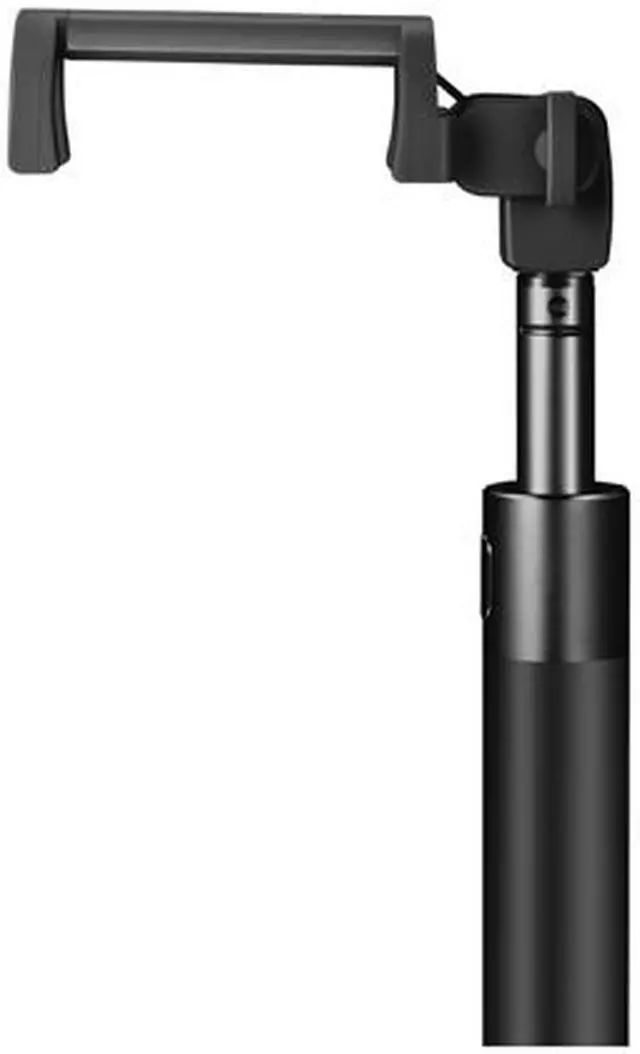
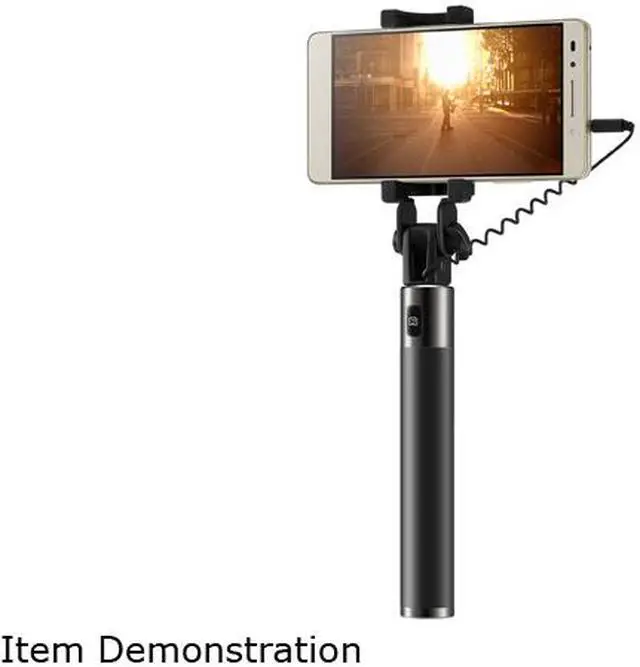
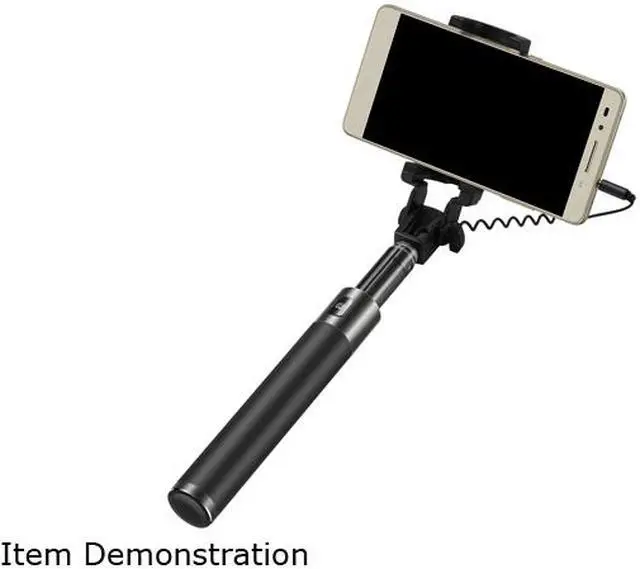
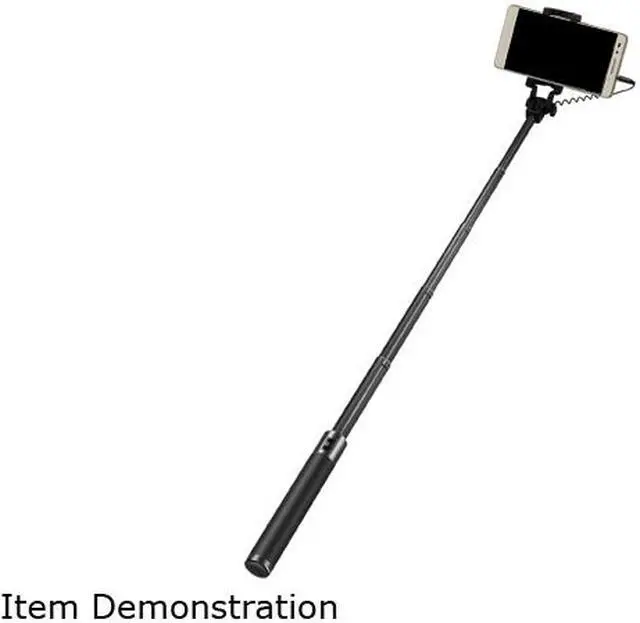
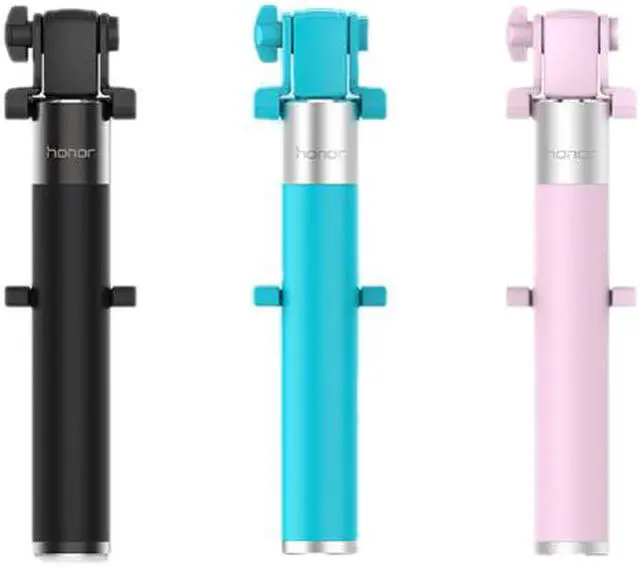


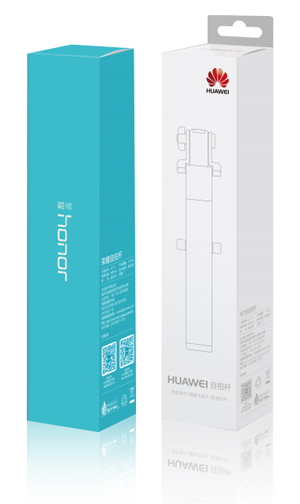
Huawei Honor Black Selfie stick, AF11 (2451992)
- Light-weight
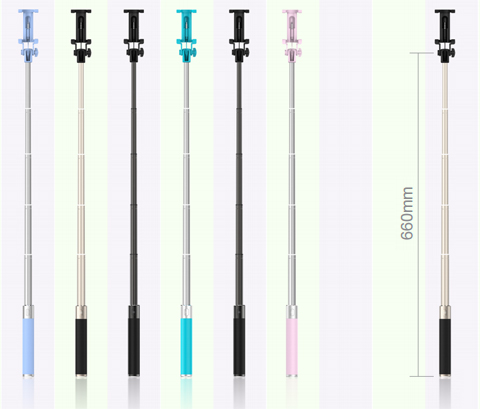
- Aluminum rod can be extended from 18-66cm
- 270-degree adjustable head
- Button on the handle to take photo
Overview
Specs
Reviews (1)
See all Q & A 
Any questions? Our AI mode will help you find out quickly.
Try me now
HUAWEI SELFIE STICKS
DRIVE-BY-WIRE RANGE PLUG IN-AND-USE
Supporting Huawei EMUI 2.3+, IOS 5.0+ and Android 4.4+Extremely convenient and ready for shot at any time! Huawei Selfie sticks, an integrated (wired) picture-taking facilitator; requiring nobattery charging; one button for Selfie; easy to be installed; just directly plug the wire in the phone audio-in to control the mobile phone photographing: extremely convenient and ready for shot at any time
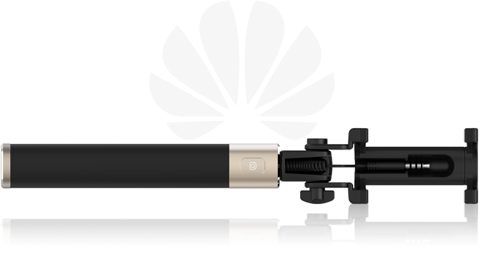
Huawei Selfie sticks, an integrated (wired) picture-taking facilitator; requiring nobattery charging; one button for Selfie; easy to be installed; just directly plug the wire in the phone audio-in to control the mobile phone photographing: extremely convenient and ready for shot at any time.
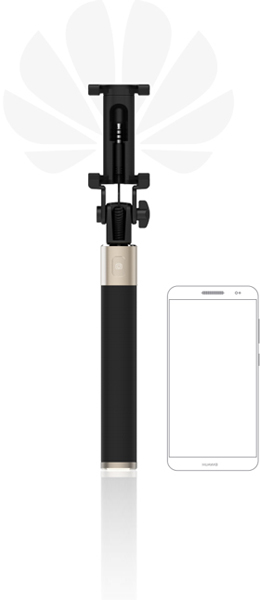
The stick makes picture taking possible with its 3.5 MM audio wire and requires no bluetooth connection. The Android System/Apple Systemmultipurposewiredselfie device is suitable for Huawei EMUI2.3+, IOS5.0+ and other Android 4.4+ cellphones; compatible with the iOS and Android device in picture taking and ON/OFF.
 |
Huawei |
Apple |
|
See the following phones for Android range: |
|||
Mi
Samsung
Coolpad
|
VIVO
HTC
LG
Motorola
|
OPPO
Other brands
|
|
 |
Appearance design |
|
| Appearance | Drive-by-wire operation/non-visual plugs/ aluminium pull rods | |
| Product size (when folded) | 41.8x34.1x179mm | |
| Product size (when unfolded) | 41.8x34.1x660mm | |
| Cellphone support (stretchclip distance) | 56-85mm | |
| Weight | 118.4g | |
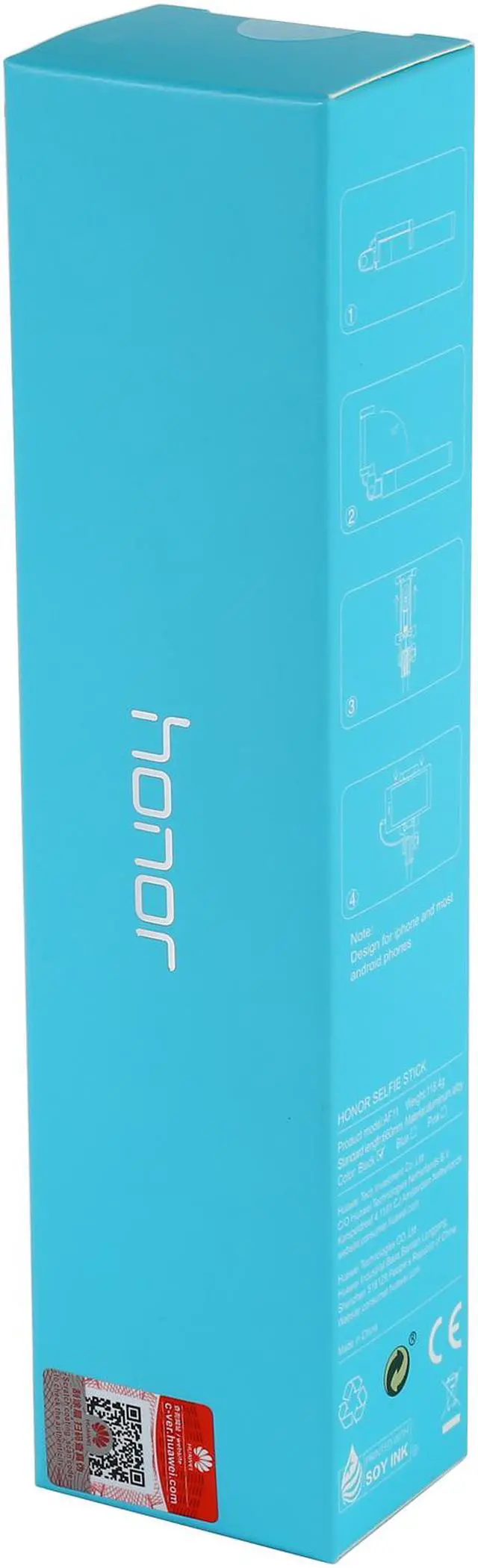
| Packaging size | 44x34.5x182mm | |
Main performance |
||
| Picture-taking times | >10000 | |
| Headsetimpedanceinput requirement | 2.7V 2.2K/ohm No button press:2,200 mv; volume+ (picture taking) 236 mv | |
| Material requirement | UV- resistance | |
| Button types | soft-touch buttons | |
| Working temperature | -20?~60? | |
How to use selfie stick
- 1. Open packing box of Honor selfie stick.Take this product out safely and check if it is in good condition.
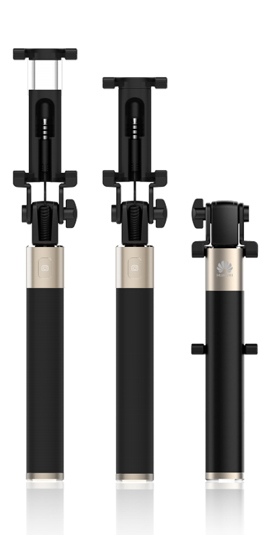
- 2. Rotate phone support 90 degrees in arrow direction, hold two ends, and pull the extendable stick segment by segment.
- 3.Take headphone cable plug out of the support groove, insert it into headphone jack, then phone photo mode will be enabled. Press camera key of the selfie stick to take photos.
- 4.Bend phone support to some extent, then hold tail of the extendable stick. Make the stick head pop up to hard object, and withdraw the extendable stick segment by segment.
- 5. Place headphone cable back to phone support groove, then rotate the support 90 degrees to withdraw. The selfie stick is folded.
Warranty & Returns
Warranty, Returns, And Additional Information
Warranty
- Limited Warranty period (parts): 1 year
- Limited Warranty period (labor): 1 year
- Read full details
Return Policies
- Return for refund within: 30 days
- Return for replacement within: 30 days
- This item is covered by Newegg.com's 30-Day Return Policy.
- Read full return policy for details.
Manufacturer Contact Info
- Manufacturer Product Page
- Manufacturer Website
- Support Phone: 888-548-2934
- Support Email: [email protected]
- Support Website
- View other products from Huawei
LOADING...
LOADING...