here!
here!
I’m your shopping assistant for PC builds, upgrades, and everything tech.
Got questions? Ask away!
Start a conversation
here!
I’m your shopping assistant for PC builds, upgrades, and everything tech.
Got questions? Ask away!
Start a conversation Top Rated Top Rated




Any questions? Ask CelesteSM will help you find out quickly.
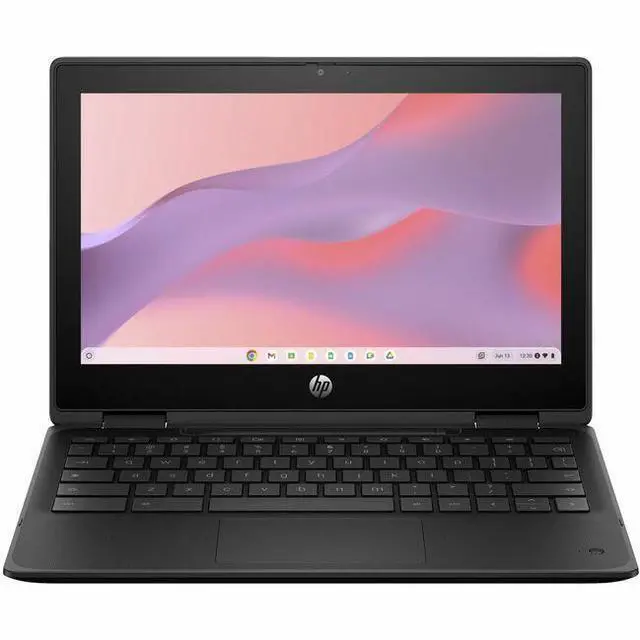
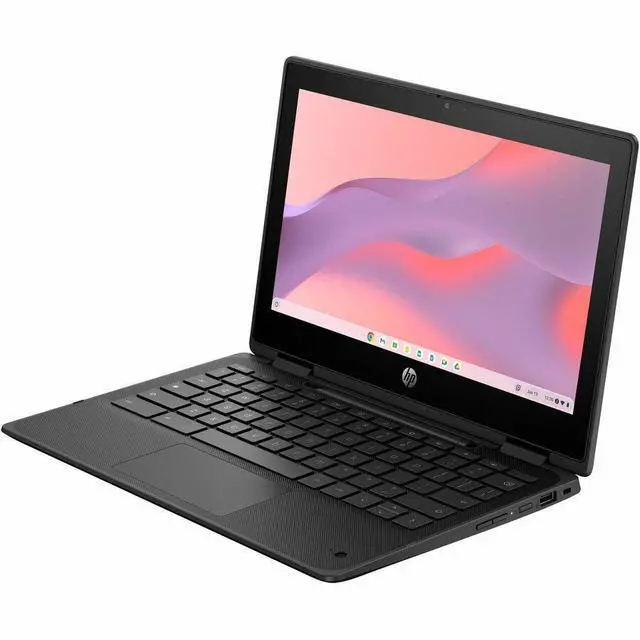
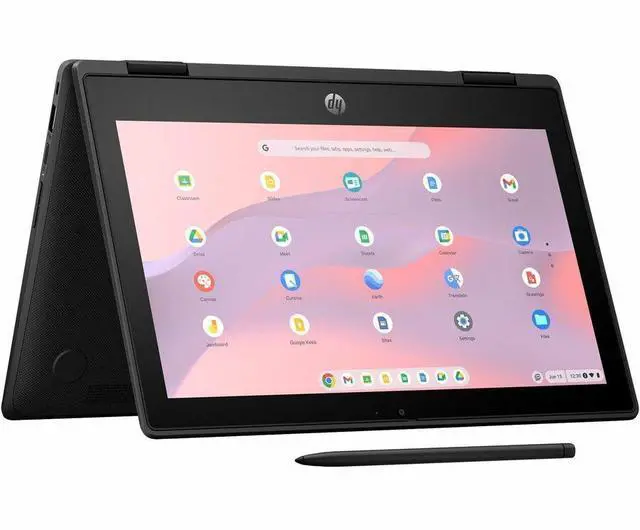
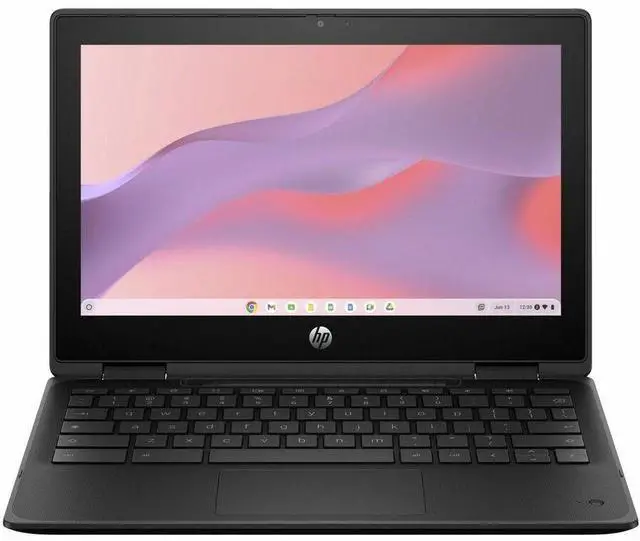
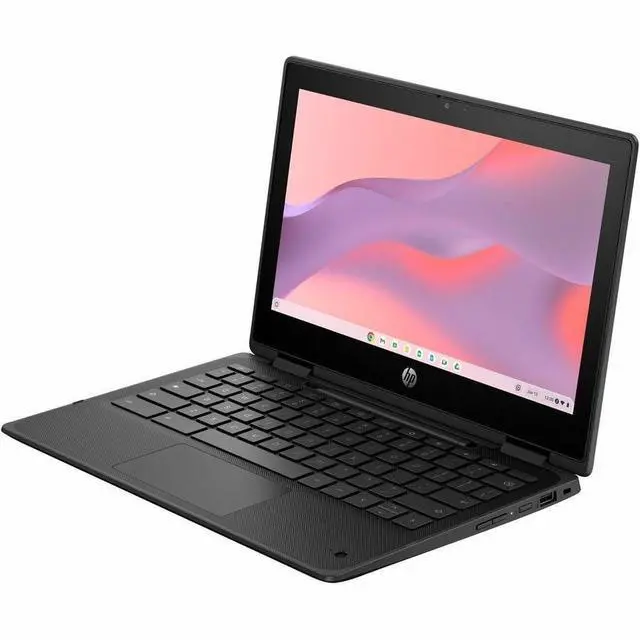
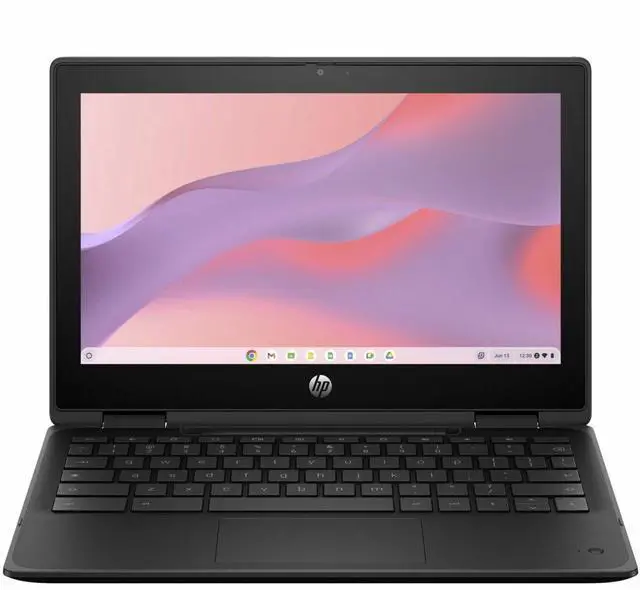
The HP Fortis Flip G1m is an 11.6-inch touchscreen 2-in-1 Chromebook built for students, families, and light everyday work who want a compact device with ChromeOS simplicity, Wi-Fi 6, all-day battery life, and a durable 360-degree design for typing, streaming, and web-based learning.
| Attribute | Value |
|---|---|
| Best For | Home/personal and education use — compact 11.6" convertible Chromebook for learning, web and general ChromeOS tasks |
| Processor And Core Count | MediaTek Kompanio 520 octa-core processor (8 cores) with ARM Cortex A76 + Cortex A55 cores |
| GPU And VRAM | Integrated MediaTek Mali graphics |
| Display Spec | 11.6" BrightView touchscreen HD display (1366 x 768 native) with 60 Hz refresh and up to 250 nits brightness |
| Memory Configuration | 4 GB system memory (LPDDR4X) |
| Storage And Expansion | 32 GB onboard flash storage (eMMC) |
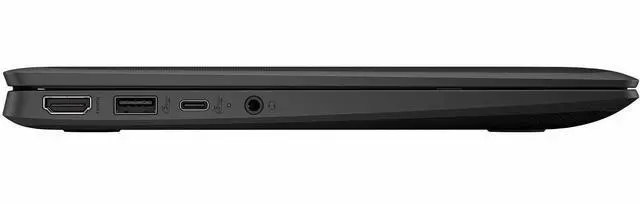
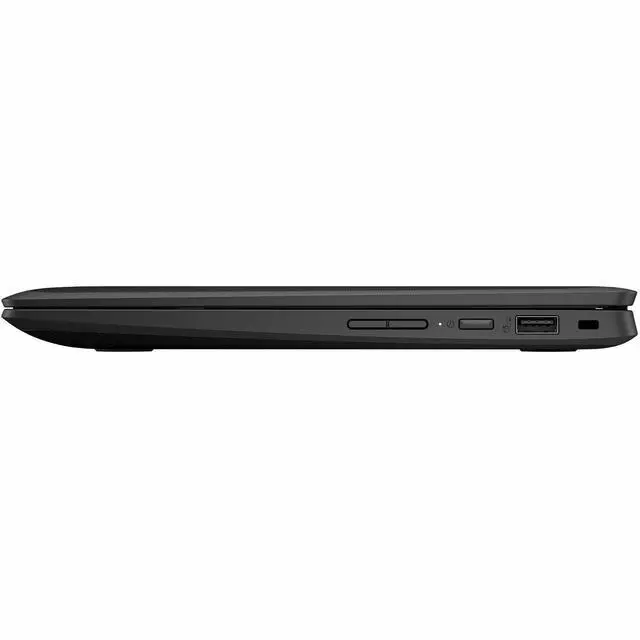
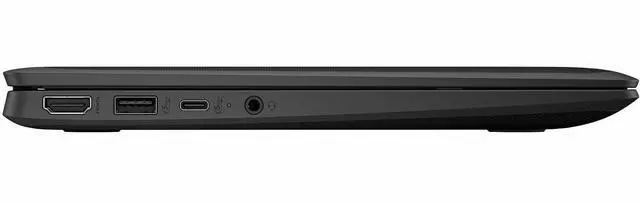
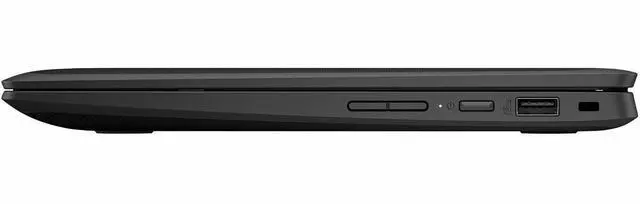
| High Speed I O | 3 USB ports for peripherals |
| Battery And Power | Up to 16 hours battery life with HP Fast Charge support |
| Wired And Wireless Networking | Wi‑Fi 6 (IEEE 802.11ax) and Bluetooth wireless connectivity |
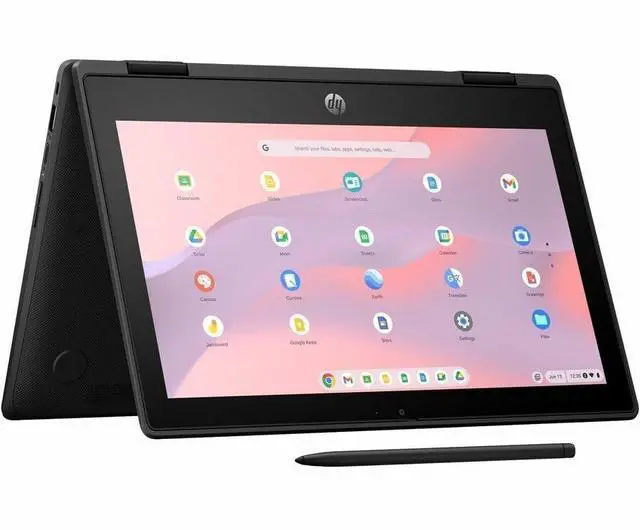
| Keyboard And Control | English keyboard with touchscreen input and 360° hinge for tablet mode |
| Audio Setup | Stereo audio |
| Portability | 11.6" convertible chassis in Jet Black, item weight 4.05 Pounds, MIL‑STD 810 tested with drop resistance up to 122 cm |
| External Display And Docking Fit | Includes 1 HDMI port for external displays |
| Model Identifiers | HP Fortis Flip BV0X7UT#ABA (Part Number BV0X7UT#ABA), Manufacturer Hewlett Packard, Series Fortis Flip, Edition Fortis Flip G1m |
| Other Features | 360-degree hinge convertible 2-in-1 design; passed 19 MIL‑STD 810 tests and drop-tested to 122 cm; Chrome Enterprise Upgrade included; package includes power cord and AC adapter |
Q: Should I choose the HP Fortis Flip G1m 11 over a Chromebook Plus model?
A: Choose the HP Fortis Flip G1m 11 if durability, compact size, long battery life, and a simple school or web workflow matter more than multitasking headroom. HP positions this model as a rugged 11-inch education Chromebook with a 360-degree hinge, spill-resistant design, drop resistance up to 122 cm, Wi-Fi 6, and up to 16 hours of battery life. A Chromebook Plus model is the better fit when you want higher baseline specs for heavier tab use, more demanding Android or Linux apps, and Google’s Chromebook Plus feature set, because Chromebook Plus requires at least 8 GB RAM and 128 GB storage, while this configuration has 4 GB RAM and 32 GB flash storage.
Q: Is the HP Fortis Flip G1m 11 a better choice than a 4 GB Intel N100 education Chromebook?
A: The HP Fortis Flip G1m 11 is the better choice when you want a smaller convertible Chromebook built for mobility and classroom durability. For general web work, ARM-based Kompanio Chromebooks are commonly positioned as efficient, fanless everyday systems, and recent comparison coverage shows that low-end Intel N-series Chromebooks are not automatically faster in real use. A 4 GB Intel N100 model can still make sense if you specifically prefer Intel-based compatibility patterns or find a stronger display or keyboard in that chassis, but this HP model is the clearer fit when size, rugged design, and battery-focused use come first.
Q: Should I buy this 4 GB / 32 GB HP Fortis Flip G1m 11 or a higher-memory Chromebook?
A: Buy this HP Fortis Flip G1m 11 configuration if your workload is mainly browser-based schoolwork, streaming, email, testing platforms, and light Android app use. Move to an 8 GB Chromebook if you expect heavier multitasking, many open tabs, or regular Android and Linux use. That trade-off shows up consistently in Google’s Chromebook Plus requirements and in ChromeOS community discussions, where 4 GB is usually treated as workable for lighter use and 8 GB as the safer choice for broader workloads over time.
Q: How does the HP Fortis Flip G1m 11 compare with another Kompanio 520 Chromebook like the Lenovo 300e Yoga Chromebook Gen 4?
A: These two models are close in core performance because both are offered with the MediaTek Kompanio 520. The decision usually comes down to hardware priorities rather than speed: choose the HP Fortis Flip G1m 11 if you want HP’s Fortis chassis, 11.6-inch convertible form factor, and the specific durability package HP advertises; choose a Lenovo 300e Yoga Gen 4 if you prefer Lenovo’s education hardware design or configuration options from that platform. In practice, this is more of a brand, build, and deployment decision than a performance upgrade.
Q: Is this a good Chromebook for travel, commuting, or carrying between classes?
A: Yes, if you want a small and durable Chromebook for web-based work on the go. The 11.6-inch size, 32GB storage, and 4GB RAM point to a lightweight, basic-use device rather than a primary laptop for heavy multitasking. Its fit is strongest for email, docs, browser work, streaming, and school or field use. The main trade-offs are the low 1366x768 resolution and limited local storage, which make it less ideal for large files or long multi-window sessions.
Q: Is it good for note-taking, meetings, and office work?
A: It is suitable for basic note-taking, Google Docs, web apps, video calls, and light Office use on ChromeOS. Similar Chromebook Q&A pages repeatedly ask about Zoom and Microsoft Office, which signals this is a core buying concern for this category. For that use case, this HP should be fine. The limitation is headroom: 4GB RAM and 32GB storage are enough for light productivity, but not ideal for heavier multitasking, large offline files, or specialized desktop software.
Q: Who is this Chromebook best suited for?
A: This model is best suited for students, families, frontline or field users, and buyers who mainly live in the browser. Its rugged Fortis design, 360-degree hinge, touch display, Wi-Fi 6, and Chrome Enterprise Upgrade make it especially appropriate for education and managed-device environments. It is less suited to users who need Windows or Mac software, more than 32GB of onboard storage, or a sharper display for detailed creative work.
Q: Is the 2-in-1 touchscreen useful, and can it replace a tablet for casual use?
A: The 2-in-1 design is useful for casual browsing, reading, streaming, web apps, and handwritten-style navigation with a finger or simple capacitive stylus. It can partly replace a tablet for media and light touch tasks. It is not the same as a pen-first device for serious drawing or advanced handwritten workflows unless HP specifically supports an active pen for this model. Buyers comparing small convertibles often ask about stylus support, so that is a key trade-off to verify before purchase.
Q: How does it compare with a larger or more premium Chromebook?
A: Choose this HP Fortis Flip if durability, portability, touch, and simple ChromeOS tasks matter more than screen quality or extra performance. Compared with larger or more premium Chromebooks, the trade-offs are clear: this class usually gives you a smaller HD display and entry-level memory/storage, while step-up models more often offer bigger or sharper screens, more RAM, and more room for heavier multitasking. In short, this is a practical utility Chromebook, not a power-user Chromebook.
Q: Who is the HP Fortis Flip G1m best suited for?
A: It is best suited for students, families, and light-use buyers who want a small Chromebook for web browsing, Google Docs, streaming, and basic schoolwork. Its 11.6-inch size, touch display, 360-degree hinge, rugged build claims, and ChromeOS fit portability and shared-use environments better than heavy multitasking or professional workloads.
Q: Is the HP Fortis Flip G1m worth buying for basic everyday use?
A: Yes, if your needs are basic and portability matters more than performance. The Kompanio 520, 4GB RAM, and 32GB storage are enough for browsing, email, document editing, video streaming, and web apps. It is less suitable if you expect many tabs, Android gaming, large local storage, or faster multitasking.
Q: Can the HP Fortis Flip G1m handle gaming or heavier apps?
A: Only lightly. It should handle simple web and Android apps, but it is not a strong choice for demanding games or heavy workloads. With a Kompanio 520 and 4GB RAM, the main trade-off is limited headroom for gaming, multitasking, and performance-sensitive apps.
Q: What are the main trade-offs of choosing this Chromebook?
A: The main trade-offs are performance, memory, storage, and display sharpness. The rugged 2-in-1 design, touch support, Wi-Fi 6, and long claimed battery life are practical advantages, but 4GB RAM, 32GB flash storage, and a 1366x768 display make it a better fit for light tasks than for long-term power use.