




 here!
here!
I’m your shopping assistant for PC builds, upgrades, and everything tech.
Got questions? Ask away!
Start a conversation
here!
I’m your shopping assistant for PC builds, upgrades, and everything tech.
Got questions? Ask away!
Start a conversation Top Rated




Any questions? Ask CelesteSM will help you find out quickly.
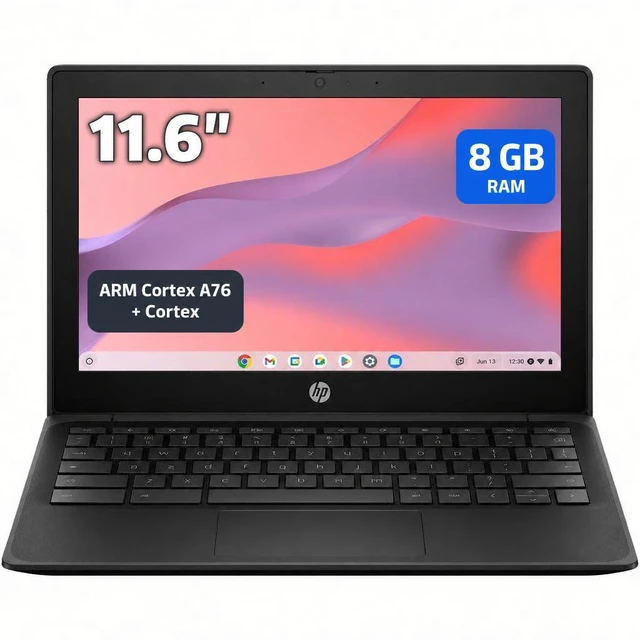
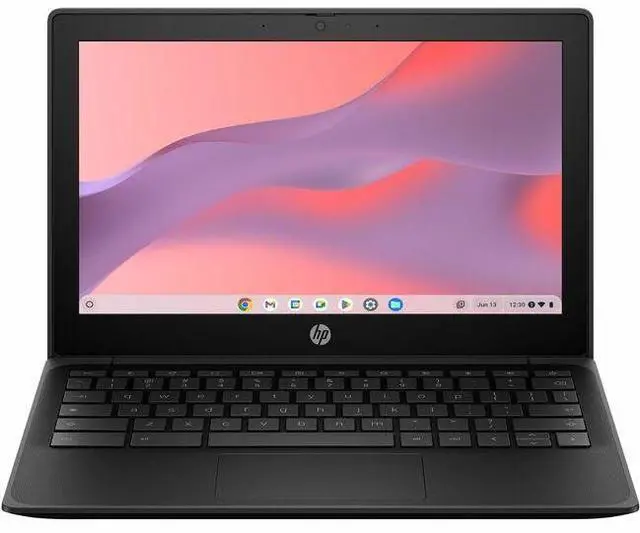
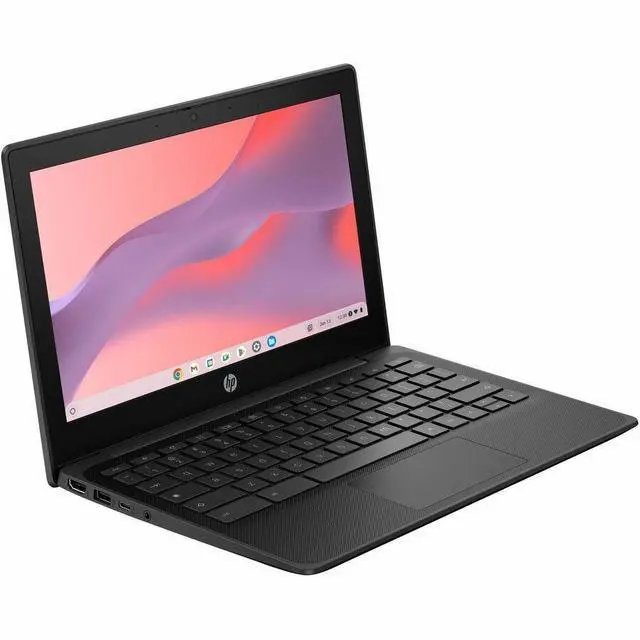
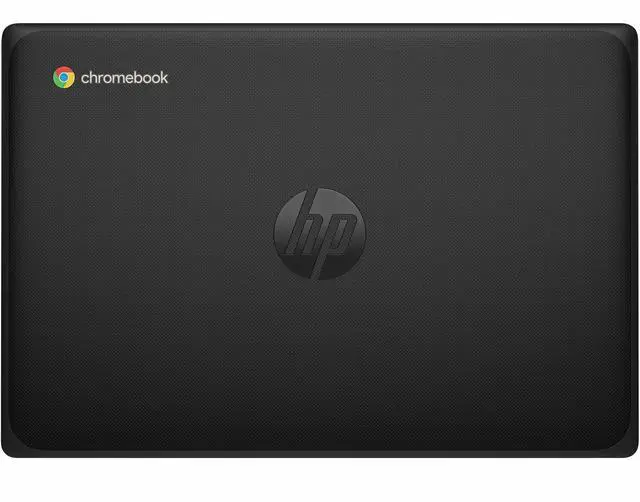
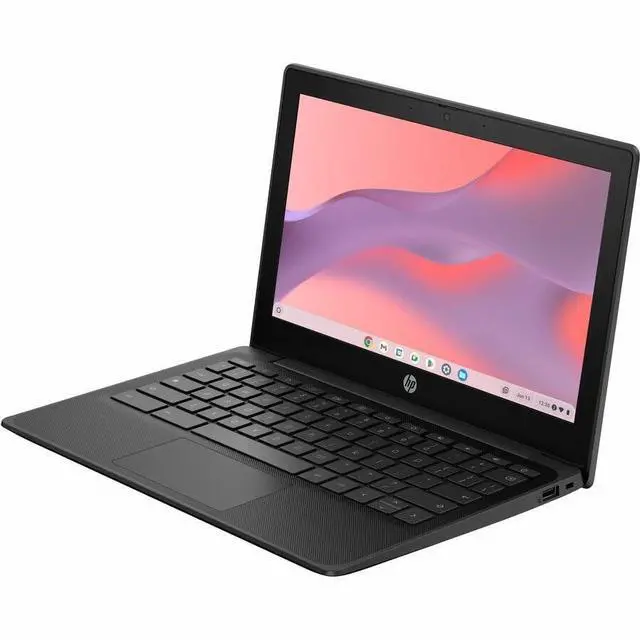
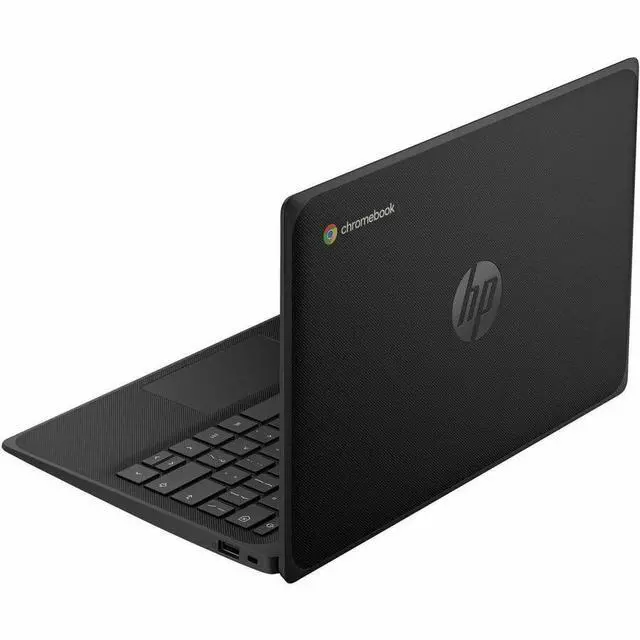
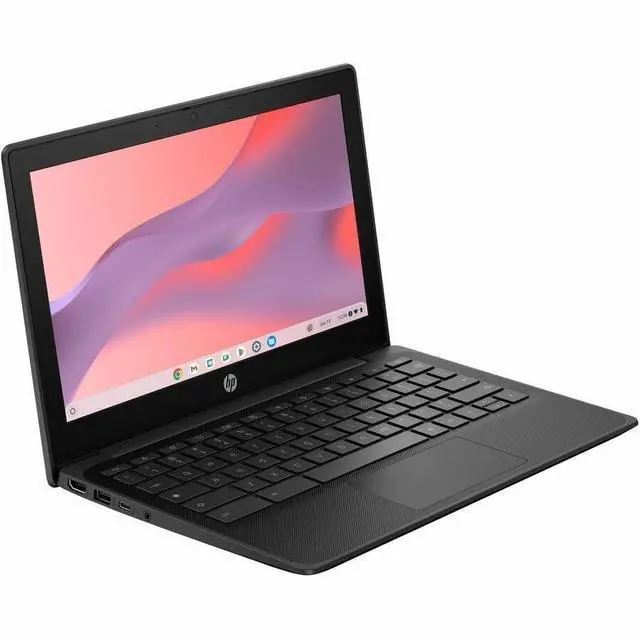
The HP Fortis G1m 11.6-inch Chromebook is a rugged, lightweight ChromeOS laptop built for students, families, and everyday users who need long battery life, Wi-Fi 6, and simple web-based productivity in a compact design.
| Attribute | Value |
|---|---|
| Best For | 11.6-inch rugged Chromebook for classroom/field-style basic web and cloud tasks and long mobile use, offering an ARM octa-core processor, 8 GB RAM, 64 GB internal storage, Wi‑Fi 6 and up to 16 hours battery life |
| Processor And Core Count | Octa-core ARM Cortex configuration (Cortex A76 and Cortex A55 cores) with listed core speeds of 2 GHz |
| GPU And VRAM | Integrated ARM Mali G52 MP2 graphics (integrated GPU) |
| Display Spec | 11.6-inch HD 1366 x 768 LCD non-touch display with 250 nit brightness, 45% NTSC color gamut and 400:1 contrast ratio |
| Memory Configuration | 8 GB LPDDR4X |
| Storage And Expansion | 64 GB internal SSD |
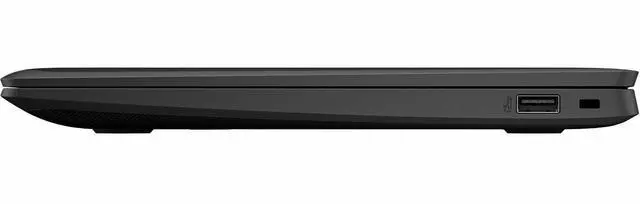
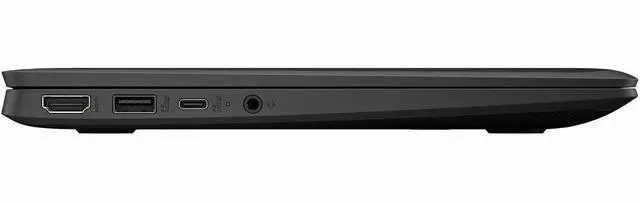
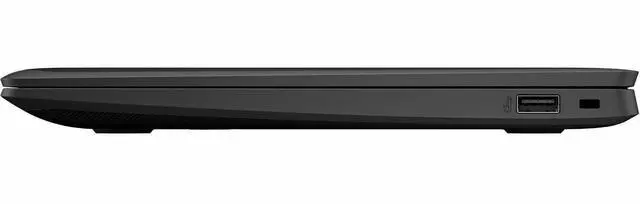
| High Speed I O | 3 total USB ports including 1 USB‑C (5 Gbps) supporting USB Power Delivery and DisplayPort 1.2, plus 1 HDMI port |
| Battery And Power | 3-cell battery with up to 16 hours runtime; package includes AC adapter and power cord |
| Wired And Wireless Networking | 802.11ax (Wi‑Fi 6) wireless LAN and Bluetooth |
| Webcam And Privacy | Front-facing webcam |
| Dimensions And Weight | 11.5 x 7.9 x 0.62 inches (W x D x H); weight 2.54 lb |
| Packaging | Package quantity 1; package dimensions 16.2 x 10.2 x 2.5 inches; package weight 4 pounds |
| Operating System | Chrome OS |
| Model Identifiers | HP Fortis G1m series — Fortis G1m 11 inch Chromebook, Part Number / Model: BV0X0UT#ABA; Manufacturer listed as Hewlett Packard |
Q: Should I buy the HP Fortis G1m Chromebook or a typical Intel N100 Chromebook?
A: Choose the HP Fortis G1m if your priority is portability, long battery life, quiet fan-less operation, and everyday ChromeOS work such as web browsing, Google Workspace, streaming, and classroom use. Choose an Intel N100 Chromebook if you expect heavier multitasking, more demanding Linux or Android app use, or want more performance headroom. The Fortis G1m’s MediaTek Kompanio 520 is positioned as an entry-level Chromebook chip with strong efficiency, while Intel N100 systems are commonly favored for higher CPU performance.
Q: Is the HP Fortis G1m a better fit than a Chromebook Plus model?
A: Buy the HP Fortis G1m if you want a compact 11.6-inch rugged Chromebook for basic work, student use, and all-day mobility. Move up to a Chromebook Plus model if you want a clearer performance upgrade, more local storage, and access to Chromebook Plus features tied to that class of hardware. Google positions Chromebook Plus as a higher-performance tier with stronger minimum specs, including 8GB RAM and 128GB storage on current product pages, while this Fortis G1m configuration focuses more on durability and efficiency than premium performance.
Q: Is the 8GB HP Fortis G1m worth choosing over a 4GB Chromebook?
A: Yes, the 8GB Fortis G1m is the safer choice if you keep many tabs open, switch between browser and Android apps, or want the Chromebook to stay comfortable for longer. A 4GB Chromebook can still handle basic browsing and school tasks, but 8GB gives more breathing room for multitasking on ChromeOS. With the same class of entry-level processor, memory is often the upgrade that most directly improves day-to-day usability.
Q: Should I choose the HP Fortis G1m over an older Intel education Chromebook?
A: Choose the HP Fortis G1m if you want a newer ChromeOS platform with Wi-Fi 6, 8GB memory in this configuration, and a battery-efficient ARM design in a rugged 11-inch chassis. An older Intel education Chromebook can still make sense if low upfront cost matters most or if you specifically prefer x86 compatibility for certain Linux workflows. For most web-first student and mobile-use scenarios, the newer Fortis G1m is the more balanced choice because it combines modern connectivity, low-maintenance operation, and durability-oriented design.
Q: Is the HP Fortis G1m better for travel and school than a larger 14-inch Chromebook?
A: Yes, if portability and durability come first. The HP Fortis G1m is easier to carry, better suited to desks, backpacks, and shared environments, and its rugged design is a practical advantage for school and mobile use. A larger 14-inch Chromebook is usually the better choice if you value a roomier display and keyboard for longer sessions at home or at a desk. The decision is mainly between mobility and workspace rather than a simple performance difference.
Q: Is this a good Chromebook for travel, web work, and long battery life?
A: Yes for light travel use. The HP Fortis G1m is a strong fit if your work is mostly browser-based, such as email, documents, video meetings, and web apps. Its main advantages are low weight at 2.54 lb, compact 11.6-inch size, Wi-Fi 6, HDMI, USB-C, and a rated battery life of up to 16 hours. The trade-off is that the HD 1366 x 768 non-touch display is basic, so it is less ideal if you want a larger or sharper screen for multitasking or detailed visual work.
Q: Is it good for note-taking, Zoom or Google Meet, and everyday office tasks?
A: Yes for basic school and office use. This Chromebook should handle note-taking, web browsing, Google Docs, Sheets, Slides, Gmail, and video calls well. It also has 8 GB of memory, which is better than many entry Chromebooks with 4 GB and helps with having more browser tabs open. The main limitation is software: it is best for cloud and web workflows, not full desktop Windows applications.
Q: Who is this Chromebook best suited for?
A: It is best suited for students, families, and mobile users who want a simple, durable Chromebook for web-first tasks. The Fortis line is rugged, and the 11.6-inch form factor is practical for carrying around all day. It is a better fit for classroom-style use, travel, and shared household computing than for power users who need heavy multitasking, creative apps, or a large display.
Q: What are the main trade-offs versus a larger 14-inch Chromebook?
A: The main advantage of this HP model is portability and likely better day-to-day mobility. Compared with many 14-inch Chromebooks, it is easier to carry, more space-efficient, and still includes useful connectivity like HDMI and USB-C. The trade-offs are a smaller 11.6-inch screen, lower HD resolution, and no touchscreen, so a 14-inch model is usually better for split-screen work, entertainment, and users who spend long hours at a desk.
Q: Is this better than a budget 4GB Chromebook?
A: Usually yes, if you keep many tabs open or want the device to feel less limited over time. This HP Fortis G1m has 8 GB RAM and 64 GB storage, which is a practical step up from common 4 GB and 32 GB or 64 GB budget Chromebooks. That makes it a better choice for heavier browsing, schoolwork, and longer useful life. The trade-off is that it still remains a basic Chromebook in display quality and app flexibility, so the extra memory does not turn it into a full laptop replacement for specialized software.
Q: Is the HP Fortis G1m a good buy for basic schoolwork, web use, and travel?
A: Yes, if your needs are light and browser-first. Its 8 GB RAM, 64 GB storage, ChromeOS, low 2.54 lb weight, and claimed 16-hour battery life make it a practical fit for browsing, documents, email, video calls, and portable everyday use. The main trade-off is performance: discussion around Kompanio 520 Chromebooks commonly treats this chip as efficient rather than powerful, so it is better for basic tasks than heavier multitasking or demanding apps.
Q: Who is the HP Fortis G1m best suited for?
A: It is best suited for students, shared family use, and buyers who want a small, durable Chromebook for simple daily tasks. The 11.6-inch non-touch HD display and rugged Fortis positioning favor portability and classroom-style use more than premium media or creative work. It is less suitable for users who want a larger screen, sharper display, or workstation-level performance.
Q: What are the main trade-offs of choosing this Chromebook?
A: The main trade-offs are screen quality and performance headroom. This model has an 11.6-inch 1366 x 768 non-touch display with 250 nits brightness and 45% NTSC color, which is functional but modest by current standards. Its MediaTek Kompanio 520 platform is generally associated in user discussion with good efficiency, but not with high-end speed, so buyers should expect a better fit for light ChromeOS tasks than for intensive multitasking, advanced Linux use, or heavier Android gaming.
Q: Can the HP Fortis G1m replace a regular work laptop?
A: It can replace a regular laptop for browser-based work, email, documents, remote meetings, and cloud workflows. It is not the best replacement if your work depends on Windows or macOS software, heavy local storage, complex creative apps, or stronger multitasking performance. In short: it works well as a simple productivity machine, but not as a full substitute for a more powerful general-purpose laptop.


