




 here!
I’m your shopping assistant for PC builds, upgrades, and everything tech.
Got questions? Ask away!
Start a conversation
here!
I’m your shopping assistant for PC builds, upgrades, and everything tech.
Got questions? Ask away!
Start a conversation Top Rated







Any questions? Ask CelesteSM will help you find out quickly.
We want to ensure your holiday shopping this year is hassle-free. That’s why we’re automatically extending our return policies on almost every product! For purchases placed between November 1st, 2026 and December 31, 2026 you will have until January 31, 2027 to return your product.
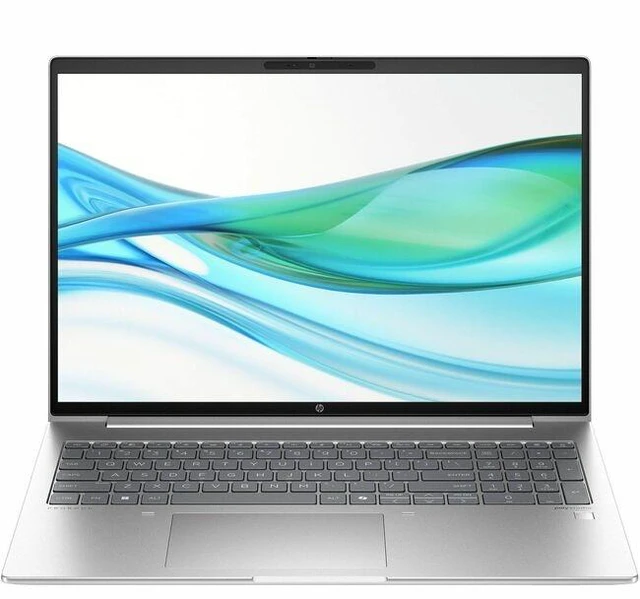
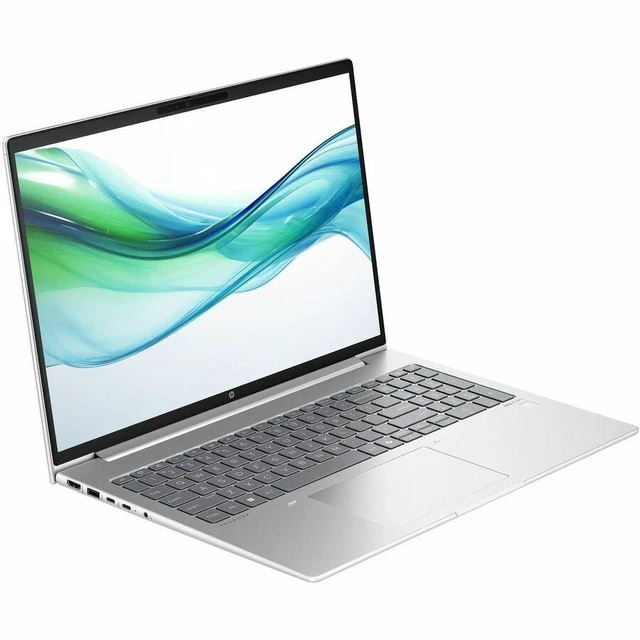
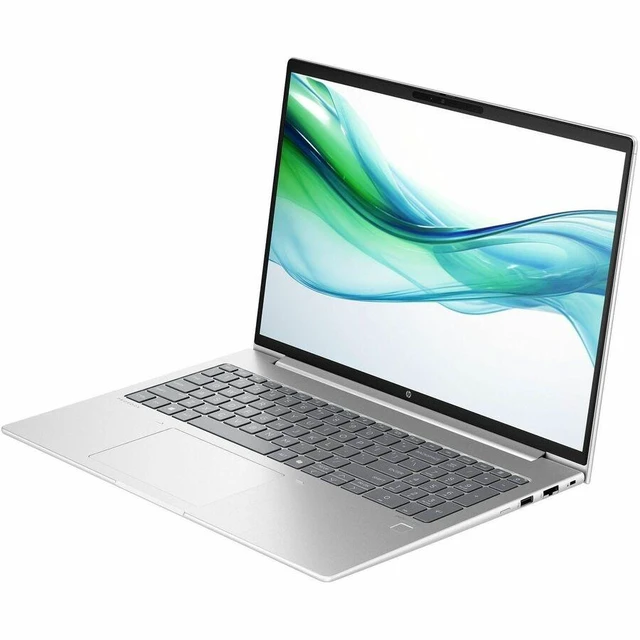
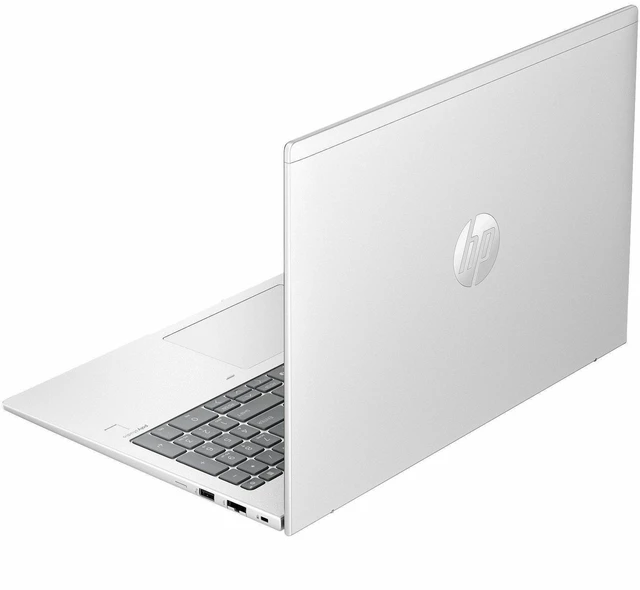
The HP ProBook 460 G11 is a 16-inch touchscreen business notebook with an Intel Core Ultra 5 125U, 16 GB of memory, a 256 GB SSD, and Windows 11 Pro, suited to office work, everyday productivity, and users who want a larger touch display.
| Attribute | Value |
|---|---|
| Best For | Business and student use in a 16-inch touchscreen notebook format |
| Processor And Core Count | Intel Core Ultra 5 125U with 12 cores, a 1.3 GHz base speed, and up to 4.3 GHz |
| Graphics | Integrated Intel graphics; no separate graphics memory capacity is specified |
| Display Spec | 16-inch IPS LCD touchscreen with 1920 × 1200 resolution, 300-nit brightness, and 45% NTSC color gamut |
| Memory Configuration | 16 GB DDR5-5600 memory, with two memory slots and a listed maximum of 16 GB |
| Storage And Expansion | 256 GB M.2 PCIe solid-state drive |
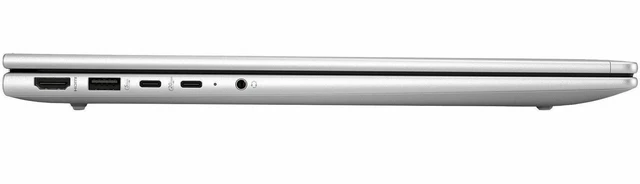
| Ports And Connectivity | Four USB 3.0 ports, one HDMI port, Ethernet, and a 3.5 mm audio connection |
| Wired And Wireless Networking | Wi-Fi 6E (802.11ax), Ethernet, and Bluetooth 5.3 |
| Webcam And Privacy | Front-facing webcam; privacy features are not specified |
| Keyboard And Control | Backlit QWERTY keyboard and touchscreen input |
| Audio Setup | Stereo speakers with headphone audio output |
| Battery And Power | 56 Wh lithium-ion battery with three cells; power adapter included |
| Portability | 3.84 lb item weight |
| Operating System | Windows 11 Pro |
| Color And Finish | Pike Silver |
| Model Identifiers | HP ProBook 460 G11; model and part number DC1A2UT#ABA |
Q: HP ProBook 460 G11 vs. 440 G11: which is better for a larger work screen?
A: Choose the ProBook 460 G11 when you want a 16-inch touchscreen for a roomier workspace. The ProBook 440 G11 is the 14-inch option for buyers who prioritize a smaller laptop; both models are available with an Intel Core Ultra 5 125U processor.
Q: Should I get this ProBook 460 G11 with Core Ultra 5 125U or the Ultra 7 155U version?
A: This Core Ultra 5 125U configuration is a practical choice for everyday business and office tasks, with 16 GB of memory and Windows 11 Pro. The Ultra 7 155U version is worth considering if you want the higher listed maximum turbo frequency: 4.8 GHz versus 4.3 GHz. HP offers both processors in the ProBook 460 G11, and a review found the 125U configuration suitable for office work.
Q: ProBook 460 G11 with Core Ultra 5 125U or 125H: which processor should I choose?
A: Choose this 125U version for everyday productivity and office work. Consider a ProBook 460 G11 configuration with the Core Ultra 5 125H if your applications can use its additional CPU cores: HP lists 14 cores and 18 threads for the 125H, compared with 12 cores and 14 threads for the 125U.


