here!
I’m your shopping assistant for PC builds, upgrades, and everything tech.
Got questions? Ask away!
Start a conversation
here!
I’m your shopping assistant for PC builds, upgrades, and everything tech.
Got questions? Ask away!
Start a conversation






Any questions? Ask CelesteSM will help you find out quickly.

Provide a noticeable all round
speed and Performance boost
without stuttering or lag

Bring you closer to the people
and things you love while
giving you a place to think,
express and create

Offer the great value for running video and professional applications that keep you productive

Backlit Keyboard

DDR4 RAM cuts back voltage by 40% and boosts performance and bandwidth by 50% as compared to DDR3, which gives you less overall power consumption

M.2 drive with a PCIe interface has increased performance and takes advantage of non-volatile memory express (NVMe) protocol which increases the performance and has a reduced latency
| Brand | HP |
|---|---|
| Color | Silver |
| Features | Wifi 6,Bluetooth 5.3 |
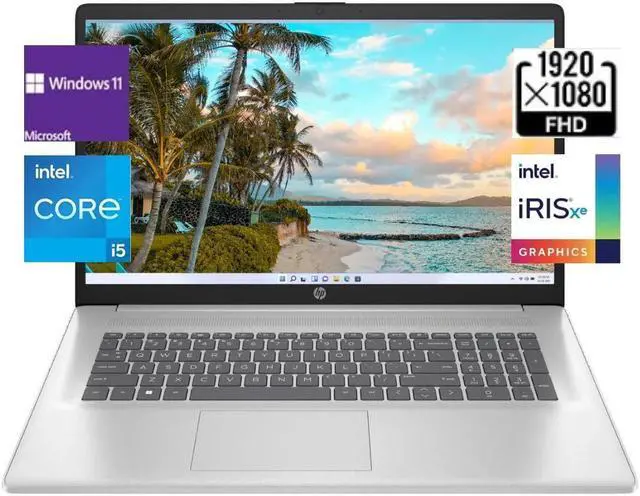
| CPU | 13th Gen Intel Core i5-1335U (10-Core) Processor |
| Graphic | Intel Iris Xe Graphics |
| Memory (RAM) | Up to 64 GB |
| Operating System | Windows 11 Home/Pro |
| Processor | Intel Core i5 |
| Screen Resolution | FHD(1920 x 1080) |
| Screen Size | 17.3 in. |
| SSD | Up to 2 TB |
| Touchscreen | NO |
| Dimensions | 15.78" x 10.15" x 0.78" |
| Weight | 4.6 lbs |
CPU:13th Gen Intel Core i5-1335U (10-Core) Processor
Memory: Up to 64 GB DDR4 RAM
Hard Drive: Up to 2TB PCIe NVMe M. 2 Solid State Drive
Operating System: Windows 11 Home/Pro
Display:17.3" IPS Anti-Glare FHD (1920 x 1080) Display
Graphics:Intel Iris Xe Graphics
Ports:
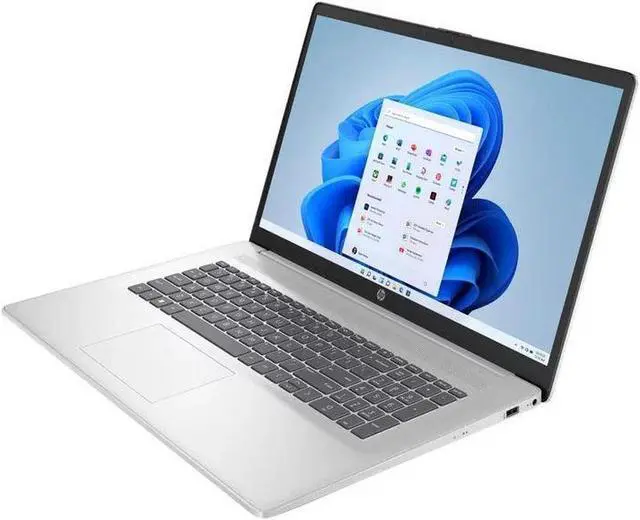
1x USB Type-C
2x USB Type-A
1 AC smart pin
1x HDMI 1.4 b
1x Combination Headphone/Microphone Jack
Wireless Connectivity: Wi-Fi 6 and Bluetooth 5.3
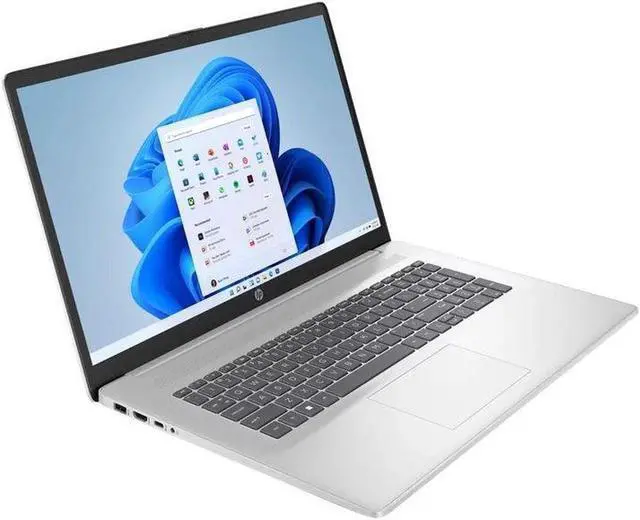
Keyboard:HP Backlit Keyboard with Numeric Keypad
Battery:3-cell, 41 Wh Lithium-ion prismatic Battery
Dimensions:15.78" x 10.15" x 0.78";4.6 lbs
Color:Silver
The HP 17.3-inch laptop pairs a 13th Gen Intel Core i5-1335U with 32GB RAM, a 2TB SSD, and Windows 11 Pro, making it a well-equipped choice for business users and multitaskers who want ample memory and storage for everyday productivity.
| Attribute | Value |
|---|---|
| Best For | Work and business use |
| Processor | 13th Gen Intel Core i5 |
| Display | 17.3-inch Full HD screen with 1920 × 1080 resolution |
| Memory Configuration | 32GB DDR4 memory running at 3200 |
| Storage | 2TB PCIe SSD |
| Wireless Connectivity | Wi-Fi 6 and Bluetooth 5.3 |
| Keyboard And Control | Backlit keyboard |
| Operating System | Windows 11 Pro |
| Appearance | Silver |
Q: HP 17 with 16GB RAM and 512GB SSD or this 32GB/2TB version—which should I choose?
A: Choose this version if you want more memory and local storage: it doubles the RAM from 16GB to 32GB and provides four times the SSD capacity, 2TB instead of 512GB. The compared HP 17 configuration uses the same Core i5-1335U processor, so the main decision is capacity for multitasking and files.
Q: Should I get this HP 17 with the Core i5 or the HP 17 with the Core i7-1355U?
A: Choose the HP 17 with the Core i7-1355U if you prefer that higher processor tier. Choose this Core i5 version if 32GB of RAM and a 2TB SSD are the priority; the i7-1355U HP 17 configuration identified here has 16GB of RAM and a 1TB SSD.
Q: How does this HP 17 compare with the previous-generation HP 17 with a Core i5-1235U?
A: This listing pairs a 13th-generation Core i5-1335U with 32GB of RAM and a 2TB SSD. The previous-generation HP 17-c2000 series includes a Core i5-1235U and supports up to 16GB of memory in HP’s listed configurations. Choose this model for the newer processor generation and the larger listed memory and storage capacities.
Q: Is this laptop suitable for office work and multitasking?
A: Yes. Its 13th Gen Intel Core i5 processor, 32 GB of RAM, 2 TB SSD, and Windows 11 Pro suit common office tasks such as documents, spreadsheets, browsing, and multitasking. The 17.3-inch Full HD screen provides a large workspace; the listed specifications do not establish performance for every specialized application.
Q: Is this 17.3-inch laptop practical to carry for work or travel?
A: It can be carried, but at 4.6 lb and with a 17.3-inch screen, it is better suited to desk-to-desk use or occasional travel than to someone prioritizing a lightweight daily carry. Battery life is not provided, so plan to check that detail if you need to work away from outlets.
Q: Is this laptop suitable for video meetings?
A: It has an HP True Vision 720p HD camera, so it can support video meetings. The supplied specifications do not state microphone quality or meeting-call performance, so check those details if they are important to your setup.
Q: Does it have a backlit keyboard for working in dim light?
A: Yes. The provided product information lists a backlit keyboard, which can help when typing in dim environments.