here!
I’m your shopping assistant for PC builds, upgrades, and everything tech.
Got questions? Ask away!
Start a conversation
here!
I’m your shopping assistant for PC builds, upgrades, and everything tech.
Got questions? Ask away!
Start a conversation

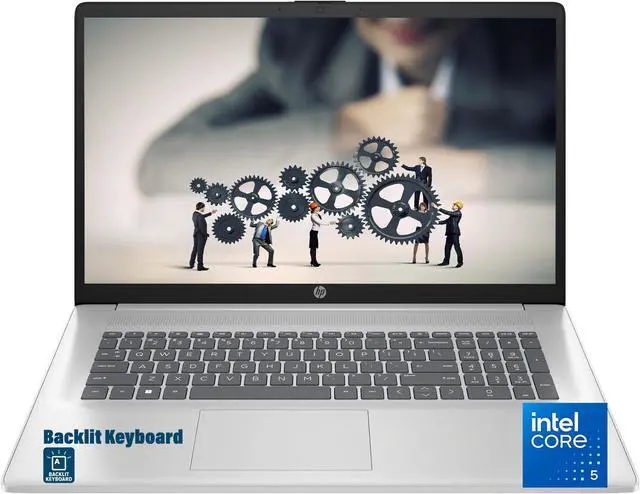
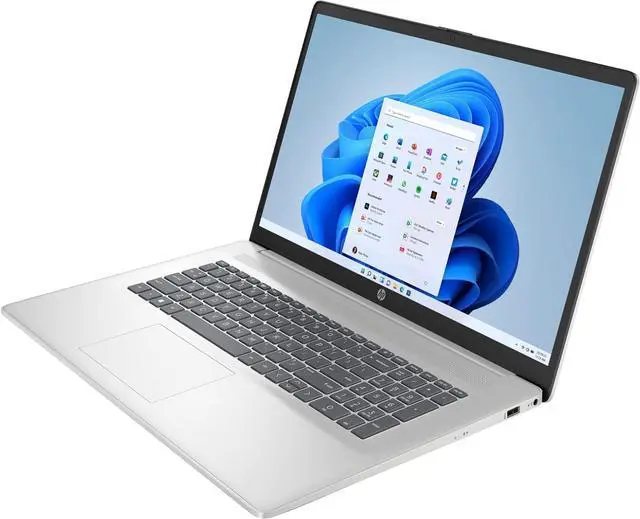
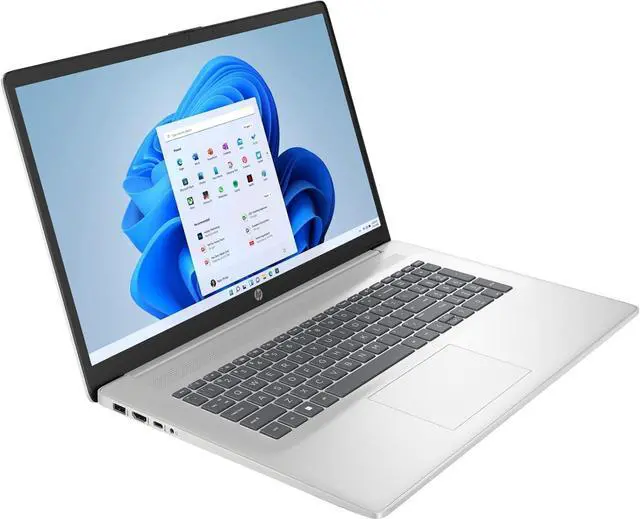



Any questions? Ask CelesteSM will help you find out quickly.
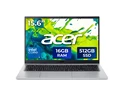
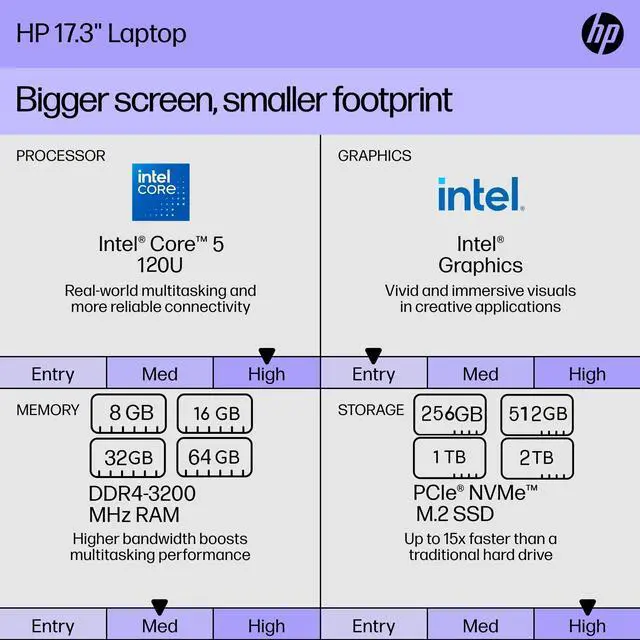
The HP 17.3-inch business laptop combines an Intel Core 5 120U processor, 32GB of RAM, a 1TB SSD, and Windows 11 Pro, making it a strong fit for office work, multitasking, and users who want ample storage and memory in one laptop.
| Attribute | Value |
|---|---|
| Best For | Business and home/personal use, with a large touchscreen display |
| Processor And Graphics | Intel Core 5 Series 1 processor with integrated Intel Graphics |
| Memory And Storage | 32GB DDR4 memory at 3200MHz and 1TB SSD storage |
| Display | 17.3-inch HD touchscreen with 1280 x 768 resolution and BrightView |
| Operating System | Windows 11 Pro |
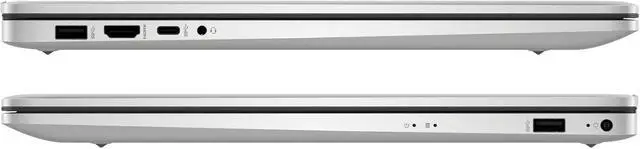
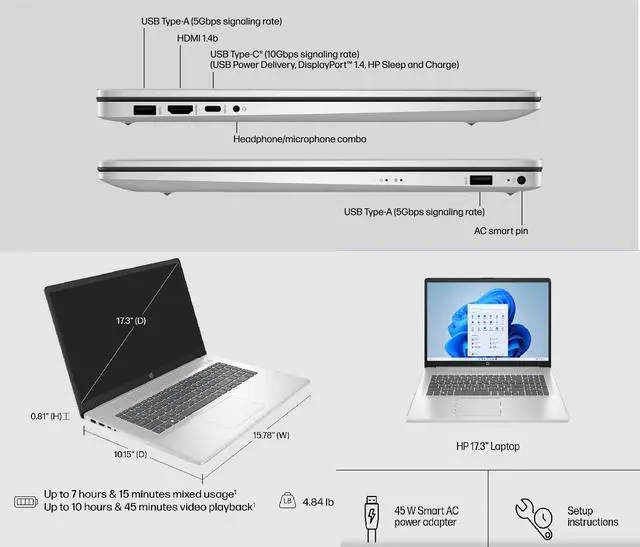
| Connectivity And Ports | Wi-Fi 6, Bluetooth 5.3, Gigabit LAN, one USB 3.2 Gen 2 Type-C port, and one HDMI port |
| Webcam And Privacy | Webcam included |
| Keyboard And Control | Full-size backlit keyboard |
| Portability And Build | 15.78 x 10.15 x 0.81 inches; 4–4.99 lb; silver finish |
| Power | 45-watt AC adapter |
| Optical Drive | No optical drive |
| Product Classification | HP standard-style laptop |
Q: HP 17 with 32GB RAM and 1TB SSD or HP Laptop 17-cn3057nr with 8GB and 256GB?
A: Choose this 32GB/1TB configuration if you want more memory for multitasking and more built-in storage for files and applications. Both listings specify a 17.3-inch screen and Intel Core 5 120U, while the HP Laptop 17-cn3057nr is configured with 8GB RAM and a 256GB SSD.
Q: HP 17 with 32GB RAM or HP OmniBook 3 17t-dk000 with 16GB RAM?
A: Both are 17.3-inch HP laptops with an Intel Core 5 120U and 1TB SSD in the cited configurations. Choose this HP 17 listing if 32GB of RAM is the priority; choose the OmniBook 3 configuration if 16GB meets your needs.
Q: Should I choose this 17.3-inch HP or the HP Laptop 14-ep1072nr?
A: Choose this model for a larger 17.3-inch display and its listed 32GB RAM and 1TB SSD. Choose the HP Laptop 14-ep1072nr for a smaller 14-inch format; HP lists it with the same Core 5 120U, 16GB RAM, and a 512GB SSD.
Q: Is this laptop suitable for everyday office work and video meetings?
A: Yes. Its Intel Core 5 processor, 32GB of RAM, 1TB SSD, and Windows 11 Pro suit common office tasks such as documents, browsing, and multitasking. It has a built-in 720p webcam for meetings; the listing does not specify a dedicated graphics card, so it is not presented as a graphics-heavy workstation.
Q: Is this a good laptop to carry around for work?
A: It can be moved between locations, but it is less suited to frequent travel than a smaller, lighter laptop: it has a 17.3-inch screen and weighs 4.84 pounds. The listed 41Wh battery capacity is provided, but no battery-runtime estimate is given, so plan for access to power during longer work sessions.
Q: Does this laptop have a touchscreen?
A: The provided listing information conflicts: its specifications table marks the display as touch-enabled, but the product title URL describes it as a non-touch-screen model, and the title and feature bullets do not confirm touch support. Verify the exact configuration with the seller before buying if touch is important.
Q: Can I connect an external monitor to it?
A: The listed HDMI 1.4b port provides a direct connection for an external display. The product information does not confirm whether its USB-C port supports video output, so check that capability before choosing a USB-C dock or monitor setup.
Q: Is this HP 17 suitable for programming and basic work while traveling?
A: It appears suitable for programming and everyday productivity: a Reddit owner of an HP 17 with the same Core 5 120U reported using it for programming without trouble. The 32GB RAM and 1TB SSD provide capacity for multitasking and files, but at 4.84 lb with a 17.3-inch screen, it is less convenient to carry than a smaller laptop. The owner’s model and configuration may differ from this listing.
Q: Will the 17.3-inch screen have enough resolution for lots of tabs and an external monitor?
A: Check the exact display resolution before buying. The supplied specifications list 1280 × 768, while the title describes an IPS display; those details should be confirmed for this configuration. A Reddit buyer considering a different 17.3-inch HP with 1600 × 900 resolution specifically questioned whether it offered enough workspace for many tabs and a 1080p external monitor.
Q: Are there durability concerns to check before buying?
A: One Reddit commenter raised concern about hinge mounts on the HP 17-cn4033cl chassis, based on past hinge failures with laptops. That is an individual concern, not proof of a widespread defect. Check the seller’s return and warranty terms, and inspect the hinges and chassis if buying in person.