here!
I’m your shopping assistant for PC builds, upgrades, and everything tech.
Got questions? Ask away!
Start a conversation
here!
I’m your shopping assistant for PC builds, upgrades, and everything tech.
Got questions? Ask away!
Start a conversation






Any questions? Ask CelesteSM will help you find out quickly.


The juice you need for extended working, creating, gaming sessions with up to 9 hours battery life with HP Fast Charge.

Multitask with ease thanks to the latest generation powerful Intel Processors and fast Wi-Fi technology.
Key Features and Benefits:
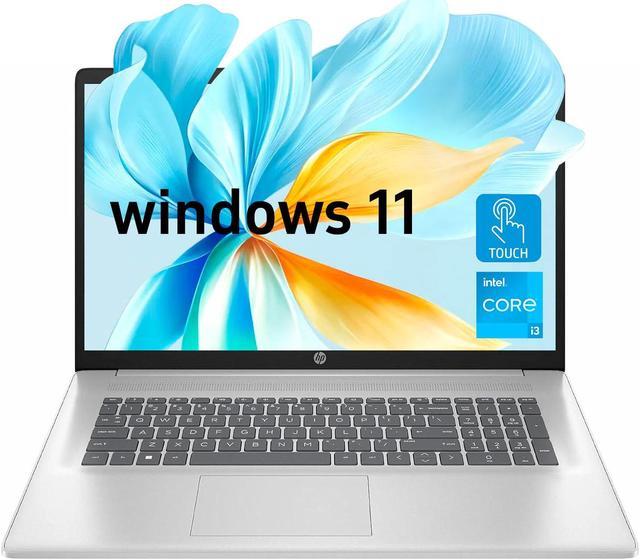
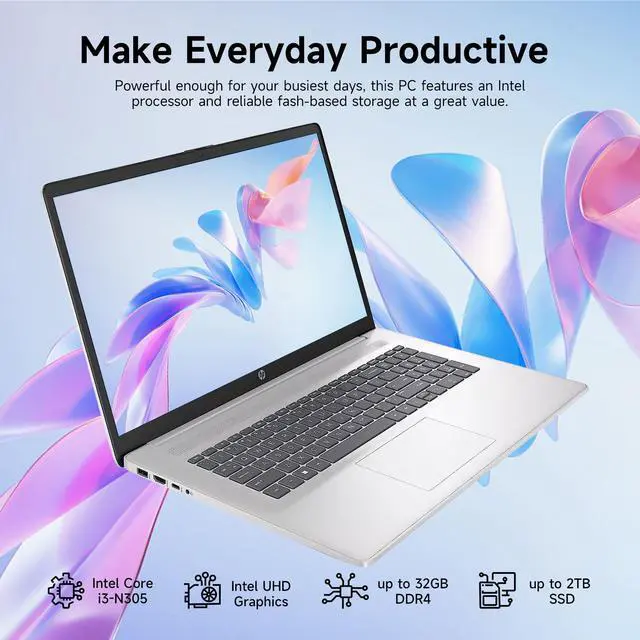
CPU: Intel Core i3-N305 Processor (8 Cores, 8 Threads, 6MB L3 Cache, Base Frequency at 0.8 GHz, Up to 3.8 GHz at Max Turbo Frequency)
Memory: Up to 32GB RAM
Hard Drive: Up to 128GB eMMC + 2TB PCIe Solid State Drive
Operating System: Windows 11 Home
Graphics: Intel UHD Graphics
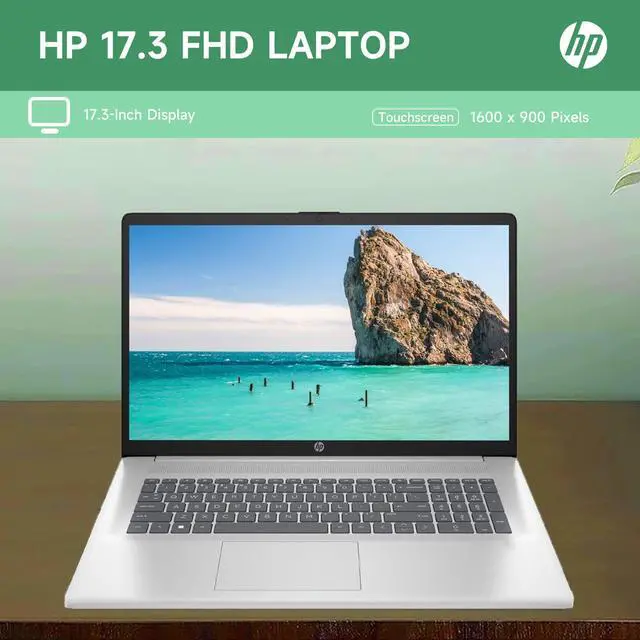
Display: 17.3" Touchscreen, HD+ (1600 x 900), BrightView, 250 nits
Ports:
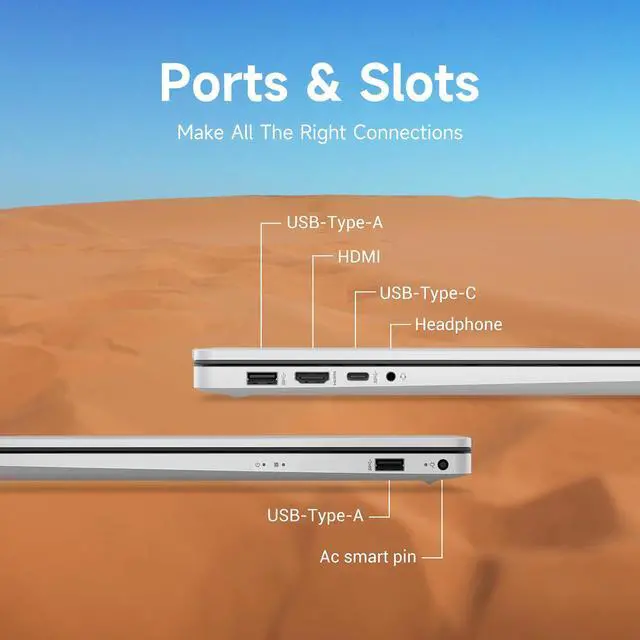
2 x Superspeed USB Type-A
1 x Superspeed USB Type-C
1 x HDMI
1 x Headphone/Microphone Combo
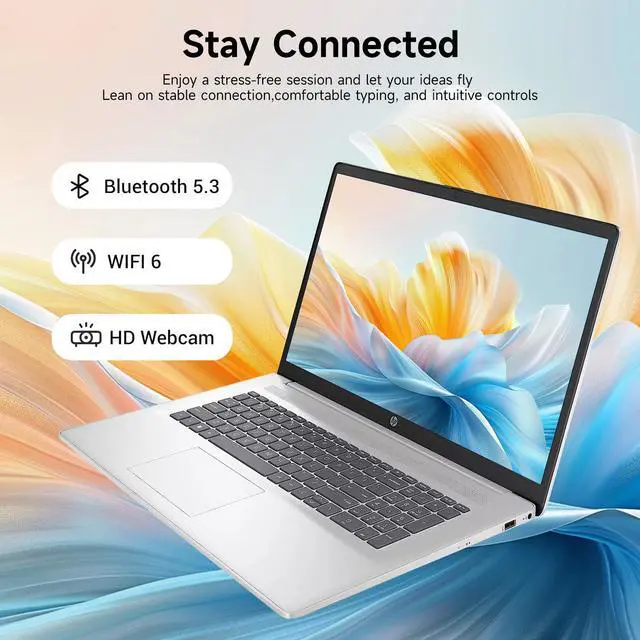
Wireless Connectivity: Wi-Fi 6
Dimensions: 15.78 x 10.15 x 0.78 inches
Weight: 6.54 lbs
Color: Silver
The HP 17.3-inch touchscreen laptop combines an Intel Core i3-N305 processor, 32GB RAM, and 1TB SSD storage for home users who want a large-screen computer for everyday tasks, browser-heavy multitasking, and file storage.
| Attribute | Value |
|---|---|
| Best For | Consumer home and personal use, with a large touchscreen display |
| Processor | Intel Core i3 |
| Graphics | Intel UHD Graphics |
| Display | 17.3-inch touchscreen with 1600 × 900 resolution and a 60Hz refresh rate |
| Storage | 1TB PCIe SSD |
| Ports And Connectivity | Wi-Fi 6, Bluetooth, 2 USB 3.0 ports, 1 HDMI port, and no RJ-45 Ethernet port |
| Keyboard | Non-backlit keyboard |
| Operating System | Windows 11 Home |
| Brand And Color | HP laptop in silver |
Q: HP 17 with 8GB RAM and 128GB eMMC vs this 32GB RAM and 1TB SSD version: which should I choose?
A: Choose this configuration if you want more memory for running multiple applications and browser tabs, plus a 1TB SSD for files and applications. Both configurations use the Intel Core i3-N305 and a 17.3-inch touchscreen; the 8GB/128GB version is a lower-memory, lower-storage option.
Q: HP 17-cn3033cl with Core i5-1335U vs this HP 17 with Core i3-N305: what’s the difference?
A: Choose the HP 17-cn3033cl if you prioritize its Core i5-1335U processor and 17.3-inch FHD IPS display. Choose this configuration if you prioritize 32GB RAM, a 1TB SSD, and the touchscreen listed for this model. The cn3033cl specification lists 16GB RAM and a 512GB SSD.
Q: HP 17 with 16GB RAM and a 512GB SSD vs this 32GB RAM and 1TB SSD version: which fits my needs?
A: Choose this version if you want twice the listed RAM and SSD capacity. The 16GB/512GB version is a lower-capacity configuration with the same Intel Core i3-N305 processor and 17.3-inch touchscreen, suited to buyers who prefer that memory and storage tier.
Q: Is this laptop suitable for everyday office work and multitasking?
A: It is configured for everyday tasks such as web browsing, email, and office applications: it has an Intel Core i3-N305 processor, 32GB of RAM, and a 1TB SSD. The specifications do not establish how it performs with demanding professional software or heavy creative workloads.
Q: Can I connect this laptop to an external monitor?
A: Yes. The listed HDMI port can connect the laptop to an external monitor. The product information does not specify support for a second external monitor, so confirm that capability before buying if you need a multi-monitor setup.
Q: Is this a good laptop to carry around every day?
A: It may suit occasional transport, but its 17.3-inch screen makes it a large-format laptop rather than a compact travel choice. The provided specifications do not include weight or battery life, so check those details if portability or unplugged work is a priority.
Q: Does the keyboard light up for typing in a dim room?
A: No. The listed keyboard is not backlit, which may make typing less convenient in dim lighting.
Q: Is this HP a good choice for school and everyday work?
A: It should suit schoolwork and routine tasks such as documents, browsing, streaming, and video calls. The 32GB of RAM can support many open tabs and apps, but the i3-N305 is better matched to everyday computing than demanding workloads.
Q: Is it suitable for gaming or demanding creative work?
A: It is not a strong choice for demanding gaming or graphics-heavy creative work. The listed Intel UHD Graphics are integrated, and a YouTube discussion of this 17.3-inch i3-N305 configuration describes it as aimed at everyday use rather than demanding gaming or professional graphics work.
Q: Is it worth buying?
A: That depends on the price and your priorities. It offers 32GB RAM, a 1TB SSD, and a large touchscreen, but the i3-N305 is geared toward everyday computing; compare the price with alternatives before deciding. The cited Reddit discussion also emphasizes that price matters for an N305 laptop.
Q: Does 32GB of RAM make it suitable for heavy data work or programming?
A: The 32GB of RAM can help with memory-heavy multitasking, but it does not change the processor’s limits. For large datasets or sustained CPU-heavy work, consider a laptop with a stronger processor; this model is better suited to lighter programming and routine productivity.