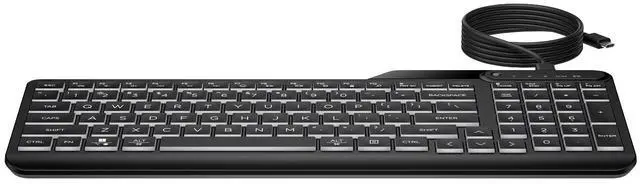
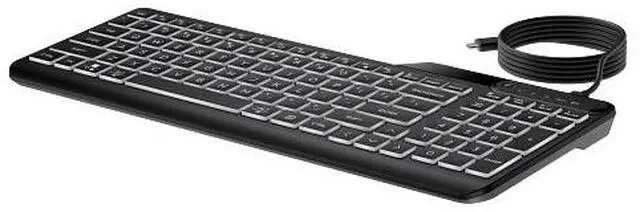
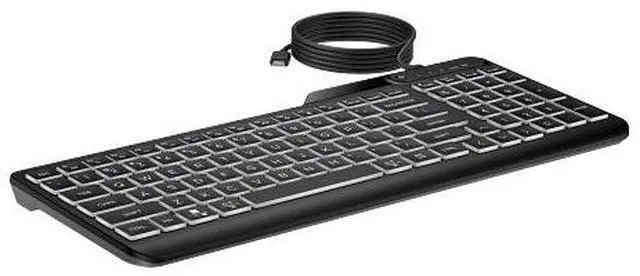
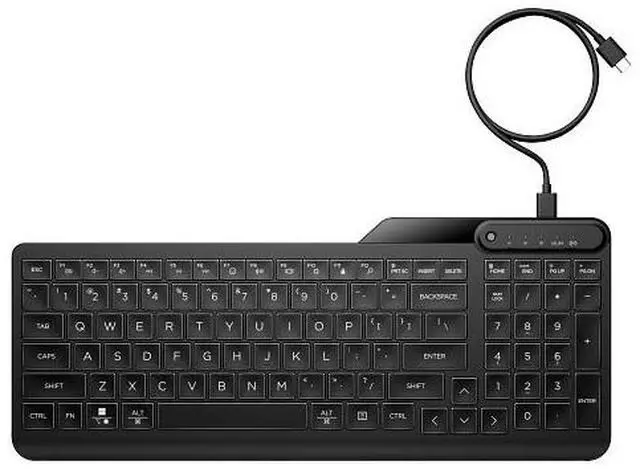
The HP 400 Backlit Wired Keyboard is a black, wired keyboard with illuminated keys, suited to home-office and workplace users who want a straightforward typing setup with backlighting for dimmer spaces.
Recommended For
- People who type in dim home offices or at night and want illuminated keys they can adjust across three brightness levels.
- Home-office or shared-workspace typists who prefer quieter, low-profile keys for everyday document work and communication.
- Desk users who enter numbers regularly and want a compact keyboard that still includes a number pad.
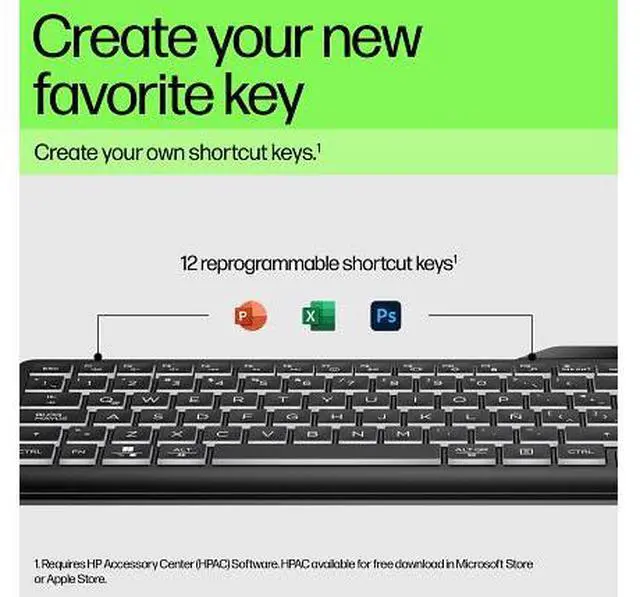
- Office users who want to assign shortcuts to frequently repeated work tasks and are comfortable using HP Accessory Center to configure them.
Real-World Use Scenarios
- When working in a dim home office or typing after dark, the adjustable backlight helps make the keys easier to see without adding a separate desk light.
- For routine office typing and video calls in a shared room, its quiet keys help keep keyboard noise from becoming as distracting to nearby people.
- When entering figures into spreadsheets or forms, the dedicated number pad supports familiar number-entry workflows; users should allow some adjustment to its compact layout.
- On a crowded desk or when moving between work locations, its slim, relatively compact design takes up less space than a bulky full-size keyboard while retaining a number pad.
- For repetitive computer tasks, programmable keys can be set up as shortcuts, reducing the need to repeat multi-key combinations during everyday work.




 here!