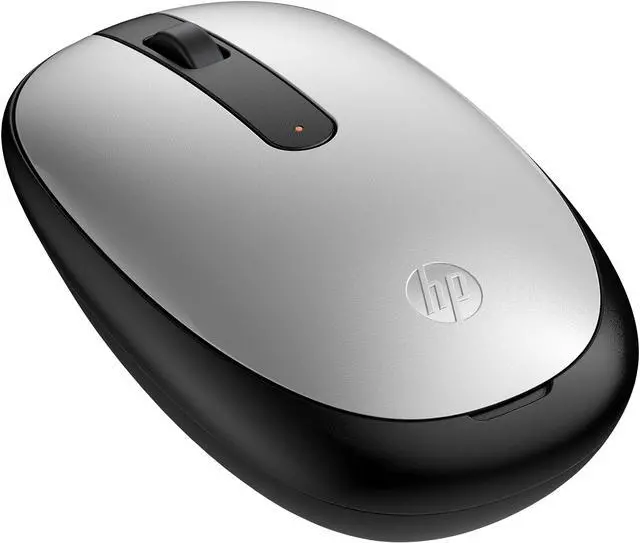
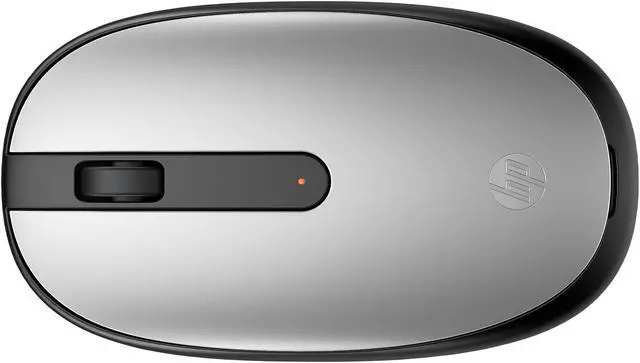
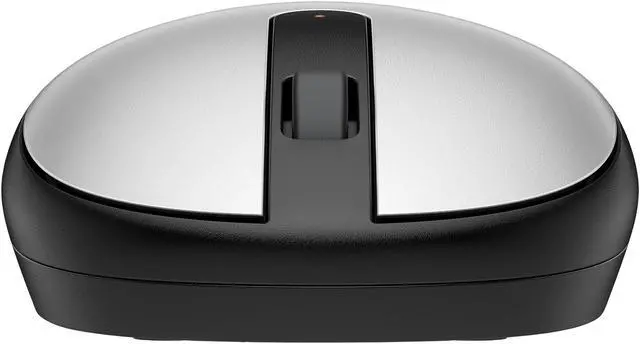
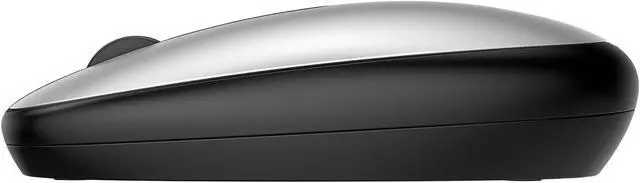
The HP 240 Bluetooth Mouse (43N04AA#ABA) is a silver, ambidextrous wireless mouse with Bluetooth 5.1, a 1600 DPI optical sensor, three buttons, and a scroll wheel. It suits everyday computing for left- or right-handed users on Windows 10/11, macOS, or Chrome OS.
Recommended For
- Laptop users who want to keep a USB port free: Bluetooth 5.1 connects without a separate USB receiver, making the mouse a practical fit for desk work or using a laptop on the go.
- People doing everyday computer work—such as browsing, email, and document editing—who prefer a simple mouse with familiar left- and right-click buttons and a scroll wheel.
- Left- and right-handed users who want the same compact, ambidextrous shape for basic daily pointing and scrolling.
- Travelers or people with limited desk space who value a lightweight mouse that runs on one AA battery rather than carrying a charging cable.
Real-World Use Scenarios
- For everyday laptop work—browsing, email, and documents—the HP 240 provides familiar pointer control and scrolling without needing to rely on the laptop’s touchpad.
- When carrying a Bluetooth-equipped laptop between home, work, or class, users can leave a separate USB mouse receiver behind and use the mouse for routine computer tasks.
- For reading web pages or working through documents and spreadsheets, the scroll wheel makes it easier to move through content without repeatedly using the keyboard or trackpad.
- At a shared or home workstation, its ambidextrous design can suit users who prefer either hand for ordinary pointing and clicking.
- For a basic desk setup with a compatible Windows or macOS computer, users can pair the mouse over Bluetooth for everyday navigation and document work.




 here!