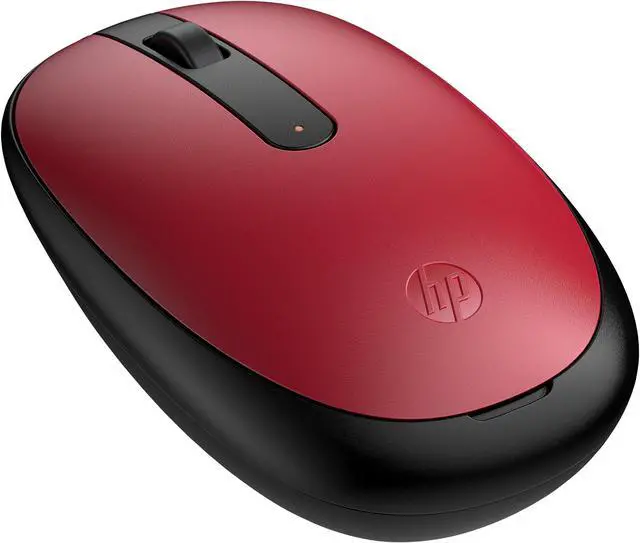
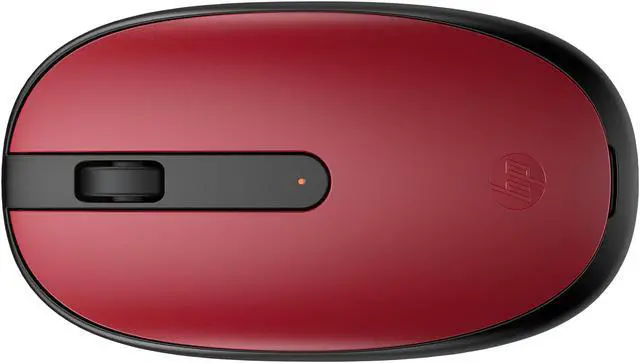
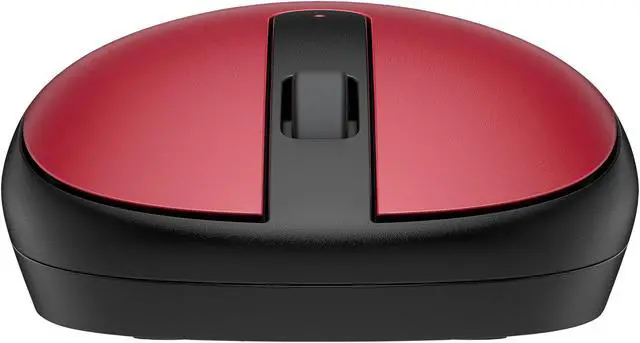
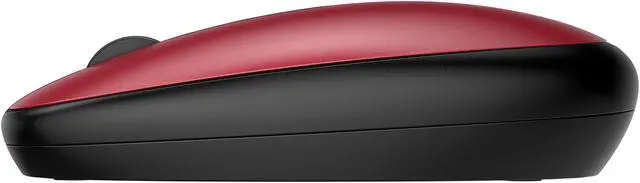
The HP 240 Empire Red Bluetooth Mouse (43N05AA#ABA) is a wireless optical mouse with 1600 dpi tracking, three buttons, and a scroll wheel, suited to everyday computer use with compatible Windows, macOS, or Chrome OS devices.
Recommended For
- Laptop users who want a small, battery-powered mouse to carry between home, work, or class and connect over Bluetooth without using a USB receiver.
- People doing everyday office or study tasks—such as browsing, email, documents, and spreadsheets—who need standard left/right clicks and a scroll wheel rather than extra controls.
- Users with a Bluetooth-enabled Windows PC or Mac who want a straightforward wireless mouse with optical tracking and no separate receiver to plug in.
- People who prefer a replaceable AA battery and want to avoid charging a mouse by cable.
Real-World Use Scenarios
- At a laptop desk, a user writing documents, browsing the web, or handling everyday work can connect over Bluetooth without occupying a USB port with a receiver.
- For routine browsing and office or school tasks, the user can click through pages and scroll documents with the standard buttons and wheel; it is suited to basic navigation rather than shortcut-heavy workflows.
- When moving between home, class, or a shared workspace, a user can carry the mouse with a laptop and use it with a Bluetooth-equipped computer, avoiding the need to keep track of a separate USB receiver.
- At a home or office computer used by someone who prefers either hand, the ambidextrous design supports ordinary left- or right-handed clicking and scrolling.




 here!