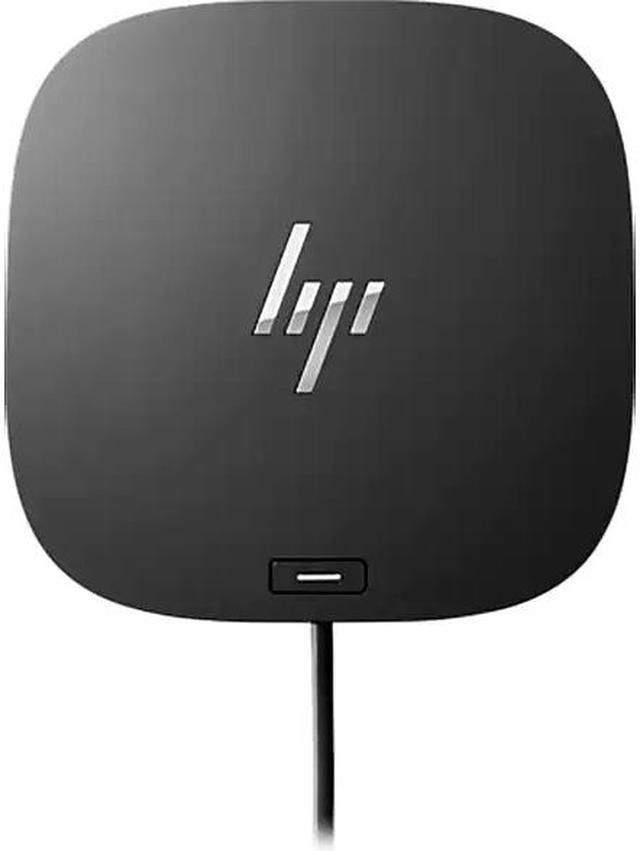
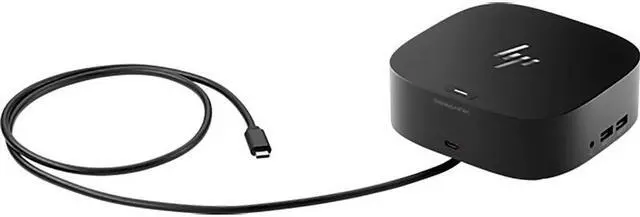
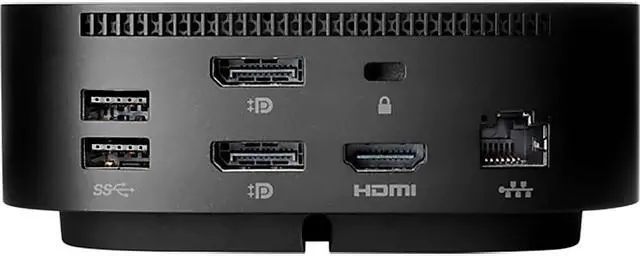
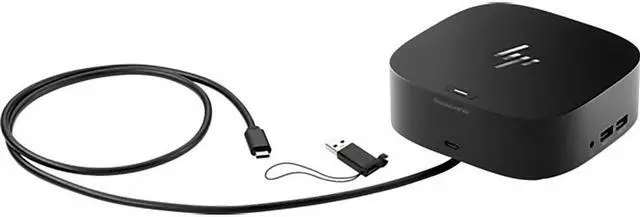
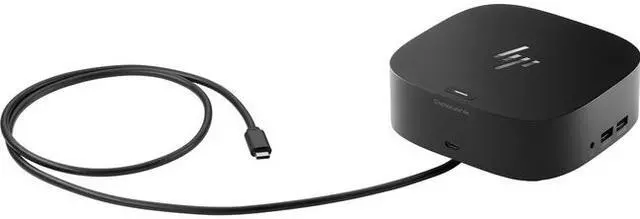
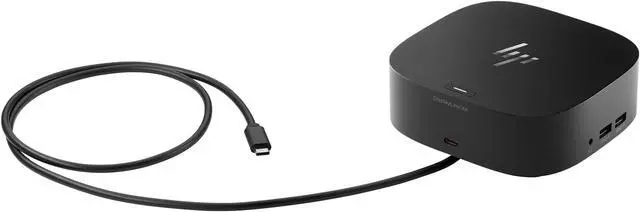
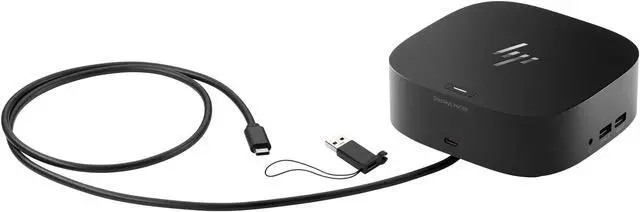
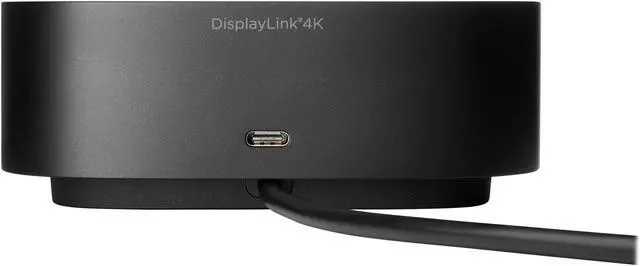
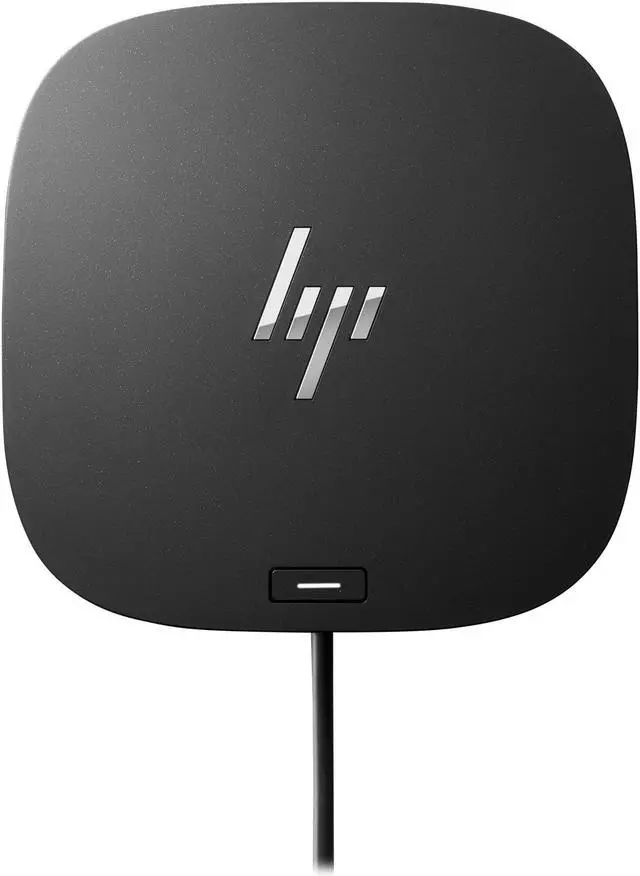
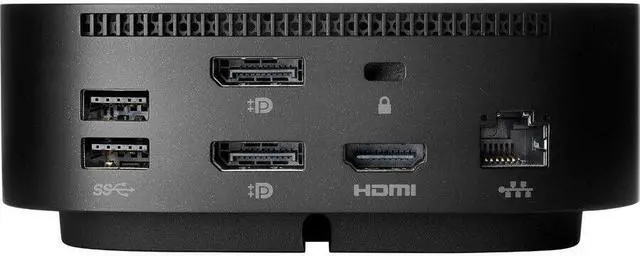
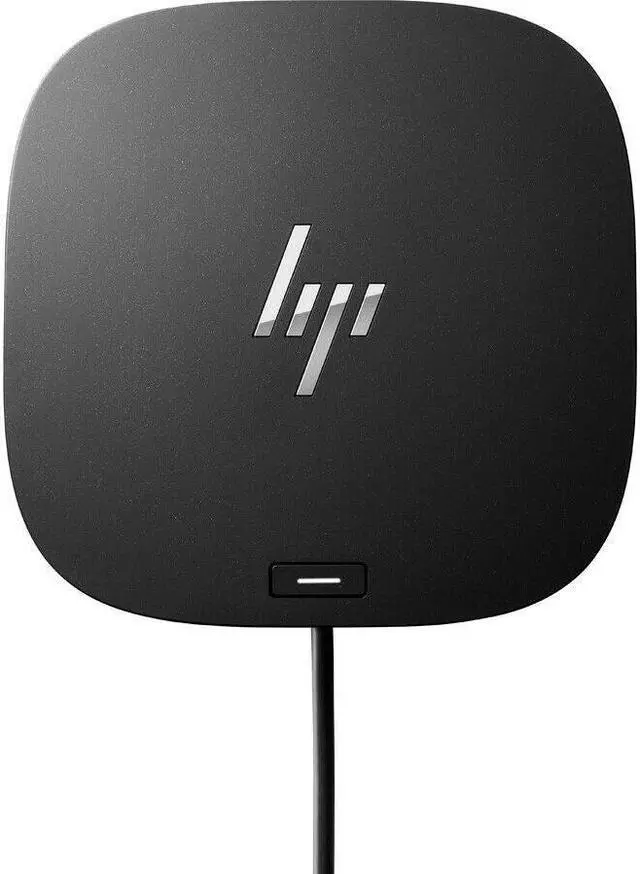
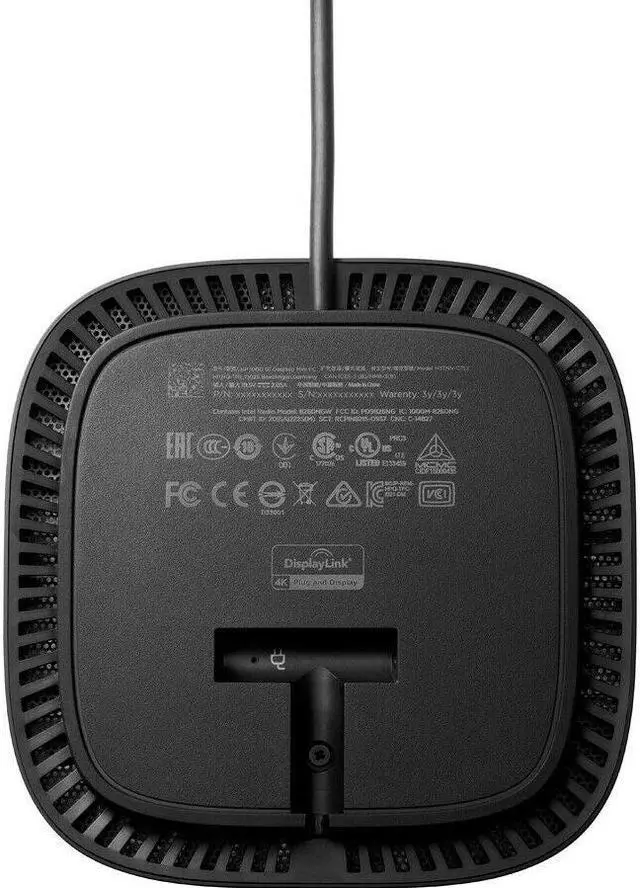
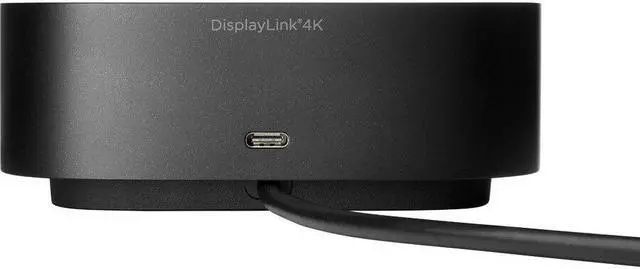
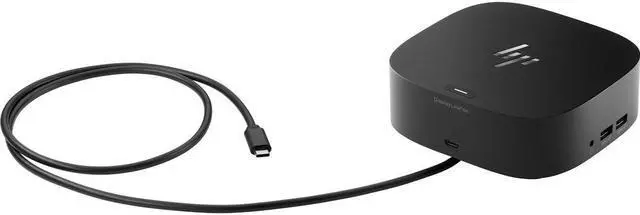
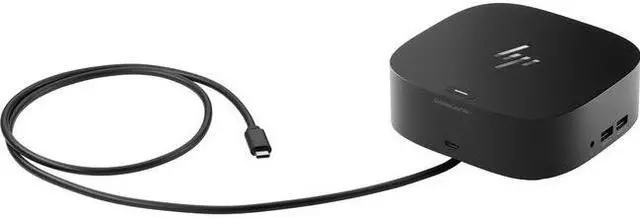
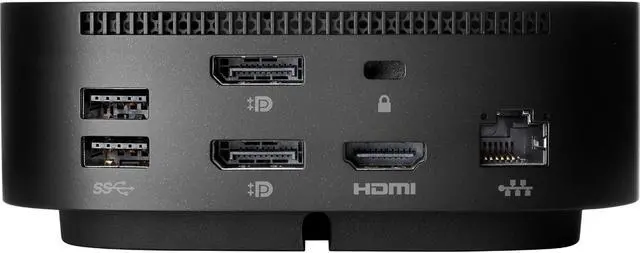
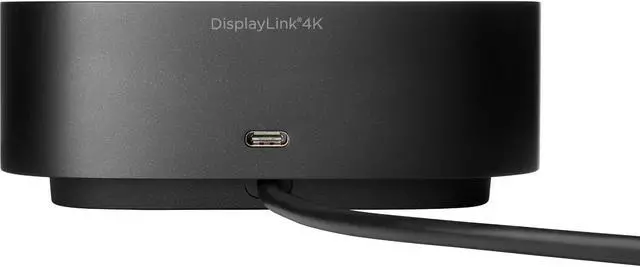
OverviewGet to work fast with one cable from your USB-A- and USB-C-enabled notebooks to your displays, devices, and wired network with the flexible, compact HP USB-C/A Universal Dock G2. The dock is driven by DisplayLink and compatible with notebooks from HP, Apple®, Dell, Lenovo, and more. What's in the box? HP USB-C/A Universal Dock G2; DocumentationDisclaimers For USB-C functionality, host PC must support the DisplayPort Alt mode protocol through its USB-C port. Thunderbolt-enabled notebooks will function at USB-C speeds. Charging and port replication is supported on notebooks that have implemented USB-C industry specifications.
Power button to turn on or wake the system, Wake-on LAN from warm and cold dock, Wake-on LAN from S4/S5, and MAC Address Pass-Through S0, S3, S4, S5 warm and cold dock features only function on HP or HP-supported notebooks. HP does not provide Ethernet and audio drivers on Mac PCs. Based on HP internal testing on select non-HP notebook models compatible with USB-C industry standards. Certain Alt mode features are not supported, such as power button, MAC Address Pass-Through, Wake-on LAN, and OOB Wake on LAN.
Visit the HP Support page to determine your HP notebook's wattage and port specifications. Visit the support page of your non-HP notebook to determine its wattage and port specifications. Three 4K displays supported only on Thunderbolt- or USB-C-with-video-enabled notebooks. Supports three displays including the notebook screen. Support for two displays includes one notebook screen and one external display or two external displays. Sold separately. WMI installation required. Requires Windows 7 or 10.