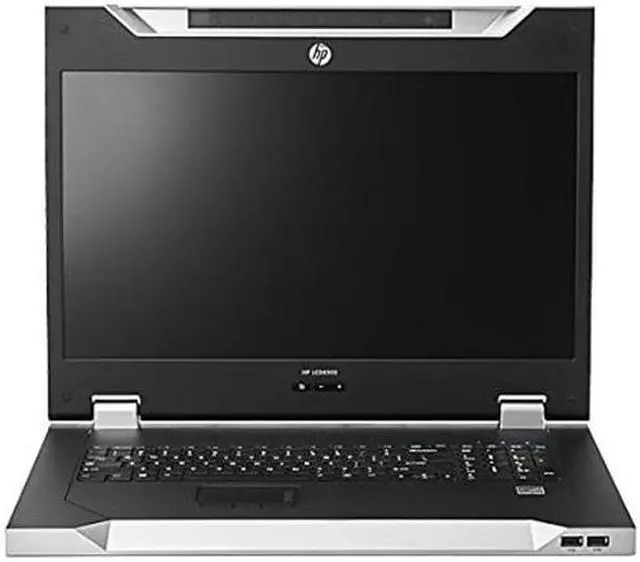
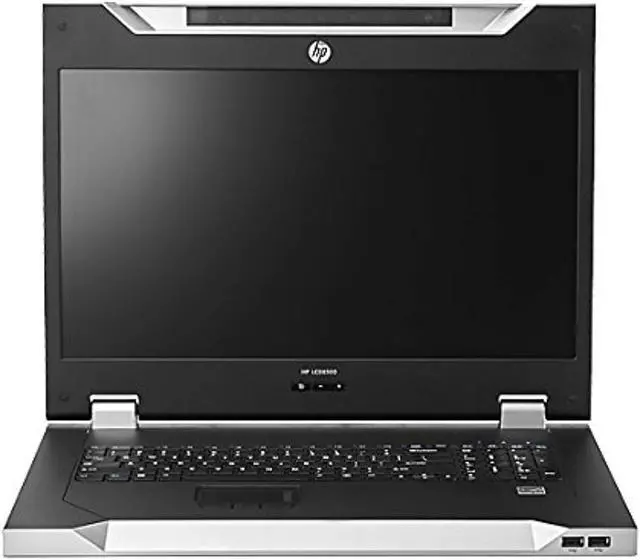
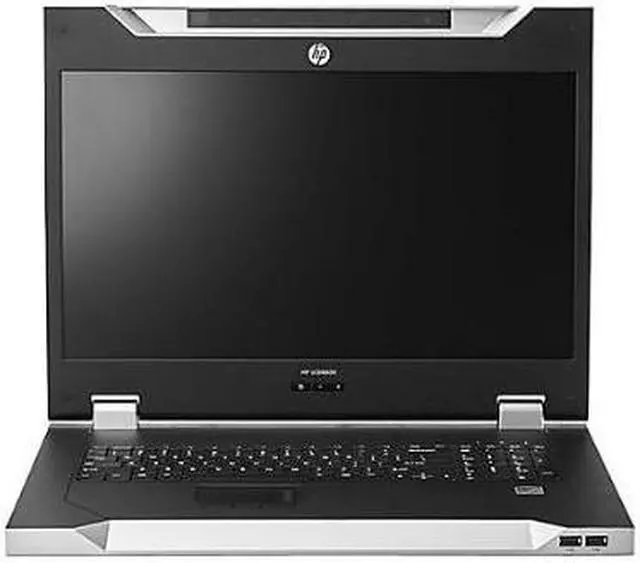
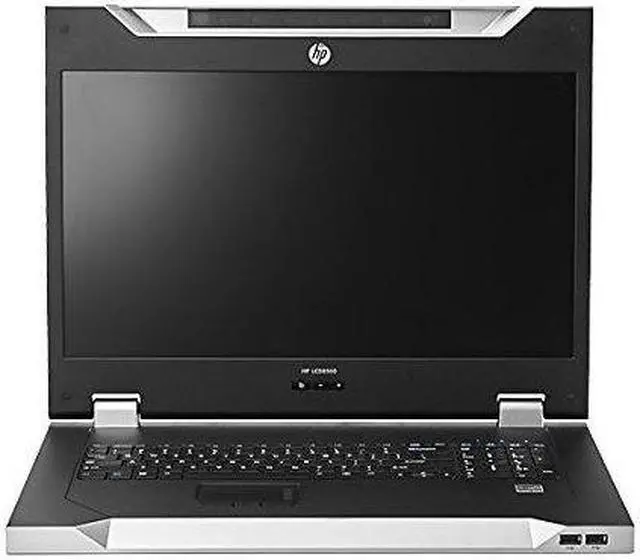
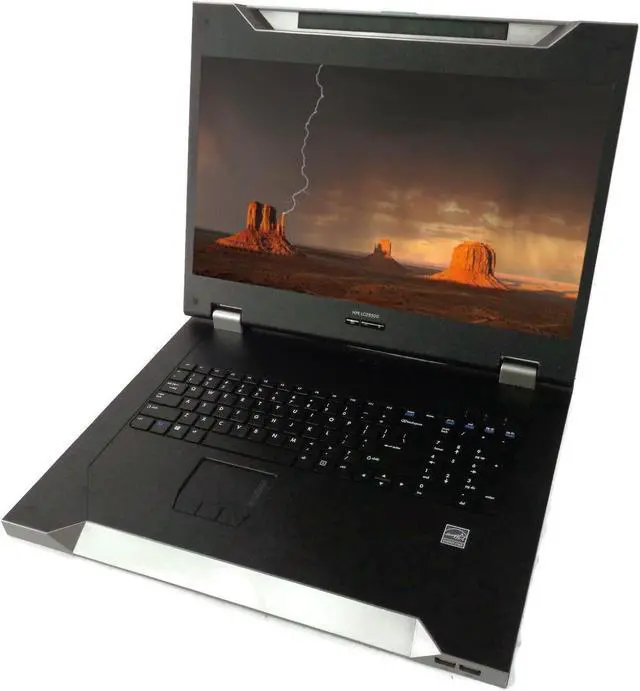
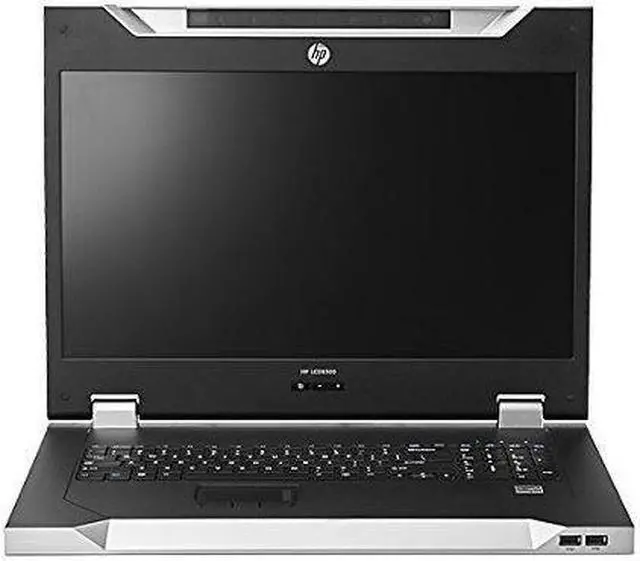
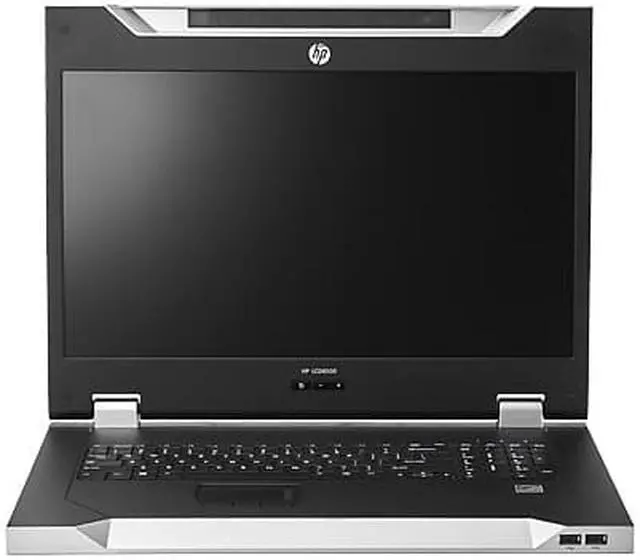
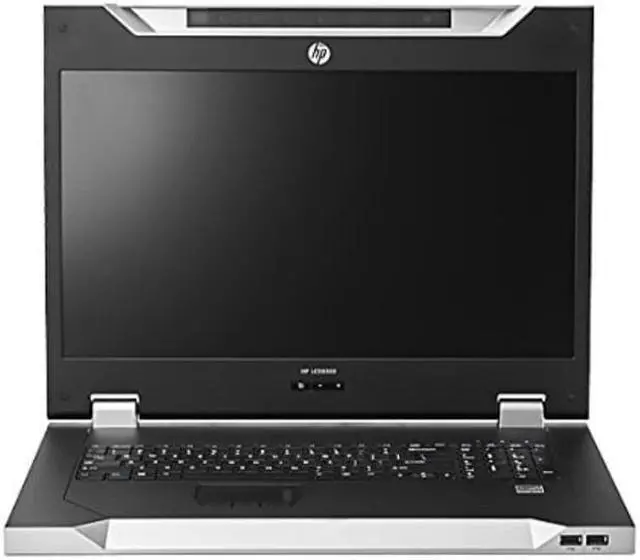
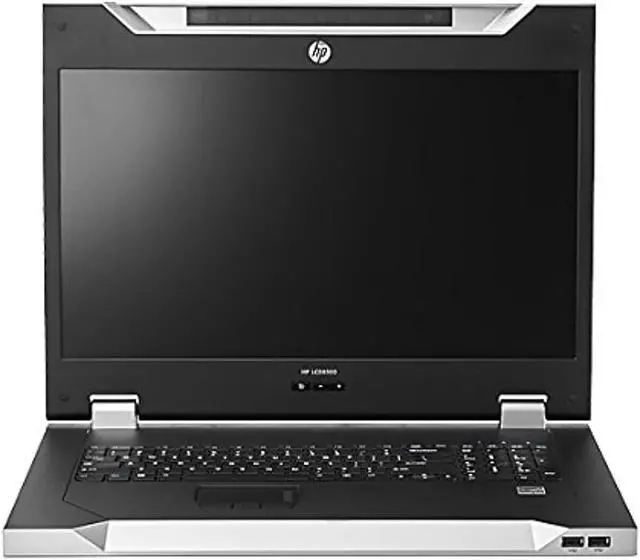
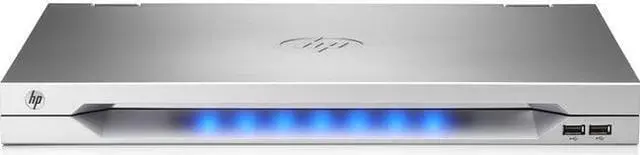
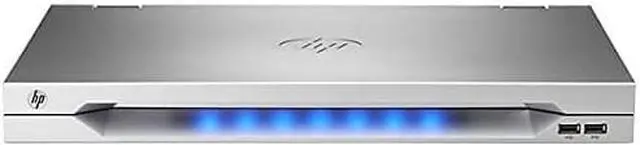
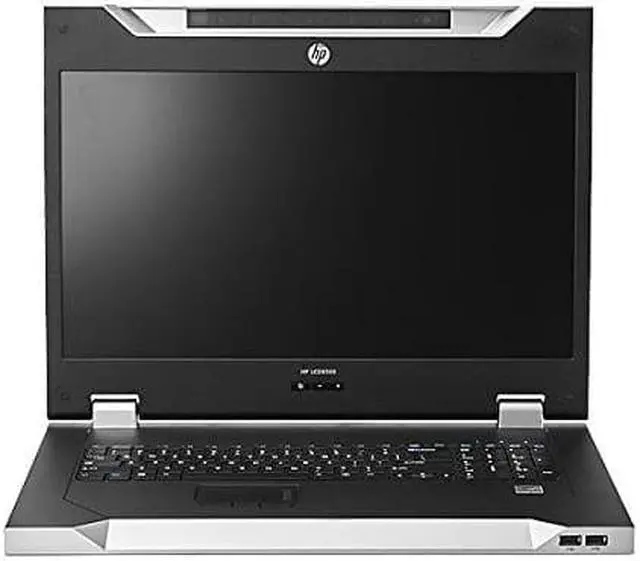
The HP LCD 8500 1U Console US Kit is a rack-oriented KVM console with an LCD display and keyboard, suited to IT teams that need local server access in space-conscious data centers or server rooms.
Recommended For
- Data-center technicians who need a local screen, keyboard, and touchpad at the rack for server setup, troubleshooting, or recovery when remote management is unavailable or inconvenient.
- Rack administrators who want a pull-out console in 1U of rack space, with room behind it for a compatible HPE KVM switch.
- Homelab operators with rack-mounted servers who want an occasional hands-on console for maintenance alongside their usual out-of-band remote management.
- IT teams that need a rack-mounted console with an integrated keyboard and touchpad, plus front USB pass-through for compatible KVM workflows.
Real-World Use Scenarios
- When a technician needs to work on several servers in a rack, they can use the console with a compatible KVM switch to view and control each connected server locally, without bringing a separate monitor and keyboard to the rack.
- If a server cannot be reached through the network or remote-management tools, an administrator can open the rack console and use its local screen, keyboard, and touchpad to inspect or operate the server.
- During server installation or maintenance, a technician can use the console at the rack to interact with setup screens and other local interfaces, rather than setting up a separate crash cart for basic access.
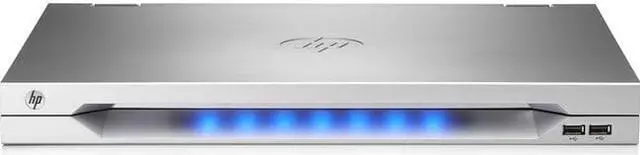
- In a rack with limited space, the console folds away into its 1U position when not in use, keeping a display and input devices available without leaving a separate monitor and keyboard on a cart or work surface.
- When a compatible KVM switch supports virtual media, an administrator can use the console’s front USB pass-through ports as part of a local maintenance workflow, such as accessing media through the KVM system.
Spec Summary
| Attribute | Value |
|---|
| Best For | Rack-mounted server access and local KVM control with an integrated LCD, keyboard, and mouse |
|---|
| Display | 18.5-inch LCD with WXGA native resolution of 1366 × 768 |
|---|
| KVM And Input | KVM console with keyboard and mouse input and an ergonomic design |
|---|
| Connectivity And Outputs | USB connectivity with 1 USB port, no HDMI or USB 3.0 ports, and 2 component outputs |
|---|
| Mounting And Power | Rack-mountable with 36 W power consumption |
|---|
| Color | Silver |
|---|
| Model Identifiers | HP (Hewlett Packard), model AF630A |
|---|





 here!
here!
 Top Rated