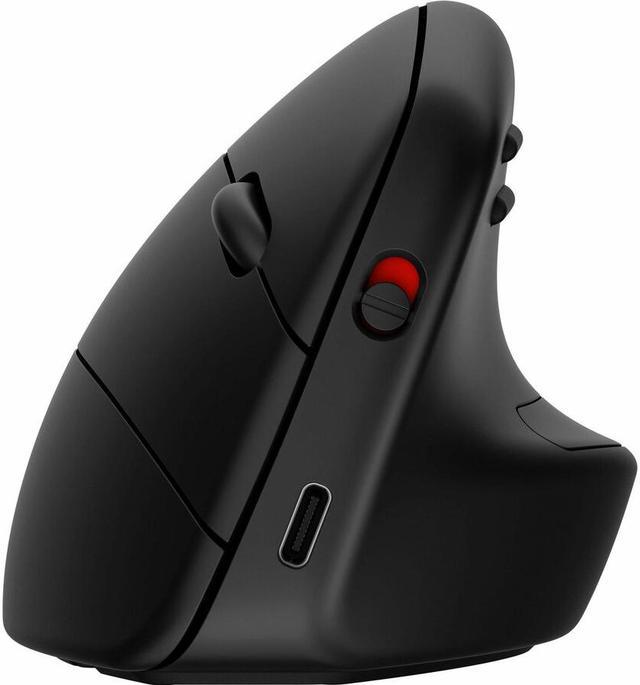
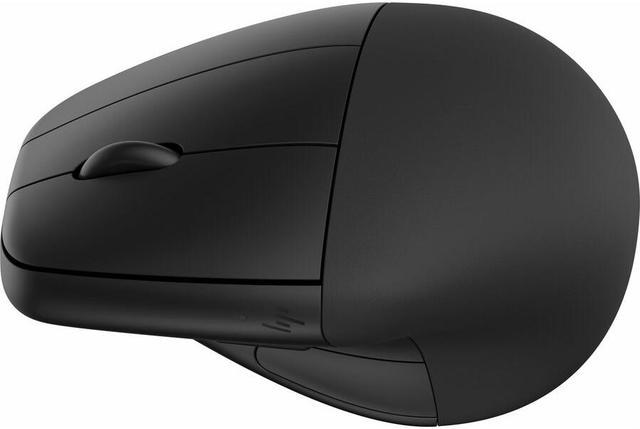
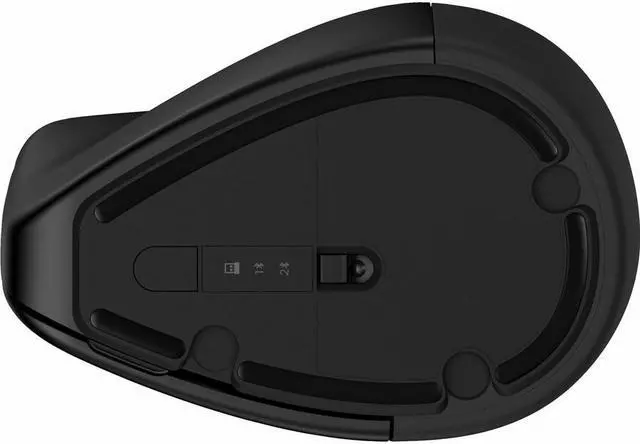
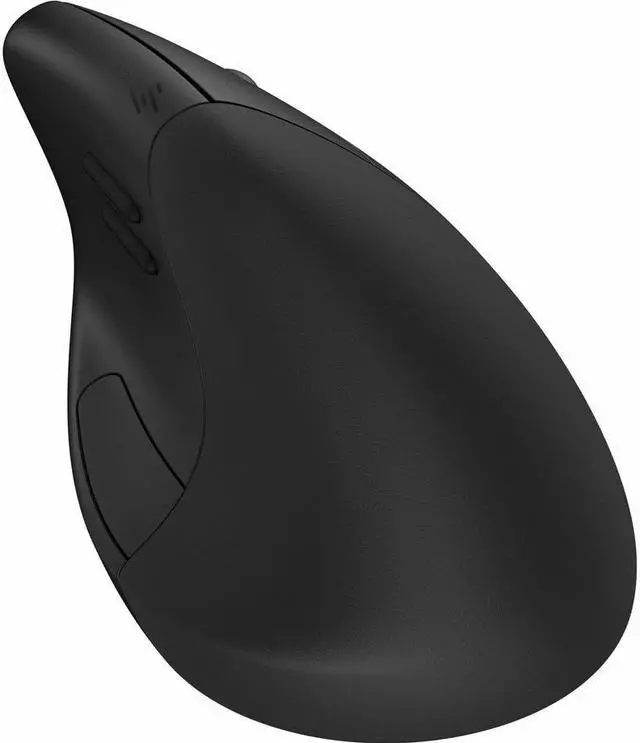
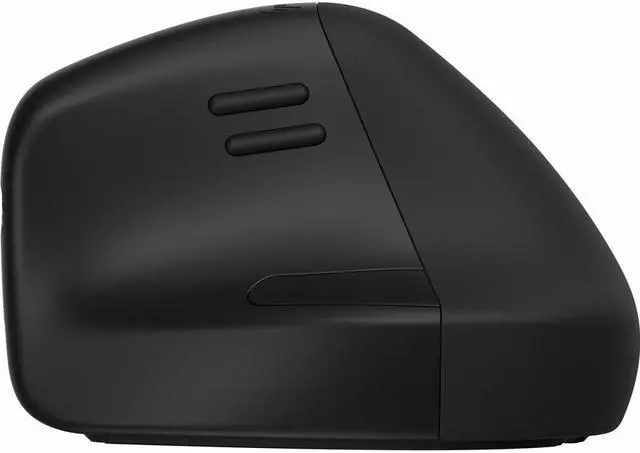
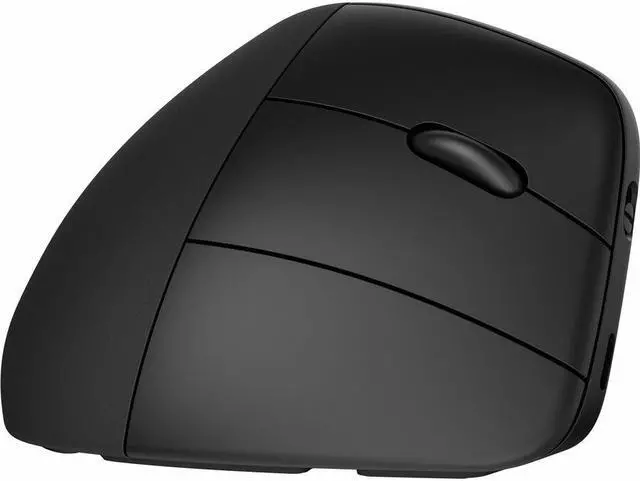
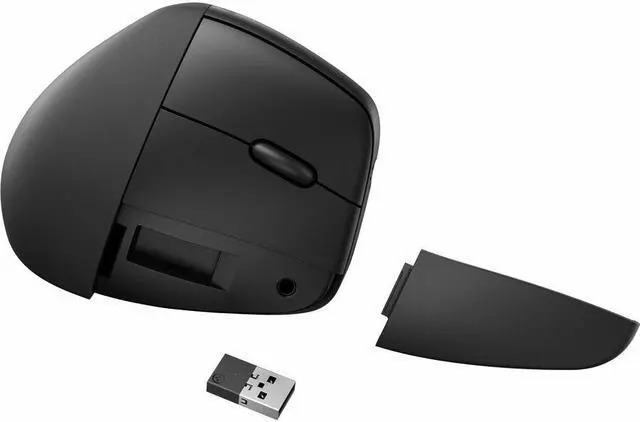
The HP 920 Ergonomic Vertical Mouse is a black rechargeable wireless mouse with a vertical design, Bluetooth 5.3, and 2.4 GHz connectivity. It suits desk users who want an upright hand position and the flexibility to connect wirelessly.
Recommended For
- Right-handed desk workers who spend long stretches clicking, dragging, or scrolling and want a vertical grip with a detachable wrist rest.
- People who regularly move between a Windows, Mac, or Chrome device and want one mouse that can connect to up to three devices and switch between them.
- Users who work from different spots—such as a desk, kitchen counter, or couch—and want a wireless mouse designed to track on many surfaces; HP notes that glass may affect tracking.
- Right-handed users who are willing to adjust to a vertical grip in exchange for a more upright hand position; an HP store reviewer reports that the shape takes time to get used to.
- Workers who want to customize their pointing setup with programmable buttons and can make use of the detachable wrist rest for longer computer sessions.
Real-World Use Scenarios
- During a full workday of email, spreadsheets, and browsing, the upright shape and detachable wrist rest are intended to support a more relaxed hand position while clicking and scrolling; comfort will still depend on personal fit and adjustment.
- When moving between a desktop, laptop, and tablet, a user can keep the mouse paired with multiple devices and switch between them instead of using a separate mouse for each.
- For a home-office setup that shifts between a desk, kitchen island, or couch-side table, the mouse is designed to track on a range of surfaces, though HP notes that glass may affect tracking.
- When editing photos or handling other everyday creative tasks, the user can make repeated pointer movements, clicks, and scrolls with the hand in the mouse’s upright grip; it is positioned for general productivity rather than specialized precision work.
- At a shared or mixed-device workstation, the mouse can connect to supported Windows, macOS, and ChromeOS devices, making it useful for someone who regularly changes computers or operating systems.




 here!