





Adjustable Magnetic Metal Base
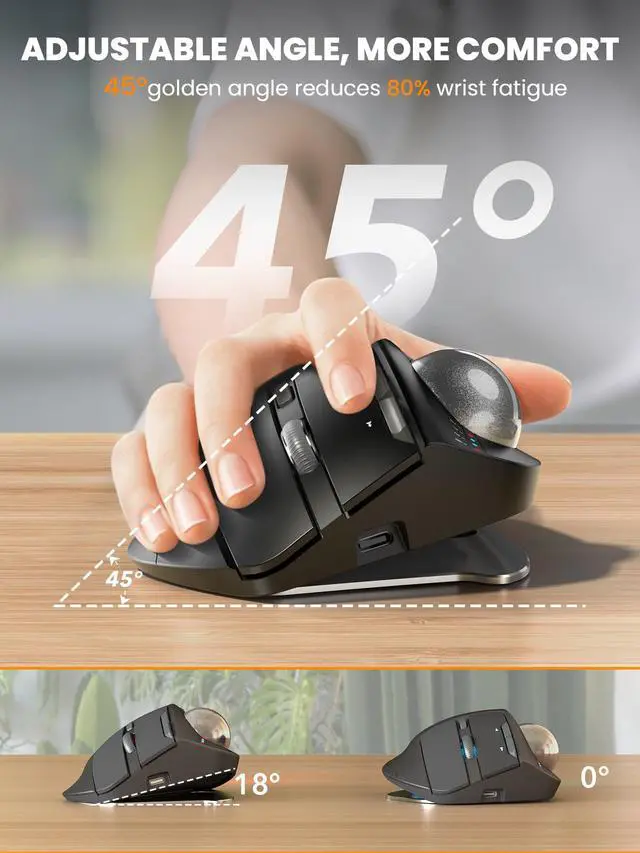
Built with a durable magnetic metal base that securely attaches while remaining easy to remove. The adjustable tilt angle lets you customize the mouse position for a more natural hand posture, helping reduce wrist strain and improve comfort during long work sessions.

Skin-Friendly Surface
Finished with a premium UV coating for a smooth, skin-friendly feel that stays comfortable even after hours of use. Quiet buttons deliver soft, low-noise clicks, making it perfect for offices, shared spaces, and late-night work.


Are the buttons of this trackball mouse programmable?
1. Yes. You can download the driver from the instruction manual to customize your mouse's button functions. (The driver is currently not compatible with Mac OS systems)
2. Forward and Backward buttons are not compatible with MAC OS.
When do I need to charge and how do I know when it is fully charged?
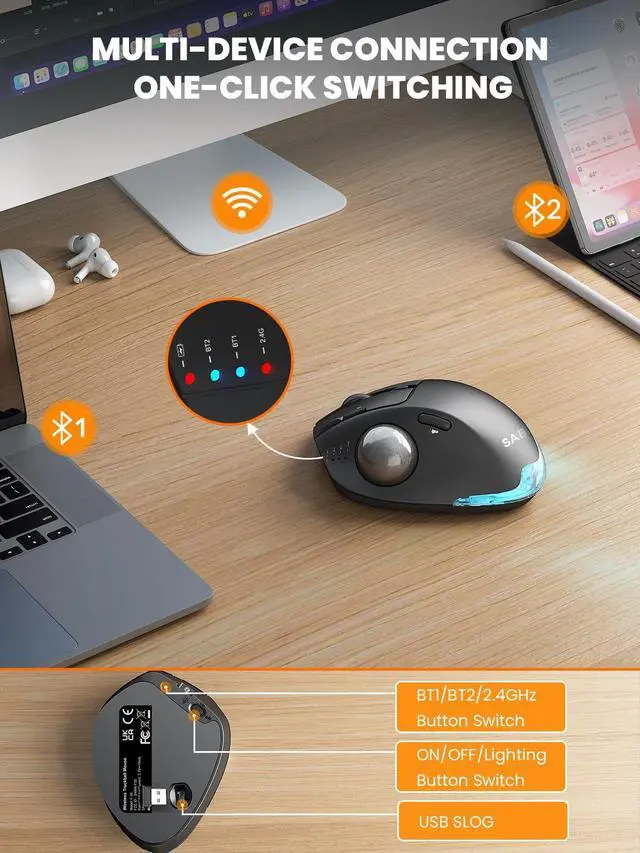
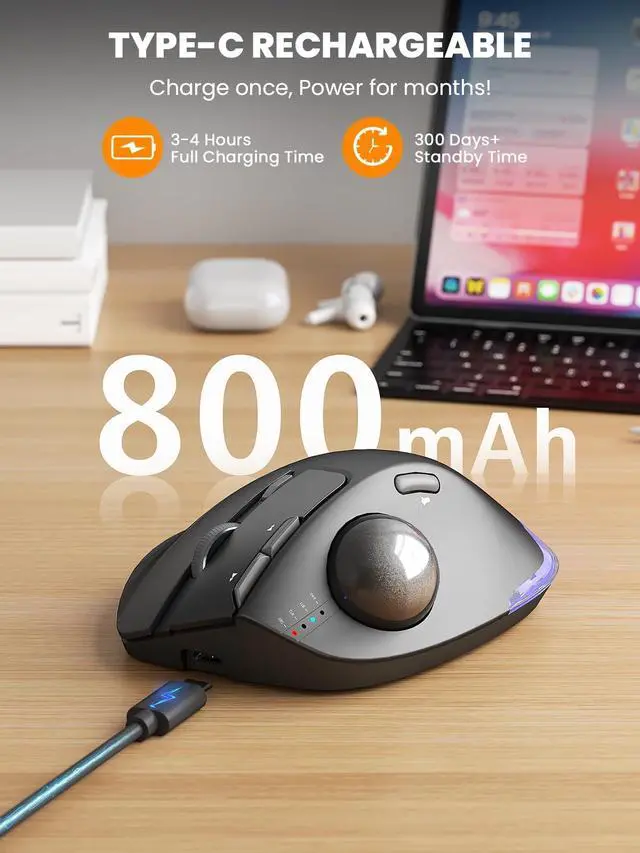
1. Low Battery Prompt: When you use mouse, the 2.4GHz indicator or the Bluetooth indicator will flash quickly once every other second.
2. Charging Prompt: The battery indicator is always on during charging, and off when the battery is fully charged.
How to adjust the DPI of the trackball mouse?
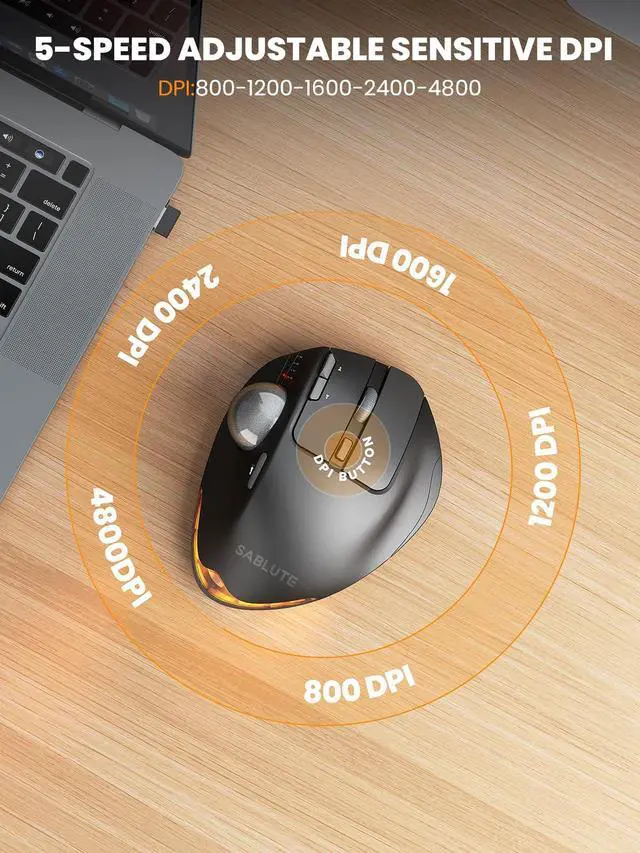
The trackball mouse has 5 DPI levels. When button is pressed, the 2.4GHz indicatororthe Bluetooth indicator will flash to indicate DPI levels, once for DPI level 1, twice for DPI level 2 and so forth.
Where is the 2.4G USB Receiver for wireless connection?
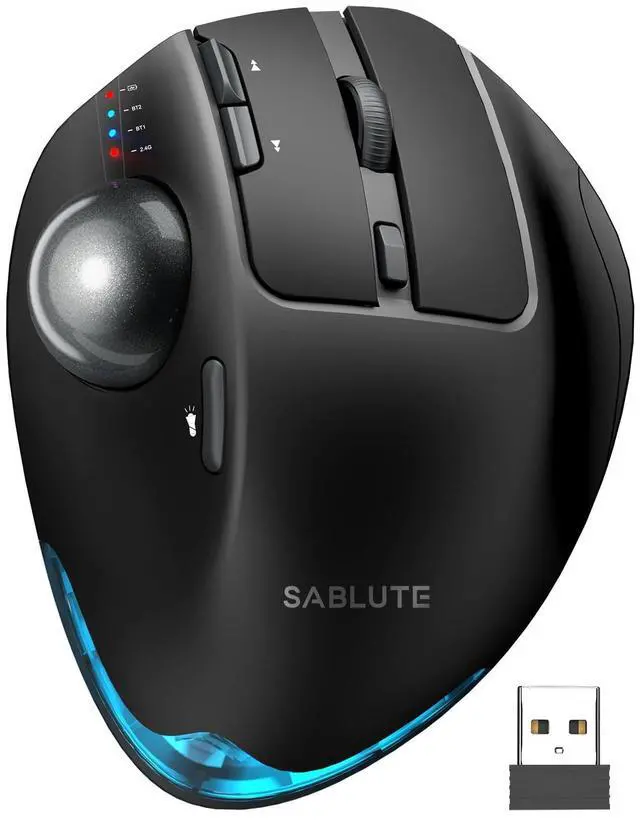
The 2.4G USB Receiver is stored at the bottom of the wireless trackball mouse.
How to wake up the trackball mouse?
If you need to use the mouse, you can wake it up by clicking the key.(scrolling the trackball or moving the mouse will not wake up the mouse)




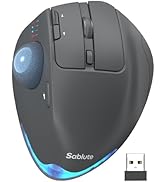
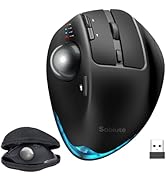
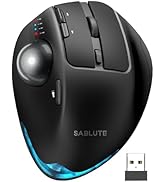

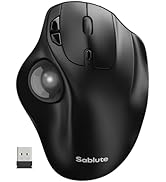
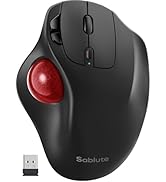
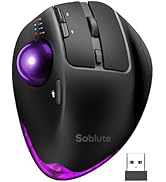
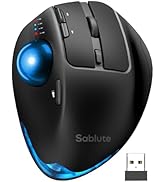

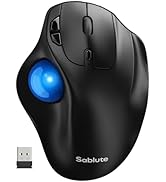
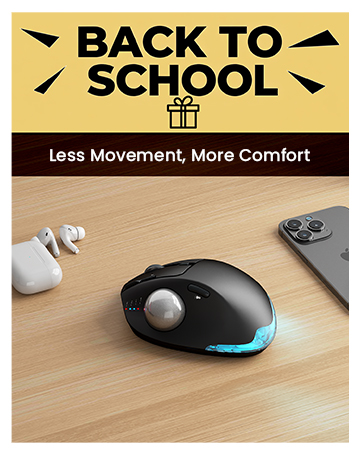


Adjustable Magnetic Metal Base
Built with a durable magnetic metal base that securely attaches while remaining easy to remove. The adjustable tilt angle lets you customize the mouse position for a more natural hand posture, helping reduce wrist strain and improve comfort during long work sessions.
Skin-Friendly Surface
Finished with a premium UV coating for a smooth, skin-friendly feel that stays comfortable even after hours of use. Quiet buttons deliver soft, low-noise clicks, making it perfect for offices, shared spaces, and late-night work.


Are the buttons of this trackball mouse programmable?
1. Yes. You can download the driver from the instruction manual to customize your mouse's button functions. (The driver is currently not compatible with Mac OS systems)
2. Forward and Backward buttons are not compatible with MAC OS.
When do I need to charge and how do I know when it is fully charged?
1. Low Battery Prompt: When you use mouse, the 2.4GHz indicator or the Bluetooth indicator will flash quickly once every other second.
2. Charging Prompt: The battery indicator is always on during charging, and off when the battery is fully charged.
How to adjust the DPI of the trackball mouse?
The trackball mouse has 5 DPI levels. When button is pressed, the 2.4GHz indicatororthe Bluetooth indicator will flash to indicate DPI levels, once for DPI level 1, twice for DPI level 2 and so forth.
Where is the 2.4G USB Receiver for wireless connection?
The 2.4G USB Receiver is stored at the bottom of the wireless trackball mouse.
How to wake up the trackball mouse?
If you need to use the mouse, you can wake it up by clicking the key.(scrolling the trackball or moving the mouse will not wake up the mouse)

Trackball mouse

Trackball mouse
Trackball mouse
