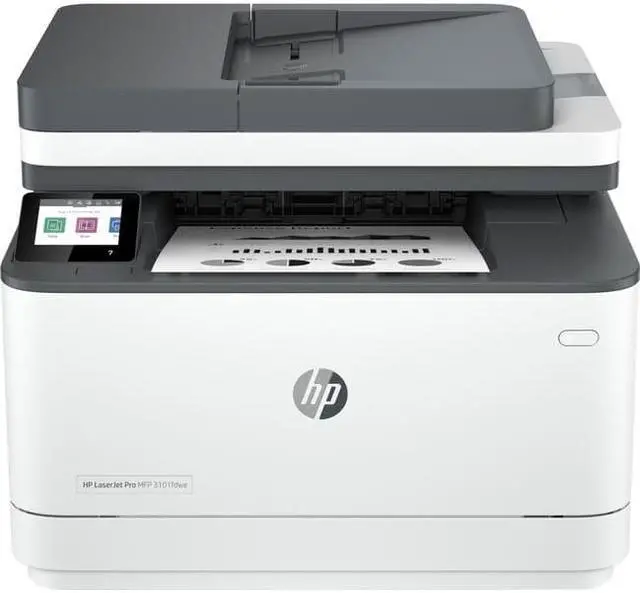
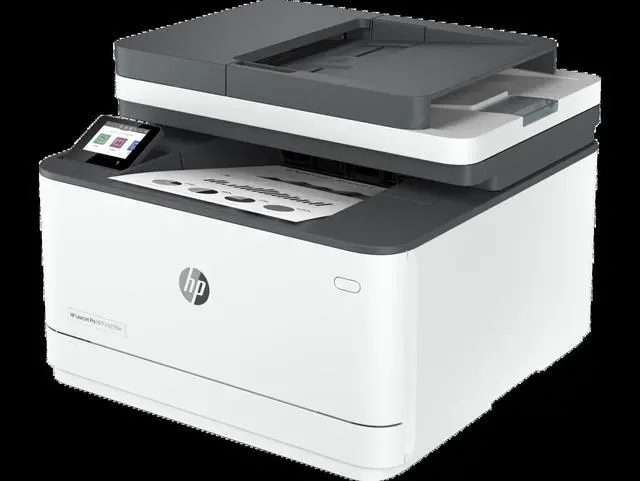
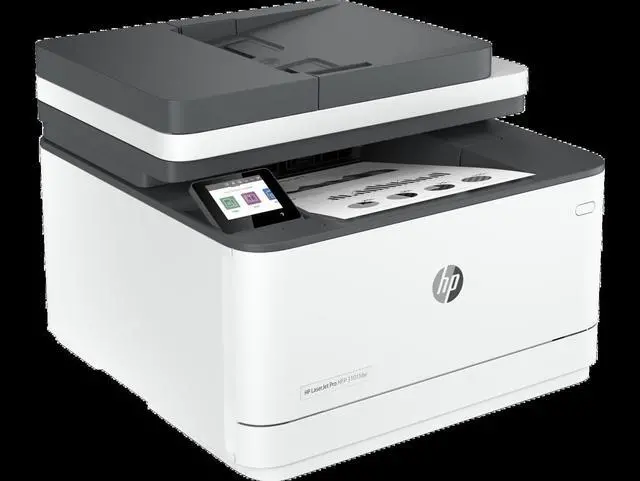
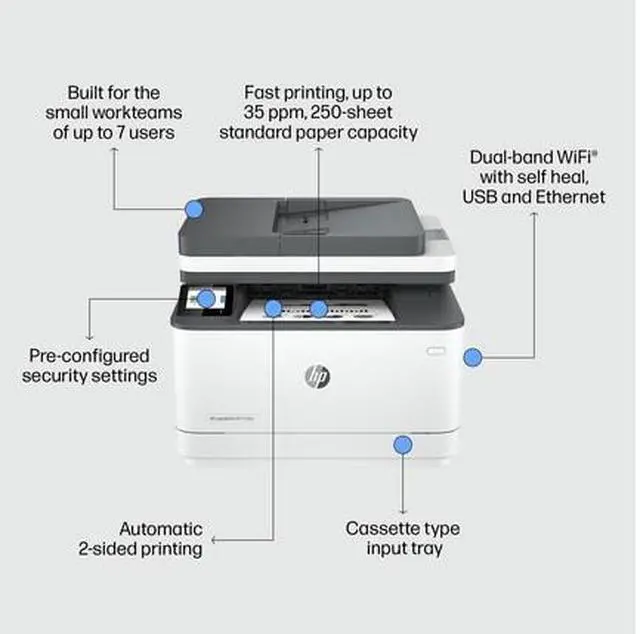
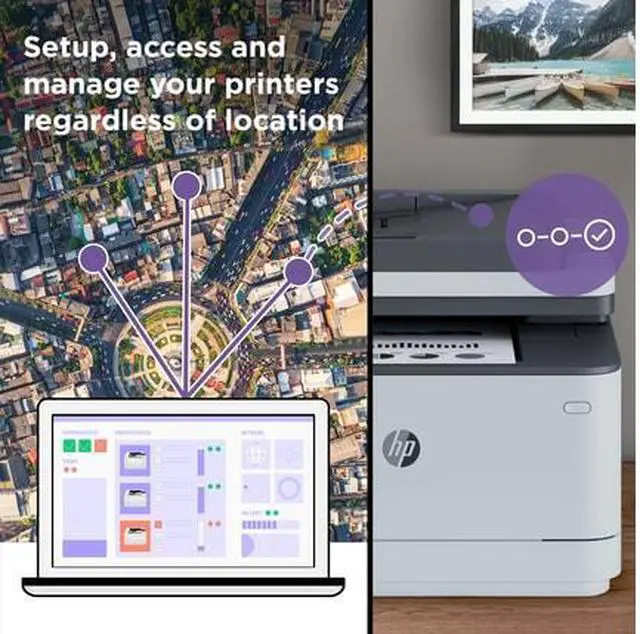
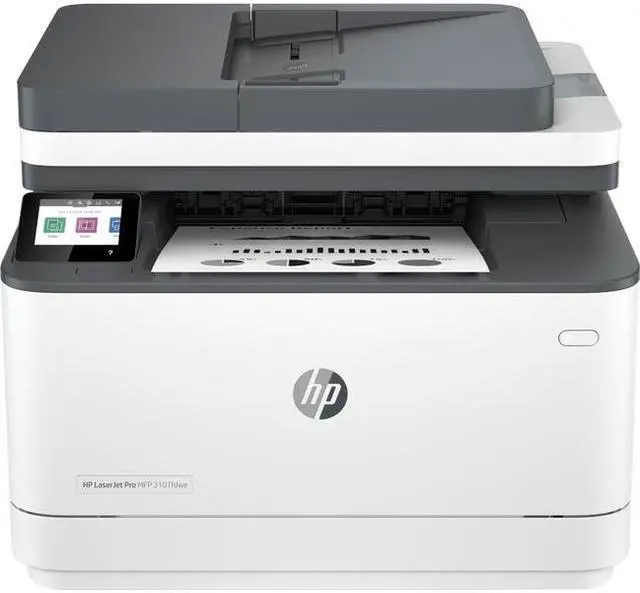
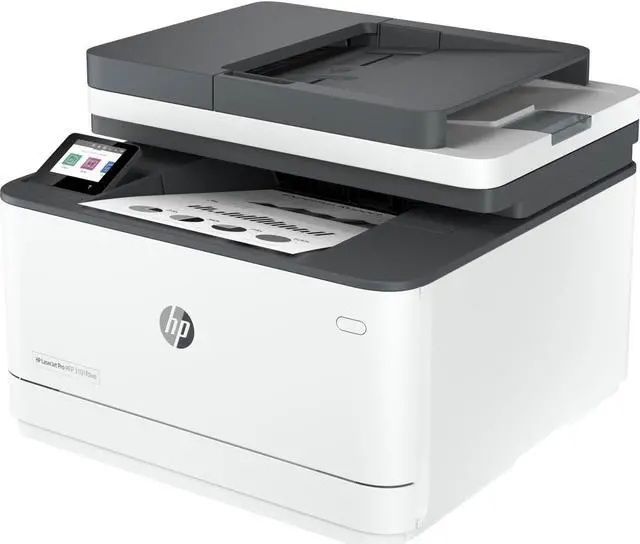
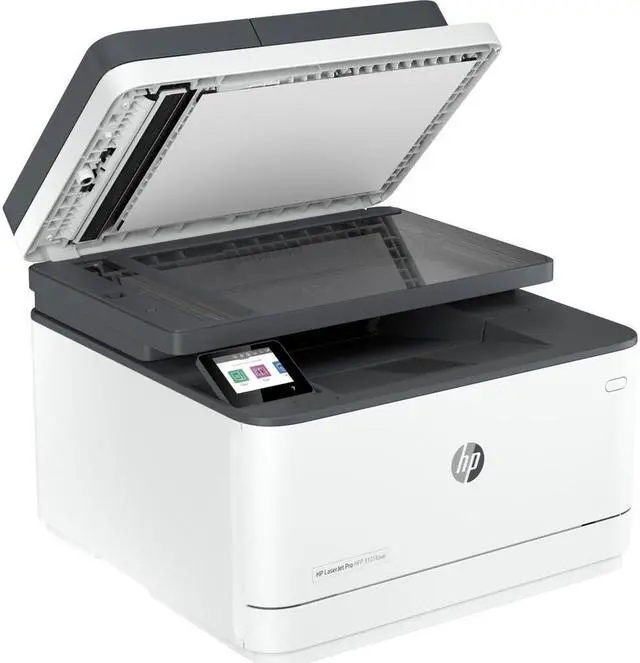
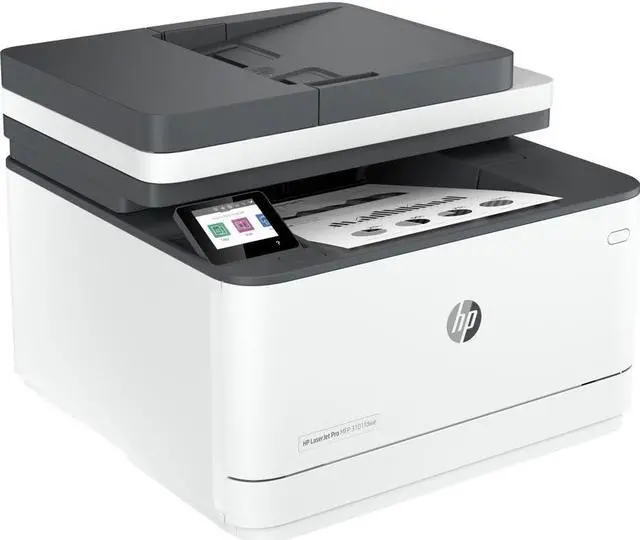
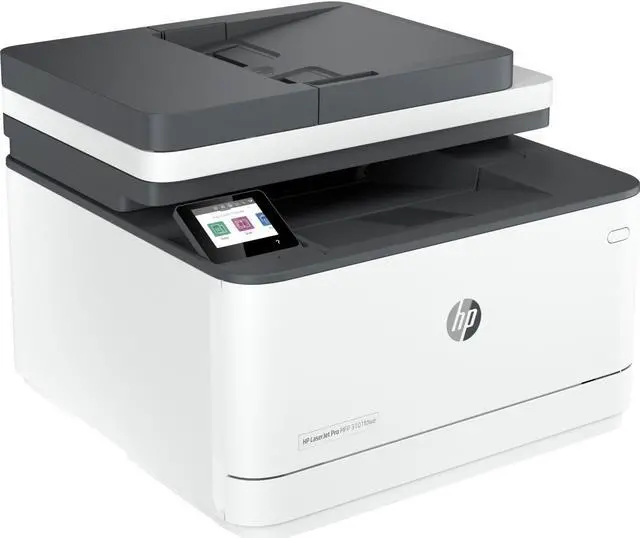
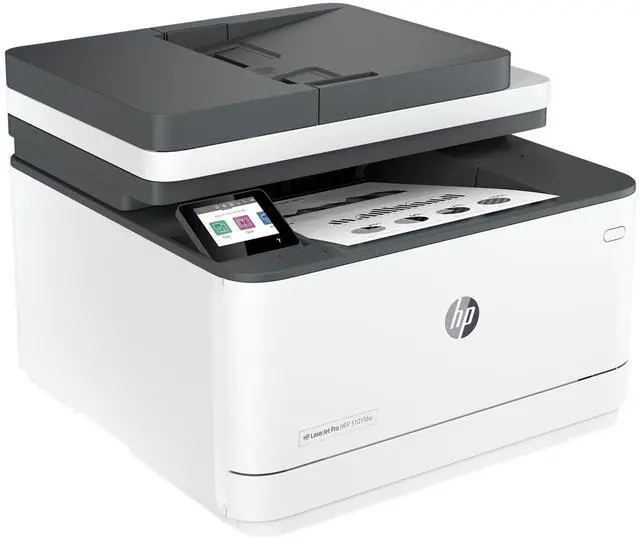
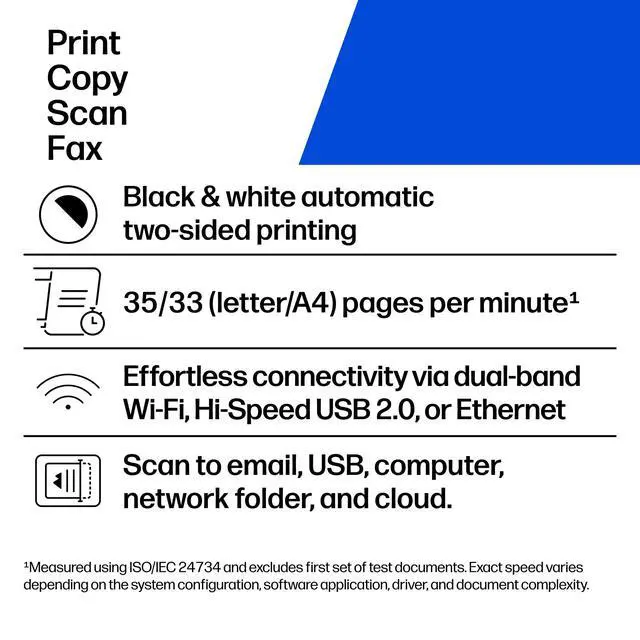
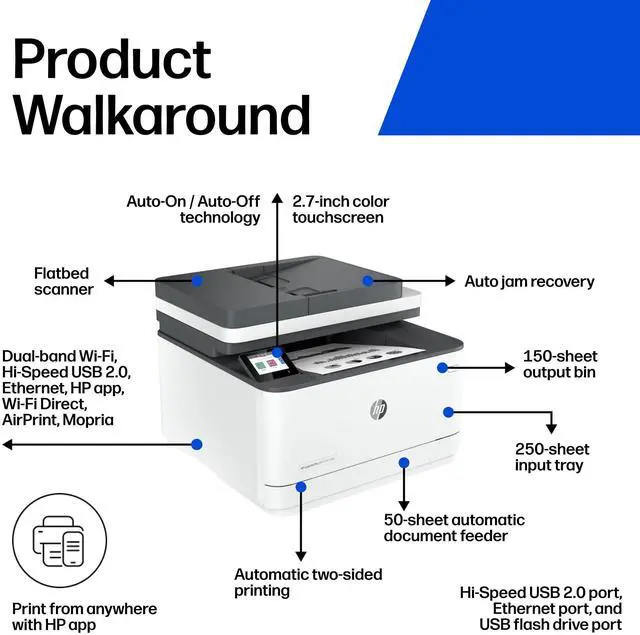
OverviewThis LaserJet Pro printer is built with powerful productivity features for small teams fast speeds, built-in security, and cloud connectivity so you can setup and manage it from anywhere. HP Office Laser Multifunction Printers are designed for SMBs and small workteams in larger companies, delivering enhanced productivity, simplified workflows and reduced costs. This printer is intended to work only with cartridges that have a new or reused HP chip, and it uses dynamic security measures to block cartridges using a non-HP chip. Periodic firmware updates will maintain the effectiveness of these measures and block cartridges that previously worked.
A reused HP chip enables the use of reused, remanufactured, and refilled cartridges.
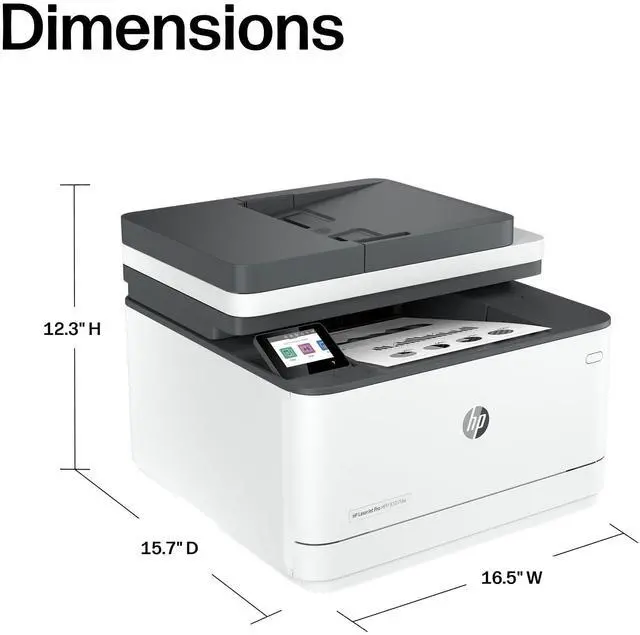
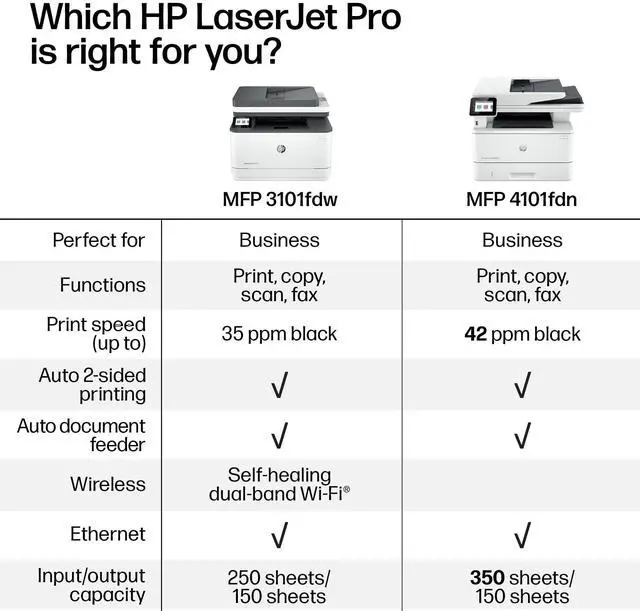
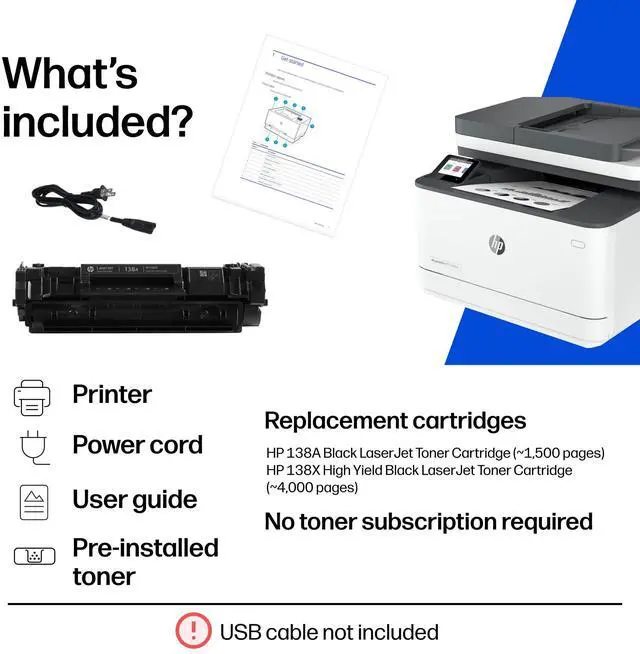
More at: www. hp. com/learn/dsFeaturesPowerful productivity. Support your small workteams with this laser printer, designed for up to 7 users. Seamless management. Centralize print management for your enterprise. HP Web JetAdmin makes it easy with its suite of features. HP Wolf Pro Security. Get printer security out of the box. Preconfigured settings mean it's ready when you are. Minimum system requirementsMicrosoft® Windows® 11, 10, 2 GB available hard disk space, Internet connection, Microsoft® Internet Explorer or Edge. What's in the box? HP LaserJet Pro MFP 3101fdw Printer, Preinstalled HP Black Original LaserJet Toner Cartridge, Setup Guide, Reference Guide, Regulatory Flyer, Warranty Guide, Power cordDisclaimers Measured using ISO/IEC 24734 and excludes first set of test documents. For more information, see hp. com/go/printerclaims. Exact speed varies depending on the system configuration, software application, driver, and document complexity Requires HP app download available at www. hp. com/go/mobileprinting. Certain features are available in English language only, and may vary by printer model/country, and between desktop/mobile applications. HP reserves the right to introduce charges for use of functionality facilitated by the HP app.
Internet access required and may not be available in all countries. HP account required for full functionality. Fax capabilities are for sending a fax only. List of supported operating systems available in app stores. See details at www. hpsmart. com. HP Web Jetadmin is available for download at no additional charge at hp. com/go/webjetadmin. HP calculations based on ENERGY STAR® normalized TEC data comparing HP LaserJet 200-500 series printers at launch. See hp. com/ecosmart. HP Auto-On/Auto-Off Technology capabilities subject to printer and settings; may require a firmware upgrade.
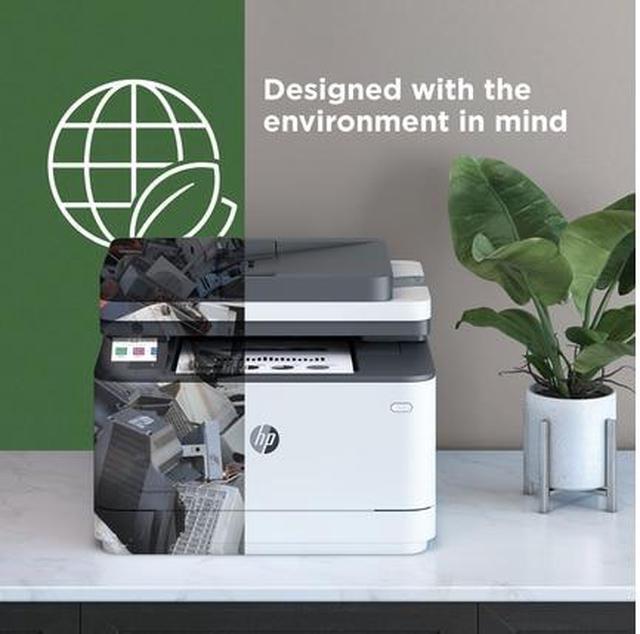
Recycling: Program availability varies. Original HP cartridge return and recycling is currently available in more than 60 countries, territories and regions in Asia, Africa, Europe, and North and South America through the HP Planet Partners program. For details, see hp. com/recycle. Internet access required and must be purchased separately. Wireless operations are compatible with 2.4 GHz and 5.0 GHz operations only. Supports both 5.0 GHz and 2.4 GHz using up to 12 non-overlapping channels vs. only 3 non-overlapping channels for 2.4 GHz only. Supports 5.0 GHz band (up to 150 mbps) v. 2.4 GHz band (up to 72.2 mbps).
Learn more at: www. hp. com/go/mobileprinting HP JetAdvantage Security Manager must be purchased separately. To learn more, please visit hp. com/go/securitymanager.




 here!