BOSGAME P3 [Dual 2.5GbE LAN] Mini Gaming PC AMD Ryzen 9 6900HX 32GB DDR5 RAM 1TB SSD, Mini PC Radeon 680M 12 cores/2200MHz,USB4/WiFi6E/Windows 11 Pro
  •  
  • $689.99 –
Price alert

Best Sellers

Hot Seller
4.4 (2,201 total ratings)
  • $609.99
Hot Seller
4.5 (9,028 total ratings)
  • $614.48
Shop it at NeweggBusiness.

Meet Your Seller

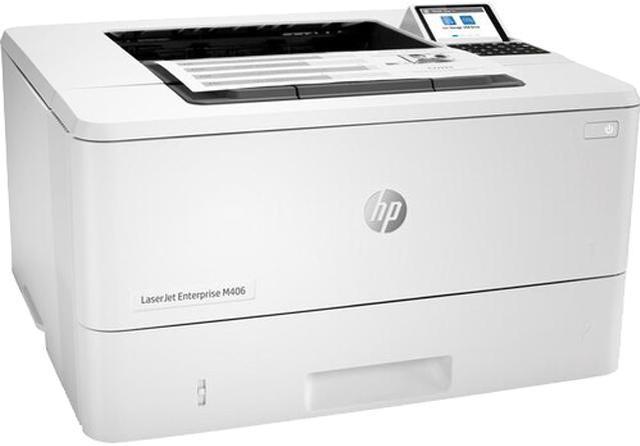
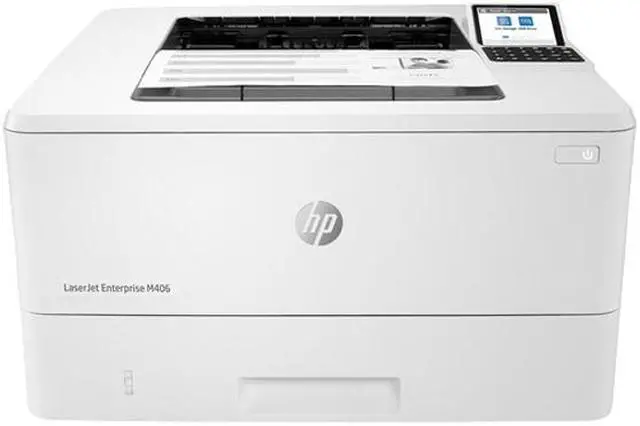
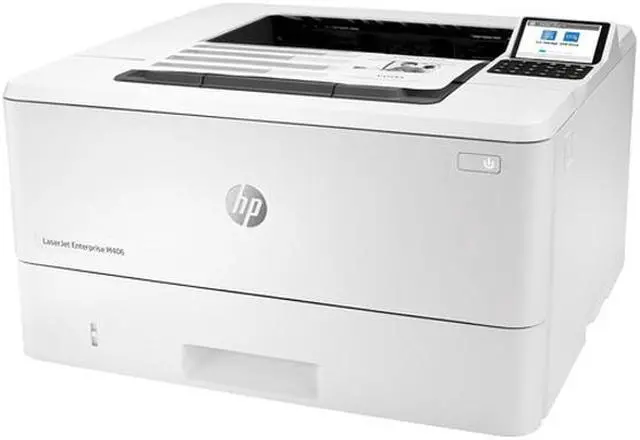
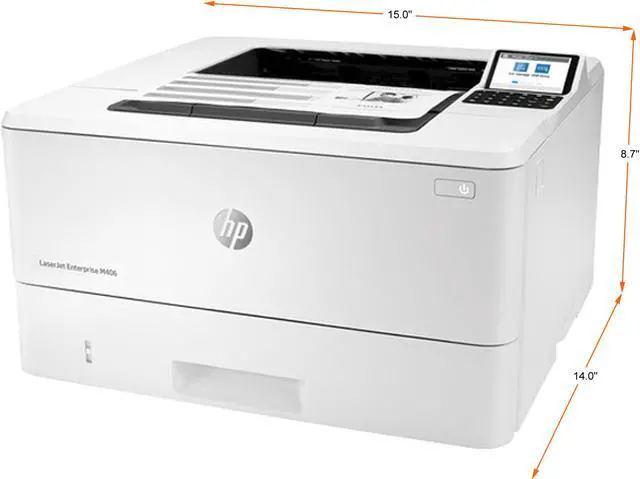
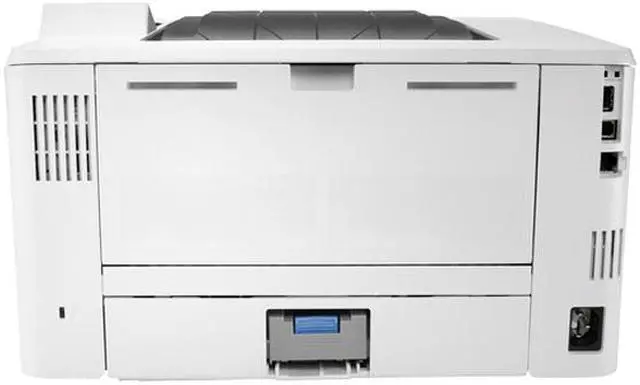
HP LaserJet Enterprise M406dn Monochrome Laser Printer

  • Print
  • Letter: Up to 40 ppm (default); Up to 42 ppm (HP high speed mode) Black
  • A4: Up to 38 ppm (default); Up to 40 ppm (HP high speed mode) Black
  • Print speed (Landscape, A5): Up to 63 ppm Black
  • Black (best) Up to 1,200 x 1,200 dpi; Black (normal) Up to 600 x 600 dpi; Black (fine lines) Up to 1,200 x 1,200 dpi Black Print Quality
  • Ethernet 10/100/1000BaseTX (RJ-45)
  • Up to 100,000 pages monthly
  • 1 GB Memory, std.
+
+
Overview
Specs
Reviews
See all Q & A

Any questions? Ask CelesteSM will help you find out quickly.

OverviewHPs entry-level Enterprise-class printer with speeds up to 42 ppm and strongest security. Workteams excel with HPs black-and-white office LaserJet printers, which pack extra punch with high-quality results, extra power, and more features. This printer is intended to work only with cartridges that have a new or reused HP chip, and it uses dynamic security measures to block cartridges using a non-HP chip. Periodic firmware updates will maintain the effectiveness of these measures and block cartridges that previously worked. A reused HP chip enables the use of reused, remanufactured, and refilled cartridges.

More at:
http: //www. hp. com/learn/dsFeaturesEasy to use, simple to manageHP FutureSmart firmware can be updated with the latest features to optimize your investment for years to come. The worlds most secure printing The operating code (BIOS) is automatically checked during startup and repairs itself if compromised. Enhanced productivity to empower work teamsGive workgroups what they need to succeed with hundreds of HP and third-party solutions and card reader support. Save energy and help reduce wasteHelp save paper right out of the box. Two-sided (duplex) printing is set at default for automatic savings. Minimum system requirements2 GB available hard disk space Internet connection or USB port Internet browser. For additional OS hardware requirements see microsoft. comWhat's in the box? HP LaserJet Enterprise M406dn printer; HP Black Original LaserJet Toner Cartridge (~3, 000 pages); Getting started Guide; 1 Power cordDisclaimers HPs most advanced embedded security features are available on HP Managed and Enterprise devices with HP FutureSmart firmware 4.5 or above. Claim based on HP review of 2019 published features of competitive in-class printers. Only HP offers a combination of security features to automatically detect, stop, and recover from attacks with a self-healing reboot, in alignment with NIST SP 800-193 guidelines for device cyber resiliency.

For a list of compatible products, visit hp. com/go/PrintersThatProtect. For more information, visit hp. com/go/PrinterSecurityClaims Some features enabled by future HP FutureSmart firmware upgrades may not be available on older devices, if for example, physical product characteristics limit the functionality of the new feature. HP Web Jetadmin is free and available for download at hp. com/go/webjetadmin Third-party certification based on Common Criteria Information Technology Security Evaluation ISO/IEC 15408 Standard requirements as of May 2019. Certification applicable to HP Managed and Enterprise devices running HP FutureSmart Firmware version 4.5. 1 and later.
For more information:
https: //www. commoncriteriaportal. org/files/epfiles/Certification%20Report%20-%20HP%20Intrusion%20Detection. pdf Use of the HP Trusted Platform Module may require a firmware upgrade. Wireless performance is dependent on physical environment and distance from access point and may be limited during active VPN connections. Dependent upon country setup specifications. HP Secure Print is optional and requires a license.

Warranty & Returns

Warranty, Returns, And Additional Information

Warranty

  • Please contact the Seller directly for warranty information. Warranty information may also be found on the Manufacturer's website.
  • Read full details
  • CONTACT

Return Policies

Manufacturer Contact Info

LOADING...
LOADING...

The HP LaserJet Enterprise M406dn is a monochrome laser printer for workgroups that need fast, networked document printing, delivering up to 40 pages per minute on Letter paper by default, automatic two-sided printing, and Gigabit Ethernet.

Recommended For

  • Office teams printing mostly black-and-white documents in steady monthly volumes: HP recommends 900–4,800 pages per month, and the M406dn supports automatic two-sided printing.
  • Workgroups sharing a printer over a wired office network and prioritizing quick document output; the M406dn has Gigabit Ethernet and prints up to 40 pages per minute at default Letter speed.
  • Businesses or IT teams managing networked printers that value enterprise security and fleet-management tools, including HP Web JetAdmin and HP JetAdvantage Security Manager support.
  • Users who routinely print multi-page reports, forms, or internal documents and want duplex printing, a 350-sheet standard input capacity, and a separate multipurpose tray for different media.

Real-World Use Scenarios

  • In a small office or workgroup, employees send routine black-and-white documents to a shared network printer; it is designed for quick turnarounds on text-heavy jobs, though it is print-only and does not scan or copy.
  • When staff print reports, handouts, or internal reference documents, automatic two-sided printing can produce duplex copies without manually flipping pages.
  • In an office that uses secure print release, employees can send sensitive documents to the printer and retrieve them using a PIN or configured pull-print workflow, rather than leaving every job unattended in the output tray.
  • Employees with phones or tablets can send supported documents to the printer over the office network using mobile printing options such as Apple AirPrint or Mopria; the standard connection is wired Ethernet, not built-in Wi-Fi.
  • For occasional office needs such as envelopes or labels, users can load compatible media through the multipurpose tray; this is more suited to ad hoc document jobs than treating the printer as a dedicated label-production system.