

Out of stock
This item is currently out of stock and it may or may not be restocked.
Most customers receive within 5-7 days.
Shop it at NeweggBusiness.

Meet Your Seller

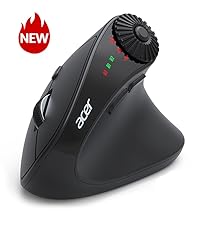
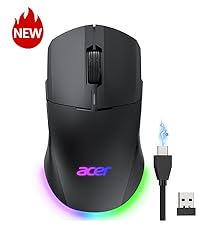
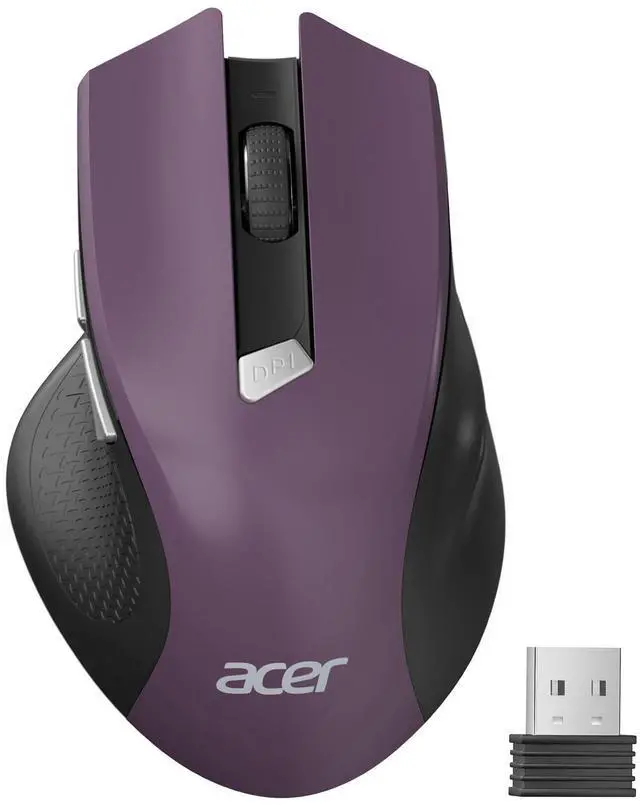
Wireless Mouse for Laptop, 2.4GHz Computer Mouse 3 Adjustable DPI Office Cordless USB Mice with USBA Receiver, 6 Buttons, 1600 DPI, Medium to Large Sized Hands (Purple)

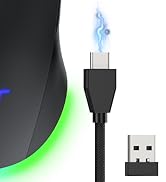
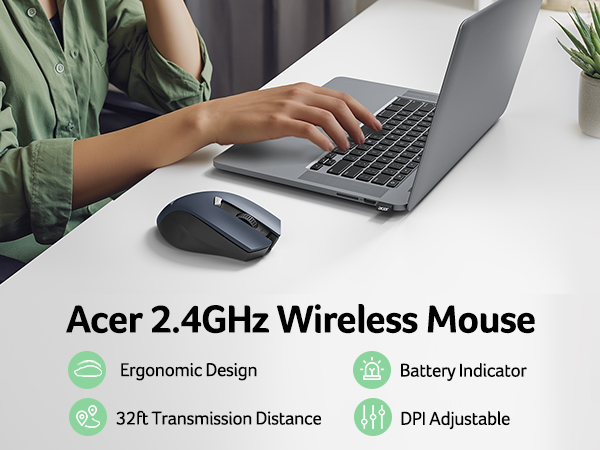
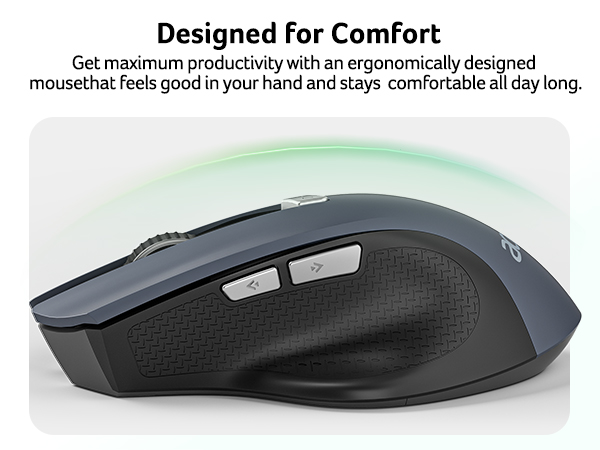
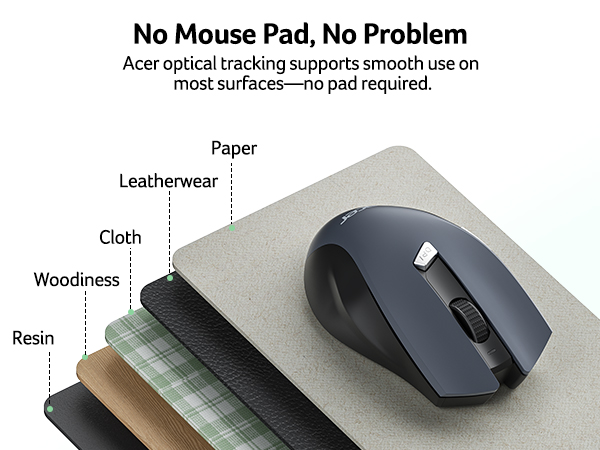
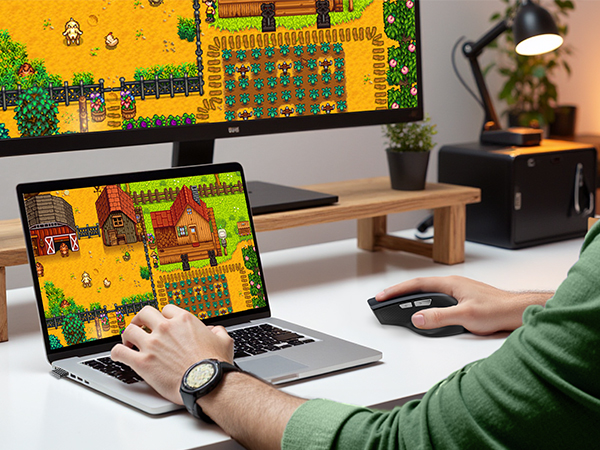
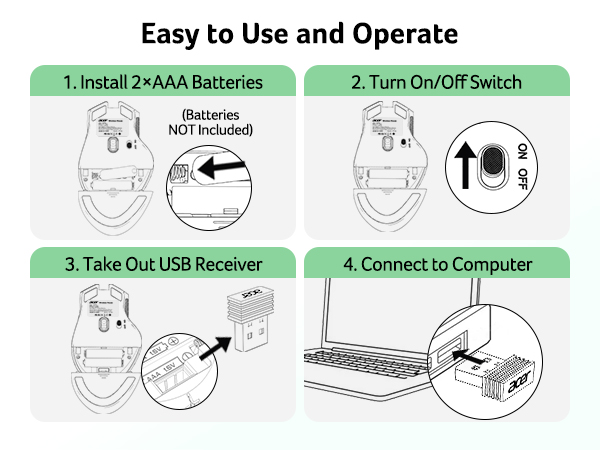
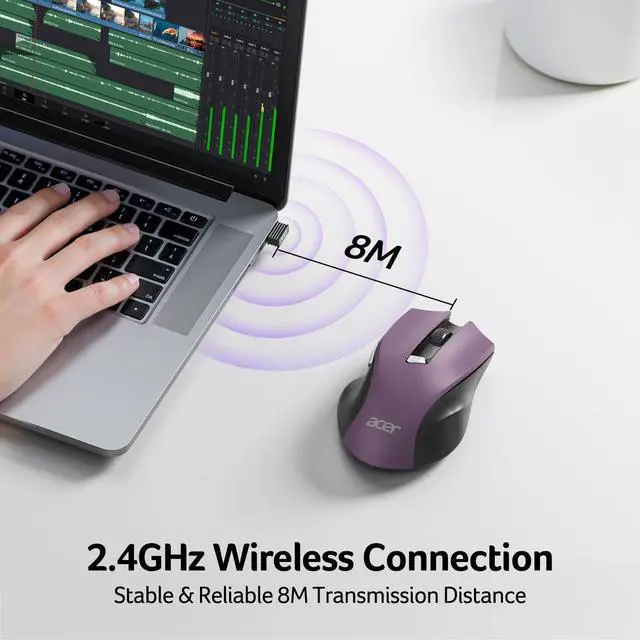
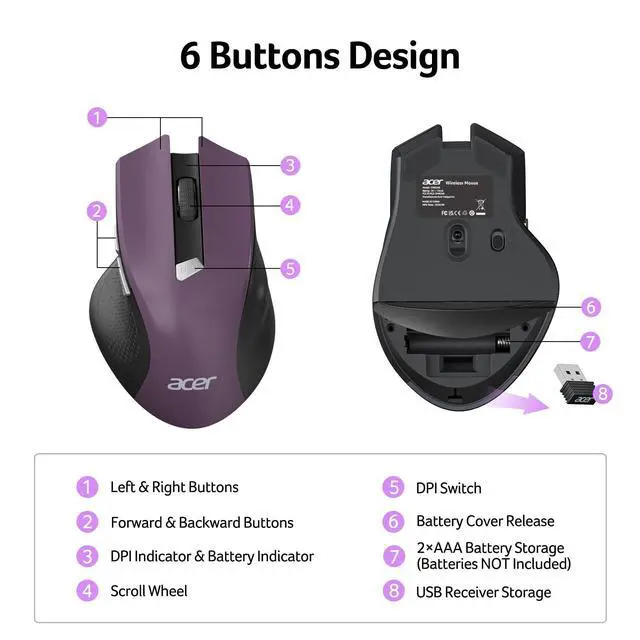
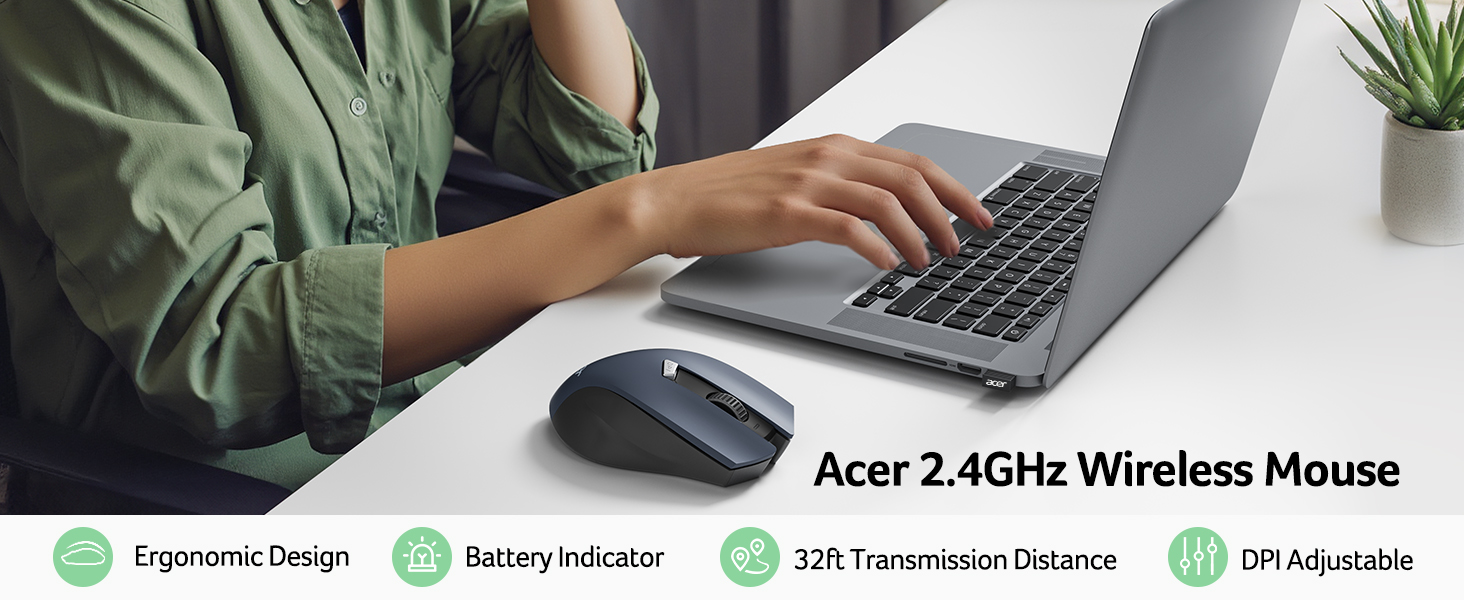
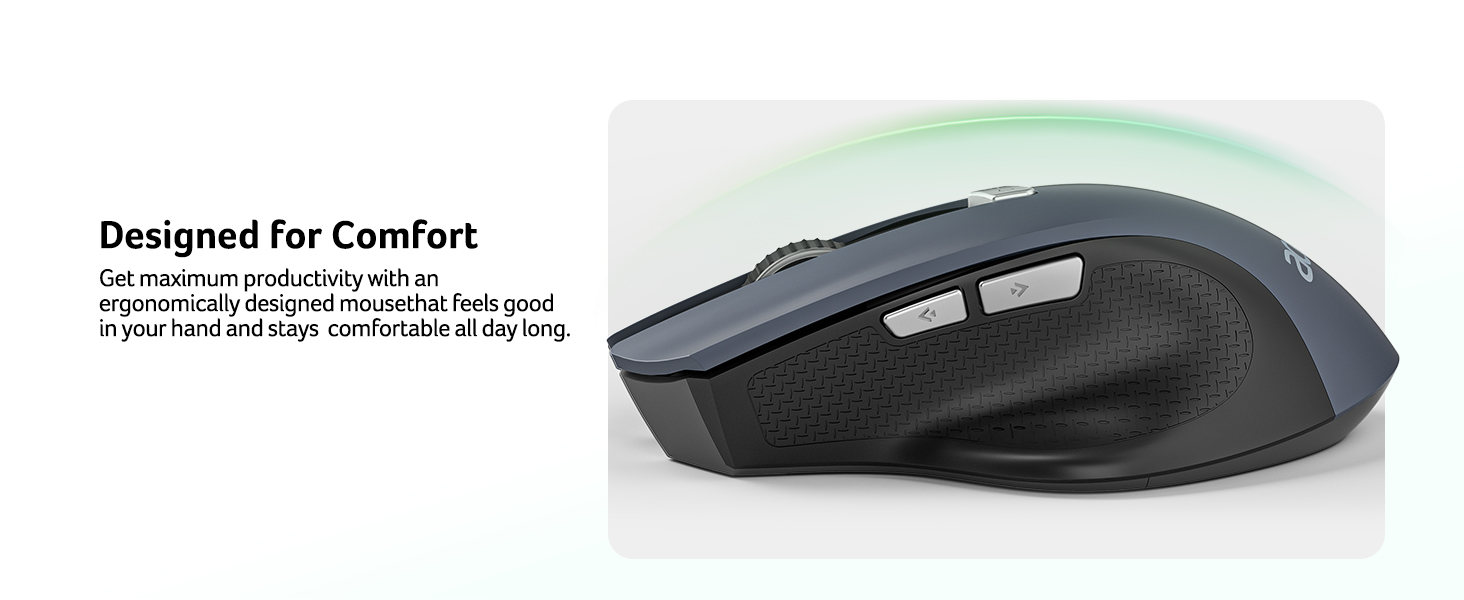
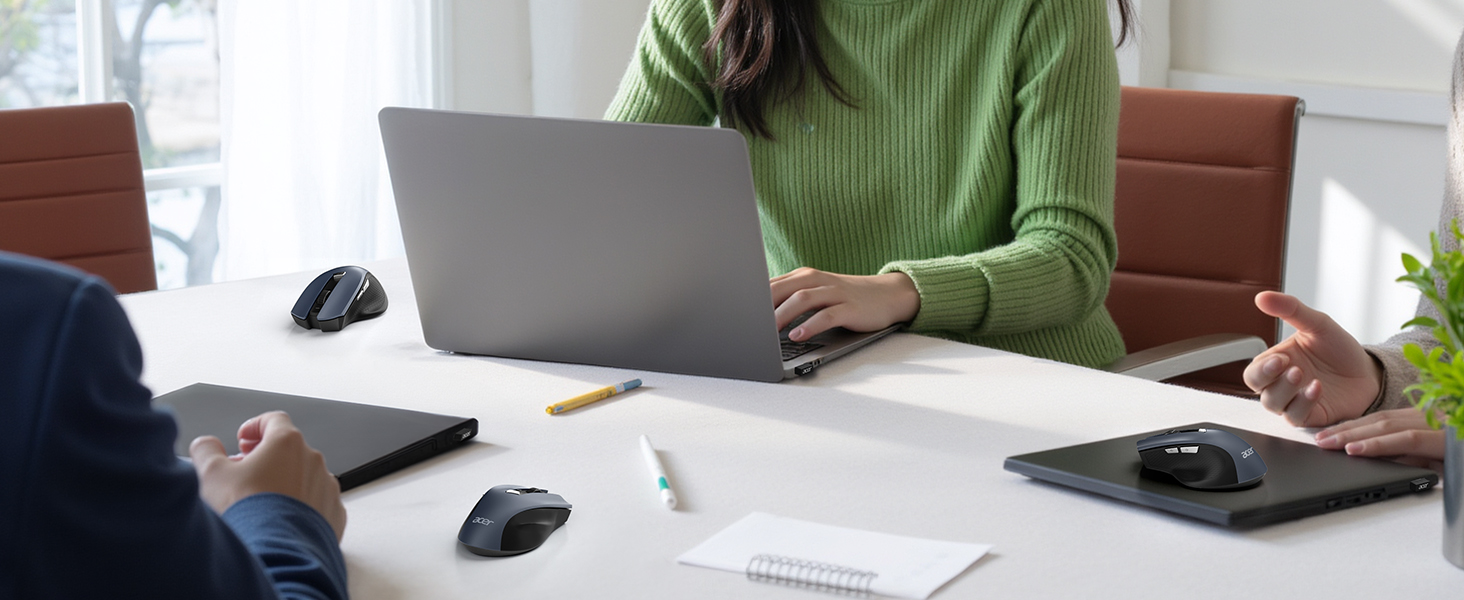
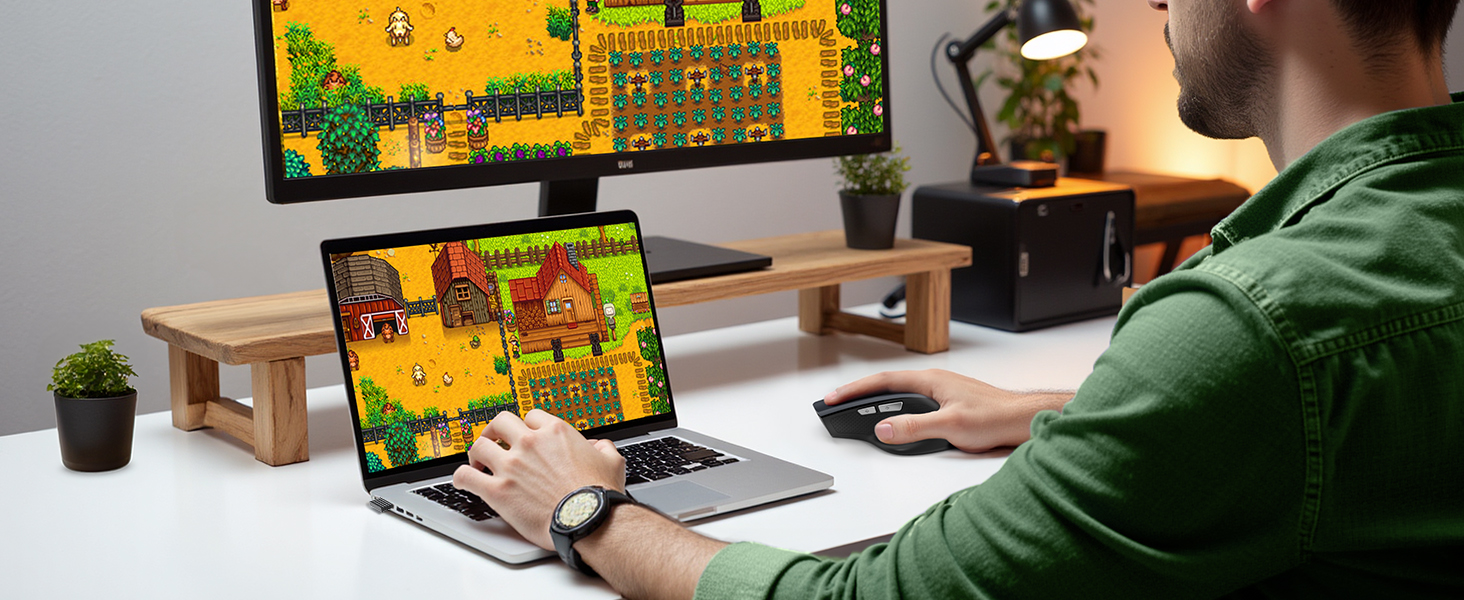
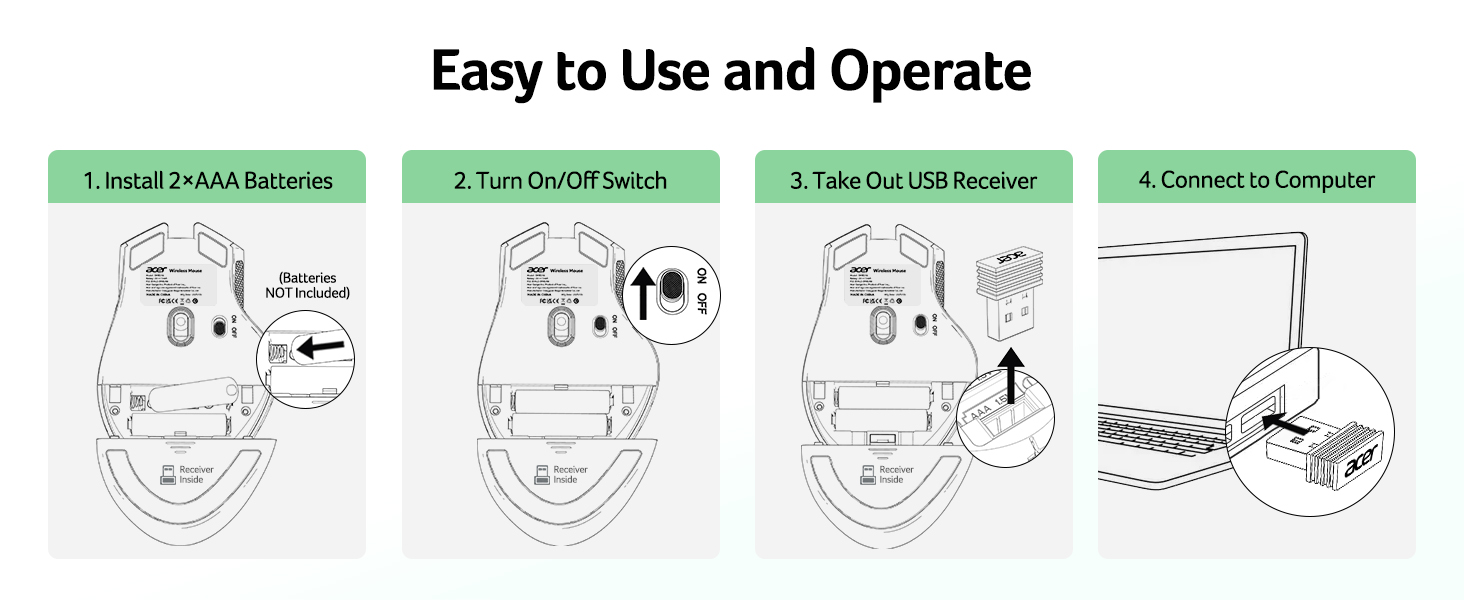
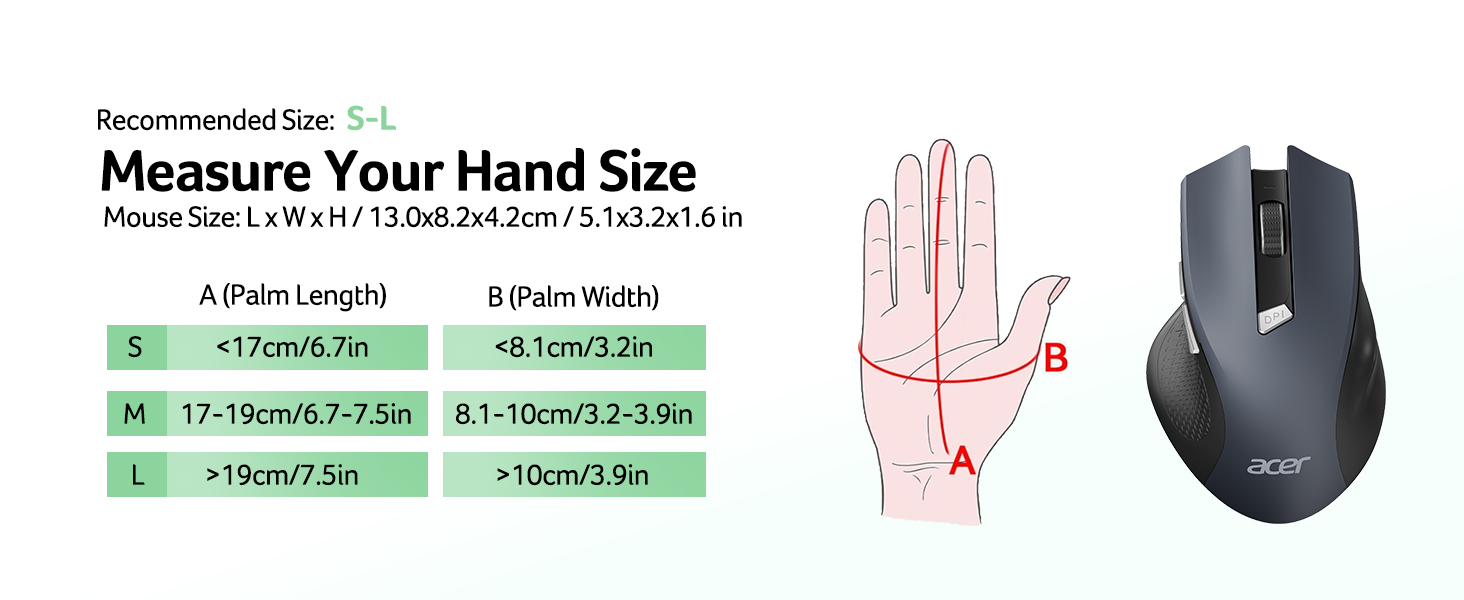
  • Plug and Play for Home OfficeThe wireless computer mouse features 2.4GHz connectivity, delivering a stable, interference-free connection up to 32ft. Designed for medium to large sized hands, it ensures comfortable use all day. Simply plug in the USB-A receiver for instant pairingno drivers needed. If the mouse isnt suitable, place the USB receiver in the battery compartment and return both.
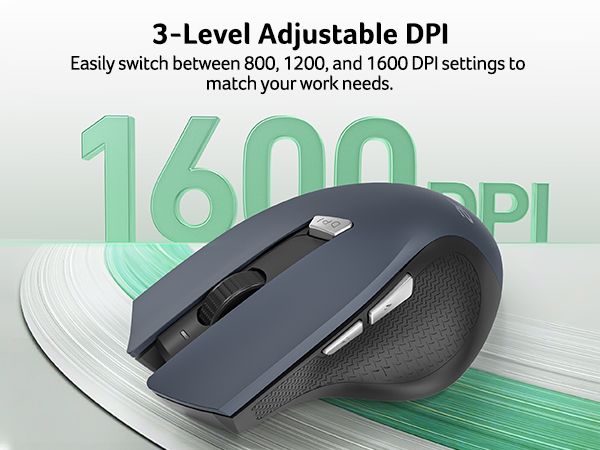
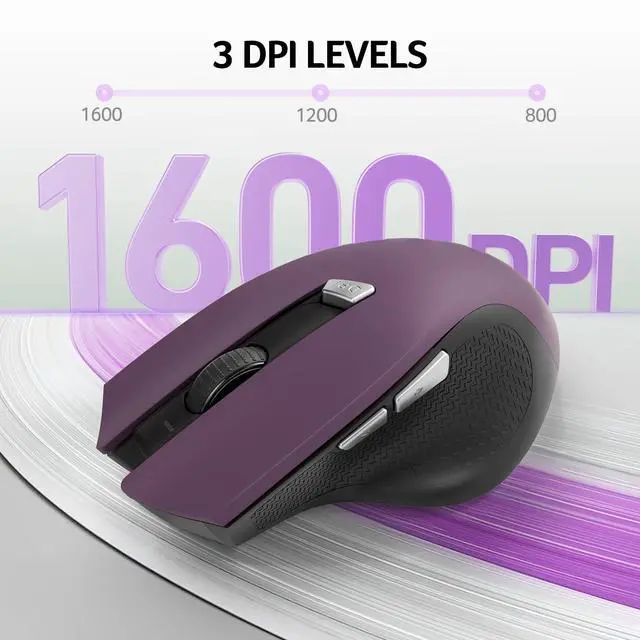
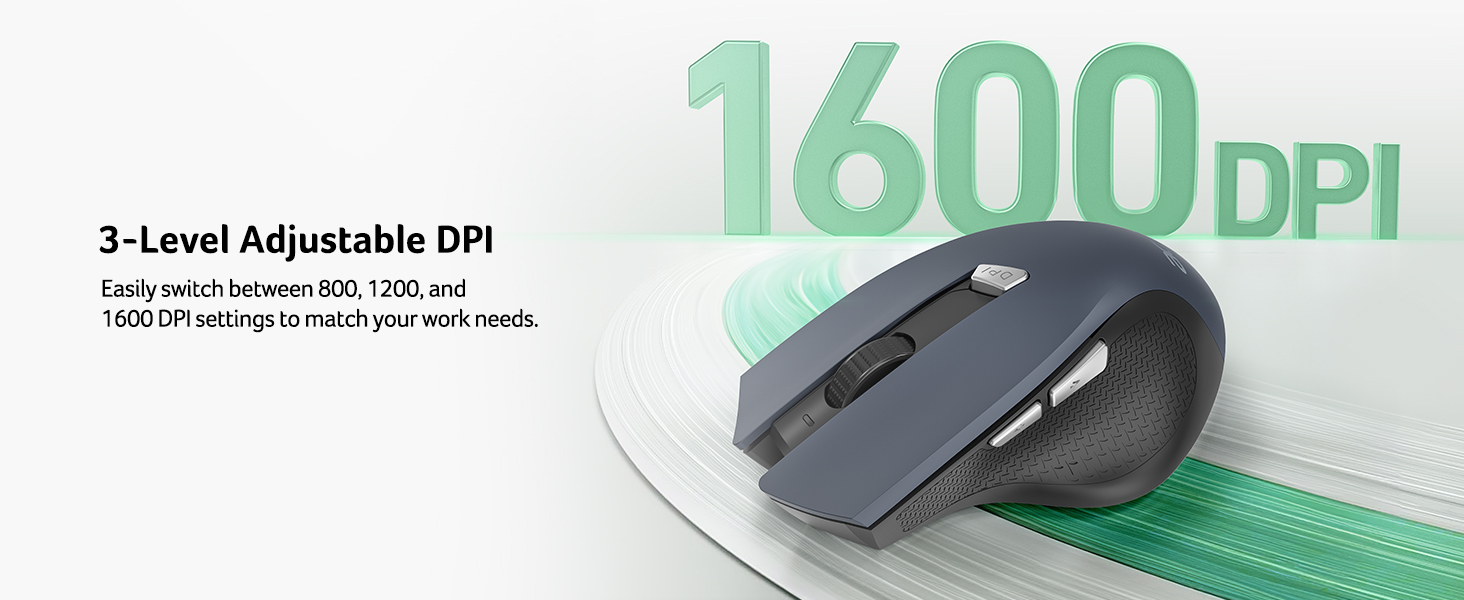
  • 3 Levels Adjustable DPIThis travel USB mouse offers 3 adjustable DPI settings (800, 1200, 1600), allowing you to customize sensitivity for precise design work. Effortlessly switch to match your task and elevate your productivity. Please remove the film at the bottom of the mouse before use.
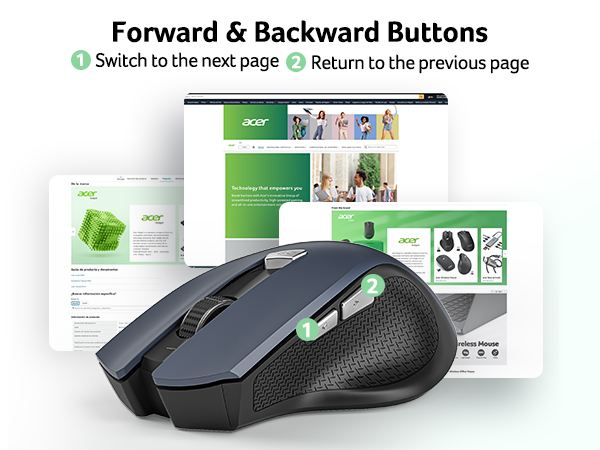
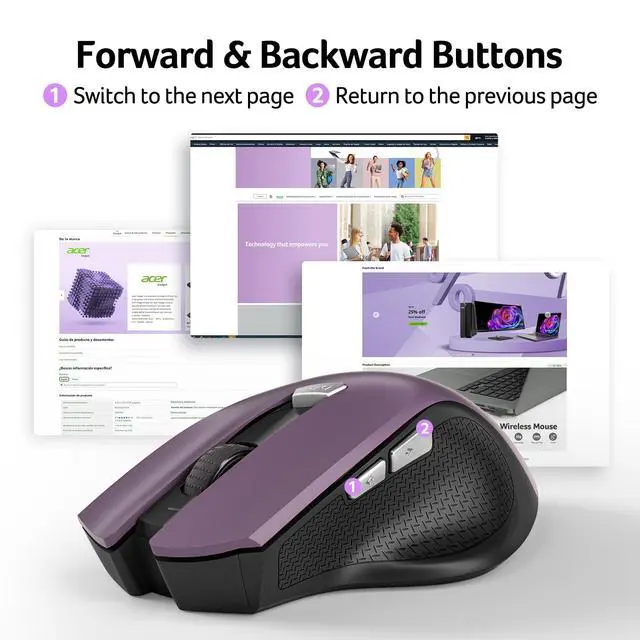
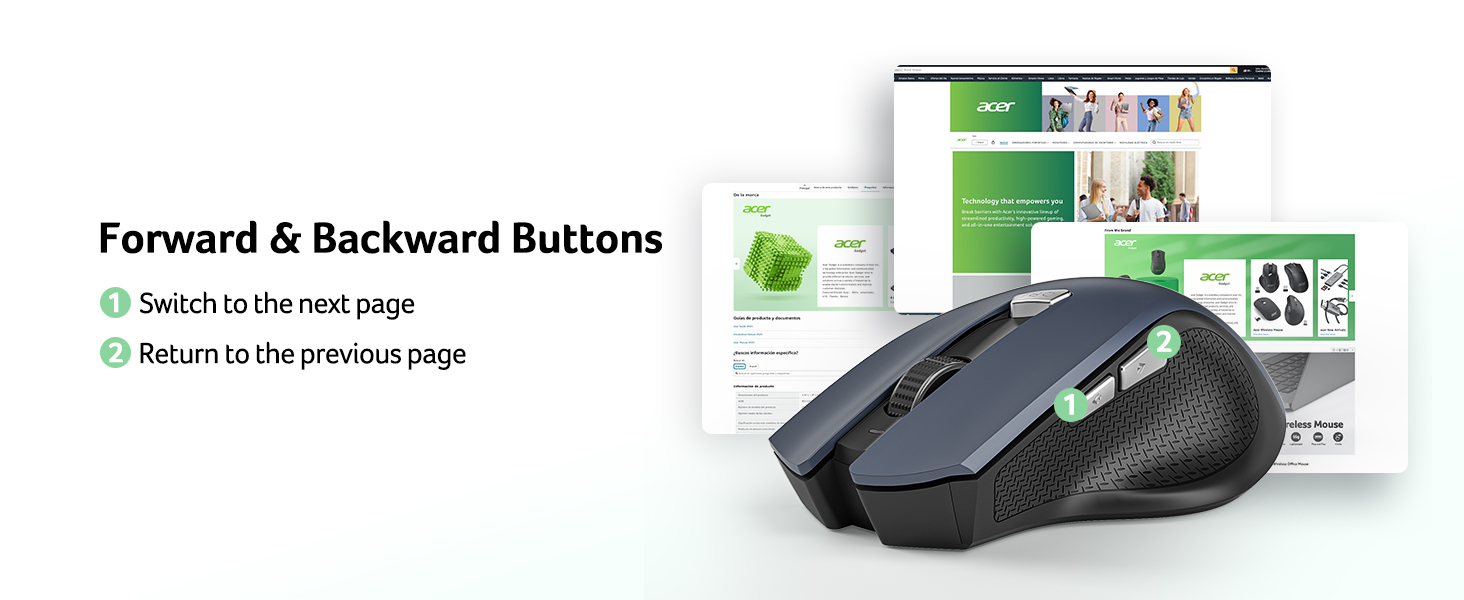
  • Effortless BrowsingEquipped with forward and backward buttons, this computer mice streamlines your workflow, making it easy to navigate through web pages and files with a simple click. Side button does not work on Mac.
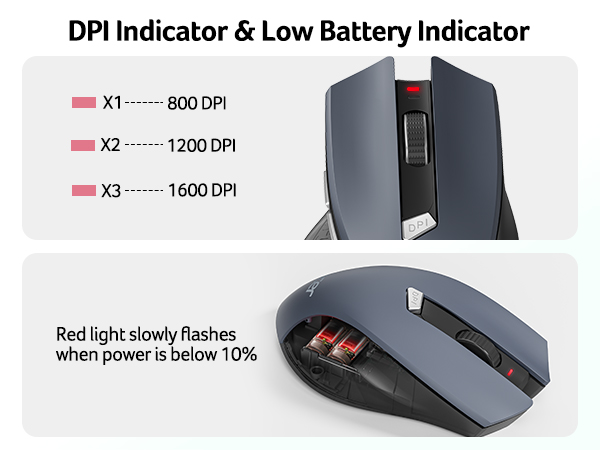
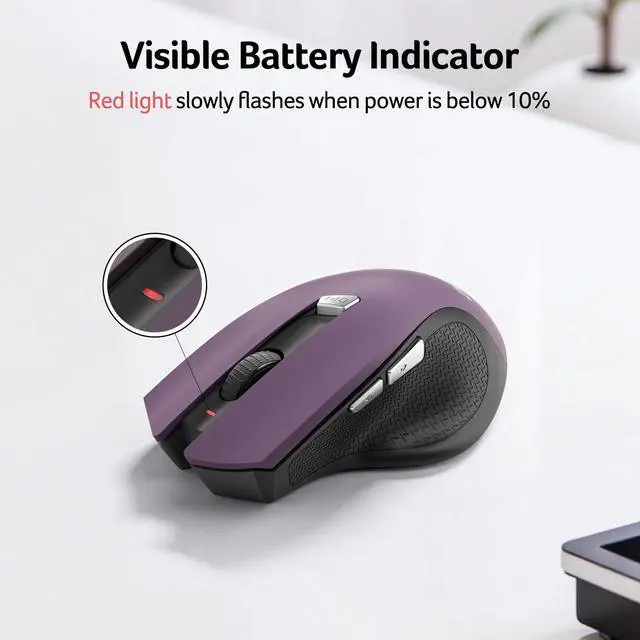
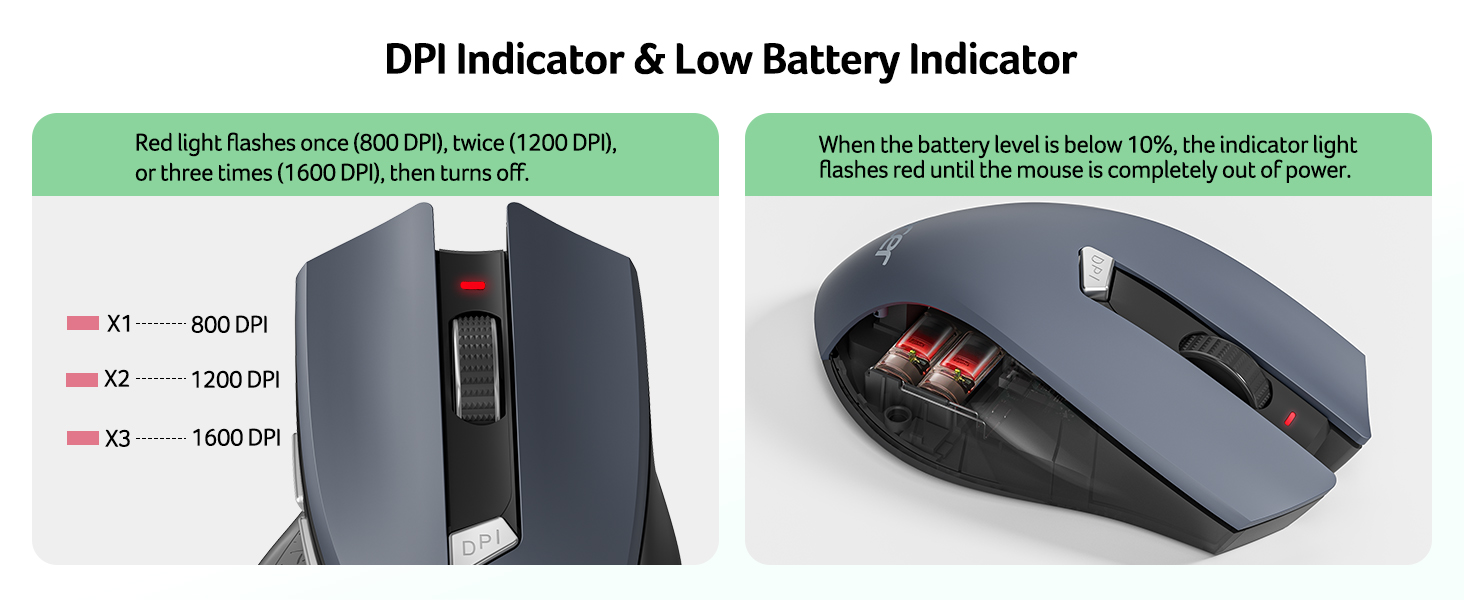
  • Visible Indicator Light The pc mouse features a visual indicator for DPI levels and low battery alerts. The red light flashes once for 800 DPI, twice for 1200 DPI, and three times for 1600 DPI. When the battery level is below 10%, the light flashes red until the mouse is completely out of power.
Overview
Specs
Reviews
avatar

Any questions? Our AI mode will help you find out quickly.

wireless mouse
Q1 Why is my wireless mouse not working?
- 1. Please check if the battery is installed with the correct polarity. Make sure the power switch is set to "ON". 2. Try to plug the receiver into a different USB-A port or Restart the computer. 3. The battery might be dead.
Q2 Where is the USB A receiver?
- Please open the battery cover; the receiver is stored underneath the battery compartment.
Q3 How to wake up the mouse?
- Powers down after 10 minutes of idle and requires 2-3 clicks to wake it.
Q4 Why is my wireless mouse not working for a while?
- Low battery power. Please replace the battery.
Q5 When the mouse responds slowly, has delays, or lacks precision, please follow these steps to re-pair it
- 1. Insert the batteries into the mouse, switch it to the "NO" position to power it on.
- 2. Plug in the mouse receiver to computer, then press and hold both the left and right mouse buttons simultaneously.
- 3. Place the mouse within 20 cm of the receiver and wait for 3–5 seconds until pairing is complete. Your mouse will then be successfully paired with the receiver and ready for normal use.
Q5 How can I confirm the DPI of the mouse?
- The DPI indicator light will light up when the DPI is switched. The red light of the first gear DPI (800) will turn off after it turns red since the red light of the second gear DPI (1200) will turn off afterit turns red twice, and the red light of the third gear DPI (1600) will turn off after it turns red three times. Easily switch between 800-1200-1600.
Q6 What are the dimensions and weight of this mouse?
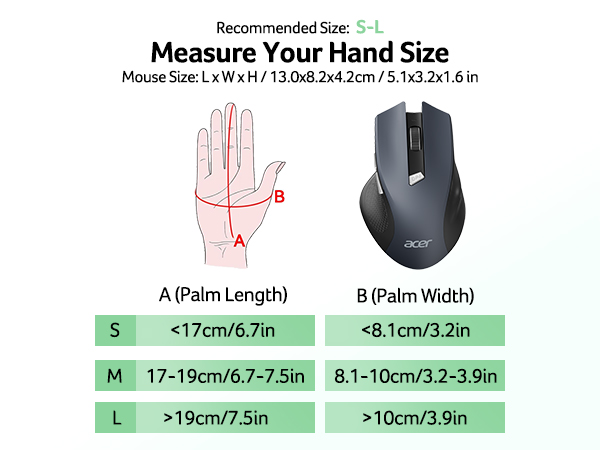
- This mouse is L 5.1 inches, W 3.2 inches, H 1.6 inches, and a weight of 3oz.

Acer Mouse

https://m.media-amazon.com/images/S/aplus-media-library-service-media/dfff1431-e095-44ae-966a-032064c8f0a8.__CR4,0,324,364_PT0_SX200_V1___.jpg

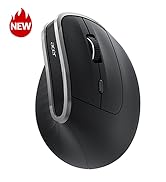
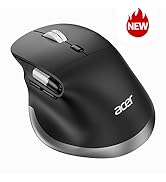
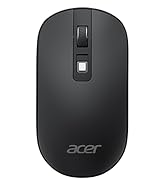
Wireless Mouse OMR266

https://m.media-amazon.com/images/S/aplus-media-library-service-media/00fa83fa-7028-4c6c-8cba-63a362f915cc.__CR0,0,400,450_PT0_SX200_V1___.jpg

Wireless Mouse OMR339

https://m.media-amazon.com/images/S/aplus-media-library-service-media/98a6c6c6-715f-44a1-ac67-7117b3f568cf.__CR0,0,400,450_PT0_SX200_V1___.jpg

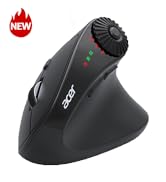
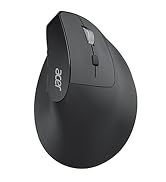
Ergonomic Mouse OMR272

https://m.media-amazon.com/images/S/aplus-media-library-service-media/869d7f7f-67e4-4c9d-8632-063ff54de349.__CR0,0,400,450_PT0_SX200_V1___.jpg

Ergonomic Mouse OMR290

https://m.media-amazon.com/images/I/414vxrXXzYL.__AC_SR200,225___.jpg

Ergonomic Mouse OCC314

https://m.media-amazon.com/images/I/31iyKiVG%2BTL.__AC_SR200,225___.jpg

Ergonomic Mouse OMR241

https://m.media-amazon.com/images/S/aplus-media-library-service-media/b325ea94-f0a9-409b-a70a-6d1c25cbfe61.__CR0,0,400,450_PT0_SX200_V1___.jpg

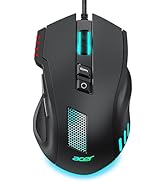
Gaming Mouse OMR279

Customer Reviews
Price
DPI
800,1200,1600 800,1200,2400,3200,4000 800,1200,1600,2400,3200,4800 1200,2400,3200,4000 800,1200,1600 800,1200,1600 1200,1600,2400,5000,12K,24K
Side Buttons
? ? ? ? ? ? ?
Power Supply
2 AAA batteries (Not Included) 1 AA battery (Not Included) Rechargeable 2 AAA batteries (Not Included) Rechargeable Rechargeable Rechargeable
Bluetooth
? ? ? ? ? ? ?
Connection
2.4Ghz Wireless 2.4Ghz Wireless Bluetooth and 2.4Ghz Wireless Bluetooth and 2.4Ghz Wireless 2.4Ghz Wireless 2.4Ghz Wireless 2.4Ghz Wireless and Wired
Buttons
6 6 8 8 6 6 8
Visible Indicator Light
? ? ? ? ? ? ?
mouse for laptop
Q1 Why is my wireless mouse not working?
- 1. Please check if the battery is installed with the correct polarity. Make sure the power switch is set to "ON". 2. Try to plug the receiver into a different USB-A port or Restart the computer. 3. The battery might be dead.
Q2 Where is the USB A receiver?
- Please open the battery cover; the receiver is stored underneath the battery compartment.
Q3 How to wake up the mouse?
- Powers down after 10 minutes of idle and requires 2-3 clicks to wake it.
Q4 Why is my wireless mouse not working for a while?
- Low battery power. Please replace the battery.
Q5 When the mouse responds slowly, has delays, or lacks precision, please follow these steps to re-pair it
- 1. Insert the batteries into the mouse, switch it to the "NO" position to power it on.
- 2. Plug in the mouse receiver to computer, then press and hold both the left and right mouse buttons simultaneously.
- 3. Place the mouse within 20 cm of the receiver and wait for 3–5 seconds until pairing is complete. Your mouse will then be successfully paired with the receiver and ready for normal use.
Q5 How can I confirm the DPI of the mouse?
- The DPI indicator light will light up when the DPI is switched. The red light of the first gear DPI (800) will turn off after it turns red since the red light of the second gear DPI (1200) will turn off afterit turns red twice, and the red light of the third gear DPI (1600) will turn off after it turns red three times. Easily switch between 800-1200-1600.
Q6 What are the dimensions and weight of this mouse?
- This mouse is L 5.1 inches, W 3.2 inches, H 1.6 inches, and a weight of 3oz.

Acer Mouse

https://m.media-amazon.com/images/S/aplus-media-library-service-media/dfff1431-e095-44ae-966a-032064c8f0a8.__CR4,0,324,364_PT0_SX200_V1___.jpg

Wireless Mouse OMR266

https://m.media-amazon.com/images/S/aplus-media-library-service-media/00fa83fa-7028-4c6c-8cba-63a362f915cc.__CR0,0,400,450_PT0_SX200_V1___.jpg

Wireless Mouse OMR339

https://m.media-amazon.com/images/S/aplus-media-library-service-media/98a6c6c6-715f-44a1-ac67-7117b3f568cf.__CR0,0,400,450_PT0_SX200_V1___.jpg

Ergonomic Mouse OMR272

https://m.media-amazon.com/images/S/aplus-media-library-service-media/869d7f7f-67e4-4c9d-8632-063ff54de349.__CR0,0,400,450_PT0_SX200_V1___.jpg

Ergonomic Mouse OMR290

https://m.media-amazon.com/images/I/414vxrXXzYL.__AC_SR200,225___.jpg

Ergonomic Mouse OCC314

https://m.media-amazon.com/images/I/31iyKiVG%2BTL.__AC_SR200,225___.jpg

Ergonomic Mouse OMR241

https://m.media-amazon.com/images/S/aplus-media-library-service-media/b325ea94-f0a9-409b-a70a-6d1c25cbfe61.__CR0,0,400,450_PT0_SX200_V1___.jpg

Gaming Mouse OMR279

Customer Reviews
Price
DPI
800,1200,1600 800,1200,2400,3200,4000 800,1200,1600,2400,3200,4800 1200,2400,3200,4000 800,1200,1600 800,1200,1600 1200,1600,2400,5000,12K,24K
Side Buttons
? ? ? ? ? ? ?
Power Supply
2 AAA batteries (Not Included) 1 AA battery (Not Included) Rechargeable 2 AAA batteries (Not Included) Rechargeable Rechargeable Rechargeable
Bluetooth
? ? ? ? ? ? ?
Connection
2.4Ghz Wireless 2.4Ghz Wireless Bluetooth and 2.4Ghz Wireless Bluetooth and 2.4Ghz Wireless 2.4Ghz Wireless 2.4Ghz Wireless 2.4Ghz Wireless and Wired
Buttons
6 6 8 8 6 6 8
Visible Indicator Light
? ? ? ? ? ? ?
Wireless Mouse for Laptop, 2.4GH z Computer Mouse 3 Adjustable DPI Office Cordless USB Mice with USBA Receiver, 6 Buttons, 1600 DPI, Medium to Large Sized Hands (Purple)

Warranty & Returns

Warranty, Returns, And Additional Information

Warranty

  • Please contact the Seller directly for warranty information. Warranty information may also be found on the Manufacturer's website.
  • CONTACT

Return Policies

  • Return for refund within: 30 days
  • Return for replacement within: 30 days
  • This item is covered by Heroniky Return Policy

Manufacturer Contact Info

LOADING...