• $158.00
  • Free 30-day Returns
  • Price alert

    Best Sellers

    Newegg
    • $158.00
    • + $2.99 Shipping
    Shop it at NeweggBusiness.

    Meet Your Seller

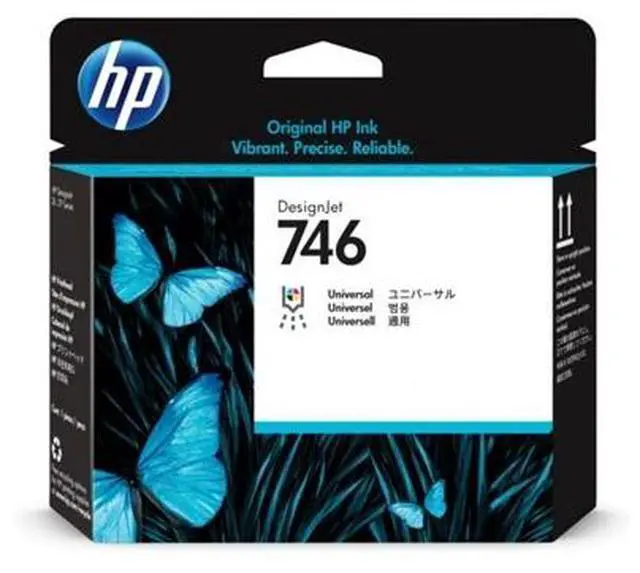
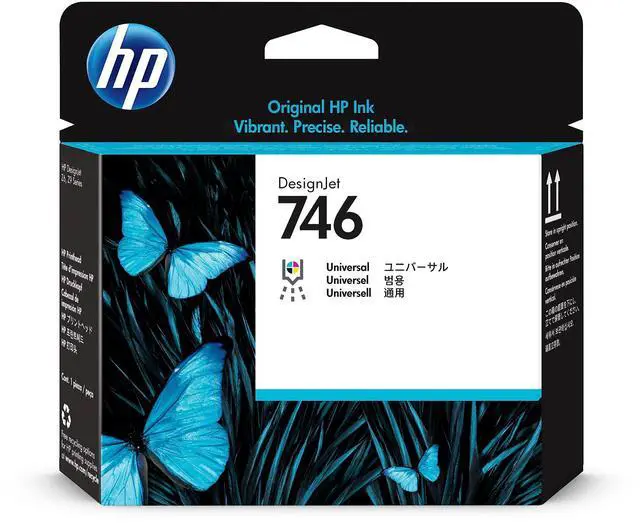
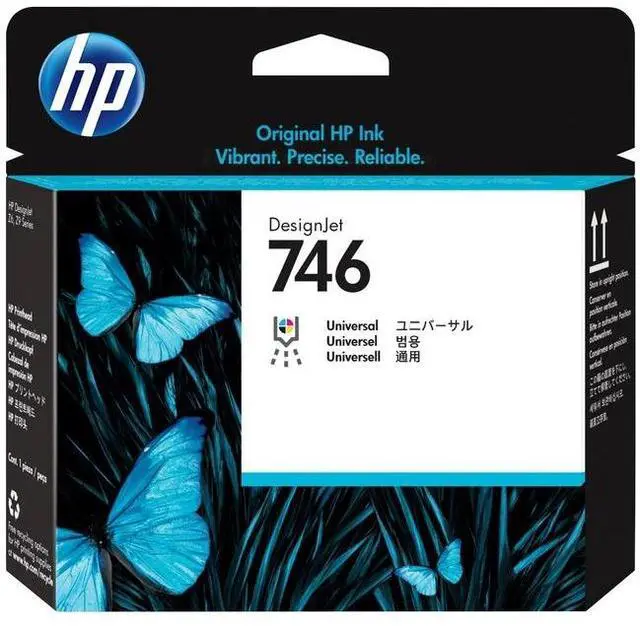
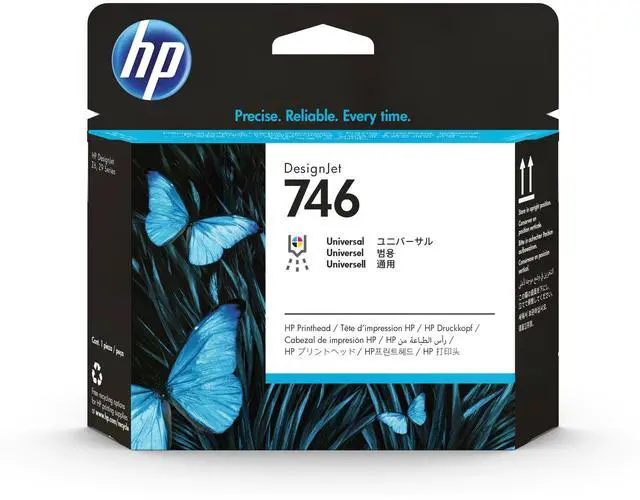
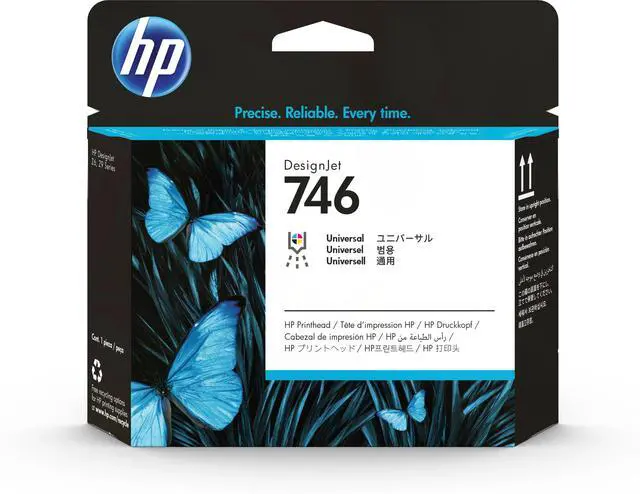
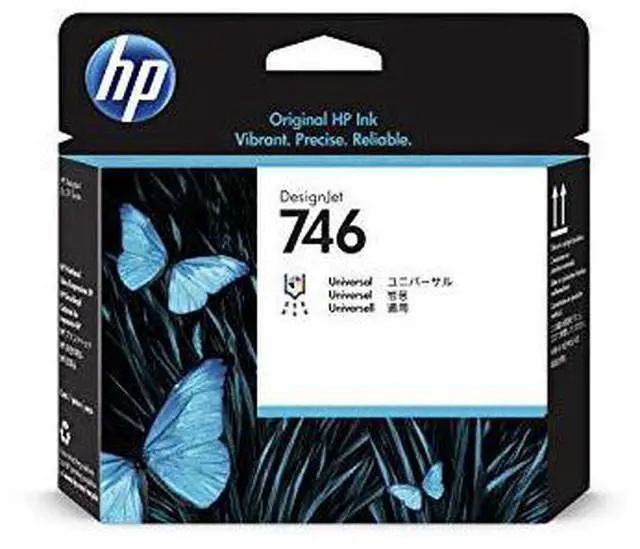
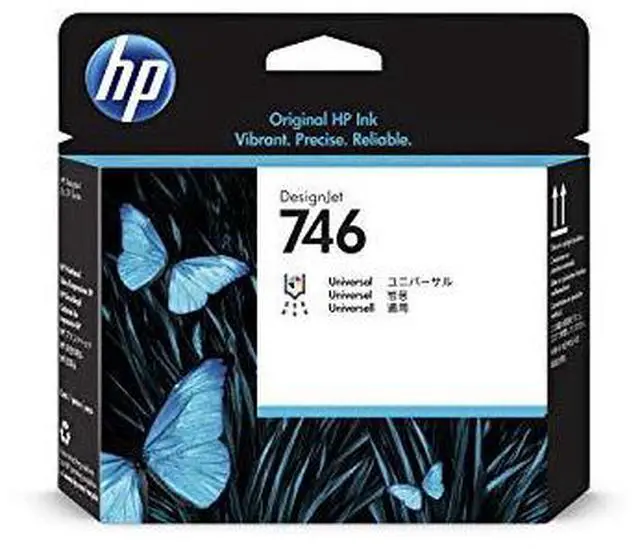
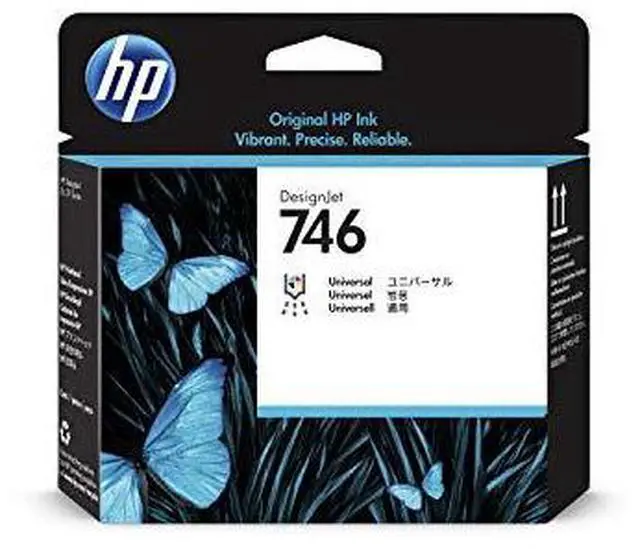
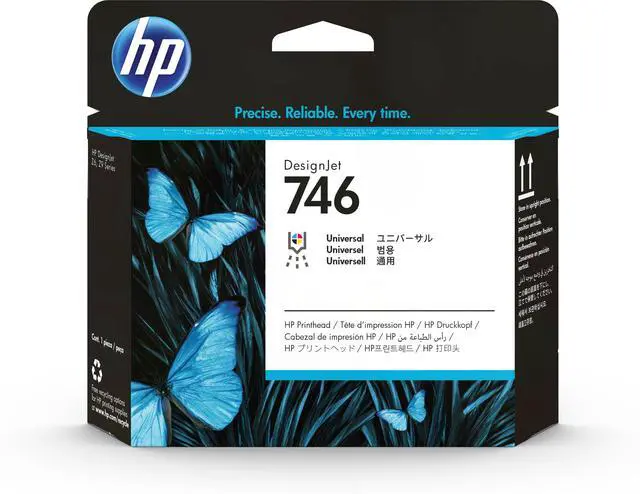
    HP 746 DesignJet Printhead, P2V25A

    • Compatible Printers: HP DesignJet Z6 Printer series, HP Designjet Z9 Printer series
    +
    +
    Overview
    Specs
    Reviews
    See all Q & A

    Any questions? Ask CelesteSM will help you find out quickly.

    OverviewThere's no need for light color inks using high-definition HP printheads with dual drop technology. True 2400 nozzle-per-inch high-definition nozzle architecture (HDNA) provides twice the nozzle density. Ideal for print service providers, GIS map creators/users, and retailers printing high-quality technical and graphics applications. See high-contrast color enabled by high-definition HP printheads together with chromatic HP Vivid Photo Inks. Help maximize the life of your HP 746 DesignJet Printheads by using Original HP Vivid Photo Inks. FeaturesGet amazing, professional photo qualitySee high-contrast color enabled by high-definition HP printheads with chromatic HP Vivid Photo Inks.

    Work without delays for high productivityPrint up to 2.5 times faster without losing quality, with 2400 nozzle-per-inch high-definition printheads. Help lower your printing costsThe universal printhead can be installed with any color, so no need to manage individual color printheads. Disclaimers Chromatic HP Vivid Photo Inks compatible with HP DesignJet Z9 PostScript® Printer series only. Compared to previous HP DesignJet Z-series printheads. Based on internal HP testing. Up to 2.5 times faster printing compared to the HP DesignJet Z3200 Photo Printer series. May vary depending on print mode and media type.

    Visit http: //www. hp. com/recycle to see how to participate and for HP Planet Partners program features and availability; program may not be available in your area. Where this program is not available, and for other consumables not included in the program, consult the Material Safety Data Sheet (MSDS) available at http: //www. hp. com/go/ecodata to determine appropriate disposal.

    Warranty & Returns

    Warranty, Returns, And Additional Information

    Warranty

    • Please contact the Seller directly for warranty information. Warranty information may also be found on the Manufacturer's website.
    • Read full details
    • CONTACT

    Return Policies

    Manufacturer Contact Info

    LOADING...
    LOADING...

    The HP 746 DesignJet Printhead (P2V25A) is a replacement printhead for HP DesignJet Z6 and Z9 printer series, suited to print service providers producing high-quality technical and graphics prints.

    Recommended For

    • HP DesignJet Z6- or Z9-series owners whose printer diagnostics identify a printhead that cannot be recovered through cleaning and needs replacement.
    • Print-shop and large-format print operators who need the specified HP 746 replacement part to return a compatible Z6 or Z9 printer to service.
    • Z6/Z9 users who want one new printhead that can be installed in an available printhead slot; HP says it is universal when new and becomes assigned to a color after setup.
    • Compatible-printer owners who keep a replacement on hand for a diagnosed printhead failure; HP lists the 746 P2V25A as the Z6/Z9-series printhead.

    Real-World Use Scenarios

    • When a Z6 or Z9+ print shows banding or missing color, the operator can run HP’s image diagnostic and try the recommended cleaning first. If the same printhead still fails, replacing it may resolve the printhead-related defect; the diagnostic should be checked again before relying on the next production print.
    • If the printer reports that a printhead cannot be recovered, a compatible HP 746 P2V25A can be used as the replacement in an HP DesignJet Z6 or Z9 series printer. HP says the printer automatically aligns the printheads after replacement, helping prepare it for the next job.
    • Before a color-critical poster or photo run, an operator seeing uneven color can use the image diagnostic to check whether a printhead is actually failing. HP notes that a few missing nozzle marks alone may be acceptable, so replacement is best considered when the diagnostic shows a persistent problem after cleaning.
    • After installing a replacement printhead, a print shop can let the printer perform its automatic alignment and then inspect a diagnostic print before sending out customer work. This helps check the head’s performance without assuming that every print-quality problem was caused by the printhead.