






RELAXED BODY, FOCUSED MIND.
With less arm muscle strain and more productivity features at your fingertips.

GREAT FOR LARGE HANDS !
Not sure of your hand size? Take measurements here.

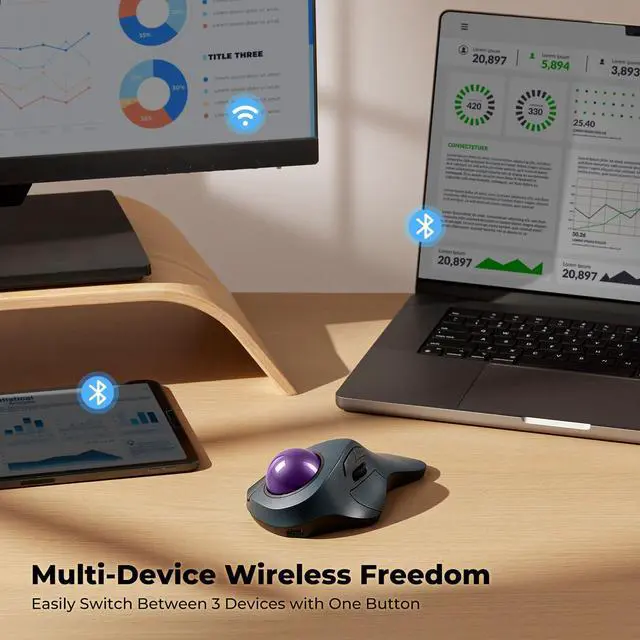
TWO EASY WAYS TO CONNECT.
Bluetooth & 2.4G Wireless Connection.


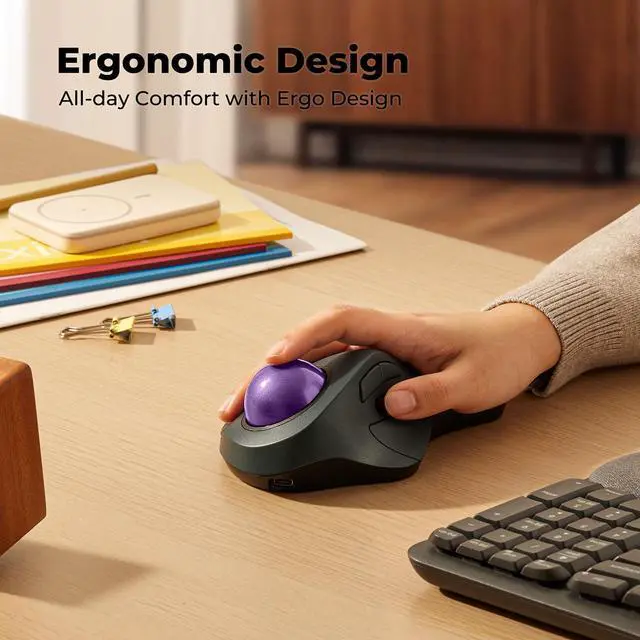
COMFORT DESIGNED FOR YOU.
30% Reduction In Muscle Strain.
How to wake up the mouse?
* The mouse will automatically enter sleep mode after 30 minutes of non-use in wireless connection mode.
* You can wake it up by clicking the mouse button. (rolling the trackball or moving the mouse will not wake up the mouse)
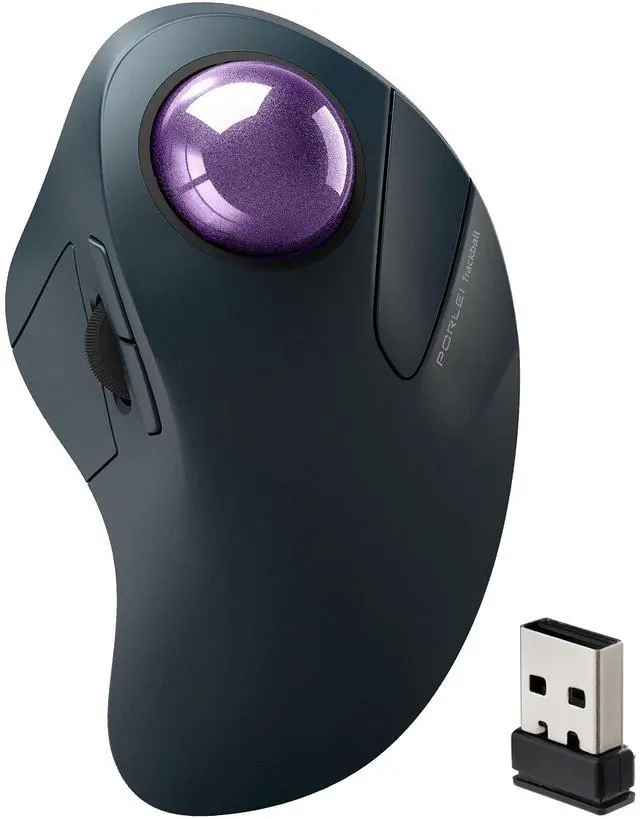
Where is the 2.4G USB dongle?
* The USB dongle is stored on the bottom of the mouse.
How to reprogram mouse buttons?
* All buttons are not programmable.
* Forward/Backward buttons are not compatible with MAC OS.
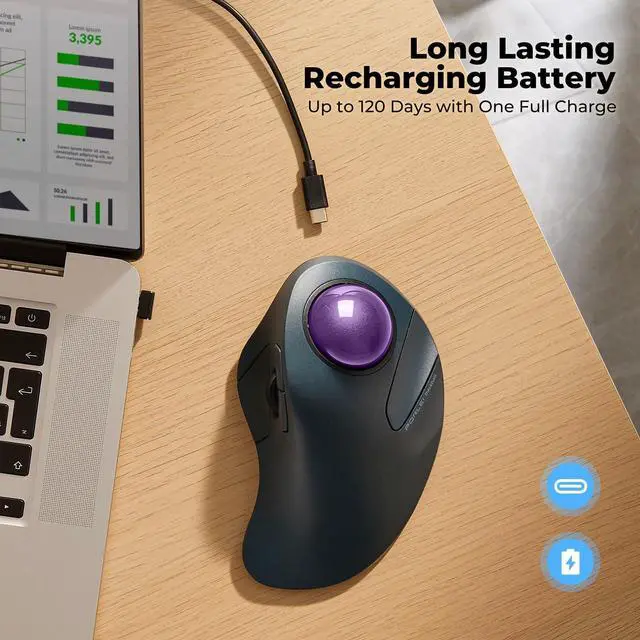
How to charge the mouse and know its charging state?
* Please use the original charging cable for the mouse, do not use the fast charger.
* When the battery is low, the indicator light flashes until it goes out. The light shows red when charging and green when fully charged.
How do the buttons on this mouse work? Is there a learning curve?
Using your finger to control the cursor may feel different at first. Most people need a few days to get used to it, which is totally normal! Stick with it, and soon you’ll enjoy the comfort and precision it offers.


RELAXED BODY, FOCUSED MIND.
With less arm muscle strain and more productivity features at your fingertips.
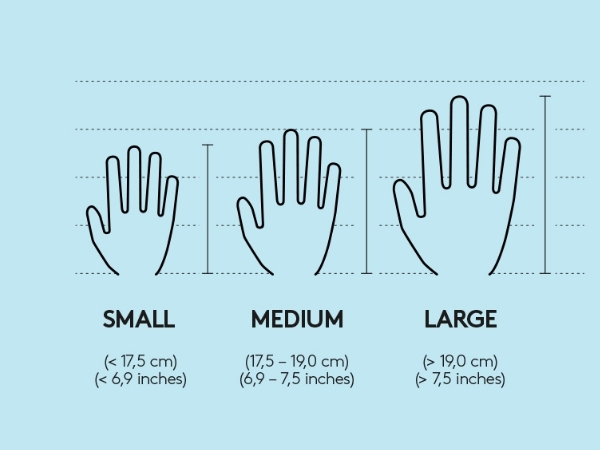
GREAT FOR LARGE HANDS !
Not sure of your hand size? Take measurements here.

TWO EASY WAYS TO CONNECT.
Bluetooth & 2.4G Wireless Connection.


COMFORT DESIGNED FOR YOU.
30% Reduction In Muscle Strain.
How to wake up the mouse?
* The mouse will automatically enter sleep mode after 30 minutes of non-use in wireless connection mode.
* You can wake it up by clicking the mouse button. (rolling the trackball or moving the mouse will not wake up the mouse)
Where is the 2.4G USB dongle?
* The USB dongle is stored on the bottom of the mouse.
How to reprogram mouse buttons?
* All buttons are not programmable.
* Forward/Backward buttons are not compatible with MAC OS.
How to charge the mouse and know its charging state?
* Please use the original charging cable for the mouse, do not use the fast charger.
* When the battery is low, the indicator light flashes until it goes out. The light shows red when charging and green when fully charged.
How do the buttons on this mouse work? Is there a learning curve?
Using your finger to control the cursor may feel different at first. Most people need a few days to get used to it, which is totally normal! Stick with it, and soon you’ll enjoy the comfort and precision it offers.