








FAQ
Q: What to do if the 420 drawing tablet does not work?
A: 1. Check if your computer runs Windows 7 or later, macOS 10.12 or later.
2. Unplug and replug the USB Cable.
3. Try with another computer.
4. Please eliminate electromagnetic interference
If all the methods mentioned above cannot fix the issue, the tablet is broken. We will help you replace it.
Q: What's in the box?
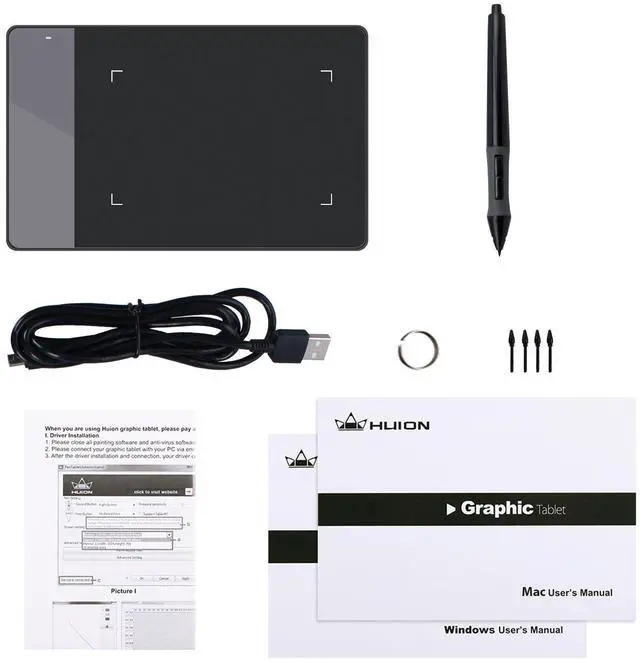
A: 1 x 420
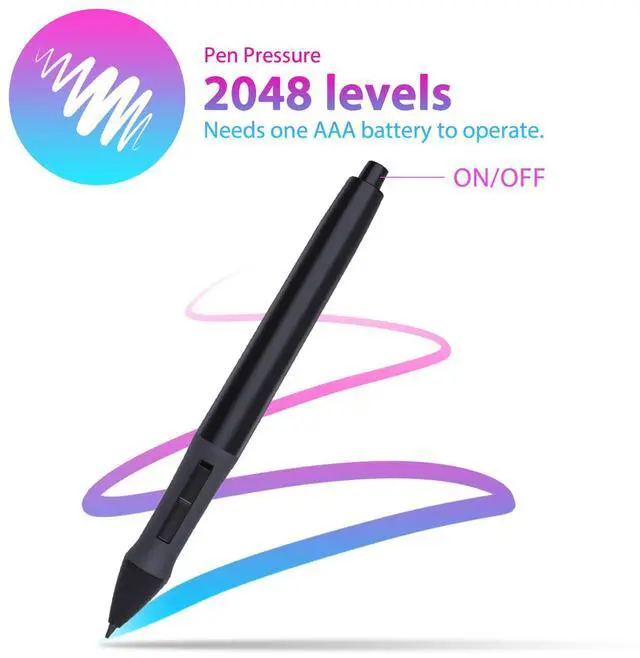
1 x Battery Pen (AAA battery is not included)
1 x Instruction
1 x USB Cable
4 x Pen Nibs
1 x Pen Clip
Q: Can I connect 420 to iOS system?
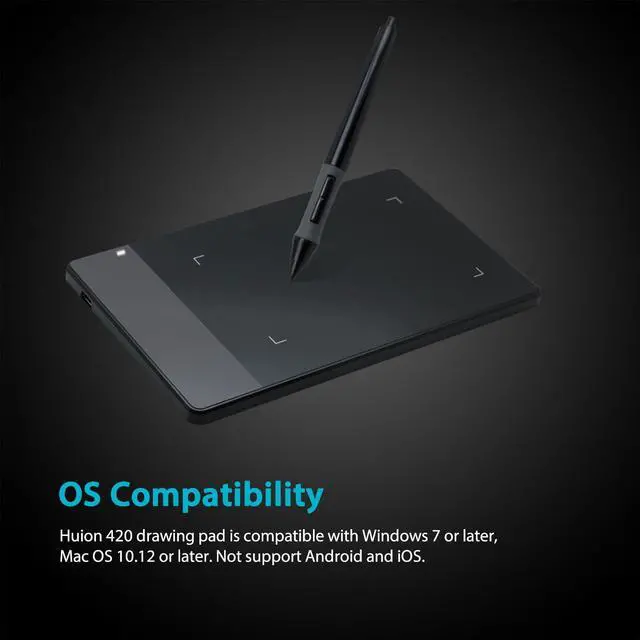
A: No, you cannot connect it to an iOS system. Currently, 420 only supports Windows 7 or above, Mac OS 10.12 or above.
Q: Can I connect 420 to my phone?
A: No, you cannot connect it to your phone. 420 doesn't support Android system.
Q: Which system is Huion 420 compatible with?
A: H420X is compatible with Windows 7 or later, Mac OS 10.12 or later.
WARM TIPS:
420 is NOT a standalone product; this device must be connected to a computer/laptop to work.


Driver Download and Installation
Driver Download: Please go to Huion official web to download the latest tablet driver (Driver_12.4.2 for Windows user; Driver_12.2.2 for MacOs users).
Driver Installation: Please make sure there is no other brands driver on computer and close all drawing program or protecting program before installation. Please Run As Administrator when installing the driver.
MacOS users need to put software you newly downloaded into white list first to normally use it.

- Compact and durable
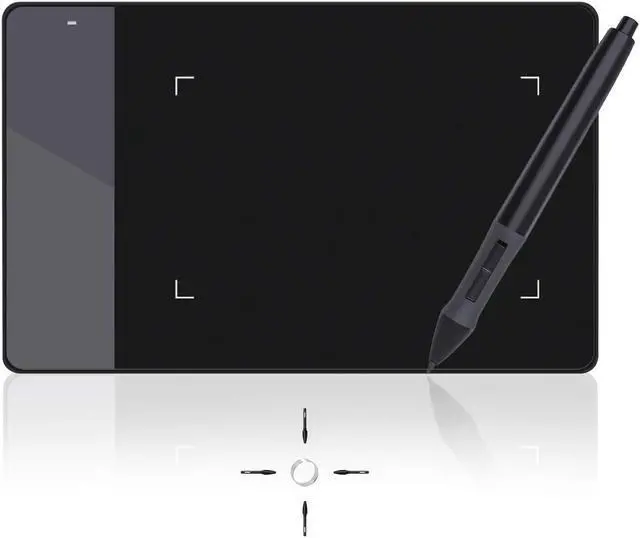
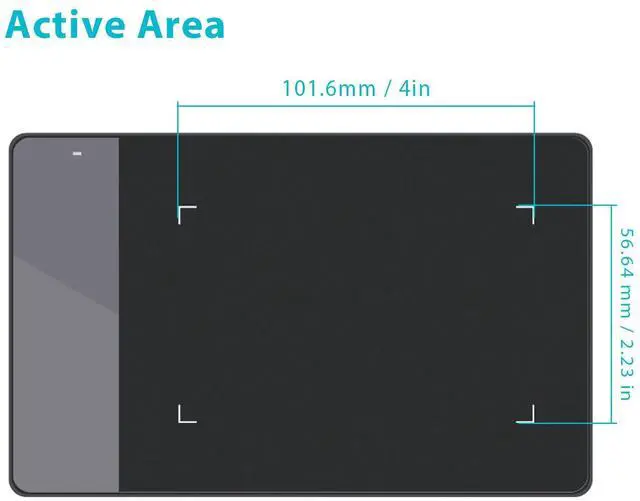
Being easy-to-carry and minimalist in design, 420 pen tablet of minimalist design and 7.5mm in thickness not only brings users more convenience, but also a 4×2.23 inch working area for creating. You can carry it everywhere you want.
- Delicate and high-efficient
Movement of your pen nib can be accurately captured with the help of 4000LPI pen resolution. The higher the pen resolution value is, the better presentation of each line input will be.

- Technology Electromagnetic Digitizer
420 graphics tablet is with resolution 4000 LPI, 2048 Levels of pen pressure, Supply Voltage DC5V and Power Consumption 0.35W. It provide you with excellent smooth operation. It is a grate wonderful mouse alternative.
- Lifelike and smooth strokes
200RPS report rate and 12mm sensing height ensure instant response to pen movements. Each line input is accurately presented, without compromising of the consistency.

- Meet all you needs
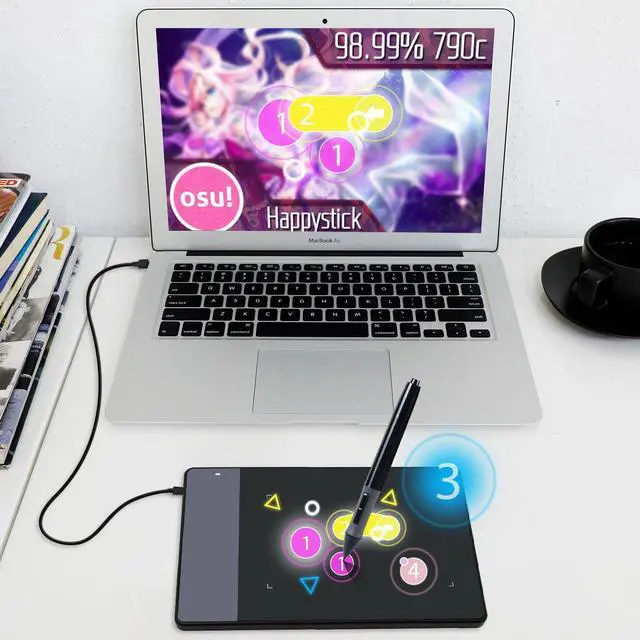
Operation on Windows and Mac OS are supported, with various mainstream drawing and designing software compatible. 420 is created specially for E-signing application, while drawing with the tablet is also supported.
- Strong compatibility
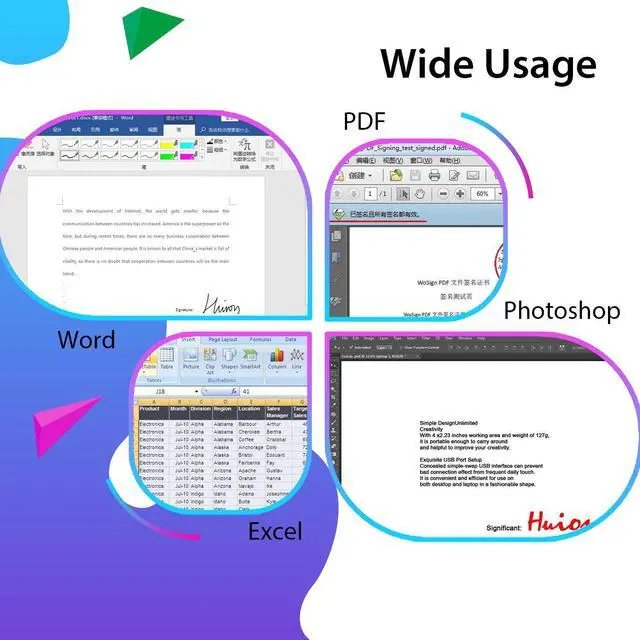
With 420 electronic signature pad, files edited on Word, Excel and documents of PDF or JPG formats are all compatible with signing function supported by our products.
 420 |  H420 |  H430P |  H640P |  HS64 | |
|---|---|---|---|---|---|
| Customer Reviews | — | — | — | — | — |
| Price | — | — | — | — | — |
| Working Area (Inch) | 4.17 x 2.23 | 4.17 x 2.23 | 4.8 x 3 | 6.3 x 3.9 | 8 x 6 |
| Pressure Level | 2048 | 2048 | 4096 | 8192 | 2048 |
| Press Keys | no data | 3 | 4 | 6 | no data |
| Report Rate (PPS) | 200 | 200 | 233 | 233 | 200 |
| Net Weight (g) | 167 | 167 | 135 | 277 | 557 |
| Pen Model | P68 | P68 | PW201 | PW100 | P68 |
| Android Supported | no data | no data | ? | ? | ? |


Founded in 2011, Huion has always been dedicated to providing high-quality pen tablets, pen displays, and pen computers to creative users.
And our products not only help artists, designers, and animators to create fantastic digital masterpieces, but also bring digital ink solutions to many people around the world, changing the way they create, learn and work.
We believe the world is in your hands.
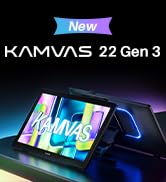

New Release-Kamvas 22 (Gen3)


KAMVAS Pro 27 (144Hz) 4K


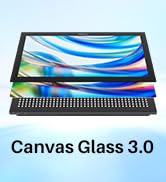
Kamvas Pro 24(Gen3)
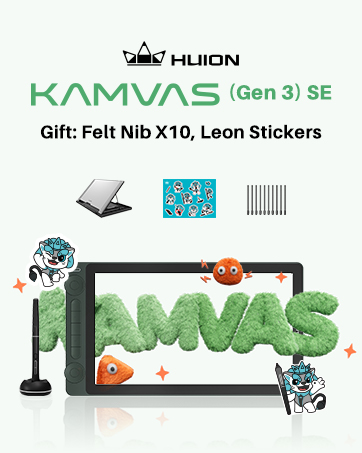
New release-Kamvas 13 (Gen 3) Special Edition

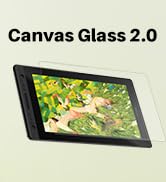
New Release-Kamvas Pro 16 V2
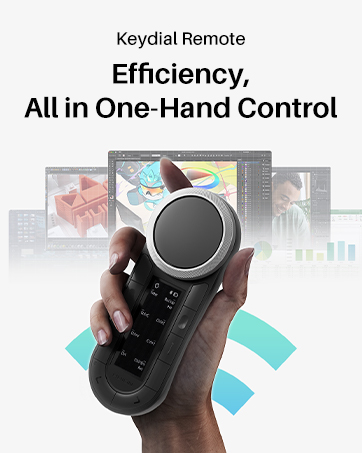
New release-Keydial Remote

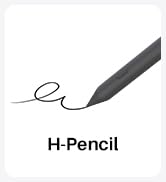
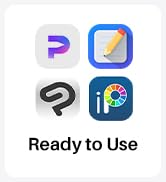
Kamvas slate 11 &13
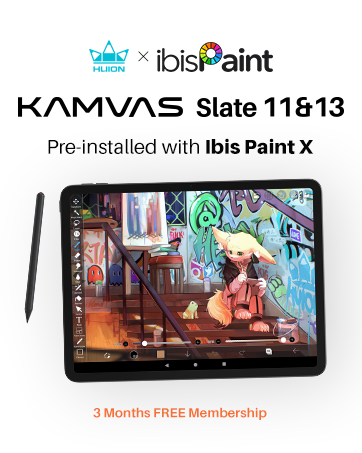
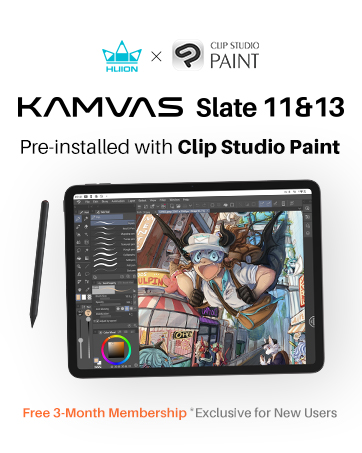


Kamvas 16(Gen 3)



Inspiroy 2

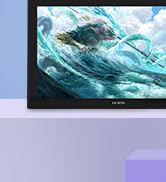
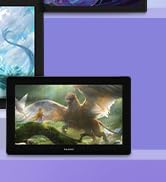
Kamvas Pro | Higher Resolution


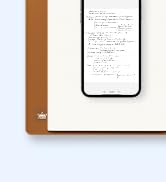

Huion Note Digital Notebook

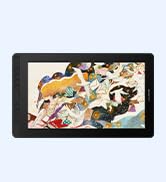
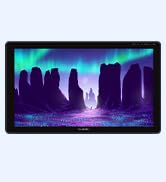
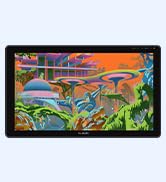
Kamvas Series | Best Price
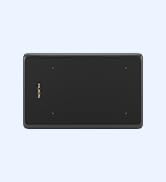
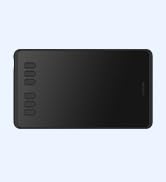
Inspiroy Series | Entry Level
FAQ
Q: What to do if the 420 drawing tablet does not work?
A: 1. Check if your computer runs Windows 7 or later, macOS 10.12 or later.
2. Unplug and replug the USB Cable.
3. Try with another computer.
4. Please eliminate electromagnetic interference
If all the methods mentioned above cannot fix the issue, the tablet is broken. We will help you replace it.
Q: What's in the box?
A: 1 x 420
1 x Battery Pen (AAA battery is not included)
1 x Instruction
1 x USB Cable
4 x Pen Nibs
1 x Pen Clip
Q: Can I connect 420 to iOS system?
A: No, you cannot connect it to an iOS system. Currently, 420 only supports Windows 7 or above, Mac OS 10.12 or above.
Q: Can I connect 420 to my phone?
A: No, you cannot connect it to your phone. 420 doesn't support Android system.
Q: Which system is Huion 420 compatible with?
A: H420X is compatible with Windows 7 or later, Mac OS 10.12 or later.
WARM TIPS:
420 is NOT a standalone product; this device must be connected to a computer/laptop to work.
Driver Download and Installation
Driver Download: Please go to Huion official web to download the latest tablet driver (Driver_12.4.2 for Windows user; Driver_12.2.2 for MacOs users).
Driver Installation: Please make sure there is no other brands driver on computer and close all drawing program or protecting program before installation. Please Run As Administrator when installing the driver.
MacOS users need to put software you newly downloaded into white list first to normally use it.
- Compact and durable
Being easy-to-carry and minimalist in design, 420 pen tablet of minimalist design and 7.5mm in thickness not only brings users more convenience, but also a 4×2.23 inch working area for creating. You can carry it everywhere you want.
- Delicate and high-efficient
Movement of your pen nib can be accurately captured with the help of 4000LPI pen resolution. The higher the pen resolution value is, the better presentation of each line input will be.
- Technology Electromagnetic Digitizer
420 graphics tablet is with resolution 4000 LPI, 2048 Levels of pen pressure, Supply Voltage DC5V and Power Consumption 0.35W. It provide you with excellent smooth operation. It is a grate wonderful mouse alternative.
- Lifelike and smooth strokes
200RPS report rate and 12mm sensing height ensure instant response to pen movements. Each line input is accurately presented, without compromising of the consistency.
- Meet all you needs
Operation on Windows and Mac OS are supported, with various mainstream drawing and designing software compatible. 420 is created specially for E-signing application, while drawing with the tablet is also supported.
- Strong compatibility
With 420 electronic signature pad, files edited on Word, Excel and documents of PDF or JPG formats are all compatible with signing function supported by our products.
420 | H420 | H430P | H640P | HS64 | |
|---|---|---|---|---|---|
| Customer Reviews | — | — | — | — | — |
| Price | — | — | — | — | — |
| Working Area (Inch) | 4.17 x 2.23 | 4.17 x 2.23 | 4.8 x 3 | 6.3 x 3.9 | 8 x 6 |
| Pressure Level | 2048 | 2048 | 4096 | 8192 | 2048 |
| Press Keys | no data | 3 | 4 | 6 | no data |
| Report Rate (PPS) | 200 | 200 | 233 | 233 | 200 |
| Net Weight (g) | 167 | 167 | 135 | 277 | 557 |
| Pen Model | P68 | P68 | PW201 | PW100 | P68 |
| Android Supported | no data | no data | ? | ? | ? |
Founded in 2011, Huion has always been dedicated to providing high-quality pen tablets, pen displays, and pen computers to creative users.
And our products not only help artists, designers, and animators to create fantastic digital masterpieces, but also bring digital ink solutions to many people around the world, changing the way they create, learn and work.
We believe the world is in your hands.
New Release-Kamvas 22 (Gen3)
KAMVAS Pro 27 (144Hz) 4K
Kamvas Pro 24(Gen3)
New release-Kamvas 13 (Gen 3) Special Edition
New Release-Kamvas Pro 16 V2
New release-Keydial Remote
Kamvas slate 11 &13
Kamvas 16(Gen 3)
Inspiroy 2
Kamvas Pro | Higher Resolution
Huion Note Digital Notebook
Kamvas Series | Best Price
Inspiroy Series | Entry Level