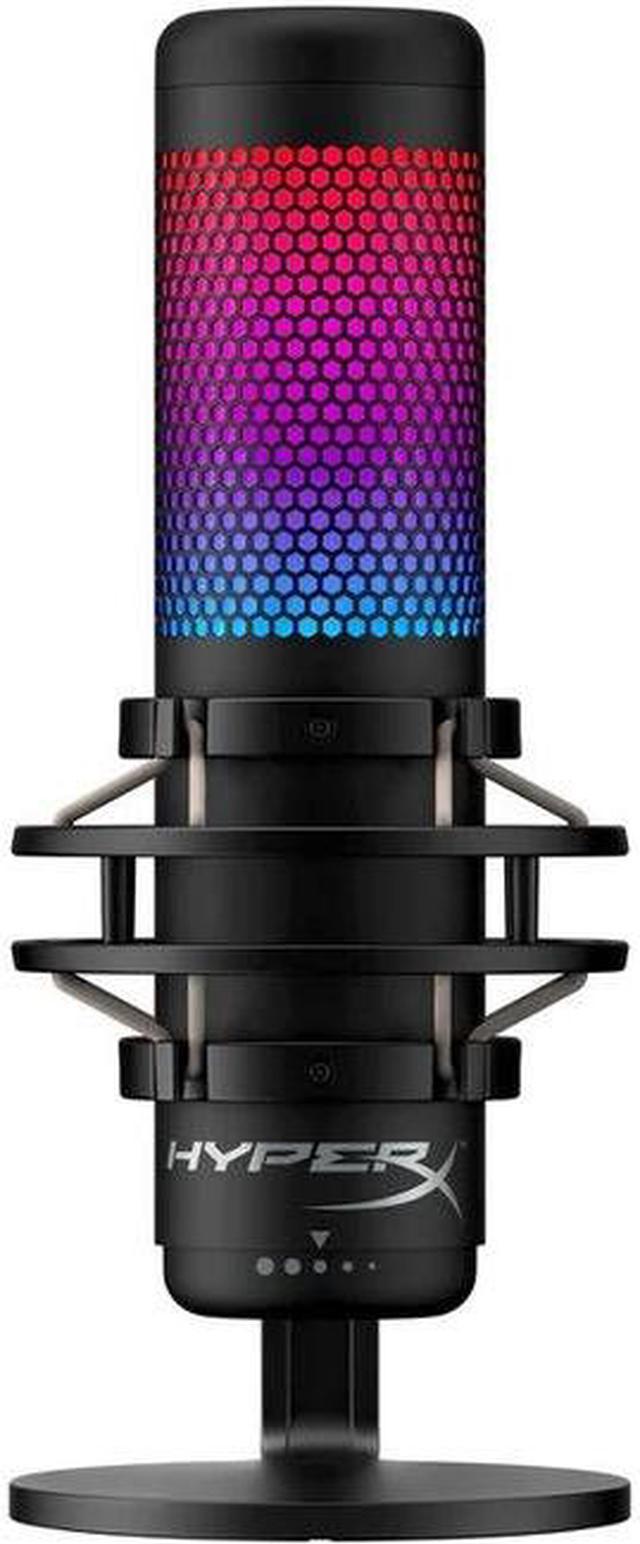
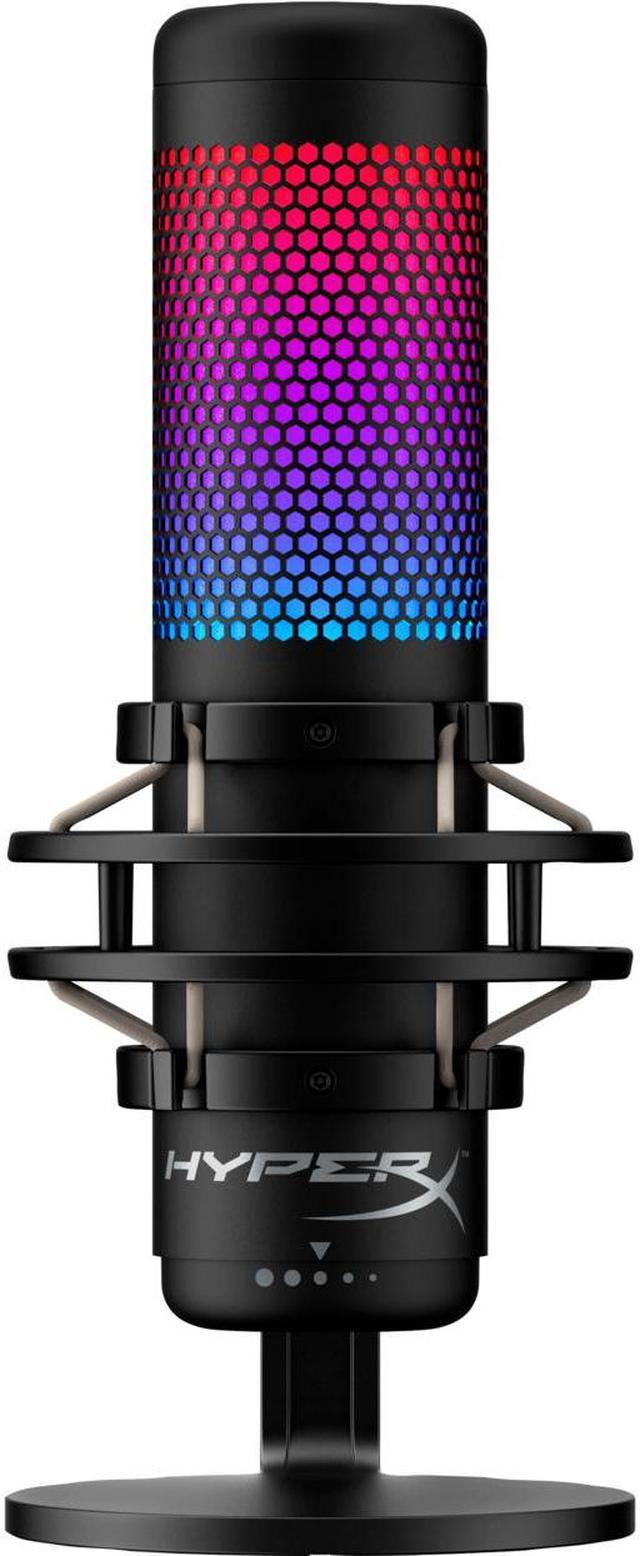
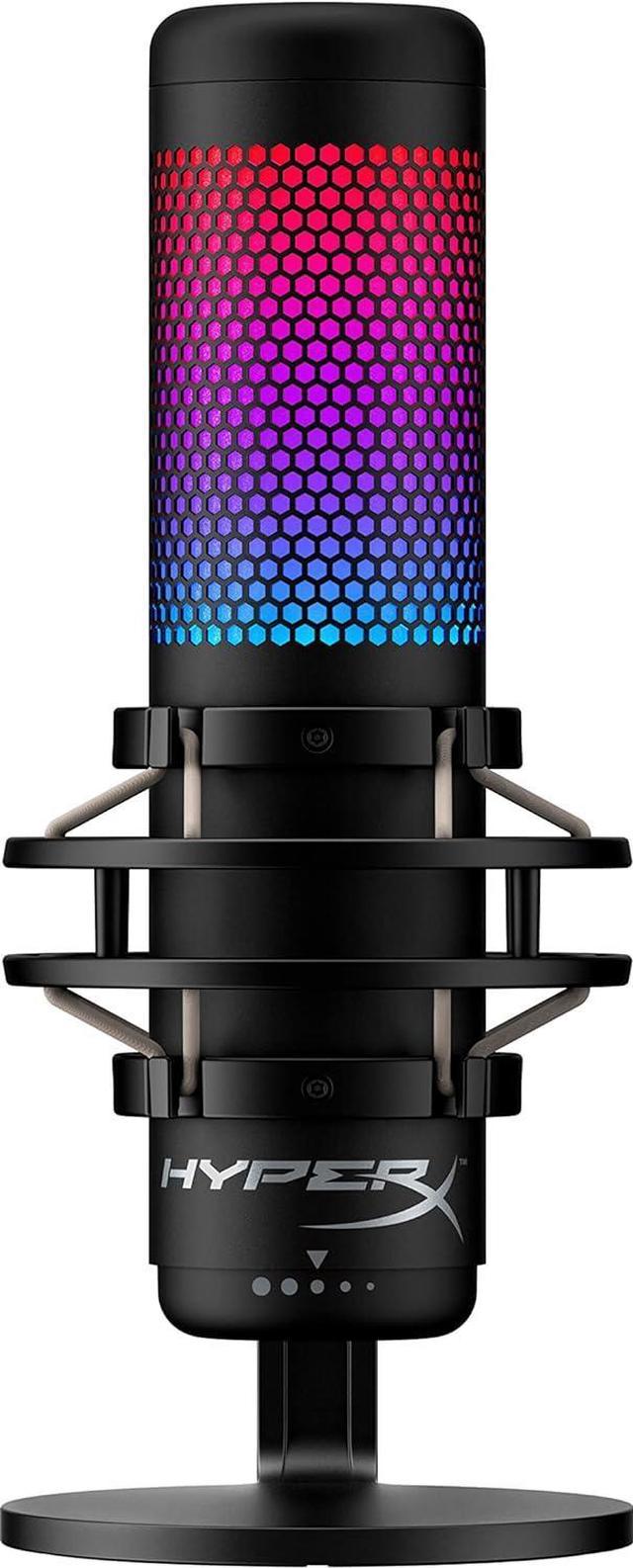
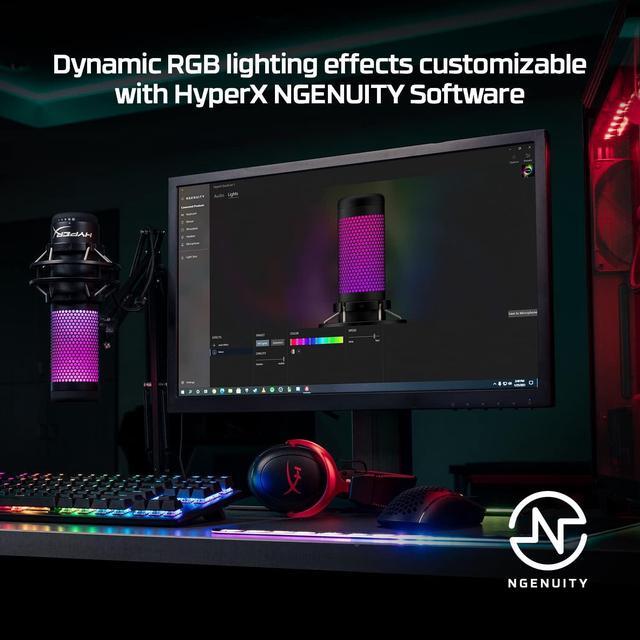
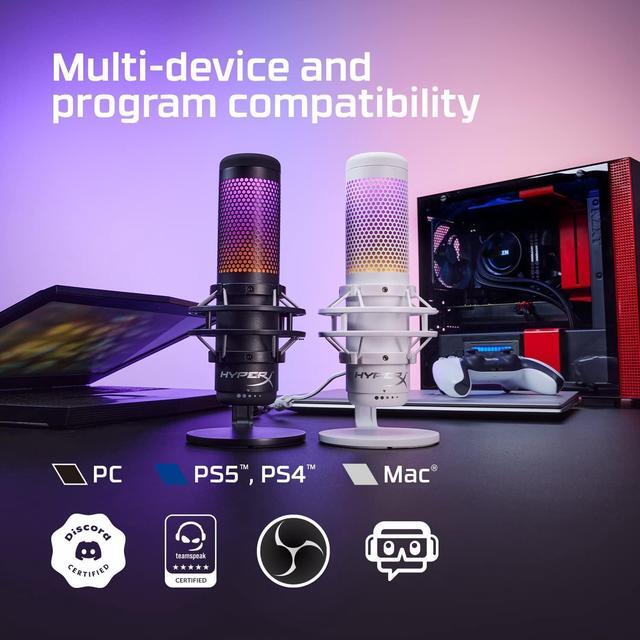
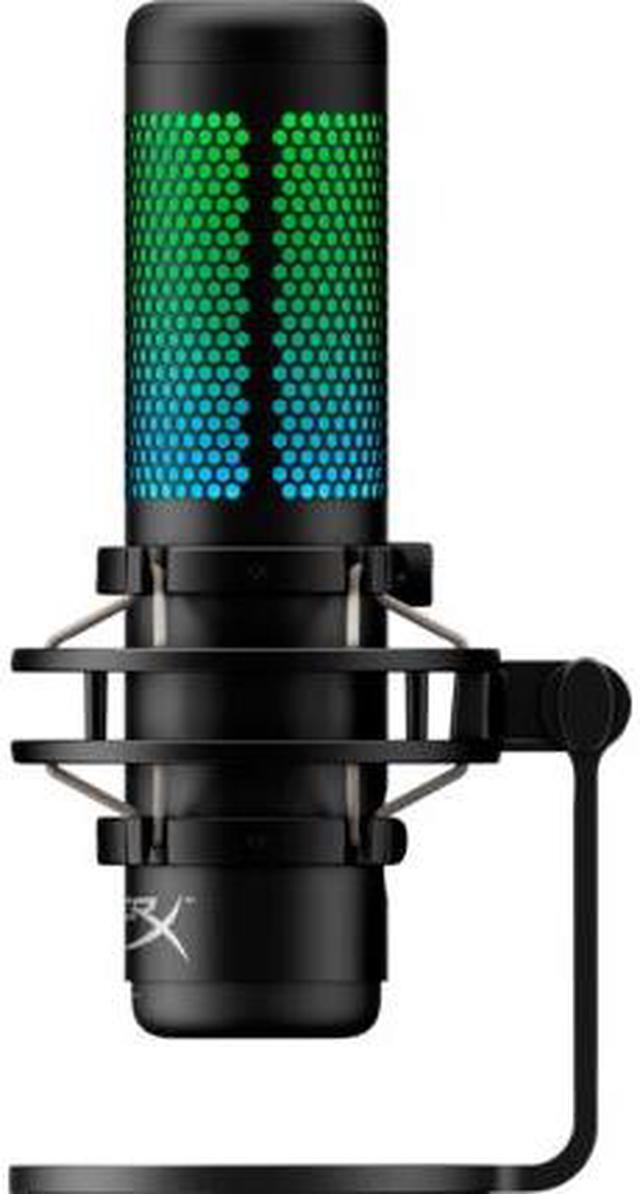
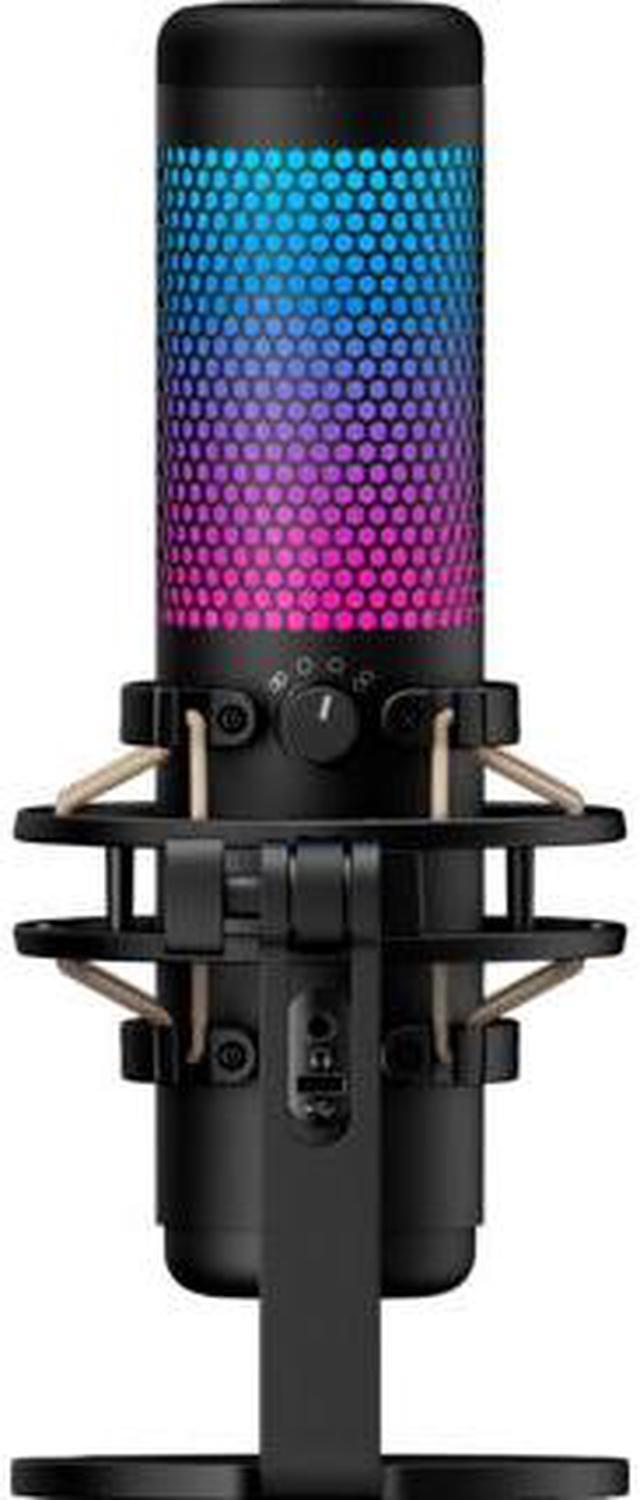
The HyperX QuadCast S (4P5P7AA) is a USB microphone with RGB lighting for PC gamers, streamers, and creators who want a desktop mic compatible with PC, PS5, PS4, and Mac.
Recommended For
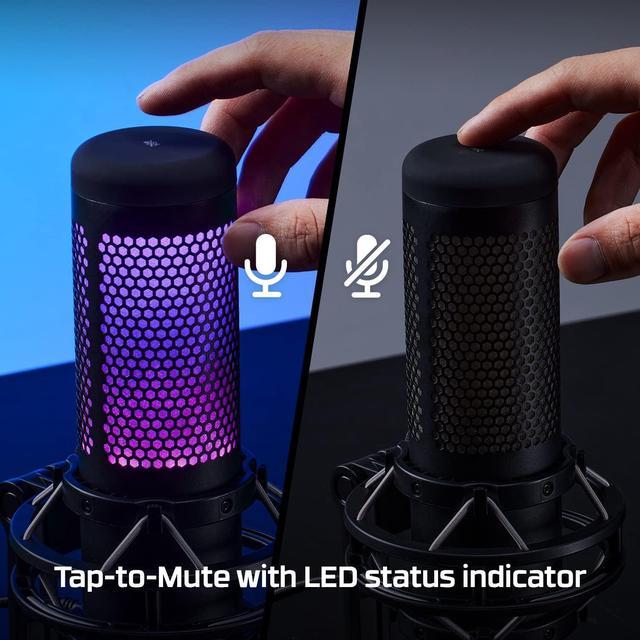
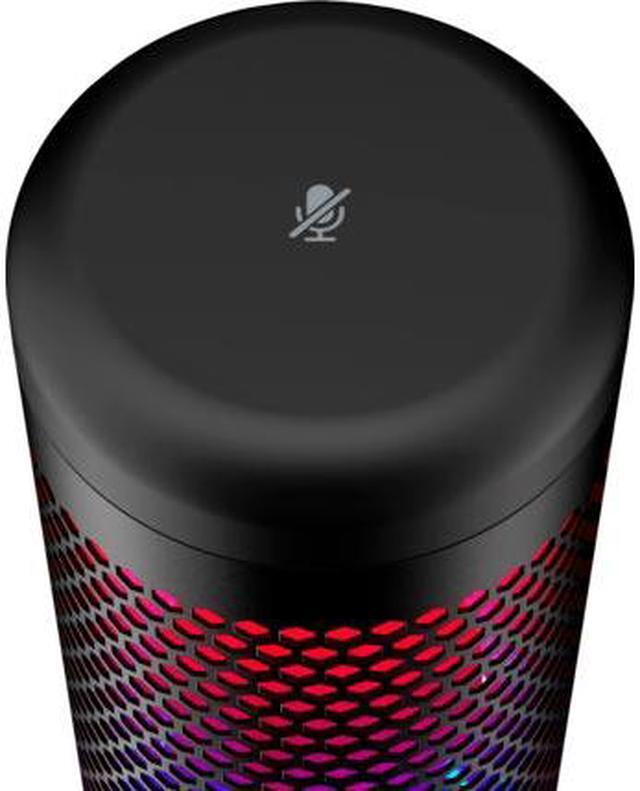
- PC gamers and livestreamers who want a desk-mounted USB mic for clearer voice chat or streaming, with a tap-to-mute control and visible mute indicator.
- New or hobbyist streamers and podcasters who want a plug-in USB microphone that sounds clear out of the box without building an XLR-and-interface setup.
- Remote workers who regularly take video calls at a desk and want a dedicated mic with headphone monitoring and a quick mute control.
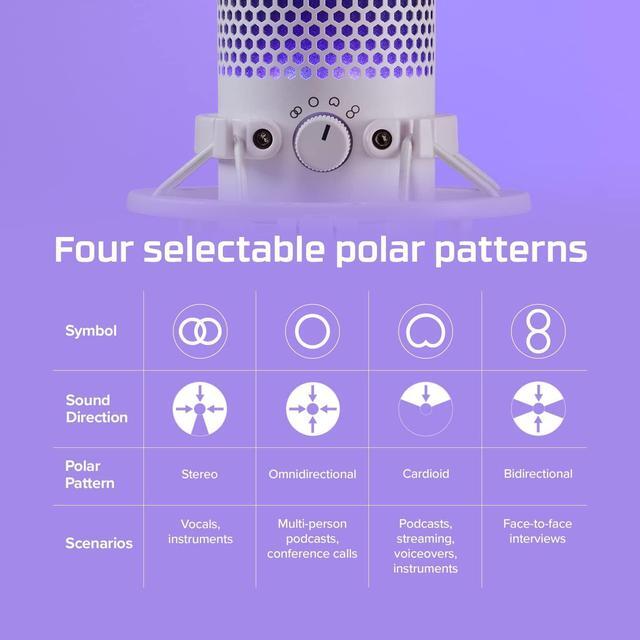
- Desk-based creators recording solo voice, interviews, or small group conversations who can use the mic’s selectable pickup patterns to suit the recording setup.
Real-World Use Scenarios
- When streaming or gaming solo at a desk, set the QuadCast S to cardioid and speak toward the front of the mic; it is suited to focusing on one speaker, though nearby keyboard and room noise may still be audible.
- For work or video calls, the USB mic provides a desk-based alternative to a headset mic; tap-to-mute lets you quickly silence it when you are not speaking.
- For a solo podcast or voiceover, cardioid mode is intended for a speaker in front of the mic, making it a practical choice for recording one voice at a desk.
- For a face-to-face interview recorded at one table, bidirectional mode is designed to capture speakers on opposite sides of the microphone, reducing the need to pass one mic back and forth.
- For a small group podcast or conference call around a table, omnidirectional mode is intended to pick up sound from multiple directions; results depend on how close speakers are and how noisy the room is.




 here!

 Top Rated