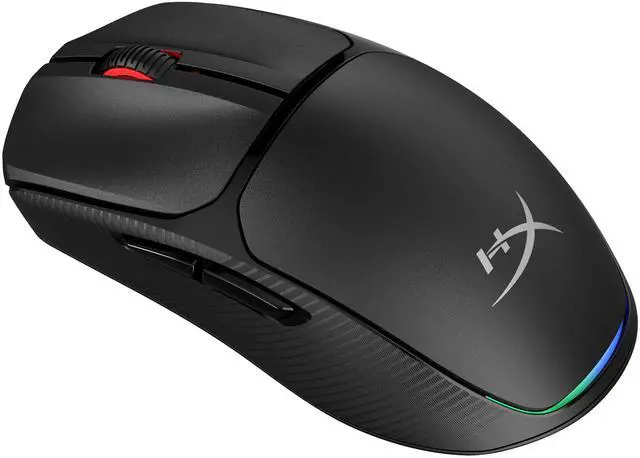
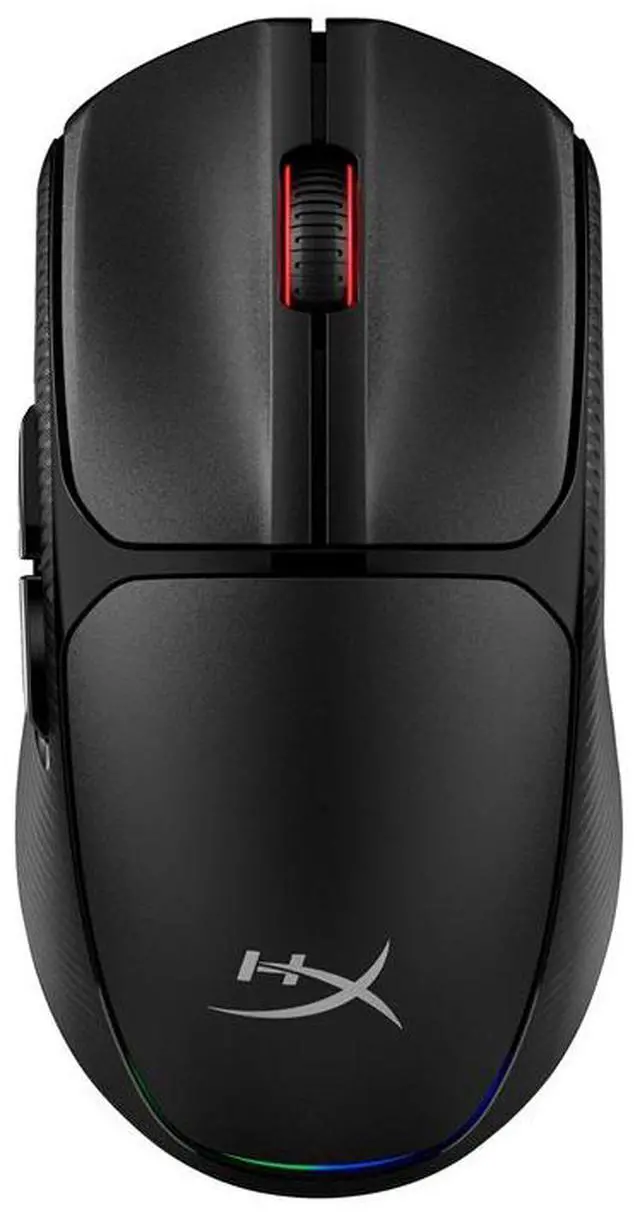
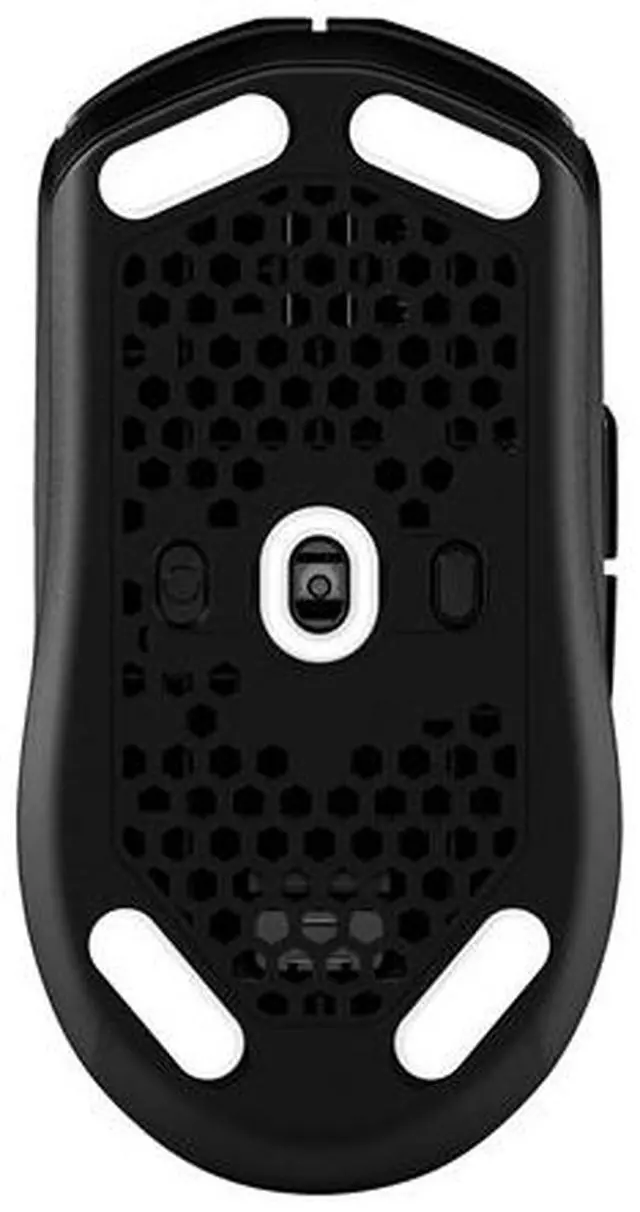
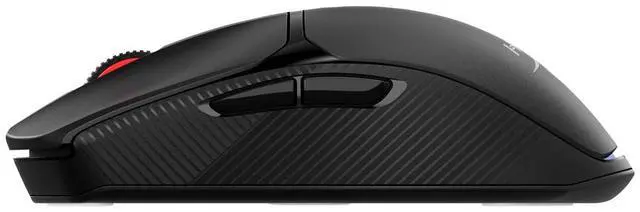
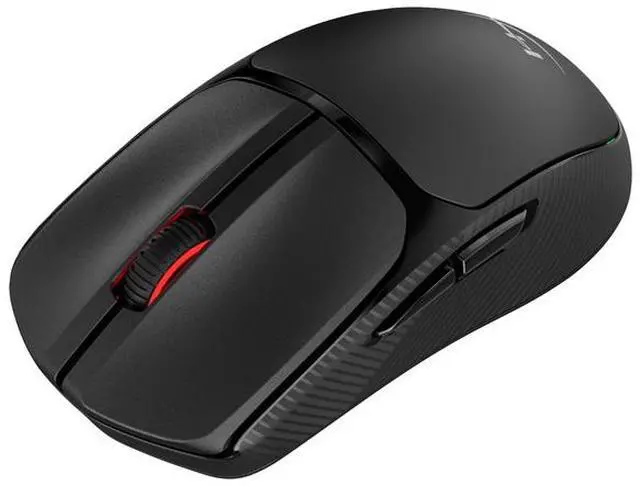
The HyperX Pulsefire Fuse is a wireless optical gaming mouse with Bluetooth and 2.4GHz connectivity, up to 12,000 DPI, and six buttons. It suits gamers who want adjustable tracking and a choice of wireless connection.
Recommended For
- People who alternate between everyday computer work and casual gaming can use the Pulsefire Fuse for both: reviewers found its tracking suitable for productivity and noncompetitive games, with 2.4GHz and Bluetooth connection options.
- Budget-conscious first-time wireless gaming-mouse buyers who want to switch between a computer’s 2.4GHz dongle and Bluetooth can use it for casual play and regular desktop tasks without moving to a premium gaming mouse.
- Travelers or people moving between workspaces who want a light wireless mouse can use Bluetooth or the 2.4GHz dongle, and store the dongle inside the mouse when carrying it; the battery is replaceable rather than rechargeable.
- Gamers with smaller hands who prefer a claw or palm grip are a closer fit: a hands-on review found the mouse better suited to those users, while its light build supports quick movements during gaming.
Real-World Use Scenarios
- For everyday PC tasks such as navigating apps, browsing, and light photo editing, the Pulsefire Fuse provides wireless pointer control; reviewers found it suitable for general productivity, though its scroll wheel may feel stiff during heavy document scrolling.
- For casual PC gaming, connect with the 2.4GHz dongle and play without a mouse cable; testing found its tracking suitable for non-competitive games, rather than a specialist competitive-gaming setup.
- When alternating between a gaming PC and a compatible Bluetooth device, use the 2.4GHz dongle for one setup and Bluetooth for the other; the two connection options offer flexibility, but do not imply automatic device switching.
- For strategy or building games such as Anno, the mouse handles routine cursor movement and selections; Notebookcheck reported that it worked well in its Anno 117 playthrough.
- During a long gaming stretch, the included AAA battery avoids charging breaks; when it eventually runs low, replace it rather than waiting for the mouse to recharge.




 here!