here!
here!
I’m your shopping assistant for PC builds, upgrades, and everything tech.
Got questions? Ask away!
Start a conversation
here!
I’m your shopping assistant for PC builds, upgrades, and everything tech.
Got questions? Ask away!
Start a conversation



Any questions? Ask CelesteSM will help you find out quickly.
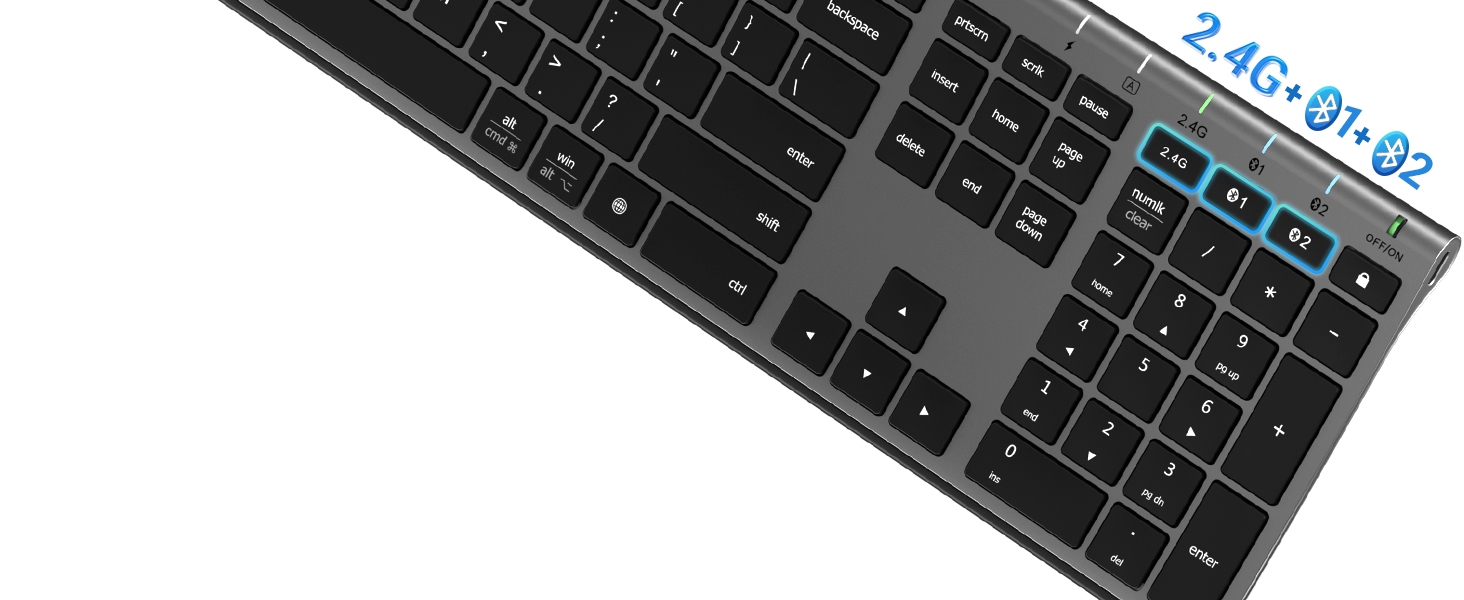
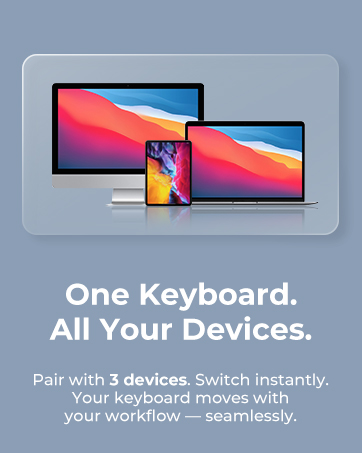
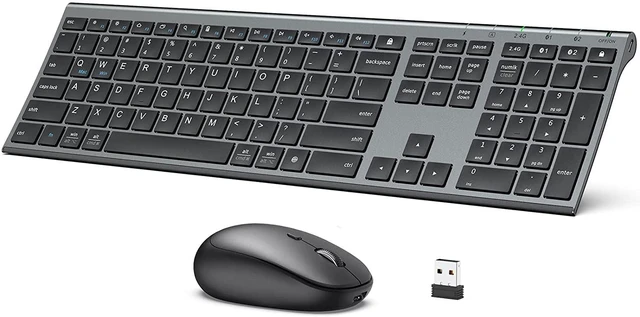
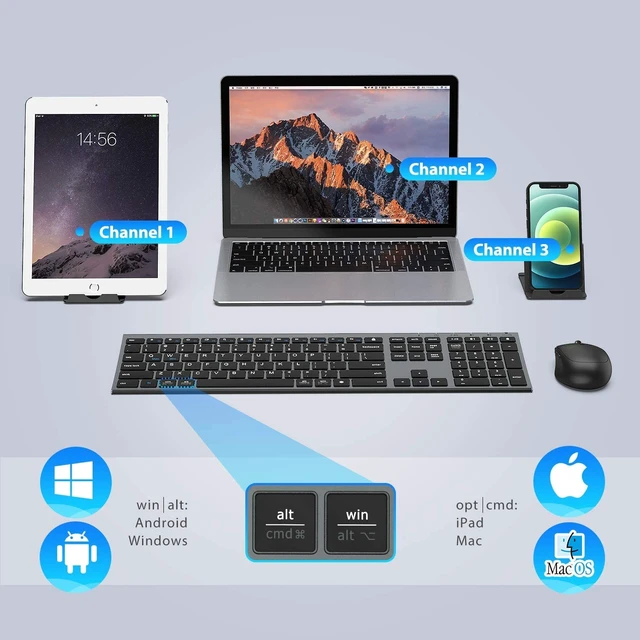
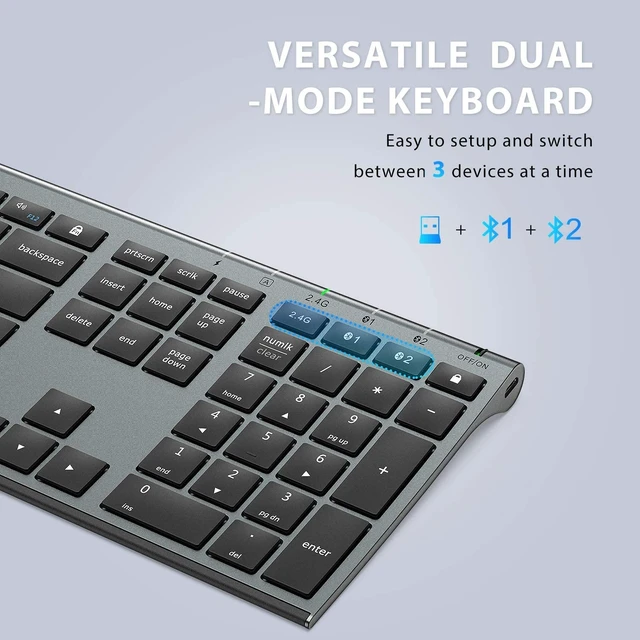
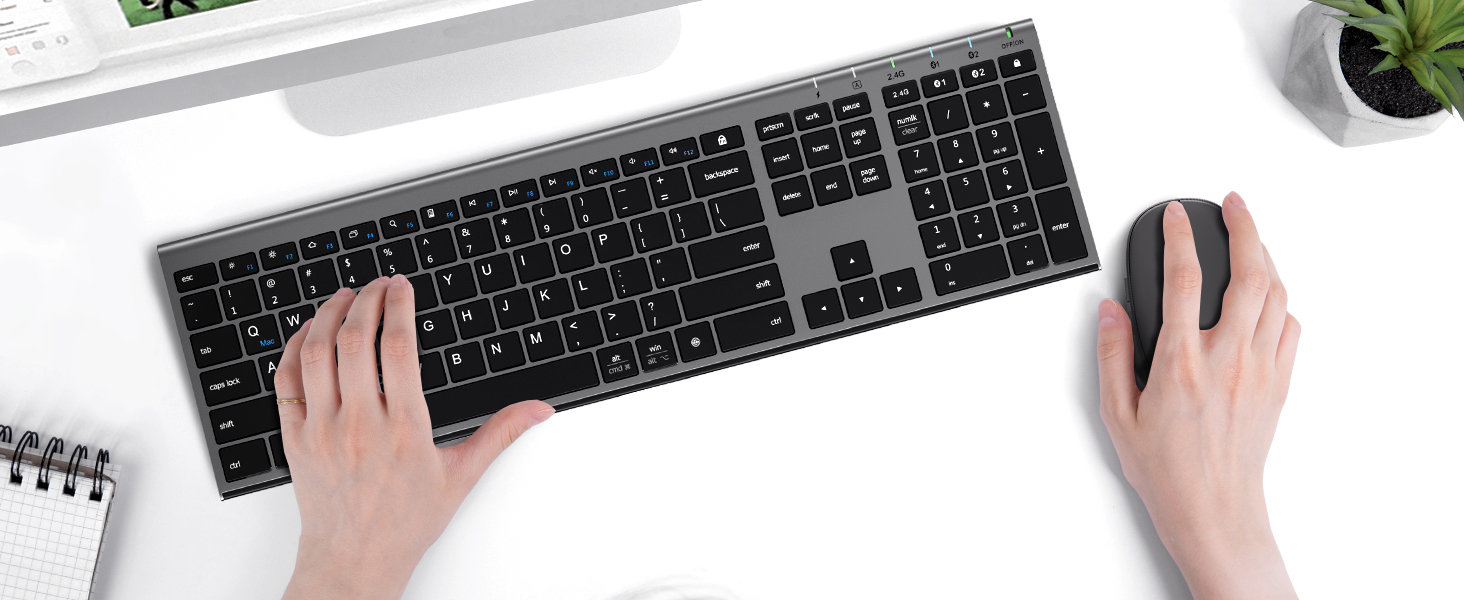
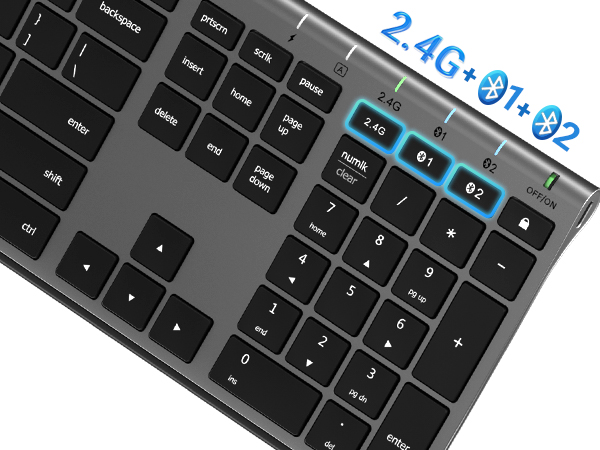
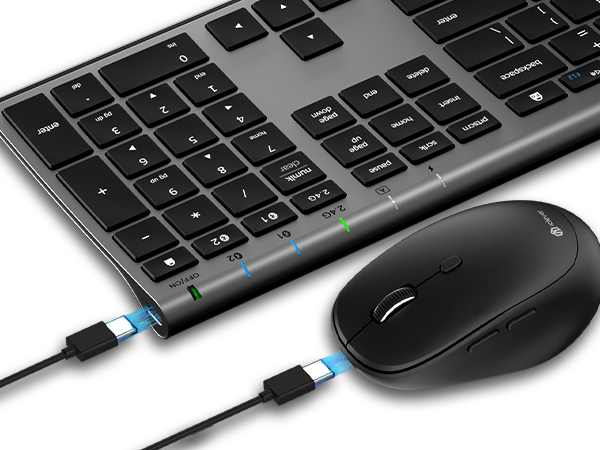
Switch effortlessly between Bluetooth and 2.4G wireless modes.
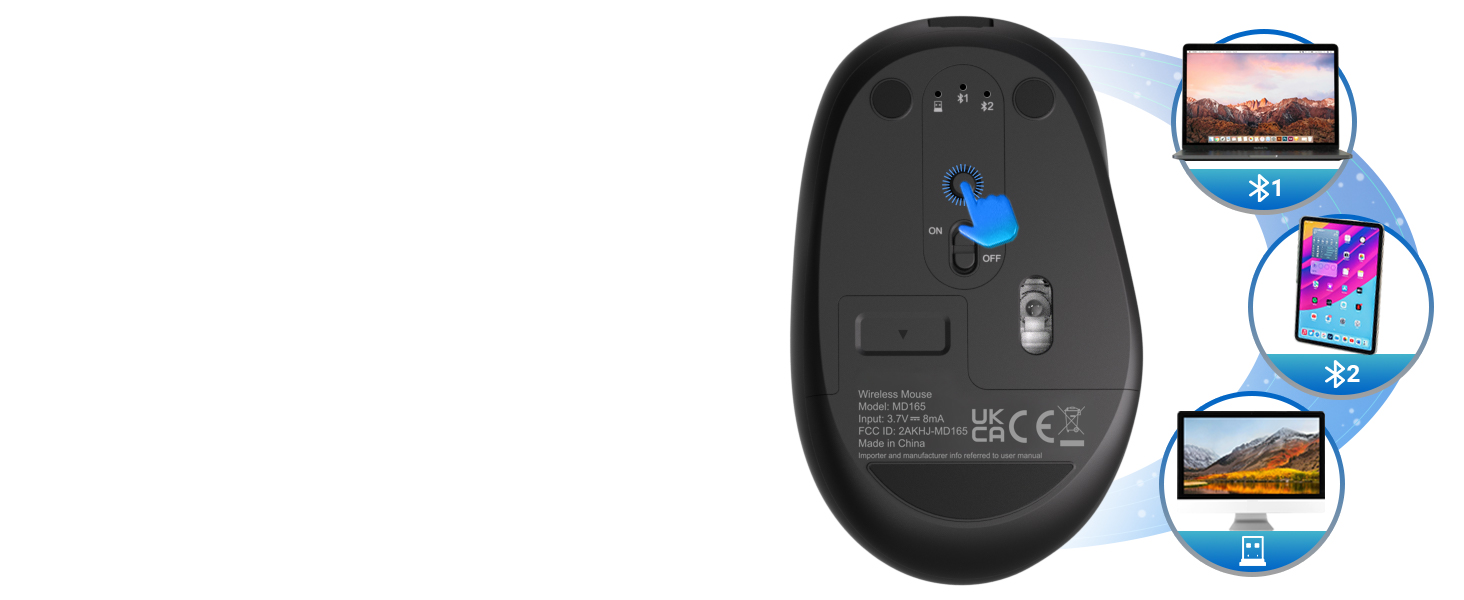
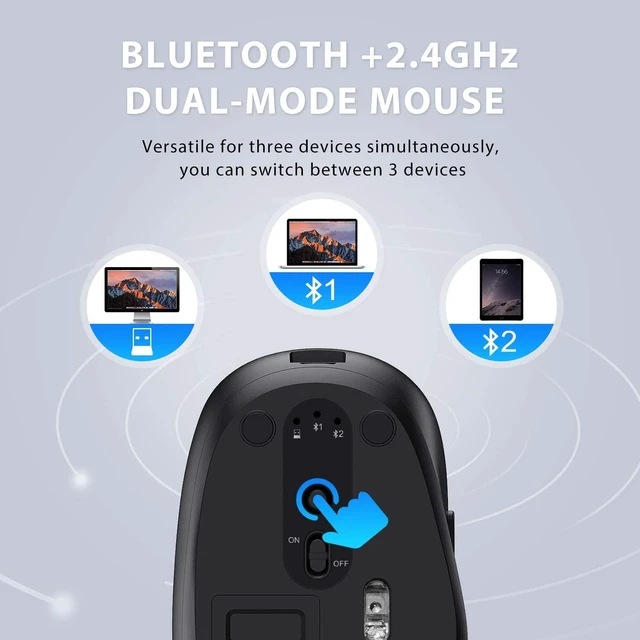
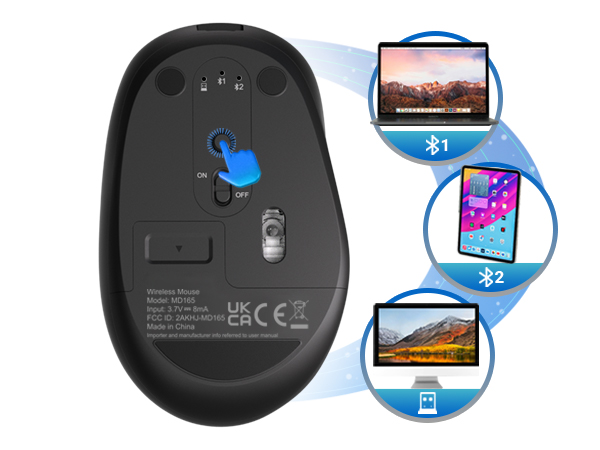
The wireless mouse can also connect 2 Bluetooth devices and 1 USB 2.4G device.
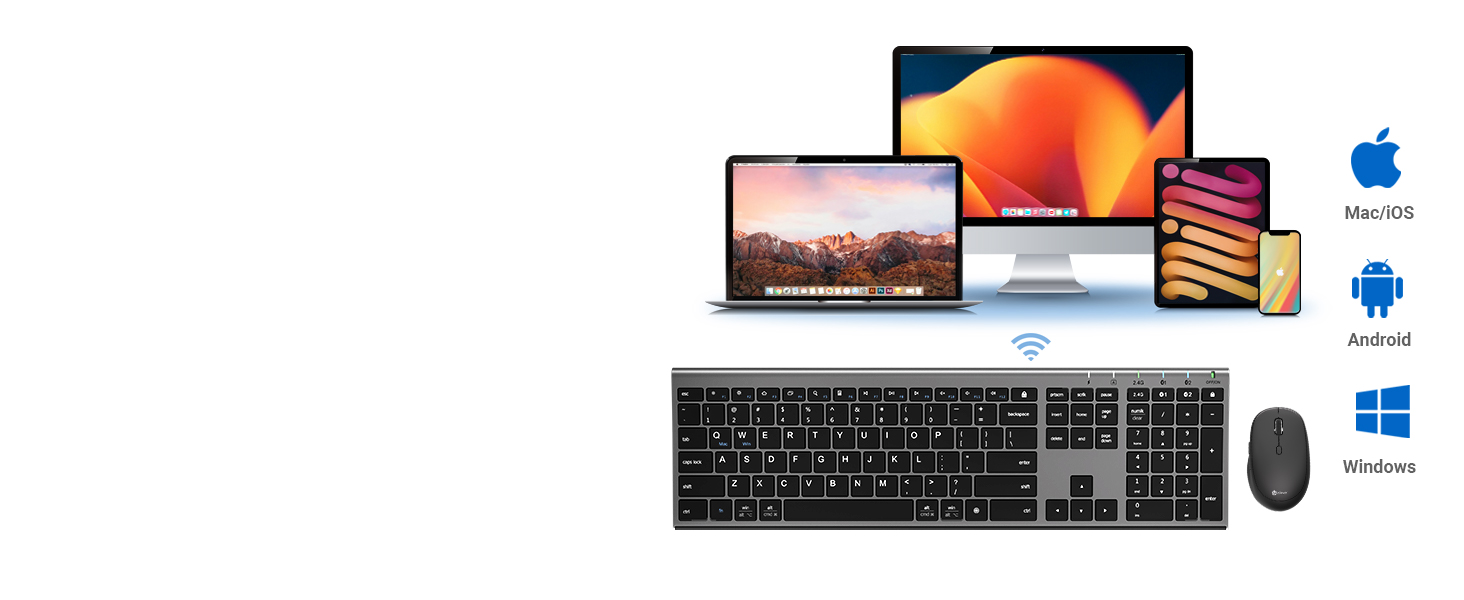
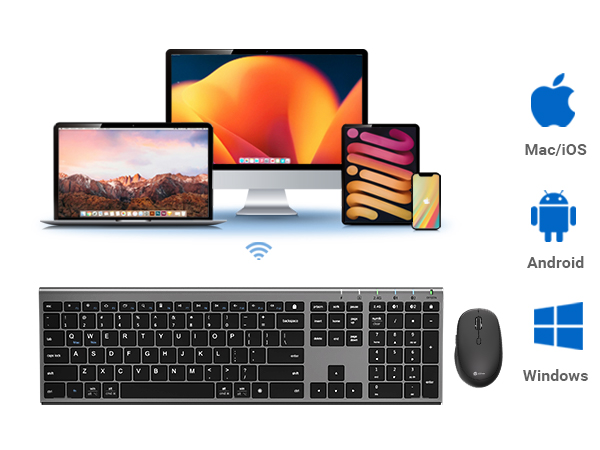
Compatible with all major operating systems including Windows, Mac, Chrome OS, Android and iOS.
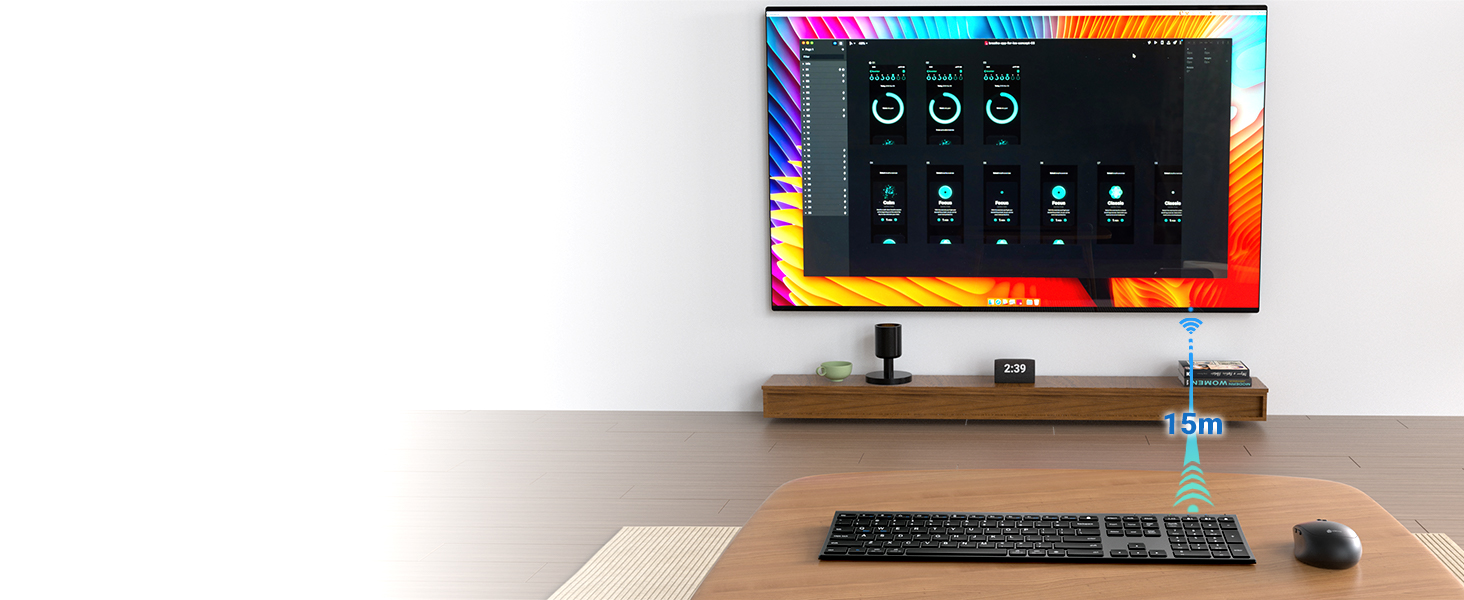
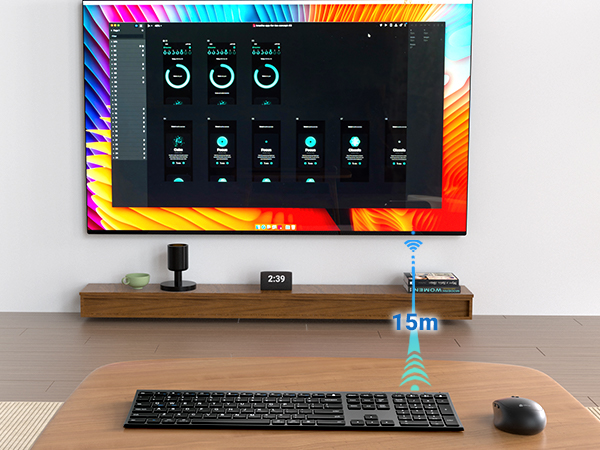
Reliable, uninterrupted connection even at the extended range, giving flexibility without lag.
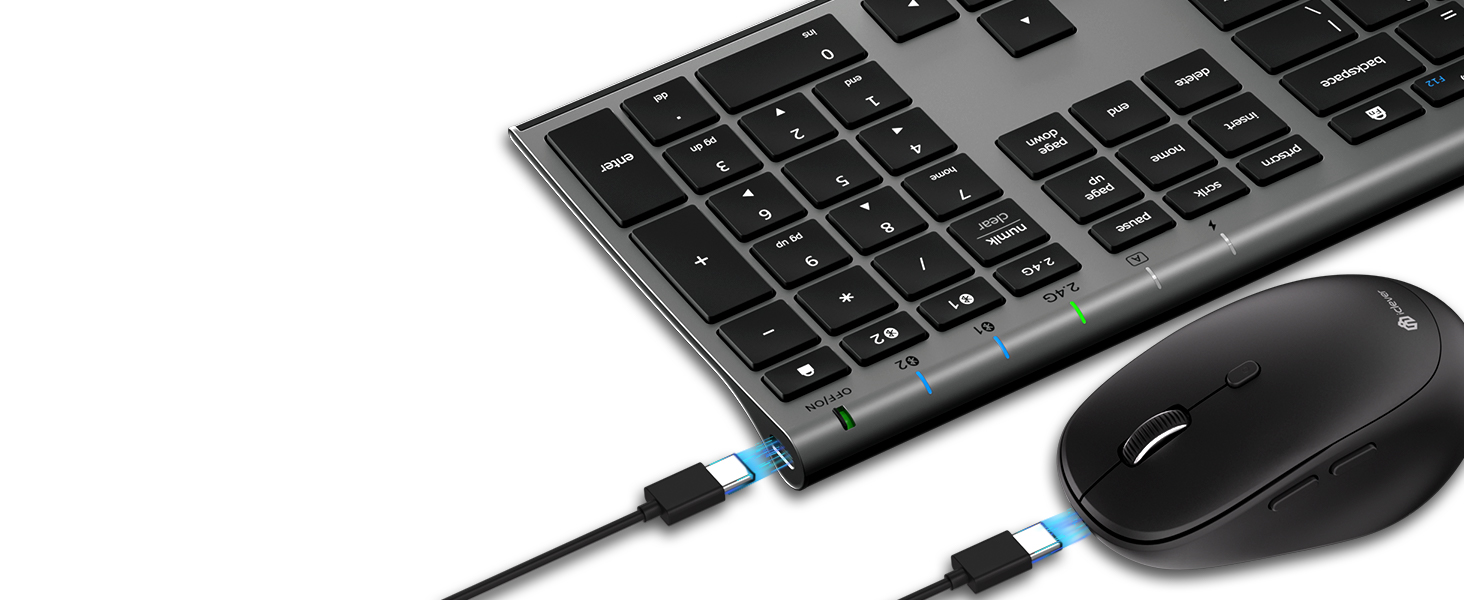
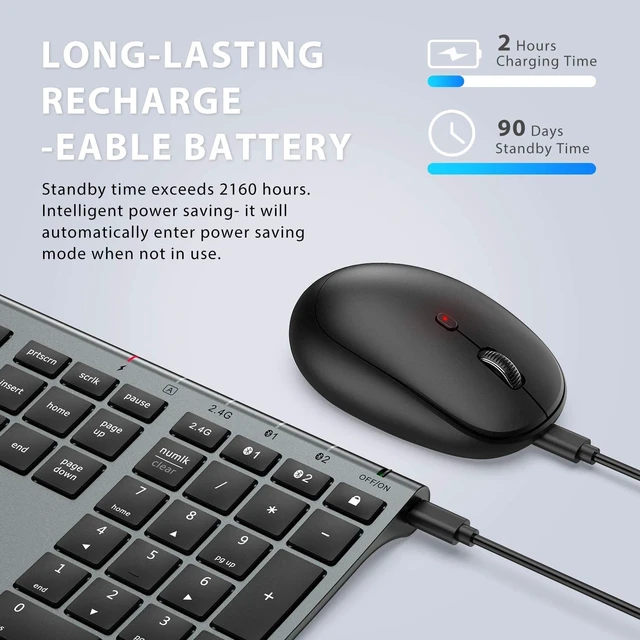
It uses a built-in rechargeable battery to provide up to 90 days of standby. It will intelligently switch to Sleep and Auto Power-off mode after 30 minutes to save even more power.
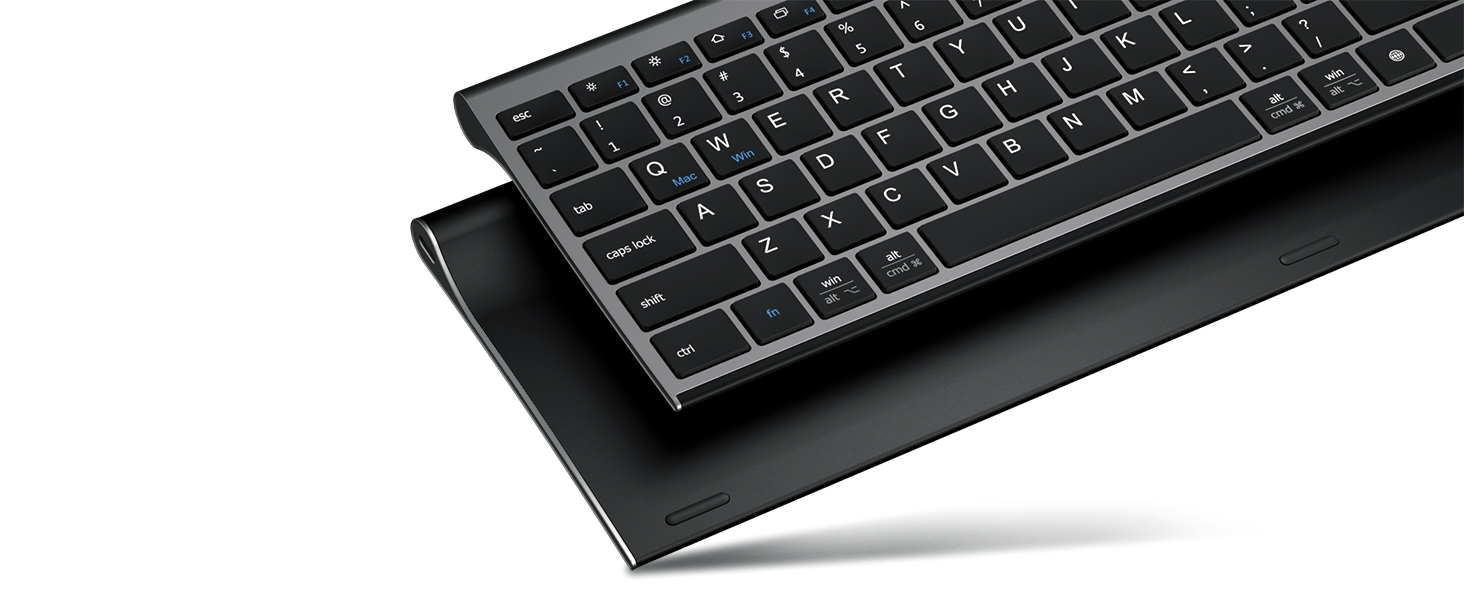
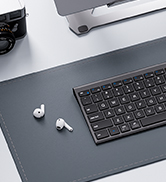
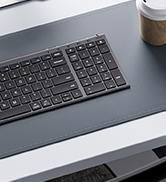
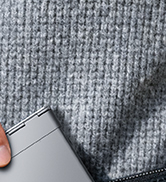
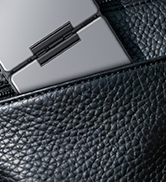
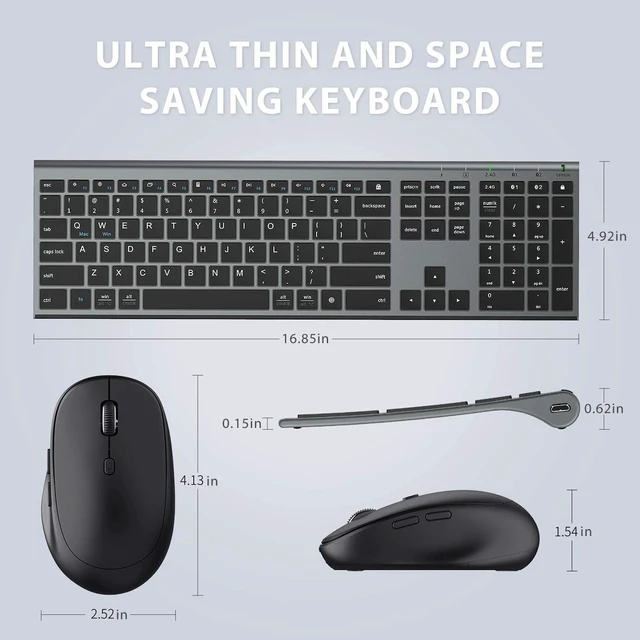
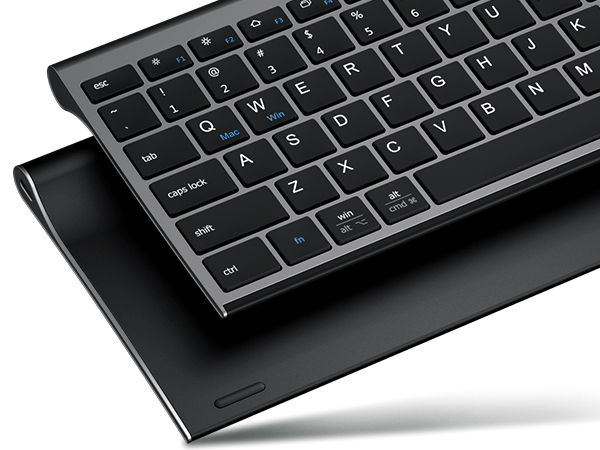
The bottom of the keyboard is designed with aluminum alloy and a special process to make the appearance thinner and more beautiful.
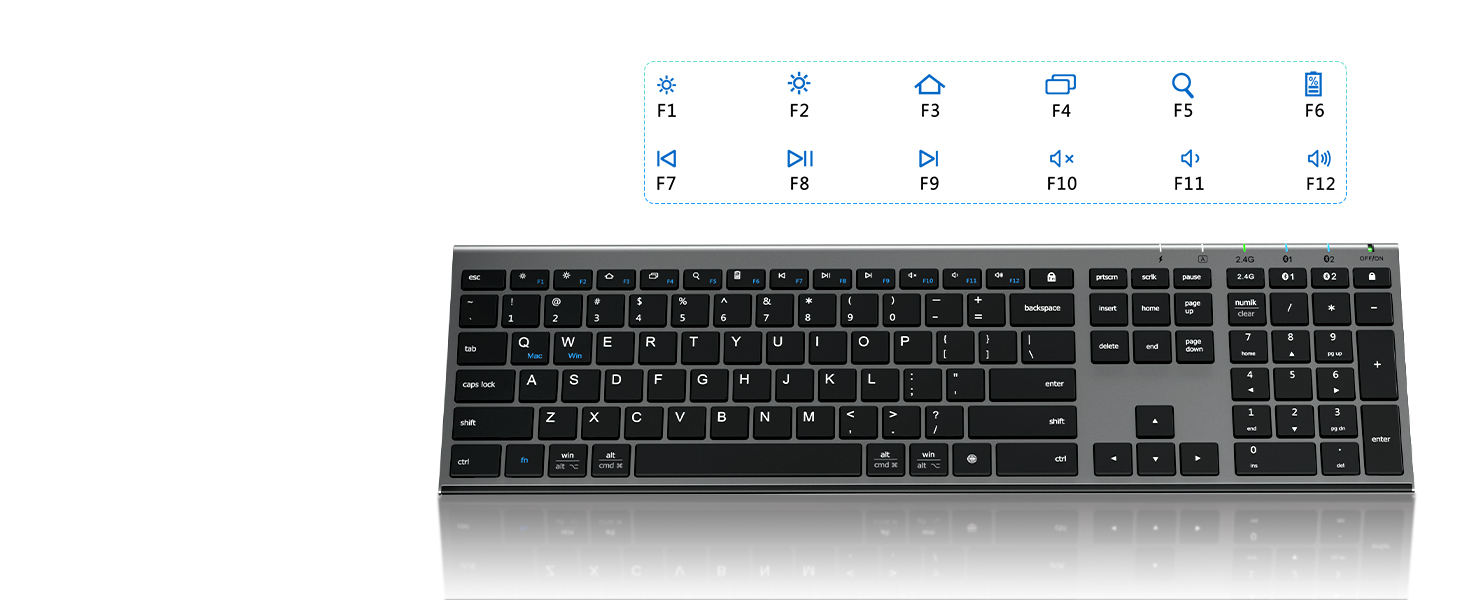
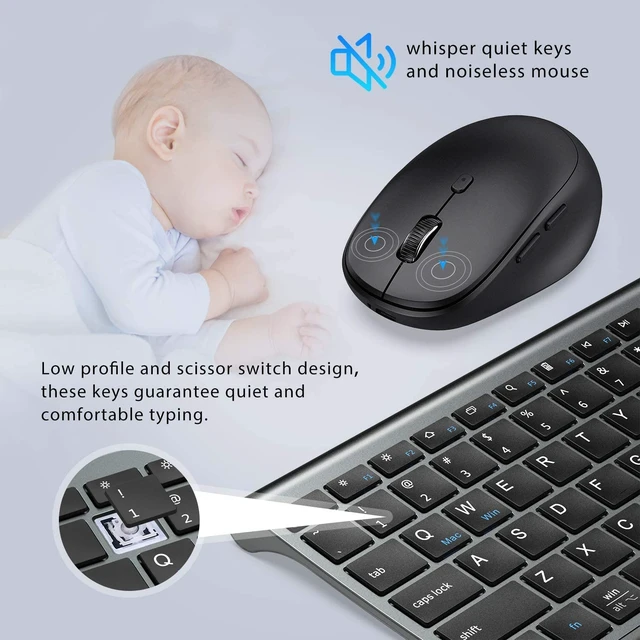
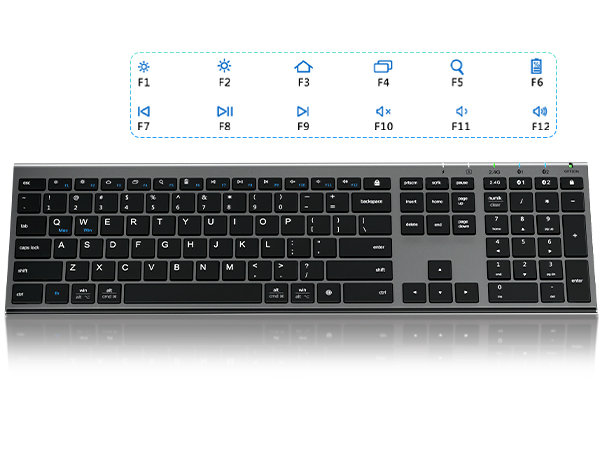
This wireless keyboard automatically recognizes the operating system, presses FN+F1-12 to assign keys, and quickly accesses hotkeys such as play/pause, and back/forward.
 iClever Bluetooth Combo |  iClever Silver Keyboard |  iClever Black Keyboard | 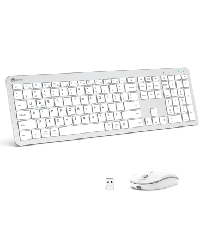 iClever Wireless Combo | 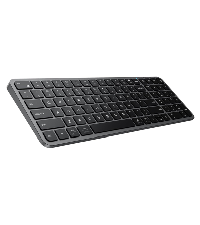 iClever Keyboard | |
|---|---|---|---|---|---|
Customer Reviews | — | — | — | — | — |
Price | — | — | — | — | — |
Connectivity | USB+Bluetooth | Bluetooth | Bluetooth | USB Receiver | Bluetooth |
Compatibility | Windows/Mac/iOS/Android | Windows/Mac/iOS/Android | Windows/Mac/iOS/Android | Windows 7/8/10/11 | Windows/Mac/iOS/Android |
Layout size | Compact | Compact | Compact | Full-size | Compact |
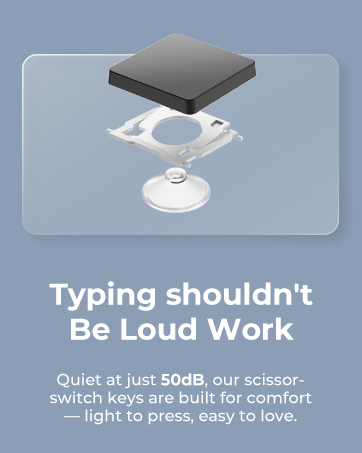
Quiet typing | Yes | Yes | Yes | Yes | Yes |
Easy-Switch Technology | Up to 3 devices | Up to 3 devices | Up to 3 devices | 1 device | Up to 3 devices |
Product Compatibility
This product is compatible with Windows, Mac, iOS, Android computers, laptops, cell phones, and tablet devices.
Please note that the product is not compatible with systems and devices such as PS4, PS5, XBOX, Smart TV, Mac mini and Linux.
What does “Numlock” and “clear” mean
The Numlock key is treated differently on macOS than on Windows. Typically, the Numlock key does not function as a switch between the numeric keypad and the function keys on macOS, but is treated as a “clear” key.
Cannot hold the battery
The output voltage is 5V/200mA. Please do not charge the keyboard with a voltage above 5V, otherwise the keyboard will stop charging.
Bluetooth connection failure, delay
1. Please make sure the keyboard is fully charged.
2. Please make sure the Bluetooth driver version of your device is the latest version.
3. Please delete the Bluetooth connection record on your device and then reconnect the keyboard.
2.4G connection failure, delay
1.Please make sure the USB receiver of the keyboard is connected directly to the computer other than a hub or an extender or a switch etc.
2.Try connecting the USB receiver to another USB port on the device.
Switch effortlessly between Bluetooth and 2.4G wireless modes.
The wireless mouse can also connect 2 Bluetooth devices and 1 USB 2.4G device.
Compatible with all major operating systems including Windows, Mac, Chrome OS, Android and iOS.
Reliable, uninterrupted connection even at the extended range, giving flexibility without lag.
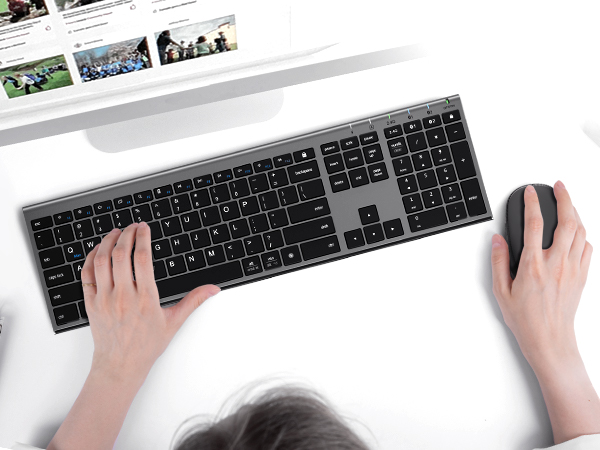
It uses a built-in rechargeable battery to provide up to 90 days of standby. It will intelligently switch to Sleep and Auto Power-off mode after 30 minutes to save even more power.
The bottom of the keyboard is designed with aluminum alloy and a special process to make the appearance thinner and more beautiful.
This wireless keyboard automatically recognizes the operating system, presses FN+F1-12 to assign keys, and quickly accesses hotkeys such as play/pause, and back/forward.
iClever Bluetooth Combo | iClever Silver Keyboard | iClever Black Keyboard | iClever Wireless Combo | iClever Keyboard |
|---|---|---|---|---|
| Customer Reviews | ||||
| — | — | — | — | — |
| Price | ||||
| — | — | — | — | — |
| Connectivity | ||||
| USB+Bluetooth | Bluetooth | Bluetooth | USB Receiver | Bluetooth |
| Compatibility | ||||
| Windows/Mac/iOS/Android | Windows/Mac/iOS/Android | Windows/Mac/iOS/Android | Windows 7/8/10/11 | Windows/Mac/iOS/Android |
| Layout size | ||||
| Compact | Compact | Compact | Full-size | Compact |
| Quiet typing | ||||
| Yes | Yes | Yes | Yes | Yes |
| Easy-Switch Technology | ||||
| Up to 3 devices | Up to 3 devices | Up to 3 devices | 1 device | Up to 3 devices |
Product Compatibility
This product is compatible with Windows, Mac, iOS, Android computers, laptops, cell phones, and tablet devices.
Please note that the product is not compatible with systems and devices such as PS4, PS5, XBOX, Smart TV, Mac mini and Linux.
What does “Numlock” and “clear” mean
The Numlock key is treated differently on macOS than on Windows. Typically, the Numlock key does not function as a switch between the numeric keypad and the function keys on macOS, but is treated as a “clear” key.
Cannot hold the battery
The output voltage is 5V/200mA. Please do not charge the keyboard with a voltage above 5V, otherwise the keyboard will stop charging.
Bluetooth connection failure, delay
1. Please make sure the keyboard is fully charged.
2. Please make sure the Bluetooth driver version of your device is the latest version.
3. Please delete the Bluetooth connection record on your device and then reconnect the keyboard.
2.4G connection failure, delay
1.Please make sure the USB receiver of the keyboard is connected directly to the computer other than a hub or an extender or a switch etc.
2.Try connecting the USB receiver to another USB port on the device.