
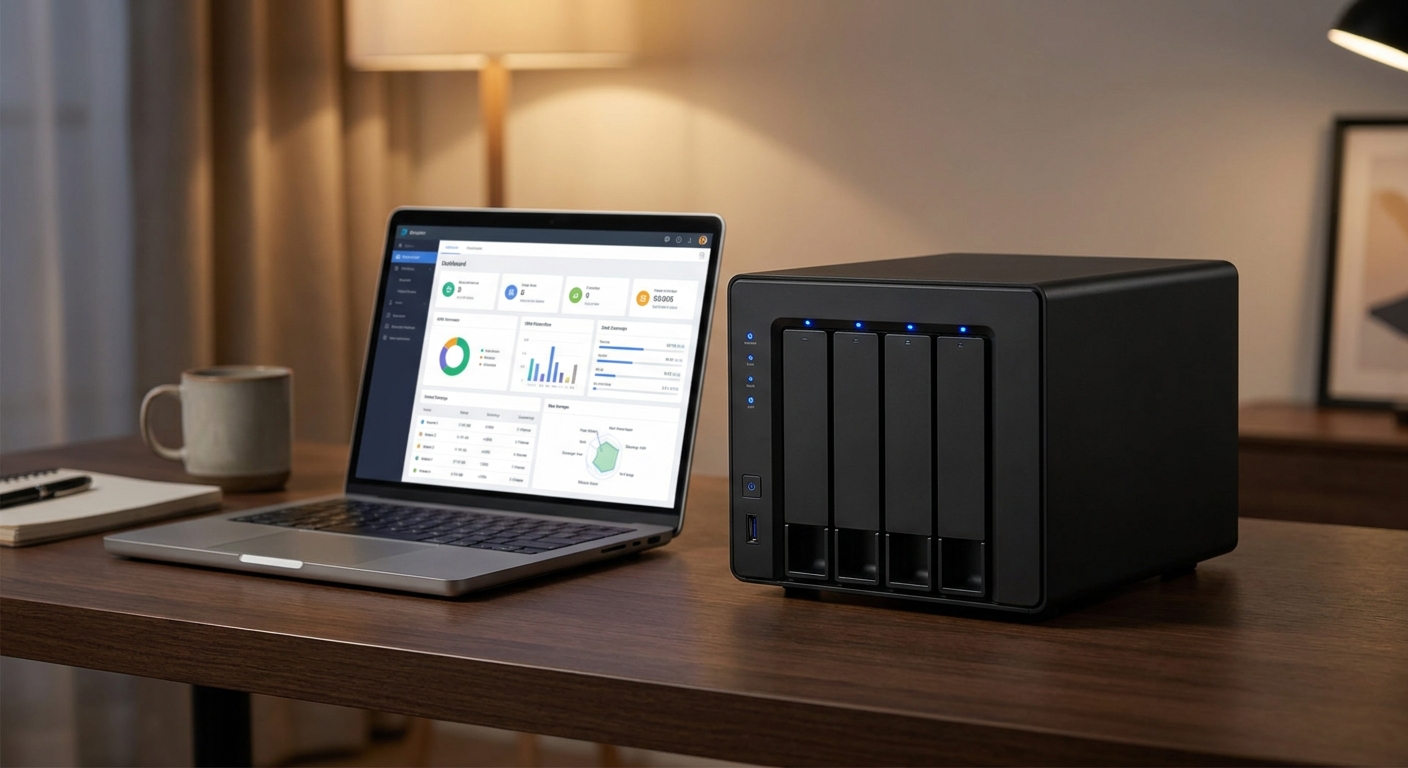
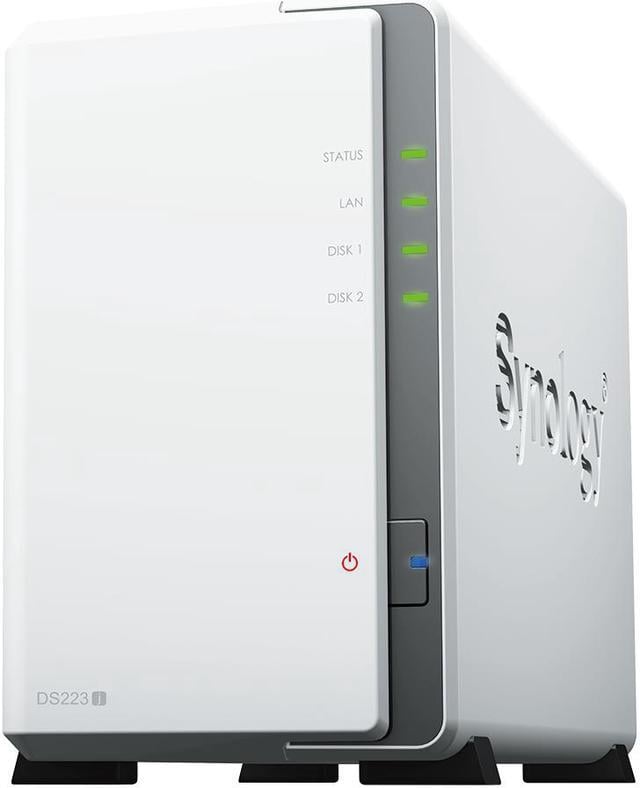
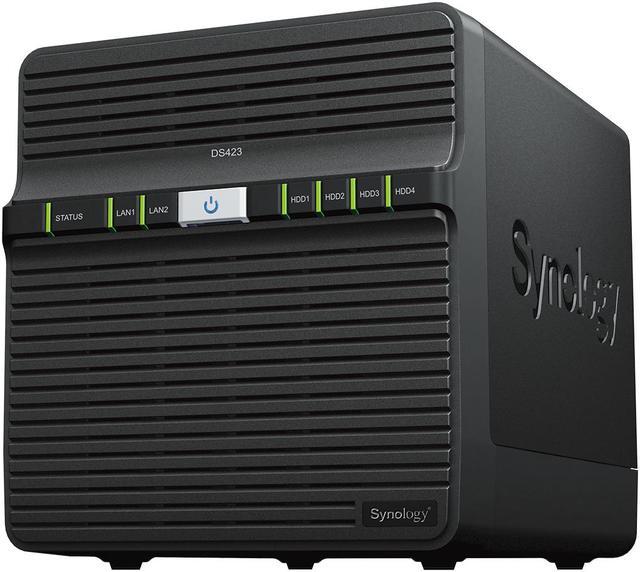
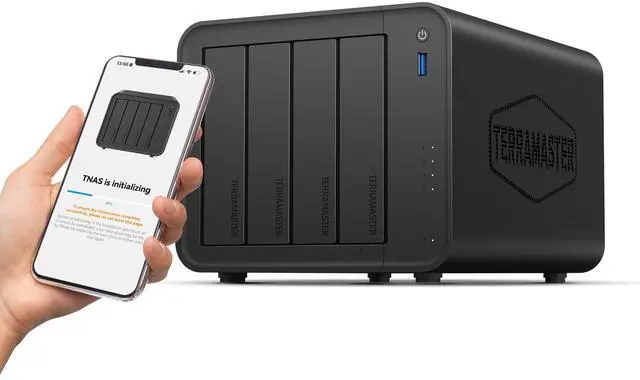
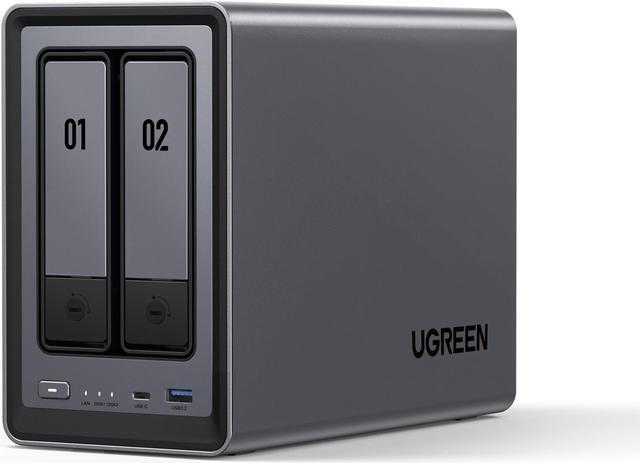
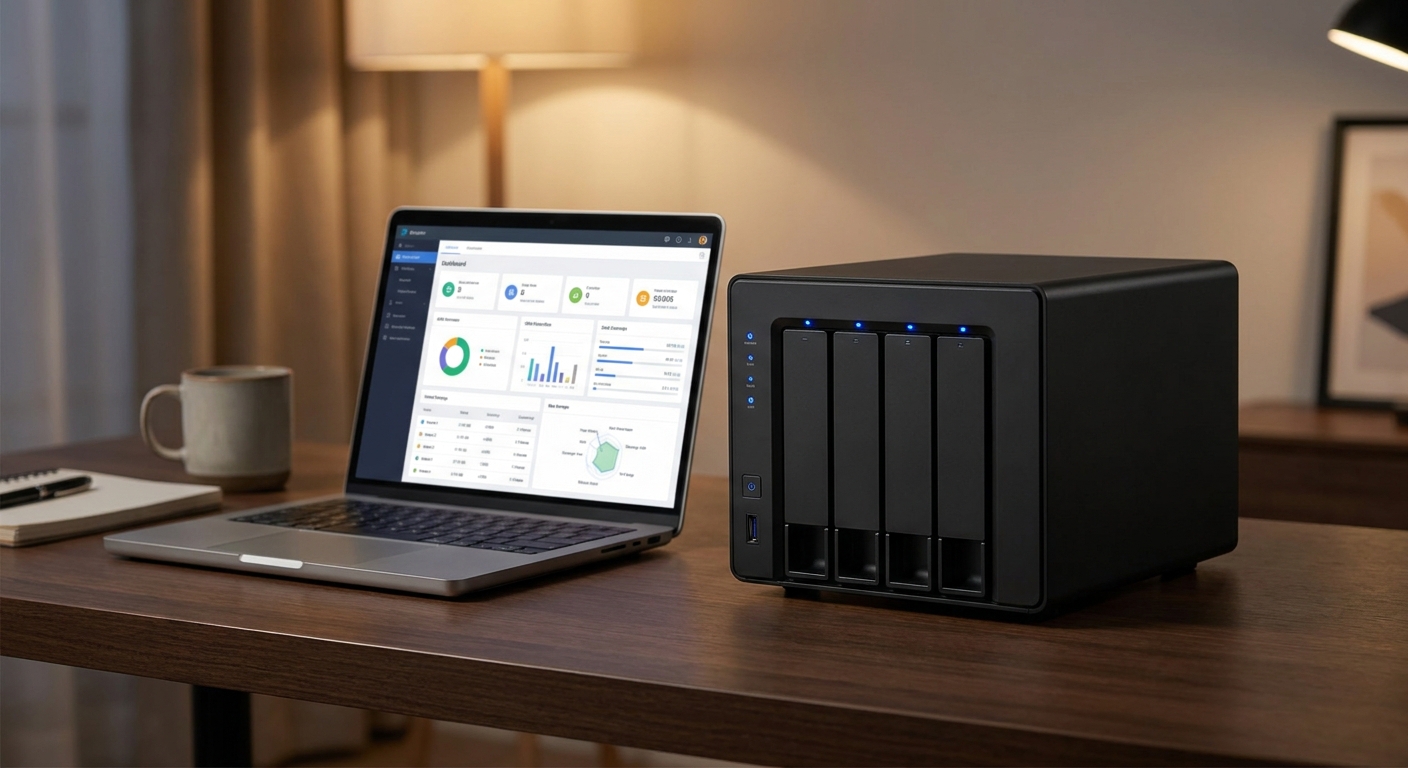
A NAS — Network Attached Storage — is one of the most practical tech investments you can make. Whether you want a personal media server, a reliable backup destination, or centralized file storage for a small team, a NAS gives you full control over your data without monthly cloud subscription fees. But choosing the right drives to go inside it is just as important as choosing the right enclosure.
In 2026, the NAS drive market offers a wide range of options: high-capacity spinning hard drives built for 24/7 operation, NAS-optimized SSDs for low noise and low power, and hybrid approaches that balance both. This guide walks you through the right choice for your specific situation.
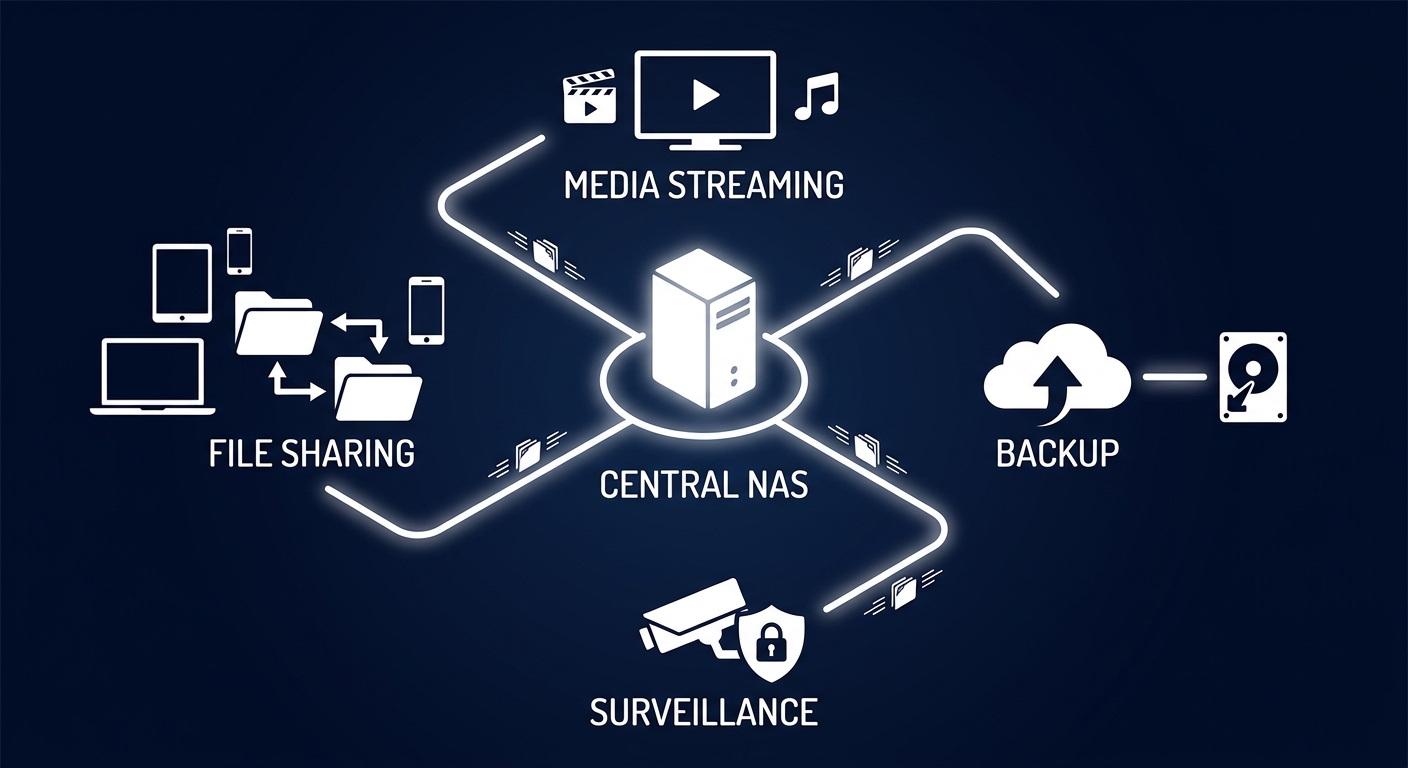
Who Needs a NAS?
NAS devices aren’t just for IT professionals. If you fall into any of the scenarios below, you’ll benefit from a dedicated NAS with the right drives.
Use-Case Scenarios
Scenario 1: Home Media Server (Plex / Jellyfin)
If your goal is to stream your personal video library to devices around your home or remotely, you need high-capacity, reliable drives with enough sequential read speed to handle 1080p or 4K streams. Noise and power consumption also matter since the NAS runs continuously.
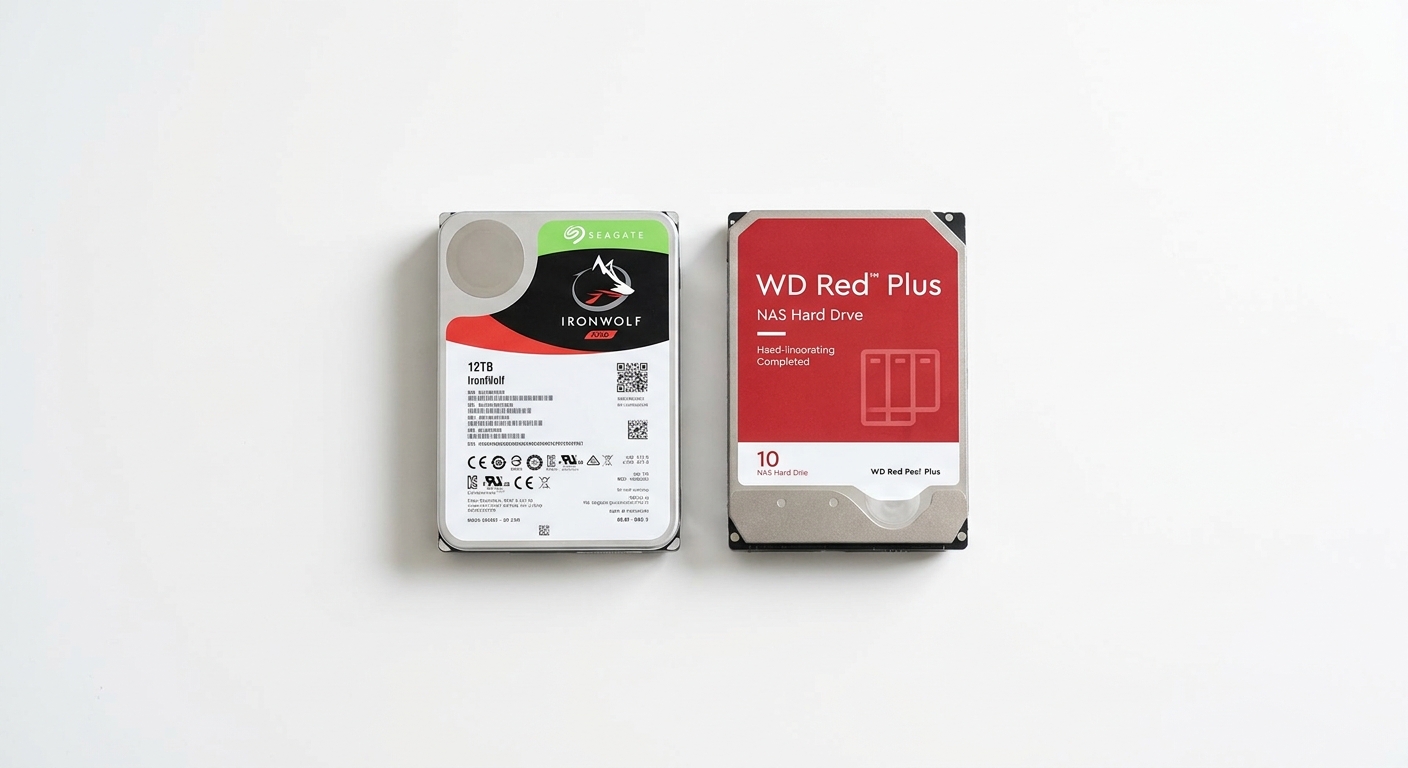
Best Pick: Seagate IronWolf 8TB or 12TB — Designed for always-on operation, supports up to 180MB/s transfer speeds, and includes IronWolf Health Management for proactive drive monitoring.
Browse Seagate IronWolf NAS Drives on Newegg
Scenario 2: Home Office Backup (3-2-1 Strategy)
For professionals working from home who need a reliable local backup of work files, photos, and documents, a 2-bay NAS in RAID 1 (mirroring) provides protection against single drive failure.
Best Pick: WD Red Plus 4TB or 6TB — CMR drives specifically validated for RAID environments and NAS use, with NASware 3.0 firmware for stability.
Browse WD Red Plus NAS Drives on Newegg
Scenario 3: Small Business File Server (5+ Users)
Small teams sharing files and project assets need enterprise-grade NAS drives that handle multiple simultaneous read/write operations around the clock with built-in vibration compensation.
Best Pick: Seagate IronWolf Pro 16TB or 20TB — Adds a 5-year warranty, AgileArray technology for multi-drive vibration compensation, and higher workload ratings (300TB/year).
Browse Seagate IronWolf Pro on Newegg
Scenario 4: Low-Noise Home NAS (Quiet Office/Bedroom)
If your NAS sits in a bedroom or quiet workspace, NAS-optimized SSDs eliminate spinning hard drive noise entirely — they’re faster, consume less power, and generate less heat.
Best Pick: WD Red SA500 NAS SATA SSD (1TB or 2TB) — Zero acoustic noise, validated for 24/7 NAS operation, works seamlessly with Synology and QNAP enclosures.
Browse WD Red SA500 NAS SSD on Newegg
NAS Drive Comparison Table
| Drive | Type | Capacity | Workload Rating | Warranty | Best For |
|---|---|---|---|---|---|
| Seagate IronWolf | HDD | Up to 20TB | 180TB/yr | 3 years | Home media server |
| WD Red Plus | HDD (CMR) | Up to 14TB | 180TB/yr | 3 years | RAID, home office backup |
| Seagate IronWolf Pro | HDD | Up to 24TB | 300TB/yr | 5 years | Small business, 4+ bays |
| WD Red SA500 SSD | SATA SSD | Up to 4TB | 350TBW | 5 years | Quiet NAS, low power |
Verdict: Best Pick Per Scenario
For home media streaming, the Seagate IronWolf is the go-to thanks to its capacity, speed, and always-on reliability. Home office users will find the WD Red Plus (in RAID 1) to be the most dependable RAID-validated option. Small businesses needing maximum capacity and enterprise-grade endurance should invest in IronWolf Pro. And for anyone prioritizing quiet operation, the WD Red SA500 SSD is a transformative upgrade over spinning drives.
Read More
- NAS Compares: NAS Reviews — The most detailed independent NAS enclosure and drive reviews on the internet, covering Synology, QNAP, and beyond.
- r/DataHoarder Community — Community discussions on long-term NAS drive reliability, failure rates, and practical recommendations.
- Seagate IronWolf Official Product Page — Full specs, compatibility lists, and IronWolf Health Management documentation from Seagate.
- WD NAS Solutions Page — WD’s official NAS drive lineup including Red, Red Plus, and Red Pro compatibility guides.
- Newegg NAS Drives Category — Browse all NAS-optimized hard drives and SSDs with filters by capacity, brand, and type.
Related Posts
- What Is NAS — And Do You Actually Need One at Home?
- Acer Aspire Go 15 RAM Buyer’s Guide: 16GB vs 32GB vs 48GB
- Samsung 9100 Pro vs Crucial T705: The Fastest PCIe 5.0 SSDs for Creators
- Why Big-Memory Budget Laptops Are the Smart Buy for 2026
- Best Laptops for College Students in 2026
Frequently Asked Questions
Answers to the most common questions about this topic.