
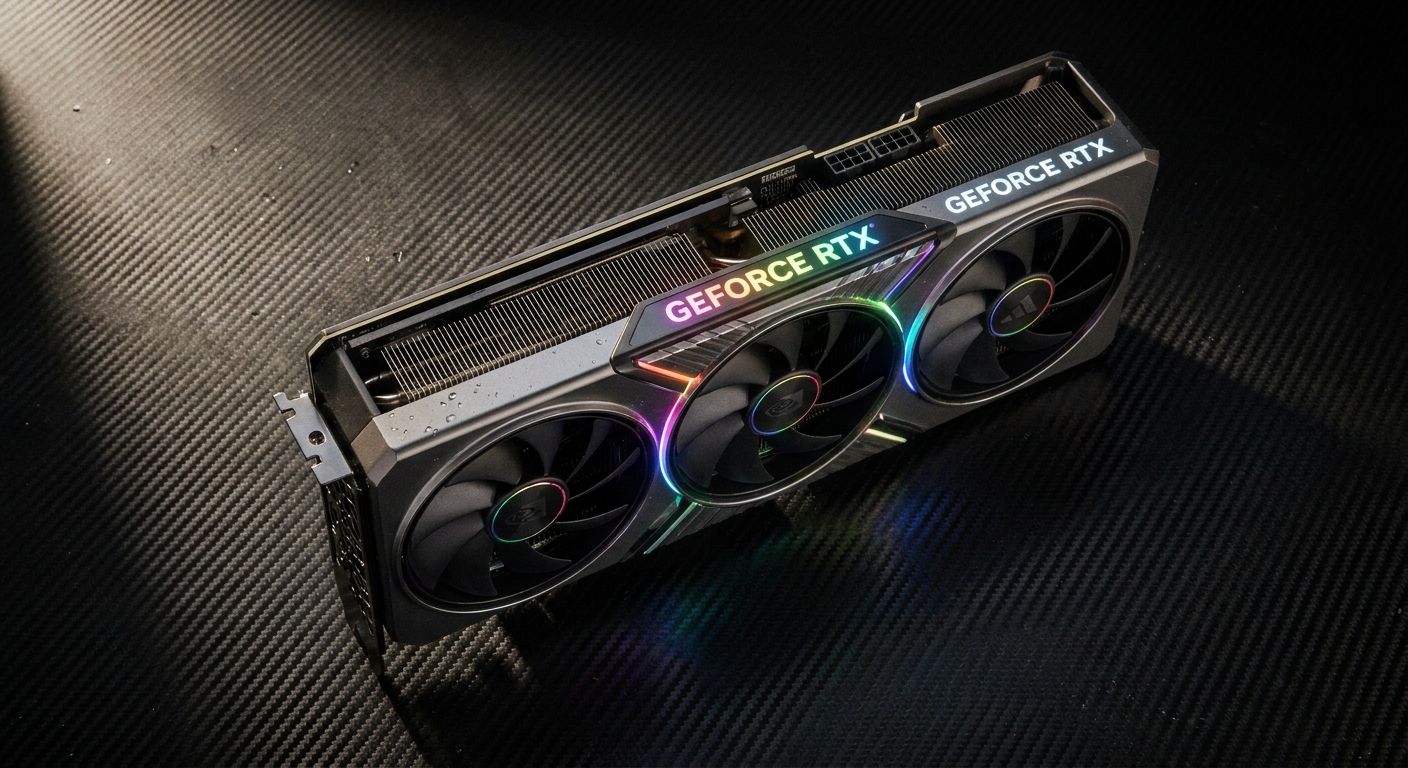
If you’re building or upgrading a gaming PC in 2026, the graphics card is the single most important component for hitting smooth framerates at 1440p. The good news: competition between NVIDIA and AMD has never been fiercer, and there are excellent options at every price point. The challenge is knowing which one actually delivers the best value for your specific setup and budget.
This guide cuts through the noise. Whether you’re a first-time builder or a seasoned enthusiast looking to upgrade, we’ll walk you through what actually matters when choosing a 1440p GPU, then give you our top picks across three budget tiers.
Why 1440p Is the Sweet Spot in 2026
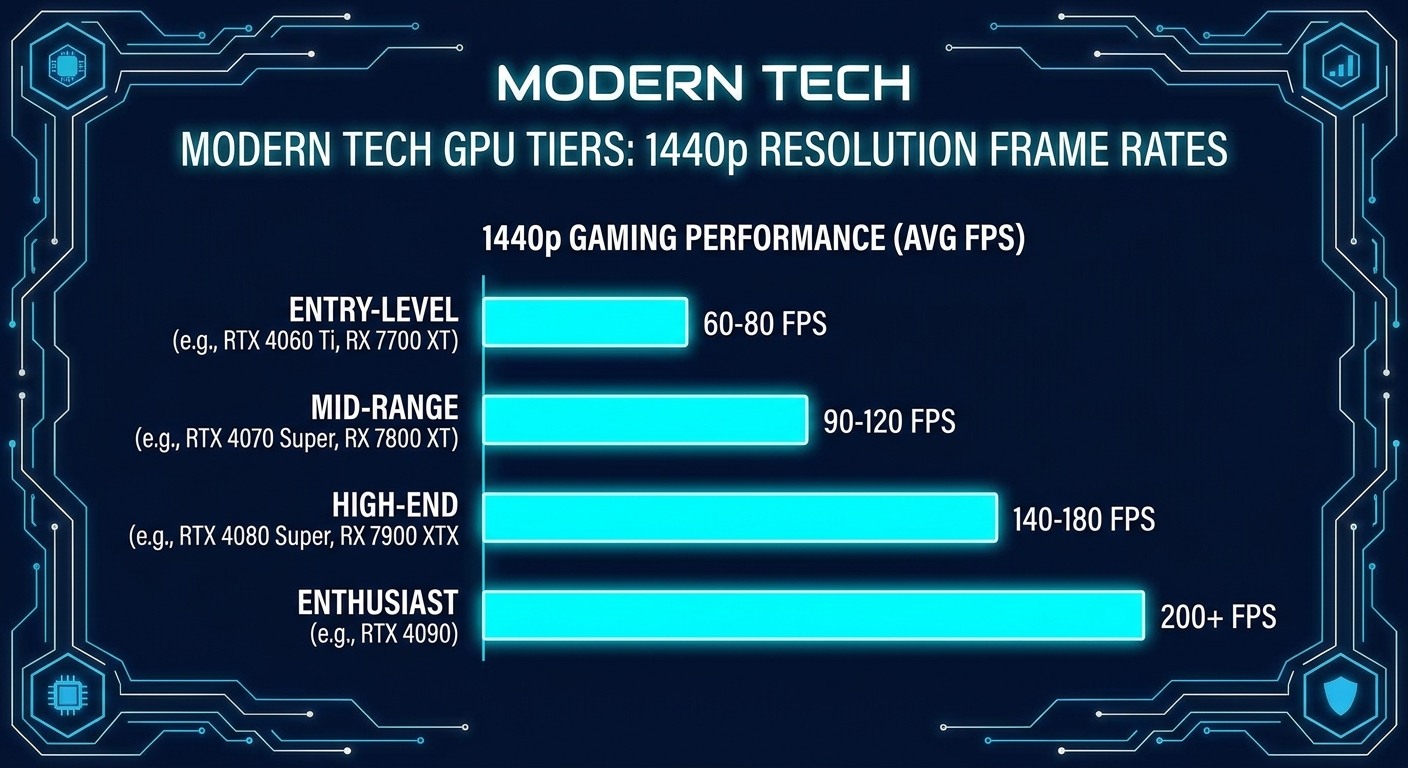
1440p (2560×1440) has firmly established itself as the mainstream enthusiast resolution in 2026. It offers a significant sharpness upgrade over 1080p without the brutal performance demands of 4K. Most 1440p gaming monitors today run at 144Hz or higher, which means your GPU needs to push well above 60 FPS consistently to actually take advantage of the display. That sweet spot — high resolution plus high refresh — is exactly what this GPU tier is built for.
If you’re still on a 1080p monitor, a 1440p-class GPU will give you headroom to upgrade your display later without needing to replace the card. And if you’re already on a 4K panel, several cards in this guide can handle 4K at medium settings, giving you flexibility.
What to Look For in a 1440p GPU
Before diving into specific models, here are the key specs to evaluate:
VRAM: For 1440p gaming in 2026, 12GB is a comfortable baseline. Some recent titles with aggressive texture packs can push beyond 10GB in VRAM usage at high settings. 16GB future-proofs you considerably. Avoid cards with less than 10GB if you plan to game at max settings.
Memory Bandwidth: Raw VRAM capacity matters less than bandwidth. A card with 16GB of slower GDDR6 may underperform one with 12GB of GDDR6X or GDDR7 in memory-intensive scenes.
Power Consumption (TDP): Mid-range and high-end GPUs in 2026 can draw anywhere from 150W to 320W. Make sure your power supply has adequate wattage and the right PCIe power connectors. A card pulling 250W in a system with a 550W PSU leaves little headroom.
Cooling Solution: Aftermarket triple-fan variants run cooler and quieter than reference blower designs. If noise matters to you, prioritize cards with larger coolers from Asus, MSI, Gigabyte, or Sapphire.
Upscaling Technology: NVIDIA DLSS 4 and AMD FSR 4 can significantly boost framerates with minimal visual penalty. DLSS 4 has a slight quality edge and broader game support, but FSR 4 works across all hardware and has improved dramatically.
Our Top GPU Picks for 1440p Gaming
Best Overall: NVIDIA GeForce RTX 5070
The RTX 5070 is the definitive 1440p GPU in 2026. It handles every current title at ultra settings above 100 FPS, and DLSS 4 with Multi Frame Generation pushes many games well past 150 FPS at 1440p. With 12GB of GDDR7, it won’t run out of VRAM in demanding workloads either. It runs cooler and quieter than its predecessor while consuming similar power. If your budget allows one purchase and you want it to last several years, this is the card.
Browse RTX 5070 options on Newegg
Best Value: AMD Radeon RX 9070
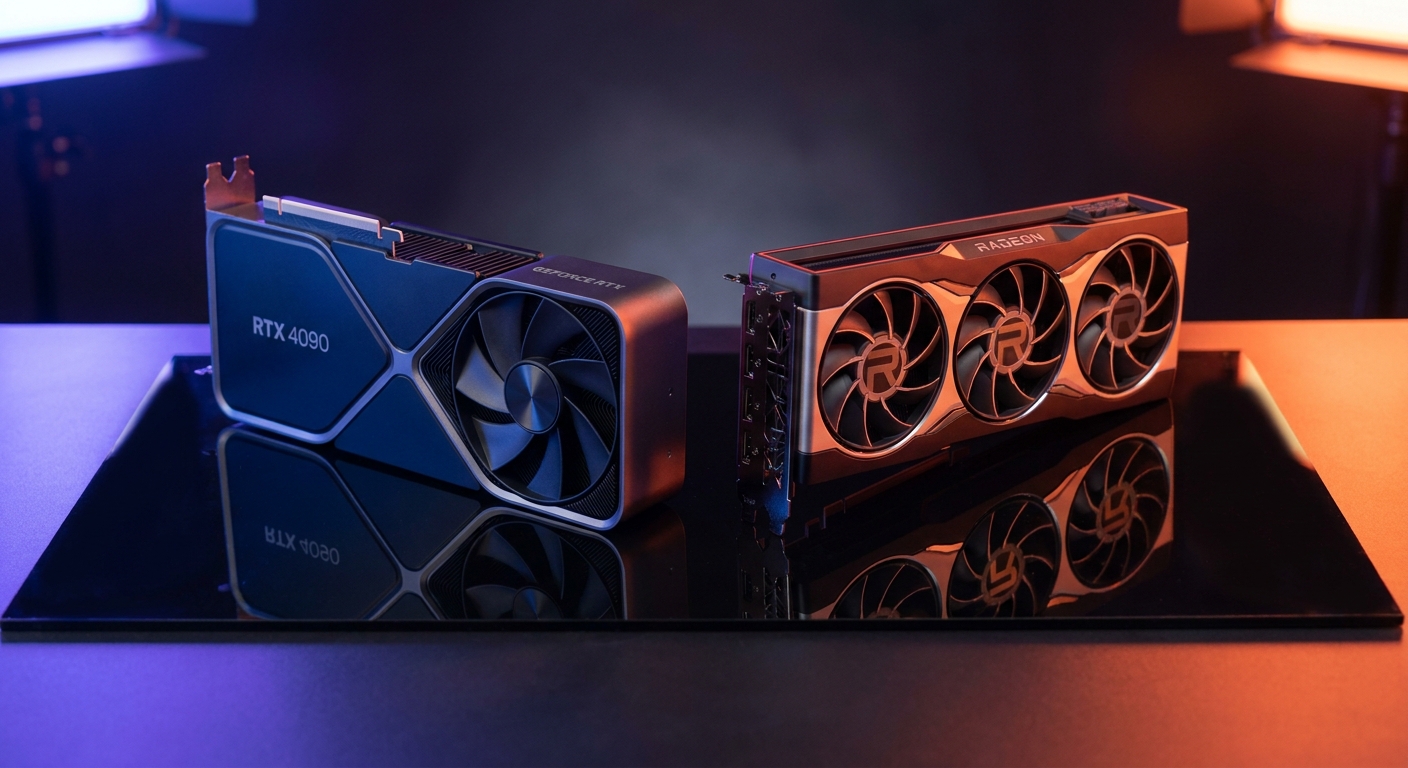
AMD’s RX 9070 delivers near-RTX 5070 rasterization performance at a meaningfully lower price. It ships with 16GB of GDDR6 — more VRAM than the RTX 5070 — which matters for texture-heavy games and creative workloads. FSR 4 has closed much of the gap with DLSS 4 in quality, and the RX 9070 supports AMD’s open-source upscaling across virtually every modern title. If you want the most frames-per-dollar at 1440p, this is your pick.
Browse RX 9070 options on Newegg
Best Budget Option: NVIDIA GeForce RTX 5060 Ti
The RTX 5060 Ti is an excellent entry into 1440p gaming without breaking the bank. It won’t max out every ultra setting in the most demanding titles, but with DLSS 4 Quality mode enabled, it achieves smooth 100+ FPS in the vast majority of games. It’s also the most power-efficient card in this guide, topping out around 165W — great for builds with modest PSUs or small-form-factor cases.
Browse RTX 5060 Ti options on Newegg
GPU Comparison Table
| GPU | VRAM | TDP | 1440p Avg FPS | Upscaling | Best For |
|---|---|---|---|---|---|
| RTX 5070 | 12GB GDDR7 | 250W | ~130 FPS | DLSS 4 MFG | Best Overall |
| RX 9070 | 16GB GDDR6 | 220W | ~120 FPS | FSR 4 | Best Value |
| RTX 5060 Ti | 8GB GDDR7 | 165W | ~95 FPS | DLSS 4 | Budget Pick |
Average FPS estimates at 1440p Ultra settings across a mixed workload of recent titles (native rendering).
Final Verdict
For most 1440p gamers in 2026, the RTX 5070 is the smart long-term investment — it’s fast enough today and will remain capable well into the next few years. If budget is the primary concern, the RX 9070 gives you exceptional performance-per-dollar with a VRAM advantage. And for those just stepping up to 1440p from 1080p, the RTX 5060 Ti is a capable, efficient starting point.
Whichever you choose, pair it with at least a 144Hz 1440p monitor to take full advantage of the framerate headroom these cards provide.
Read More
- TechSpot: Best Graphics Cards — Regularly updated GPU rankings with detailed benchmarks across multiple resolutions and game titles.
- GamersNexus GPU Reviews — In-depth thermal, noise, and performance testing on individual GPU models and AIB variants.
- Tom’s Hardware: Best Graphics Cards — Comprehensive buying guide with benchmark data and value analysis across budget tiers.
- NVIDIA RTX 5070 Official Page — Full specs, feature overview, and DLSS 4 details straight from NVIDIA.
- Newegg Graphics Cards Category — Browse all current GPU listings with filters by brand, VRAM, and price.
Related Posts
- Best Power Supplies in 2026
- Best Gaming Laptops in 2026
- How Much Memory an AM5 Build Actually Needs in 2026
- CL36, CL30, CL28 or CL26? Picking a DDR5-6000 Latency Tier
- Best G.SKILL Trident Z5 NeoX RGB Kits with AMD EXPO ULL in 2026
Frequently Asked Questions
Answers to the most common questions about this topic.