

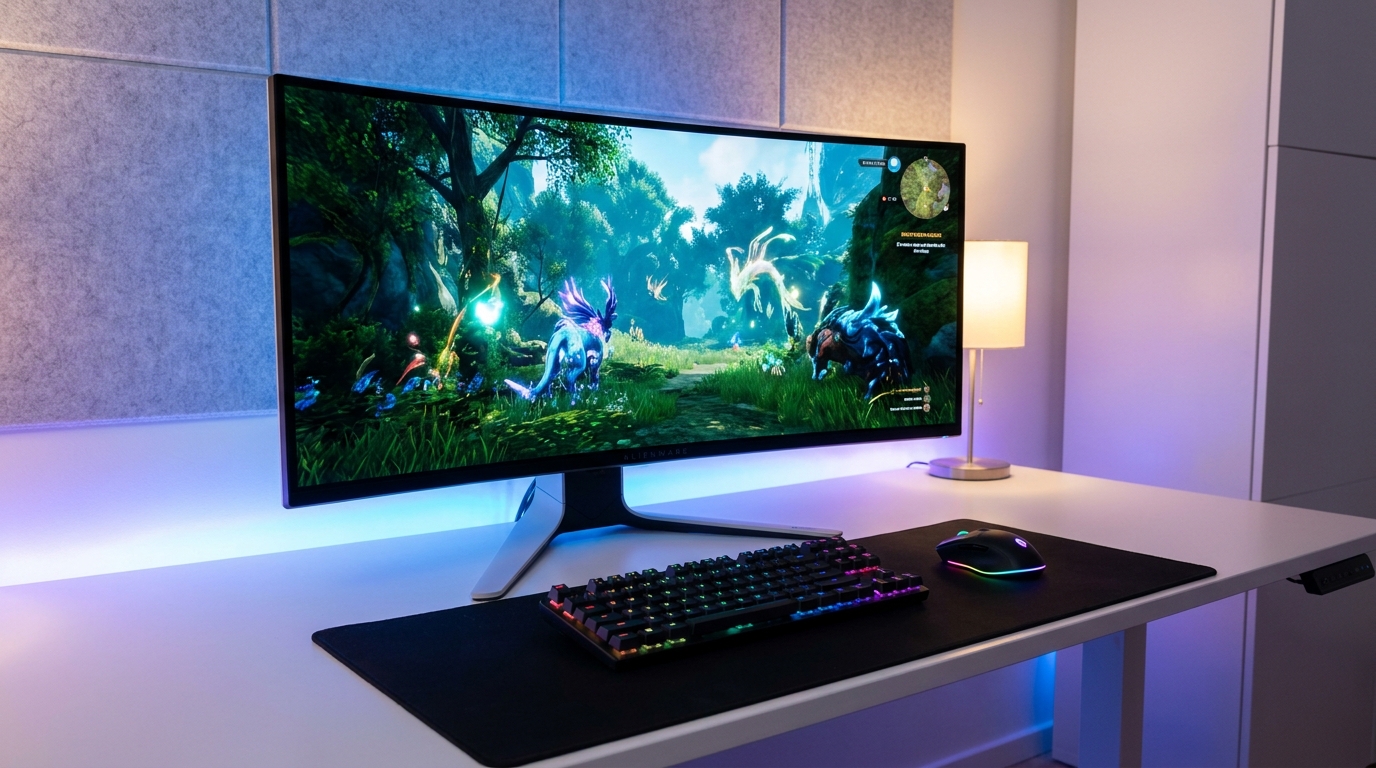
You don’t need to spend $500 or more to get a genuinely great gaming monitor in 2026. The sub-$300 segment has become incredibly competitive, with 1440p IPS panels, 165Hz refresh rates, and even OLED options creeping into the price range that used to be dominated by basic 1080p 60Hz screens. But with so many options, it’s easy to get lost in spec sheets.
This guide takes a question-first approach: we answer the most common questions buyers have, then point you to the best monitors that address each scenario.
Key Questions About Gaming Monitors Under $300
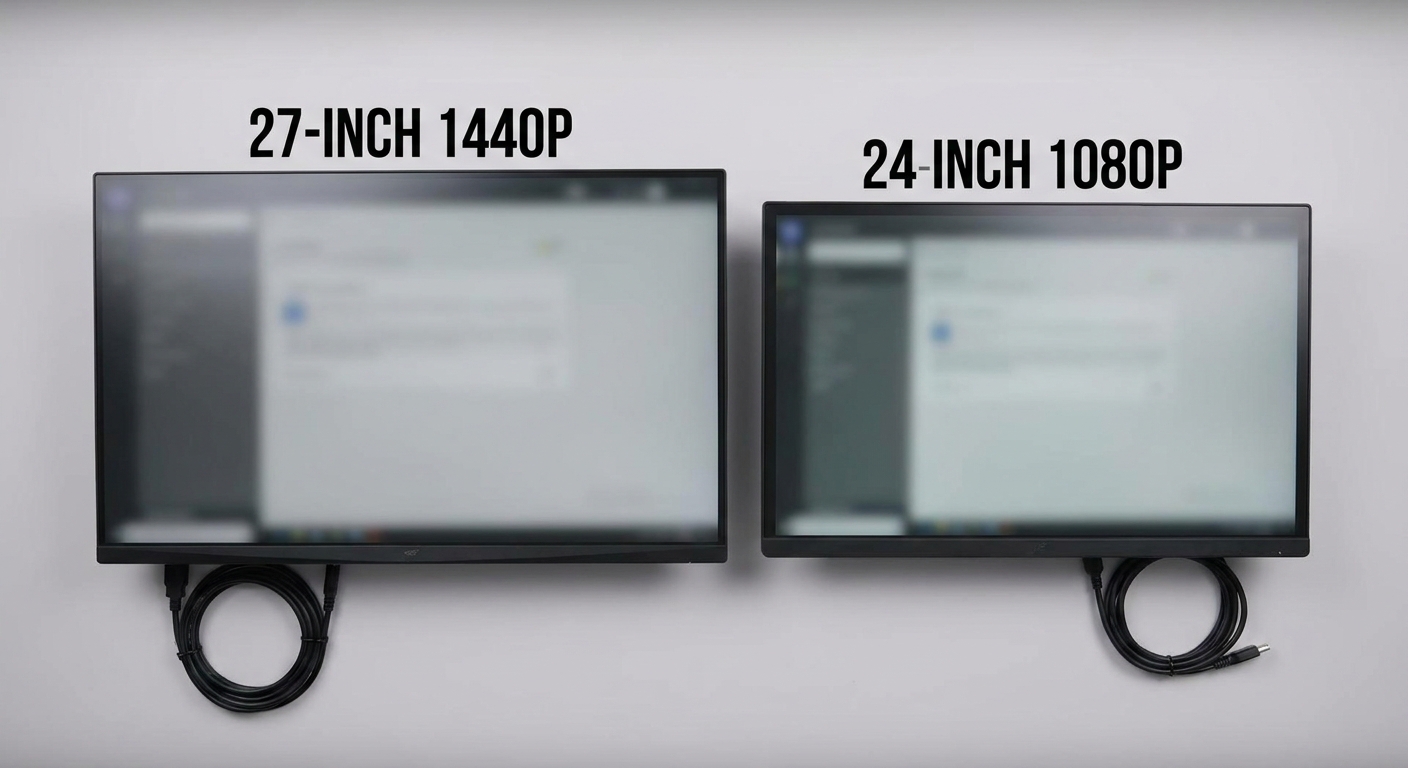
Q: Should I get 1080p or 1440p at this price?
In 2026, 1440p monitors have dropped far enough in price that they’re accessible in the sub-$300 range, and we strongly recommend going 1440p if your GPU can handle it. The sharpness difference on a 27-inch screen is noticeable and meaningful. If your GPU is below the RTX 4060 / RX 7600 tier, 1080p at 144Hz+ remains an excellent choice.
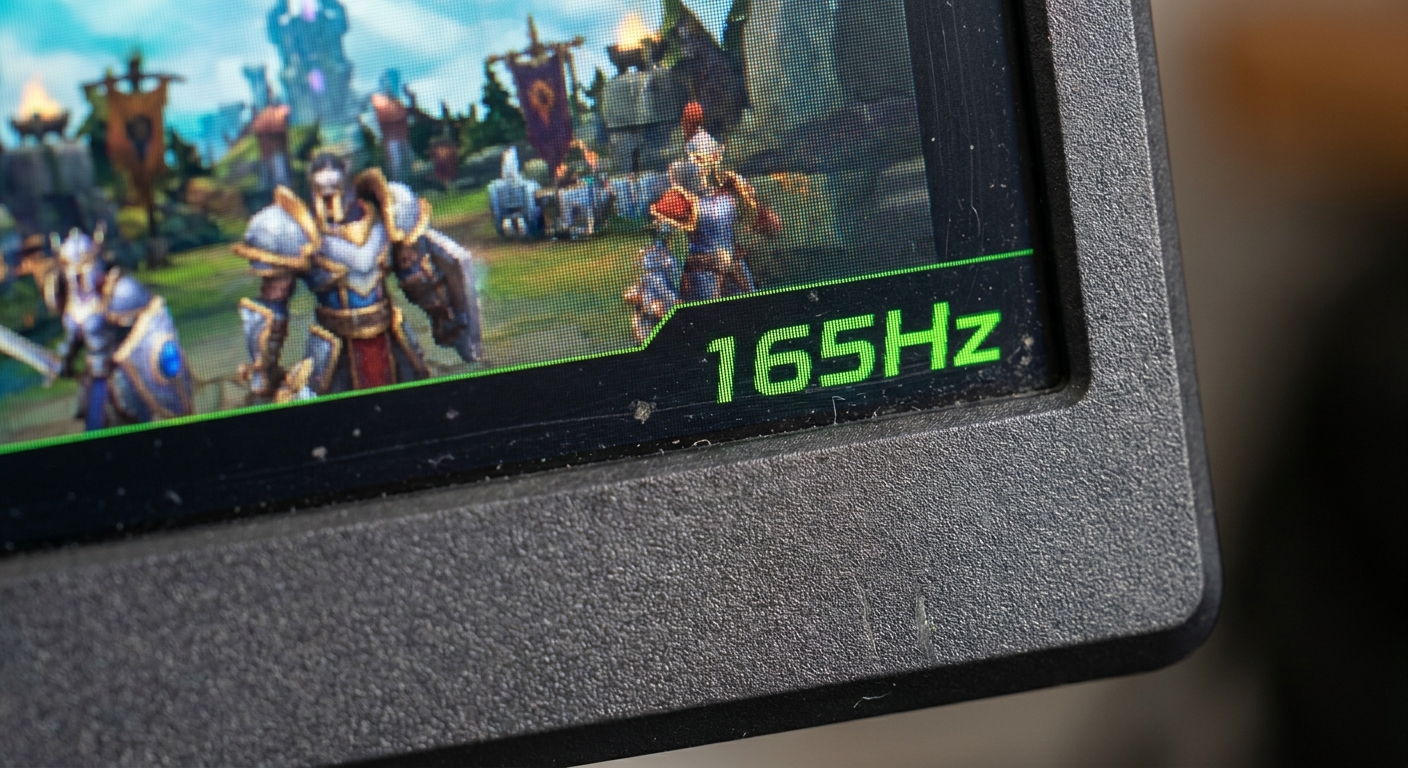
Q: How fast a refresh rate do I actually need?
For competitive gaming (FPS, battle royale), 144Hz is the baseline minimum. 165Hz and 180Hz are common in this price range and offer a small but real improvement. 240Hz is more than most casual players need. For single-player or strategy games, even 120Hz feels excellent.
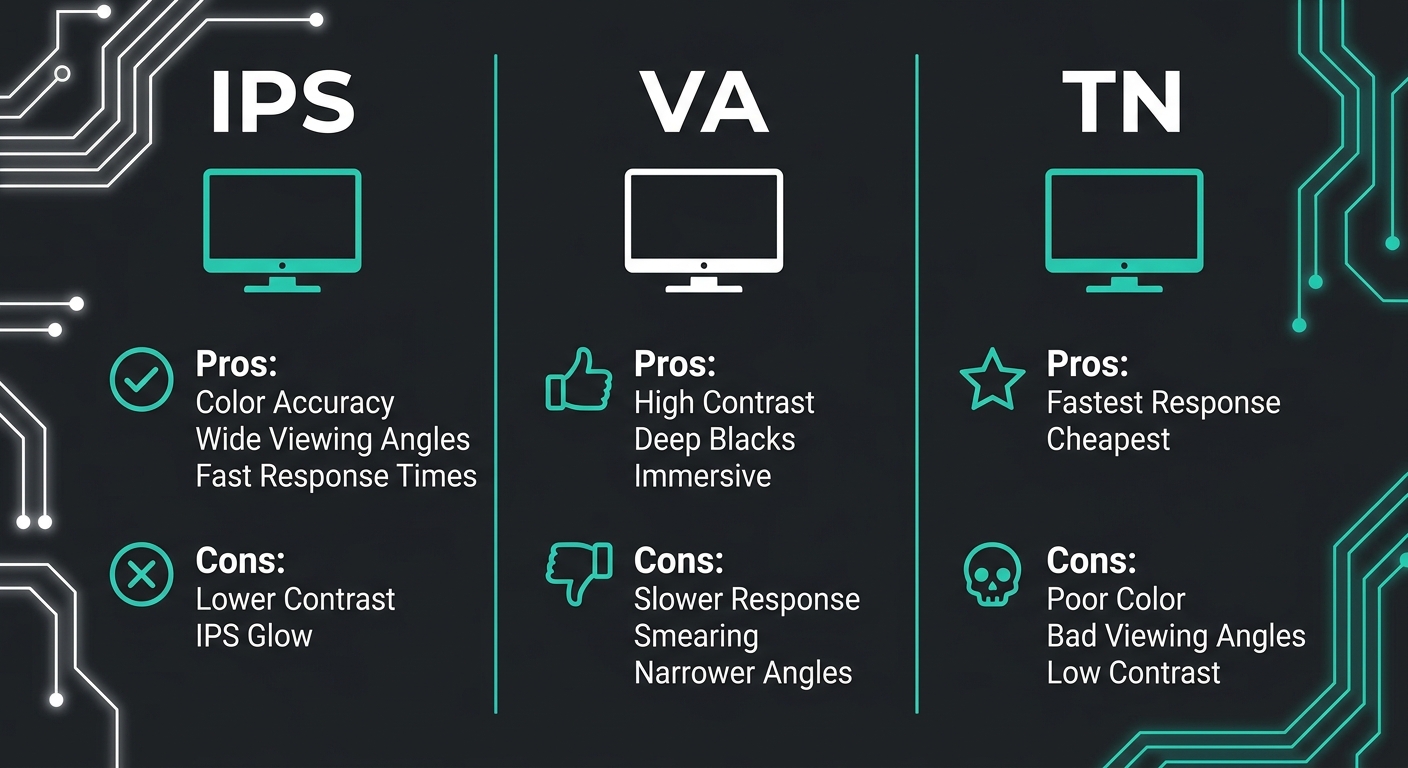
Q: IPS, VA, or TN — which panel type should I choose?
IPS panels offer the best color accuracy and viewing angles — ideal for both gaming and everyday work. Modern Fast IPS panels have closed most of the response time gap with TN. VA panels deliver deeper blacks and higher contrast (useful for dark atmospheric games) but can show ghosting in fast motion. TN panels are cheapest and fastest but have poor viewing angles and color quality. In 2026, IPS is the default recommendation.
Q: What size monitor should I get for gaming?
27 inches is the sweet spot for 1440p. 24 inches is great for 1080p competitive gaming. Ultrawide (21:9) screens in the 29-34 inch range appear at the edge of this price bracket and can offer an immersive experience in single-player games.
Top Product Spotlight: Best Gaming Monitors Under $300
Best 1440p Pick: LG 27GP850-B (27-inch, 165Hz, Nano IPS)
The LG 27GP850-B remains one of the best-value 1440p gaming monitors in 2026. Its Nano IPS panel delivers wide color gamut, 1ms GtG response time, and excellent out-of-box color accuracy. AMD FreeSync Premium and NVIDIA G-Sync Compatible certification means it works with both GPU ecosystems.
Best 1080p Competitive Pick: ASUS TUF Gaming VG259QM (24.5-inch, 280Hz, IPS)
If you’re a competitive FPS player and raw framerate is your priority, the ASUS TUF VG259QM pushes to 280Hz on a 1080p Fast IPS panel. The difference between 165Hz and 280Hz is more perceptible than you might expect in games like Valorant or CS2.
Browse ASUS TUF VG259QM on Newegg
Best Curved VA Pick: Samsung Odyssey G5 (27-inch, 165Hz, VA)
The Samsung Odyssey G5 is the go-to recommendation for gamers who play a lot of atmospheric single-player or horror games. Its VA panel delivers a 3000:1 contrast ratio — dramatically better than IPS — which makes dark scenes look genuinely dark. The 1000R curvature adds immersion.
Browse Samsung Odyssey G5 on Newegg
Comparison Table
| Monitor | Panel | Resolution | Refresh Rate | Best For |
|---|---|---|---|---|
| LG 27GP850-B | Nano IPS | 1440p | 165Hz | Best overall value |
| ASUS TUF VG259QM | Fast IPS | 1080p | 280Hz | Competitive FPS |
| Samsung Odyssey G5 | VA (curved) | 1440p | 165Hz | Immersive single-player |
Recommendations by Play Style
If you play a mix of competitive and single-player games and want one monitor that does it all well, the LG 27GP850-B at 1440p/165Hz is the pick. If you live in competitive shooters and want every edge possible, the ASUS TUF VG259QM’s 280Hz 1080p panel is built for you. And if you value deep blacks and cinematic immersion, the Samsung Odyssey G5’s VA panel will transform how dark-themed games look.
Read More
- RTINGS.com: Best Gaming Monitors — Objective lab-tested reviews with standardized measurement data for every monitor spec.
- TechSpot: Best Gaming Monitors — Regularly updated editorial picks with practical gaming performance context at various budgets.
- ASUS TUF VG259QM Official Page — Full specifications and feature details for the VG259QM from ASUS.
- r/Monitors Wiki and Buying Guide — Community-maintained monitor buying guide with tier lists and frequently updated recommendations.
- Newegg Gaming Monitors Category — Browse all gaming monitors with filters by panel type, resolution, refresh rate, and price.
Related Posts
- Best 27-Inch Gaming Monitors Under $300 in 2026
- Best Gaming Monitors for Competitive Play in 2026
- 60Hz vs. 144Hz Gaming Monitor: Does Refresh Rate Really Matter for Gaming?
- What Size Gaming Monitor Should You Buy? 24, 27, 32-Inch and Ultrawide Compared (2026)
- Is 1440p the Best Resolution for Gaming in 2026? The Definitive Analysis
Frequently Asked Questions
Answers to the most common questions about this topic.