
Buying network storage used to be simple: pick a diskless NAS enclosure, fill it with the cheapest reputable drives, done. In 2026 that math has changed. Data-center demand has absorbed a huge share of hard drive production, retail HDD prices have climbed sharply over the past year, and popular NAS-grade drives regularly drift in and out of stock. That puts a new question at the center of every NAS purchase: buy the enclosure and drives separately, or pay for a populated model with drives included? This guide walks through the decision step by step.
The Backdrop: Why Drives Got Expensive
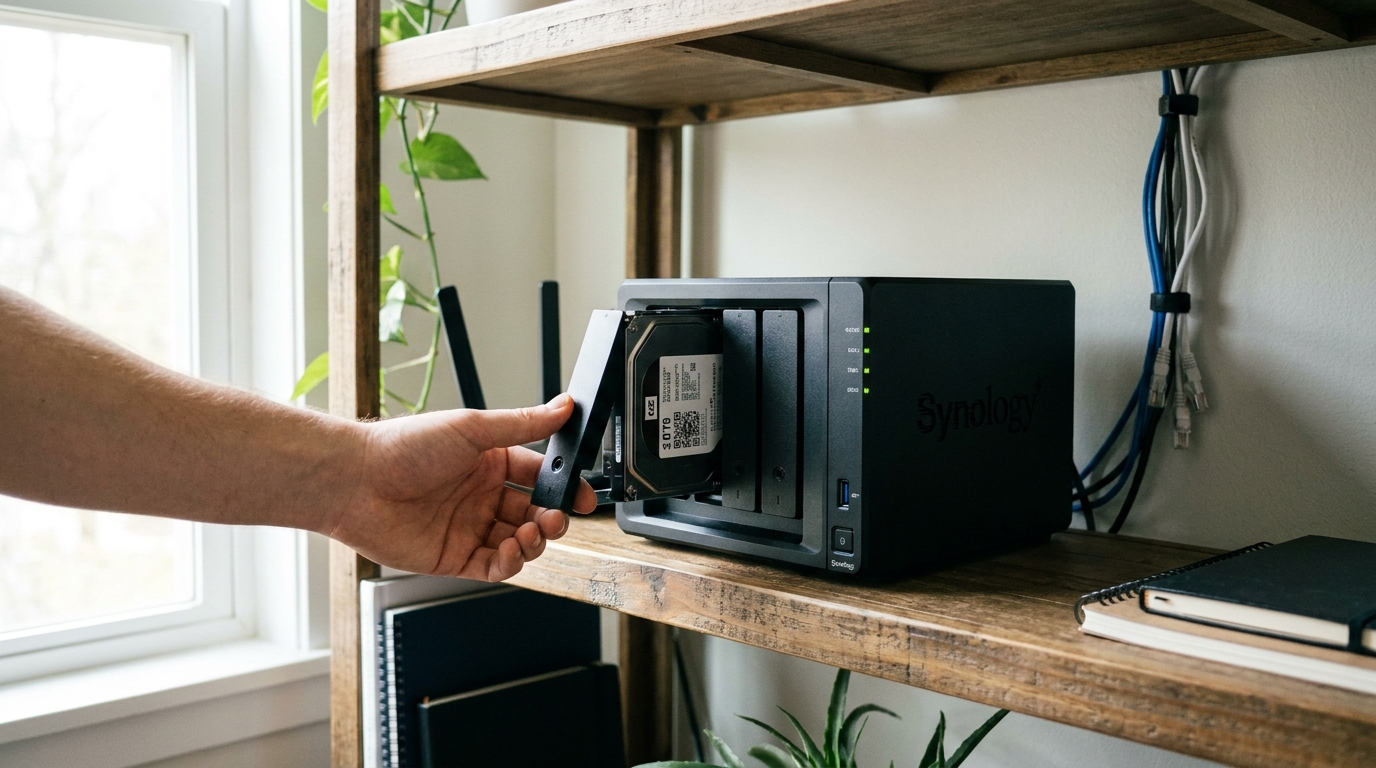
The AI infrastructure build-out is consuming storage at an unprecedented rate. Major hard drive makers have reported inventory effectively sold out well into the future, and over recent months retail prices for high-capacity drives have risen substantially, with the steepest jumps on the 8TB-and-up NAS-grade models that home users want most. Flash storage has been hit even harder, which removes “just go all-SSD” as an easy escape for bulk storage. None of this means you should skip a NAS — it means you should plan the purchase more carefully than in years past.
Step 1: Total Up What You Actually Store
Add up your photo library, video projects, PC backups, and media collection, then double it — that is roughly what you will want three years from now. Most households land in the 8 to 24TB usable range. Remember that RAID redundancy consumes capacity: in a four-bay unit running RAID 5, one drive’s worth of space goes to protection, so four 8TB drives yield roughly 24TB usable.
Step 2: Price Both Paths at Today’s Prices
Here is the step most buyers skip. Price the diskless enclosure plus the drives you would buy today, then compare against a populated model of similar capacity. In normal years the DIY route wins easily. In 2026, populated models — whose drives were bought by the manufacturer under contract pricing months ago — can come surprisingly close to, and sometimes beat, the DIY total for the same capacity. Populated models also spare you the drive hunt entirely: no stock alerts, no per-customer purchase limits, no mixing mismatched drives.

Step 3: Decide What Your Time and Risk Are Worth
Diskless still has real advantages: you choose exactly which drives go in, you can start with two bays filled and expand later, and you can shop sales aggressively. Populated models counter with pre-tested drives, RAID configured out of the box, and single-vendor warranty coverage — if anything fails, one company owns the problem. If you are a tinkerer, diskless remains satisfying. If the NAS is meant to quietly protect a family’s data for five years, populated is the lower-stress path this year.
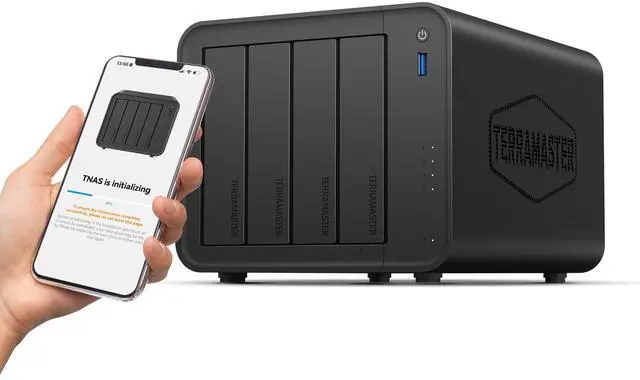
Diskless Pick: TERRAMASTER F4-425 — $343.99
The TERRAMASTER F4-425 is a strong four-bay foundation: an Intel x86 quad-core processor, 4GB of RAM, and 2.5GbE networking for fast transfers on modern home networks. It handles 4K H.265 hardware decoding for Plex, Emby, and Jellyfin media serving, offers AI-assisted photo organization, and sets up entirely from a mobile app. Buy it now, add drives as budget and stock allow — even starting with two drives gets you protected storage immediately.
Populated Pick: BUFFALO TeraStation TS5420DN3204 32TB — $1,780.99
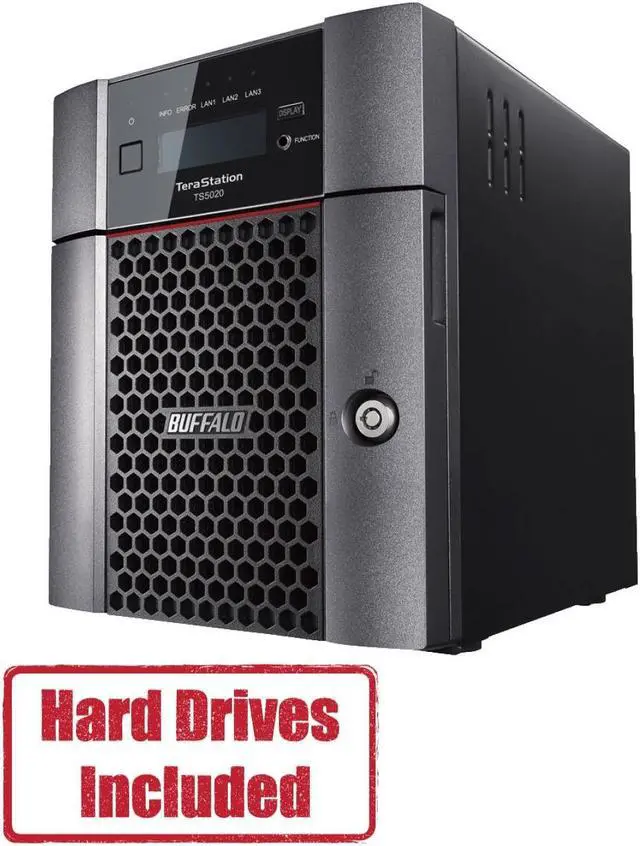
The BUFFALO TeraStation TS5420DN3204 ships with four pre-tested 8TB NAS-grade drives already installed and RAID pre-configured — plug it in and it works. It is aimed at small offices and demanding home users, with cloud integration for Amazon S3, Dropbox, Microsoft Azure, and OneDrive, plus a closed-system design, AES-256 encryption, and two-factor authentication for security. In a year when sourcing four matched 8TB NAS drives yourself is genuinely annoying, getting 32TB raw capacity with a single warranty is a compelling proposition.
Summary: Which Way to Go in 2026
Choose diskless like the F4-425 if you already own drives, want to expand gradually, or enjoy optimizing every component. Choose populated like the TeraStation if you value predictability, need capacity immediately, or are buying for someone who will never open a drive tray. Either way, buy sooner rather than later — analysts do not expect meaningful drive price relief before 2027. Browse the full NAS selection on Newegg to compare both approaches side by side.
Read More
- Western Digital is sold out of hard drives through 2026 — XDA Developers — Why NAS owners should pay attention to the HDD supply crunch.
- TERRAMASTER Official Site — Official product pages and TOS operating system details for the F4-425.
- Buffalo TeraStation Official Site — Official documentation for TeraStation populated NAS models.
- NAS deals roundup for World Backup Day 2026 — TechRadar — Recent NAS deal trends and pricing context.
- NAS Storage Guide 2026: RAID, Hard Drives & Capacity Planning — Newegg Insider — Our companion guide to RAID levels and capacity math.
Related Posts
- Prebuilt vs DIY Desktop PC in 2026: Which Is the Better Buy Now?
- Best Graphics Cards for 1440p Gaming in 2026
- DDR5 in 2026: Two Sticks or Four? Speeds, Capacity and What Actually Matters
- Best Power Supplies in 2026 for Every Build
- How to Move Your Gaming PC to a Dorm Without Breaking It
Frequently Asked Questions
Common questions about buying a NAS during the 2026 drive shortage.