
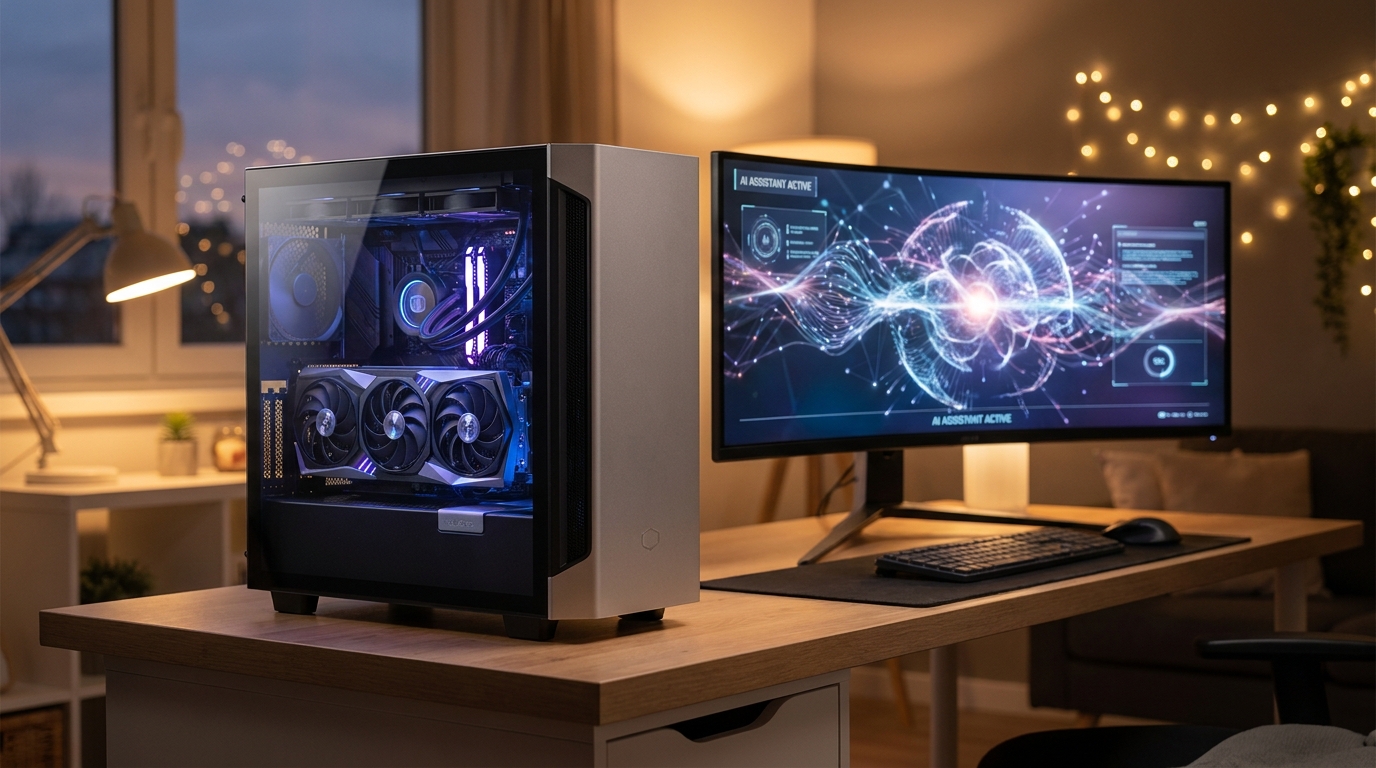
Running AI models on your own PC has gone from a niche hobby to one of the biggest reasons people upgrade their graphics cards in 2026. Local chatbots, code assistants, and image generators now run comfortably on consumer hardware, with no subscription fees and no data leaving your machine. The catch: your GPU’s memory, not its raw speed, decides which models you can actually load. This guide walks through what matters and three verified picks at very different budgets.
Why Local AI Is Worth It in 2026
Cloud AI services are convenient, but they come with monthly costs, rate limits, and privacy trade-offs. Running a model locally means your documents, prompts, and generated content stay on your machine. The open-model ecosystem has matured dramatically: quantized language models in the 7B to 70B parameter range now deliver quality that was cloud-only just two years ago, and tools like Ollama and LM Studio make setup nearly one-click. The hardware demand all of this creates is concentrated in one spec: video memory.
What to Look For
Three things matter most for local AI. First, VRAM capacity: a model’s weights must fit in GPU memory to run at full speed. As a rough rule, a 7B-parameter model at 4-bit quantization needs about 4 to 5GB, a 14B model needs 9 to 11GB, and 70B-class models want far more than any mid-range card offers. Second, memory bandwidth: every token generated re-reads the model from memory, so wider, faster memory means faster responses. Third, software support: NVIDIA’s CUDA ecosystem remains the most broadly supported path for local AI tools, and Blackwell-generation cards add FP4 precision support that stretches effective capacity further.

Quick Comparison
| GPU | VRAM | CUDA Cores | Memory Bus | Verified Price | Best For |
|---|---|---|---|---|---|
| MSI Ventus RTX 5060 Ti 16GB | 16GB GDDR7 | 4608 | 128-bit | $559.99 | Entry local AI + 1440p gaming |
| MSI Ventus RTX 5070 Ti 16GB | 16GB GDDR7 | 8960 | 256-bit | $989.99 | Fast mid-size models + 4K gaming |
| GIGABYTE AORUS RTX 5090 Master | 32GB GDDR7 | 21760 | 512-bit | $4,199.99 | Large models, maximum everything |
Budget Pick: MSI Ventus GeForce RTX 5060 Ti 16GB — $559.99
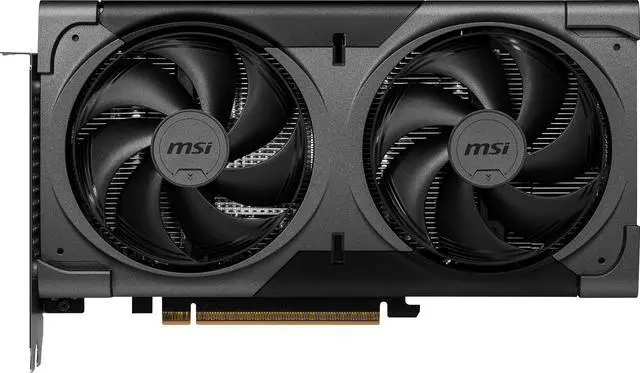
The MSI Ventus RTX 5060 Ti 16GB is the most affordable way into serious local AI right now. The key is that 16GB frame buffer: it comfortably holds 7B and 14B models at high-quality quantization levels, which covers most everyday assistant, coding, and summarization work. With 4608 CUDA cores and a 2602 MHz boost clock in a compact dual-fan design, it doubles as a very capable 1080p and 1440p gaming card with DLSS 4 support. The 128-bit bus means big models generate tokens more slowly than on pricier cards, but for a first local-AI machine, this is the value sweet spot.
Mid-Range Pick: MSI Ventus GeForce RTX 5070 Ti 16GB — $989.99
Stepping up to the MSI Ventus RTX 5070 Ti keeps the same 16GB of GDDR7 but doubles the memory bus to 256-bit and nearly doubles the CUDA core count to 8960. In practice that means the same models load, but responses stream noticeably faster, and image generation workloads finish in a fraction of the time. It is also a legitimate 4K gaming card. If you plan to use local AI daily rather than occasionally, the extra bandwidth is what you are paying for, and it is worth it.
No-Compromise Pick: GIGABYTE AORUS GeForce RTX 5090 Master 32GB — $4,199.99
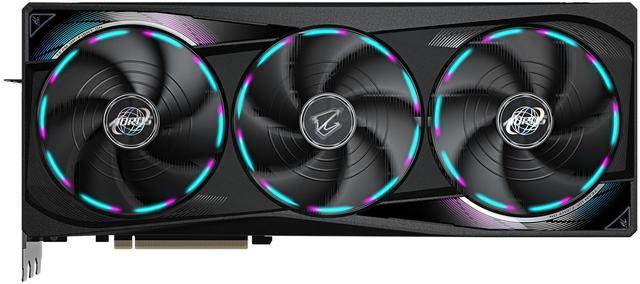
The GIGABYTE AORUS RTX 5090 Master is the card for people who want desktop access to genuinely large models. Its 32GB of GDDR7 on a 512-bit bus lets 30B-class models run entirely in VRAM and lets 70B-class models run with minimal offloading to system memory, something no other consumer GeForce card manages. With 21760 CUDA cores it is also the fastest gaming GPU on the market. The price is steep, and current market conditions have kept flagship prices elevated, but nothing else in a consumer PC gets you this much AI capability.
Final Verdict
Most people starting with local AI should buy the RTX 5060 Ti 16GB and spend the savings on fast system RAM and storage. Daily users who value response speed should stretch to the RTX 5070 Ti. And if your work involves large models, fine-tuning, or heavy image generation, the RTX 5090’s 32GB is the only consumer-class answer. Whichever tier fits, browse the full RTX 5060 Ti 16GB selection or compare all graphics cards on Newegg to match your budget.
Read More
- Best Hardware to Run Local AI Models in 2026: Buyer Guide — Digital Applied — A price-bracketed breakdown of local AI hardware options in 2026.
- Local LLM Hardware Guide 2026: VRAM, GPUs, Setup — Kunal Ganglani — Hands-on tested guidance for matching VRAM to model sizes.
- NVIDIA GeForce RTX 5090 Official Page — NVIDIA — Official specifications for the flagship Blackwell GPU.
- Picking the Right Hardware to Run LLMs Locally in 2026 — Pinggy — Practical advice on self-hosting language models at home.
- Shop GPUs on Newegg — Browse the full graphics card category with current prices.
Related Posts
- Best 4K Projectors for Home Theater and Gaming in 2026
- Best ABS Gaming PCs for GTA 6 and Next-Gen AAA Games
- Best ABS Gaming Desktops by Budget
- Best Streaming Gear for New Creators in 2026
- Best ABS Gaming PCs for Gaming and Streaming
Frequently Asked Questions
Answers to the most common questions about choosing a GPU for local AI.