
Modern desktop CPUs can pull well over 200 watts under load, and how you remove that heat shapes your PC’s noise, temperatures, and even its looks. The old wisdom said air cooling for value, liquid for performance — but in 2026 a flagship air cooler costs more than many 360mm all-in-one liquid coolers, and Computex this year was full of thermal innovations like maintenance-free carbon nanotube pads challenging traditional paste. Time to re-ask the basic questions.
How much cooling do I actually need?
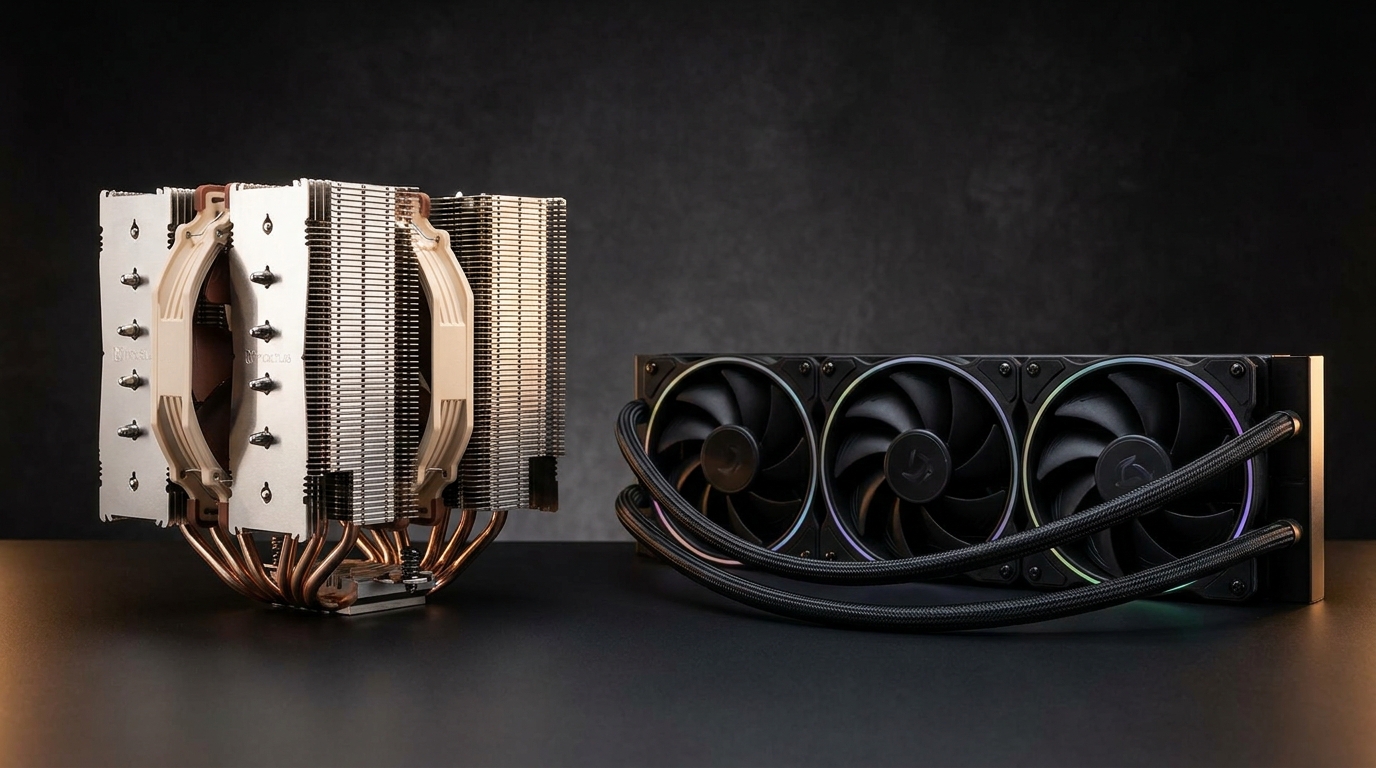
Match the cooler to the chip. Mid-range six- and eight-core CPUs in the 65 to 120W range are handled easily by a good tower air cooler. High-end parts that boost past 170W — and especially heavily overclocked chips — benefit from a 360mm radiator’s larger thermal headroom. Buying far more cooler than your CPU needs is not wasted money, though: oversized cooling runs its fans slower, which means quieter.
Is liquid cooling riskier than air?
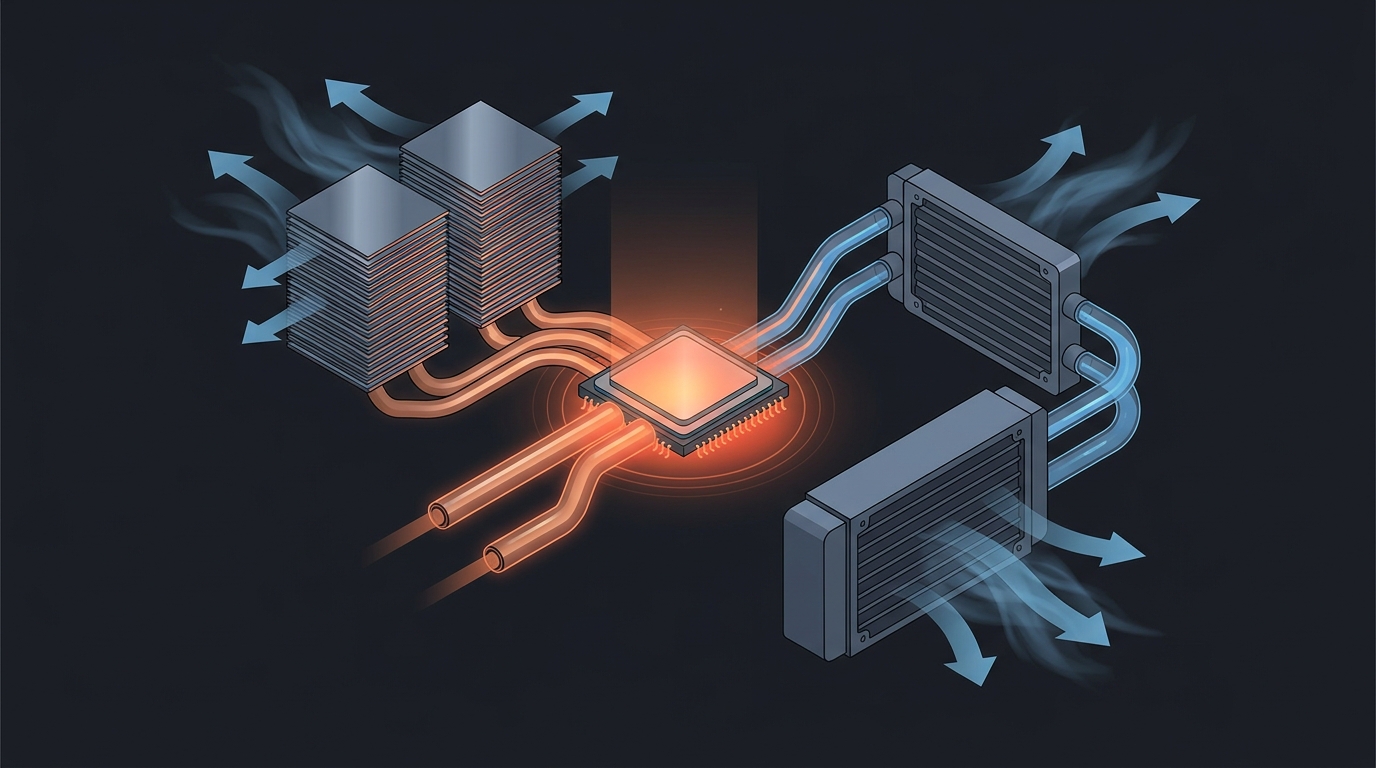
An air cooler is close to fail-proof — its only moving parts are fans, and even a dead fan usually triggers thermal throttling rather than damage. AIOs add a pump and coolant loop; modern units are sealed and reliable for five-plus years, but a pump is still one more thing that can eventually wear out. If you want a cooler you can forget about for a decade, air keeps the edge. If you want the cleanest look around the CPU socket and maximum headroom, the AIO risk difference is small enough to accept.
What about thermal paste vs the new thermal pads?
This year’s Computex pushed solid-state thermal interface materials into the spotlight, including carbon-nanotube pads designed to be maintenance-free alternatives to paste that never dry out or pump out. They are appearing bundled with premium coolers and CPUs. Traditional quality paste is still perfectly fine — just expect to see more pad options on shelves over the next year, and do not pay a big premium for one on a mid-range build.
Does a bigger air cooler block my RAM?
It can. Dual-tower designs overhang the memory slots on many boards; look for coolers with recessed front towers or adjustable fan heights. This is one place AIOs win by default — the socket area stays clear, which also helps on compact motherboards and in RGB-heavy builds where tall RAM is common (a real consideration now that DDR5 kits with tall heatspreaders dominate).
Product Spotlight: Noctua NH-D15 G2 — $159.95
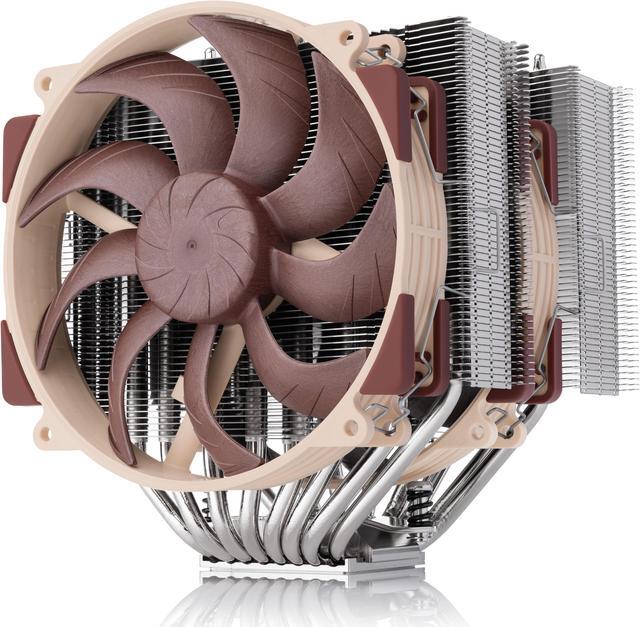
The NH-D15 G2 is the second generation of the most famous air cooler ever made: eight heatpipes, about 20% more fin surface area than the original, and new NF-A14x25r G2 fans. It cools flagship CPUs at whisper levels and carries Noctua’s legendary longevity — this is the buy-once cooler. It supports AM5, AM4, and Intel LGA1851/1700 out of the box. The trade-offs: it is enormous, it costs more than many AIOs, and its beige-and-brown look is an acquired taste.
Product Spotlight: MSI MAG CoreLiquid A15 360 — $99.99
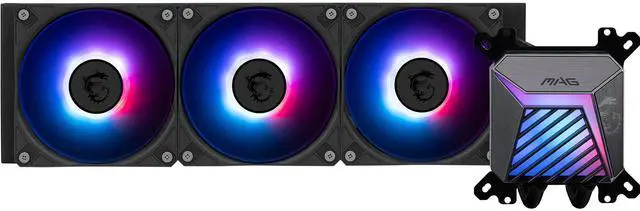
The MAG CoreLiquid A15 360 shows how affordable 360mm liquid cooling has become. You get a full-size radiator, pre-installed CycloBlade fans that focus airflow and cut noise, durable EPDM tubing to prevent coolant evaporation, and ARGB Gen2 lighting controllable through MSI Center — for under $100. It supports AM5/AM4 and LGA1851/1700. For high-wattage CPUs in glass-panel builds, this is remarkable value.
Quick Comparison
| Factor | Noctua NH-D15 G2 (Air) | MSI CoreLiquid A15 360 (AIO) |
|---|---|---|
| Verified Price | $159.95 | $99.99 |
| Cooling headroom | Excellent for flagships | Excellent, best for 200W+ sustained |
| Noise at load | Class-leading low | Low, fan-curve dependent |
| Long-term reliability | Fans only — near fail-proof | Sealed pump, typically 5+ years |
| RAM/socket clearance | Can overhang tall RAM | Socket area fully clear |
| Aesthetics | Functional, iconic beige | ARGB, clean socket view |
Recommendations
Set-and-forget workstation or quiet PC: the Noctua NH-D15 G2 — maximum reliability and minimum noise. High-wattage gaming build with a window: the MSI MAG CoreLiquid A15 360 — big thermal headroom, clean looks, $99.99. Mid-range budget build: a single-tower air cooler like the Noctua NH-U12S redux ($70.17) is all a 65-120W chip needs. Browse the full 360mm AIO selection or all CPU coolers on Newegg.
Read More
- AMD Courts Gamers At Computex With New X3D CPUs and Carbon Thermal Pads — HotHardware — Coverage of the carbon nanotube thermal pad trend at Computex 2026.
- Noctua NH-D15 G2 Official Product Page — Noctua — Full specifications and compatibility lists for the flagship air cooler.
- Best CPU Coolers 2026 — Tom’s Hardware — Independent testing across air and liquid coolers.
- MSI MAG CoreLiquid Series — MSI — Official lineup details for the CoreLiquid AIO family.
- Shop CPU Coolers on Newegg — Compare air and AIO cooler prices side by side.
Related Posts
- Best CPU Coolers in 2026
- Best Power Supplies in 2026
- Best Gaming Laptops in 2026
- How Much Memory an AM5 Build Actually Needs in 2026
- CL36, CL30, CL28 or CL26? Picking a DDR5-6000 Latency Tier
Frequently Asked Questions
Common questions about choosing between air and liquid CPU cooling.