
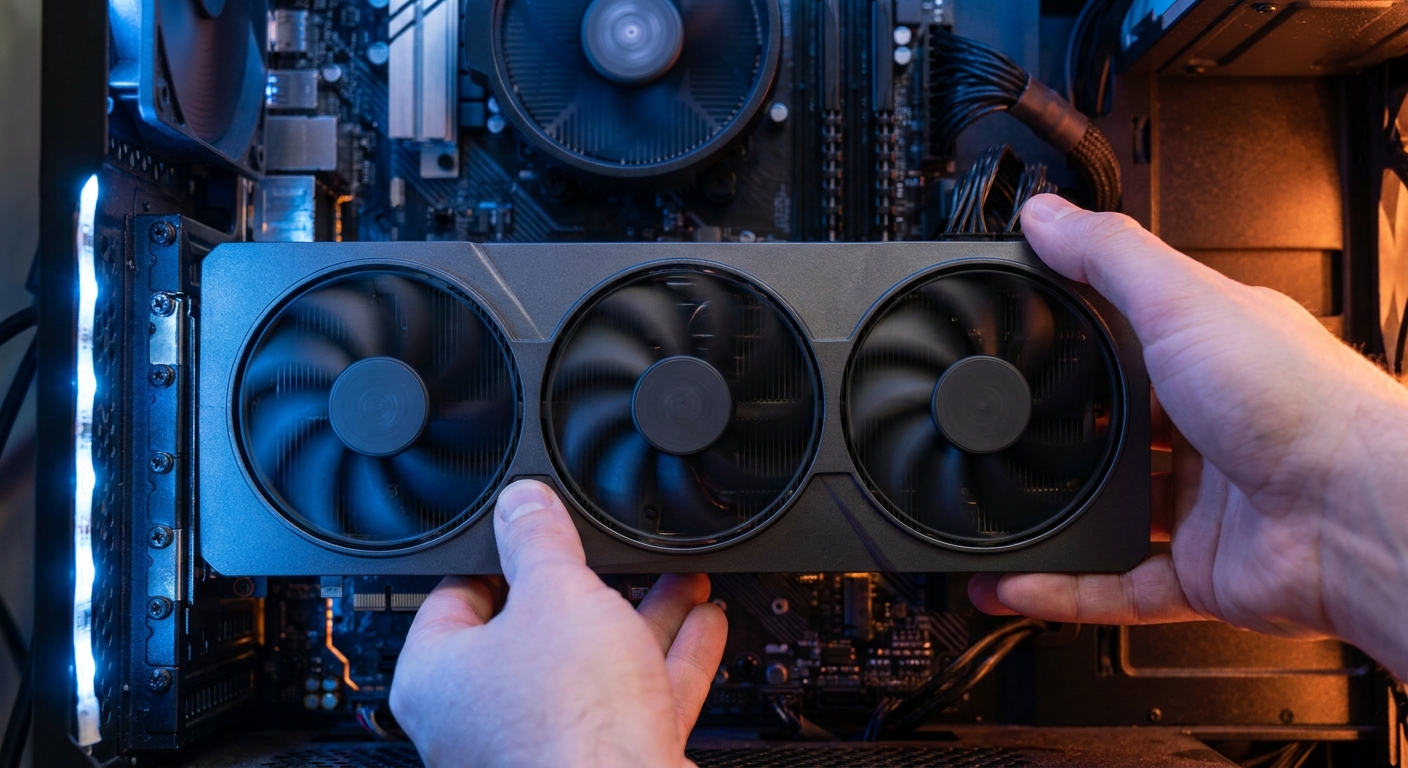
So you picked up the new Ryzen 7 7700X3D, or you are about to. Smart move: at $328.99 it is the cheapest ticket into X3D gaming performance. But a fast gaming CPU only shines when the graphics card can keep up. The right pairing depends less on budget alone and more on how you actually play. Here are three builder scenarios, each with a verified-price pick available on Newegg right now.
Who Needs This Guide?
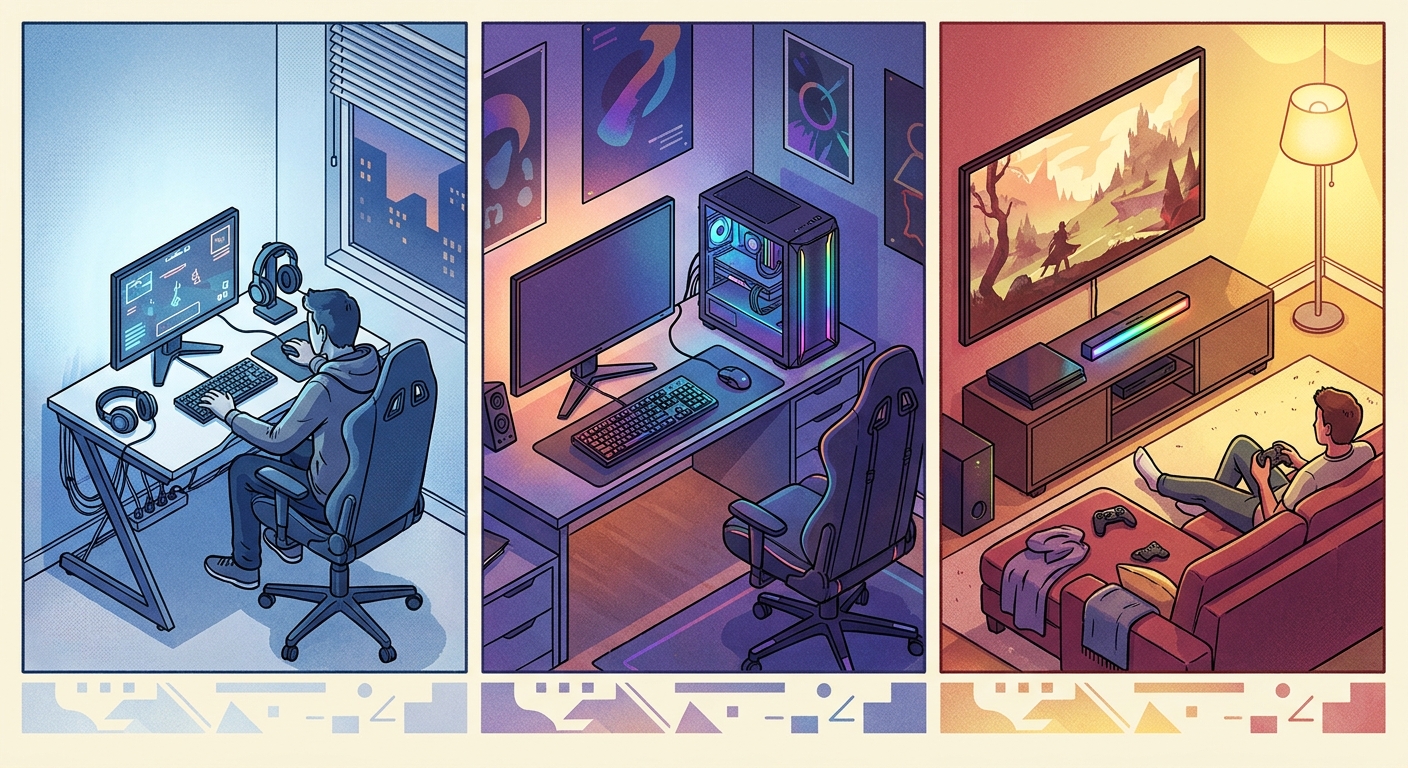
The 7700X3D’s giant 96MB cache makes it exceptional at feeding high frame rates, which means it scales beautifully with everything from midrange to enthusiast GPUs. The question is where your money buys the most fun. Find yourself below.
Scenario 1: The Competitive Player (1080p/1440p Esports)
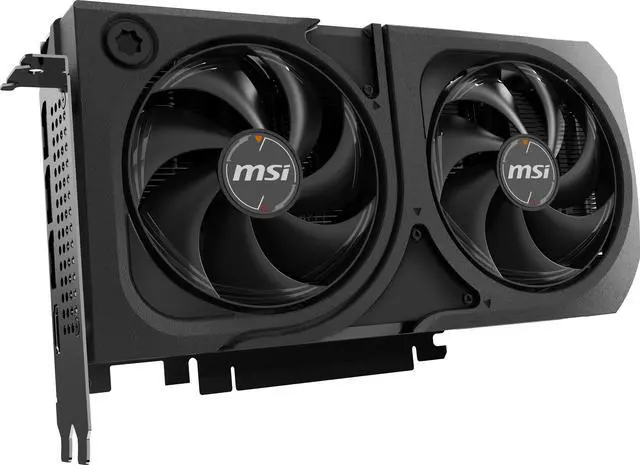
You live in Counter-Strike 2, Valorant, or Marvel Rivals, and you want every one of your monitor’s 180 or 240 hertz. Here the CPU matters as much as the GPU, and the 7700X3D already delivers roughly 500 fps in CS2 per launch-week testing. Pair it with the MSI SHADOW RTX 5060 Ti 16GB ($569.99) and you have esports frame rates to spare plus a 16GB buffer that keeps texture-heavy titles smooth. Total CPU-plus-GPU spend: under $900.
Scenario 2: The 1440p All-Rounder
You play a bit of everything on a 1440p high-refresh monitor: AAA story games on weekends, shooters with friends at night. The GIGABYTE WindForce RTX 5070 12GB ($635.99) is the balanced answer, with DLSS 4 frame generation carrying demanding titles past 100 fps at 1440p. Launch reviews of the 7700X3D used exactly this class of card, an RTX 5070, and found the pairing left almost nothing on the table versus CPUs costing hundreds more.
Scenario 3: The Max-Settings Enthusiast (High-FPS 1440p / Entry 4K)
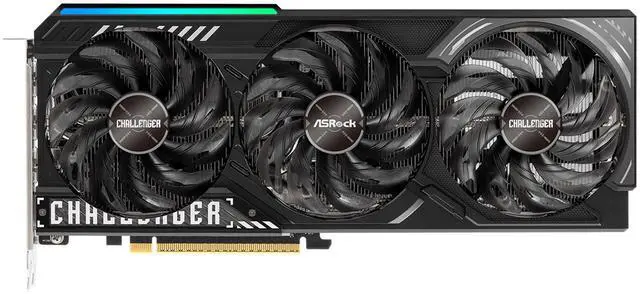
You want ultra settings, ray tracing where it counts, and you are eyeing a 4K monitor. The ASRock Challenger RX 9070 XT 16GB ($699.99) delivers the strongest rasterization per dollar in this bracket, and its 16GB of memory is a safety margin for future texture packs. At 4K the GPU becomes your bottleneck, which is exactly why saving $87-150 on the CPU with the 7700X3D and spending it here is the sharper allocation.
Best Pick per Scenario
| Scenario | GPU Pick | Price (7/17) | CPU + GPU Total |
|---|---|---|---|
| Esports first | MSI RTX 5060 Ti 16GB | $569.99 | $898.98 |
| 1440p all-round | GIGABYTE RTX 5070 | $635.99 | $964.98 |
| Max settings / entry 4K | ASRock RX 9070 XT | $699.99 | $1,028.98 |
Verdict
There is no wrong answer here, only wrong matches. Buy for the games you play most, not the benchmarks you watch. And whichever card you choose, the 7700X3D’s low 120W TDP means your existing power supply very likely already has the headroom for it.
Read More
- Tom’s Hardware: Best Graphics Cards — The GPU hierarchy with benchmark data across every tier.
- TechSpot: The Best Graphics Cards — Value-focused GPU recommendations updated through the year.
- XDA: Ryzen 7 7700X3D Review — The launch review whose test bench paired the chip with an RTX 5070.
- AMD Official: Radeon RX Graphics — Official specs for the RX 9070 series.
- Newegg: RTX 5070 Listings — Live stock and pricing across board partners.
Related Posts
- RTX 5070 vs RX 9070 XT: Best GPU for 1440p Gaming in 2026
- 1440p 180Hz Gaming Monitors: Your Biggest Questions, Answered
- Can a $500 Laptop Handle Premiere Pro and Photoshop? What Budget Buyers Should Know
- How Much Power Supply Do You Actually Need in 2026?
- DDR5 Memory Buying Guide for AM5: Why 6000 CL30 Is the Sweet Spot
Frequently Asked Questions
Answers to the most common questions about pairing a GPU with the Ryzen 7 7700X3D.