
Here is a detail that catches out more first-time builders than any other: the Ryzen 7 7700X3D does not come with a cooler. Its specification table says so plainly, “Cooling device not included – Processor Only,” and the same is true across the X3D range. So a cooler is not an accessory on an AM5 build, it is a required part, and the good news is that it does not have to be an expensive one. A 120W processor is a comfortable thermal target for air cooling, which means the interesting question is not whether air is enough. It is which air cooler earns its price. Below, six coolers go head to head in three price brackets. All prices were verified on Newegg on July 28, 2026.
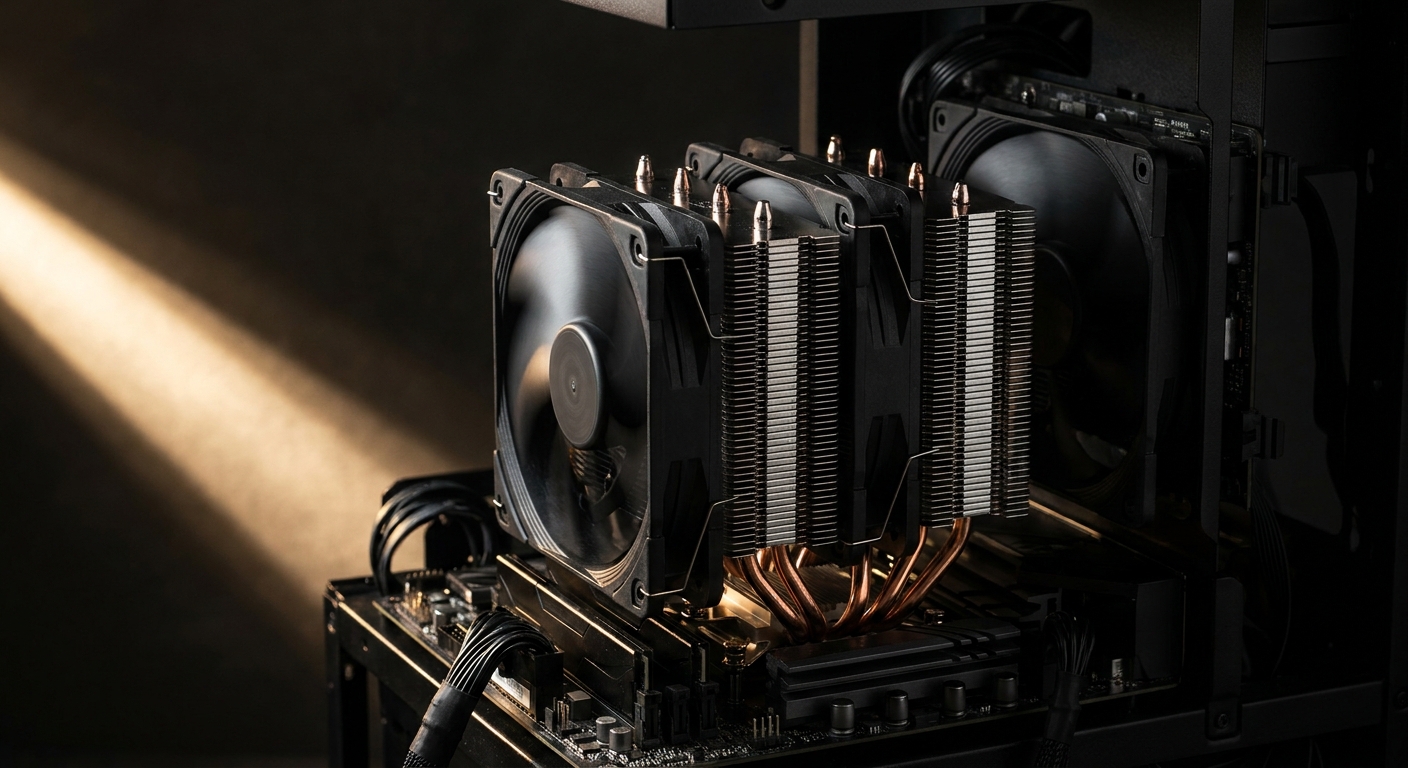
Why Air, and What the Numbers Mean
Air cooling has three structural advantages over liquid on a build like this. There is no pump, which is the component most likely to fail in an all-in-one cooler and the one that determines its lifespan. There is no coolant to permeate out of the tubing over the years. And an air cooler mounts once and then requires nothing from you beyond occasional dusting. Against that, a large air cooler is tall and heavy and can crowd your memory slots, which is the trade-off you are managing.
Two specifications actually matter when comparing them. Heat pipe count tells you roughly how much heat the cooler can move away from the processor, with four pipes typical of budget single-tower designs and six or seven pipes found on dual-tower models. Tower count tells you how much surface area is available to shed that heat: a dual-tower cooler puts two fin stacks in the airflow path instead of one, which is more effective and, importantly, quieter at the same cooling level because the fans do not have to spin as fast. Everything else, and especially lighting, is preference.
Round 1, Under $30: Hyper 212 PRO ARGB vs Pure Rock Slim 3
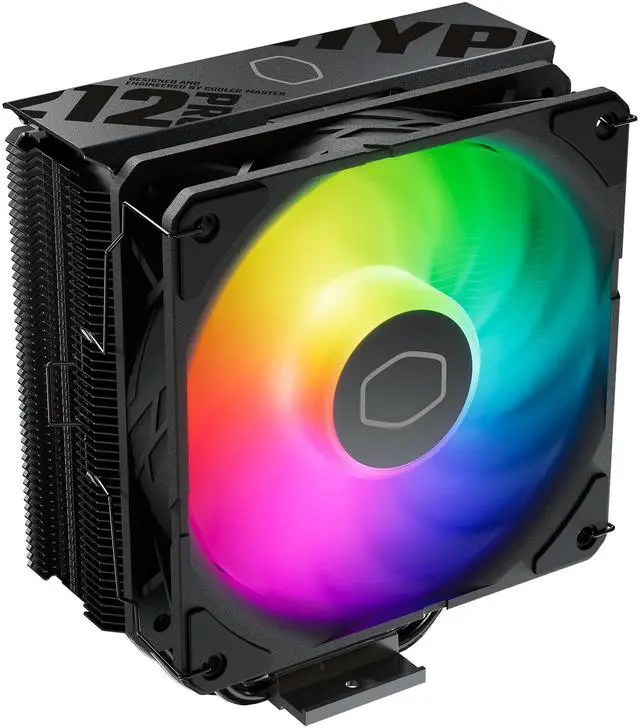
The Cooler Master Hyper 212 PRO ARGB at $24.98 is the sensible default for this bracket, with four copper heat pipes, a 120mm PWM fan and ARGB lighting. The Hyper 212 has been the reference budget tower cooler for well over a decade, which means mounting hardware, clearance dimensions and quirks are extremely well documented. The near-identical Hyper 212 Spectrum V3 ARGB at $25.98 is the same idea with different lighting.
Its competitor is the be quiet! Pure Rock Slim 3 at $28.98, which is rated for a 130W TDP with three heat pipes and a smaller 100mm fan. The Slim 3’s argument is physical: it is a compact cooler, which makes it the better answer in a small case or under a shroud, and be quiet! tunes for low noise as a matter of company identity. Winner in this bracket: the Hyper 212 PRO on raw value, since four heat pipes and a full-size 120mm fan is more cooling hardware for less money. Choose the Slim 3 instead if space is genuinely tight.
Round 2, Around $37: Hyper 212 Black vs Pure Rock 3 Black
Adding roughly $12 to the budget buys you refinement rather than a step change in cooling. The Cooler Master Hyper 212 Black at $36.98 keeps the four heat pipes and 120mm PWM fan but drops the lighting for an all-black finish, which suits a build where you would rather not have another light source. The be quiet! Pure Rock 3 Black at $37.90 uses a 120mm rifle-bearing fan and supports both AM5 and Intel’s LGA1851 and LGA1700 sockets.
Rifle bearings are worth a word, since it is the kind of specification that sounds like marketing. They use a spiral groove to pump lubricant along the shaft, which reduces the low-frequency hum that sleeve-bearing fans develop after a year or two of continuous running. If your PC sits on the desk beside you and runs all evening, that is a real quality-of-life difference. Winner in this bracket: the Pure Rock 3 Black by a hair, for the bearing and the socket coverage, at essentially the same price.
Round 3, $55 to $67: Pure Rock Pro 3 Black vs Hyper 620S
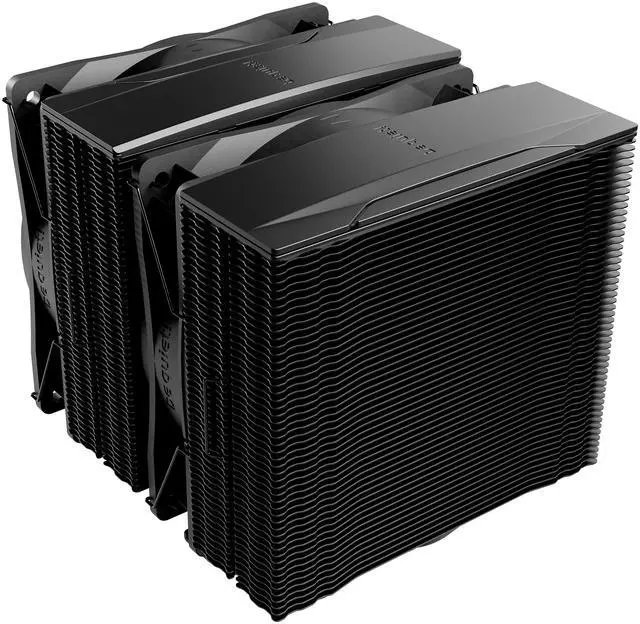
This is where the meaningful upgrade lives. Both contenders are dual-tower designs, and moving from one tower to two is the single biggest step in air cooling. The be quiet! Pure Rock Pro 3 Black at $54.90 pairs a dual-tower heatsink with a 120mm rifle-bearing fan. The Cooler Master Hyper 620S Dual Tower at $66.98 has six copper direct-contact heat pipes and ARGB sync lighting.
For a 120W processor, either is comfortably more cooling than required, and that surplus is the point. A cooler running well below its limit spins its fans slowly, which means a machine that stays quiet under sustained load rather than ramping audibly every time a game loads a new area. Winner in this bracket: the Pure Rock Pro 3 Black, because it delivers the dual-tower benefit for $12 less. Take the Hyper 620S if you want the extra heat pipe count and the lighting to match an ARGB build.
Do You Ever Need to Spend $130?
The be quiet! Dark Rock Pro 6 at $129.99 is the flagship here, with two Silent Wings PWM fans and seven heat pipes. It is an excellent cooler and it is also more than a 7700X3D will ever ask for. Its natural home is a 16-core processor pulling 170W or more, or a small room where near-silence under full load genuinely matters to you.
On an eight-core 120W chip, the money is better spent elsewhere in the build. And it is worth checking the CPU listing before you buy any cooler at all: at the time of writing the Ryzen 7 7700X3D product page carries a limited-time promotion that includes a Cooler Master Elite Liquid 240 AIO cooler with purchase, which would make this entire decision moot.
Three Things to Check Before You Order
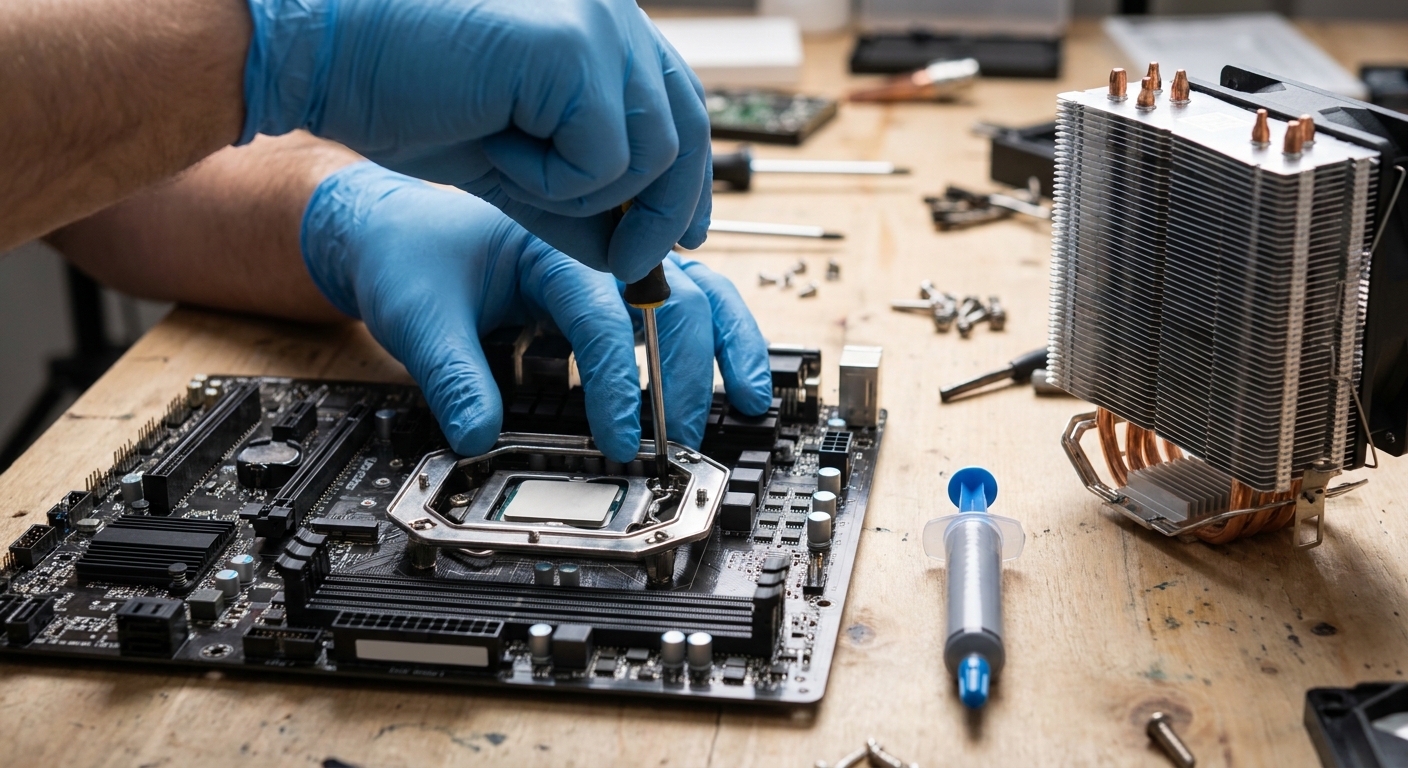
First, case clearance. Every case lists a maximum CPU cooler height in its specifications, and every cooler lists its own height. Compare the two numbers before ordering, because a cooler that is five millimetres too tall will not let you close the side panel. Second, memory clearance: single-tower coolers rarely conflict with memory, but dual-tower models can overhang the first slot, so check whether your kit has tall heat spreaders and whether the cooler’s front fan can be raised.
Third, AM5 mounting. All six coolers here support AM5, and most now ship with the correct bracket in the box, but it is worth confirming rather than assuming, particularly for a cooler you already own from an older build. Also make sure your board’s socket area is not crowded; a mainstream ATX board like the MSI B850 GAMING PLUS WIFI6E at $151.98 leaves generous room, while compact micro-ATX boards can be tighter. You can compare heights and mounting support across the full range on Newegg’s CPU air cooler listings.
The Verdict
Best budget cooler: Cooler Master Hyper 212 PRO ARGB at $24.98, genuinely all a 120W chip needs. Best small-case option: be quiet! Pure Rock Slim 3 at $28.98. Best around $37: be quiet! Pure Rock 3 Black at $37.90, for the rifle-bearing fan. Best overall for an AM5 gaming build: be quiet! Pure Rock Pro 3 Black at $54.90, where the dual-tower design buys you meaningfully quieter operation. Best if you want lighting to match: Cooler Master Hyper 620S at $66.98. And save the Dark Rock Pro 6 at $129.99 for a build that actually needs it.
Read More
- Tom’s Hardware: Best CPU Coolers — Independent thermal and acoustic testing across air and liquid coolers.
- GamersNexus: CPU Cooler Megacharts — Comparative temperature and noise-normalized data for a large cooler set.
- be quiet! Official: Pure Rock Pro 3 — Manufacturer specifications, height and socket compatibility.
- AMD Official: Ryzen 7 7700X3D — Confirms the 120W TDP and that no cooler is included.
- Newegg: CPU Air Coolers — Filter by socket, height and tower configuration.
Related Posts
- How to choose the best CPU cooler for you
- Best Power Supplies in 2026
- Best Gaming Laptops in 2026
- How Much Memory an AM5 Build Actually Needs in 2026
- CL36, CL30, CL28 or CL26? Picking a DDR5-6000 Latency Tier
Frequently Asked Questions
Answers to the most common questions about AM5 CPU air coolers.