
If you want a real desktop experience without giving up a ton of space, a Mini PC is worth a serious look. These compact systems are popular for home offices, streaming setups, classroom use, and everyday computing because they bring the essentials of a full PC into a much smaller footprint.
That small size is only part of the appeal. Mini PCs can also be a smart buy when you want a cleaner desk, lower noise, and a system that can slide into places a tower never would. Here’s a closer look at how people actually use them and why they’ve become such a practical option.
1. Start with the main purpose of a Mini PC
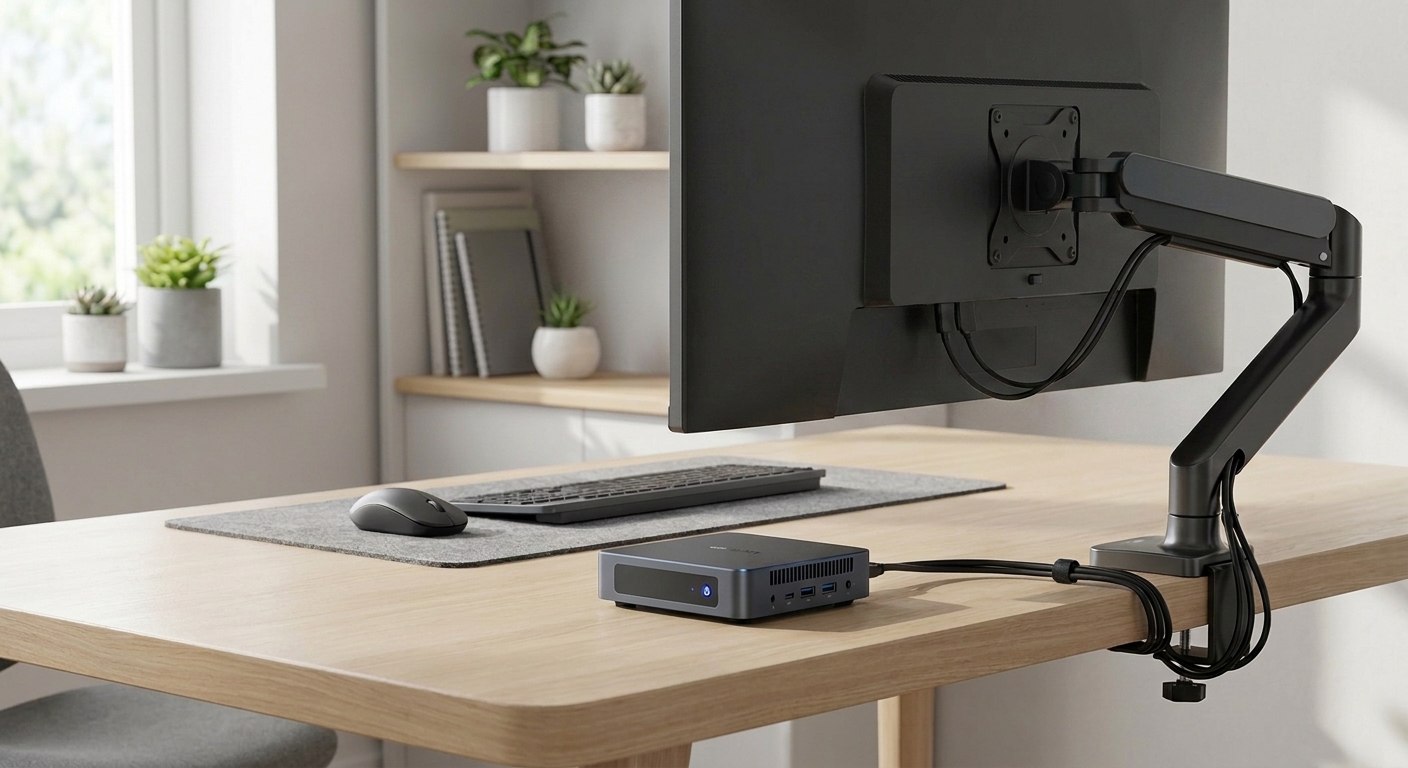
The big idea behind a Mini PC is simple: deliver desktop computing in a very compact design. For most buyers, that means getting the everyday performance they need while taking up far less room than a traditional tower.
That makes Mini PCs especially appealing for tight spaces like dorm rooms, apartments, shared offices, reception counters, and compact home workstations. Many models can also be mounted behind a monitor with a VESA bracket, which helps keep your setup neat and frees up even more desk space.
2. Understand the most common ways people use them
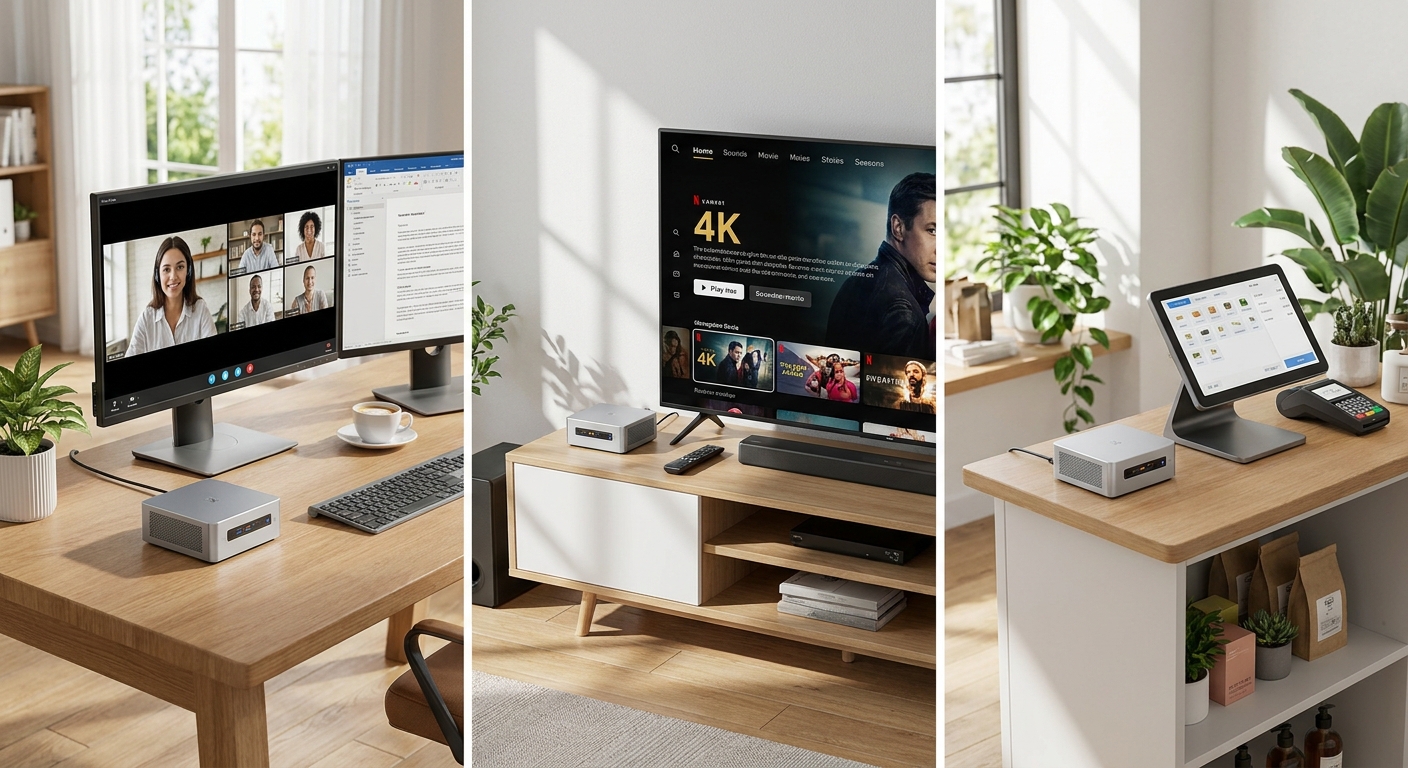
For many shoppers, a Mini PC is the perfect everyday machine. Web browsing, email, video calls, streaming, document editing, and spreadsheet work are all common tasks for these systems. If you want something quiet and unobtrusive for daily use, this form factor makes a lot of sense.
Mini PCs also show up in plenty of specialized setups that don’t need a big desktop tower:
- Home office and remote work
- Classroom or student setups
- Media playback and TV streaming
- Point-of-sale or retail kiosk systems
- Home labs and small servers
- Light photo editing and casual content creation
3. Know where a Mini PC makes the most sense
Mini PCs shine when you care more about convenience, space savings, and low noise than maximum expandability. They’re a strong match for buyers who mainly use cloud tools, office apps, browsers, and video conferencing software.
They’re also a practical choice in spots where a full-size desktop would feel bulky or out of place. Think meeting rooms, store displays, entertainment centers, or shared family spaces. In those situations, the compact footprint is more than a nice bonus; it’s exactly why the system works.
4. Compare Mini PCs with laptops and desktops
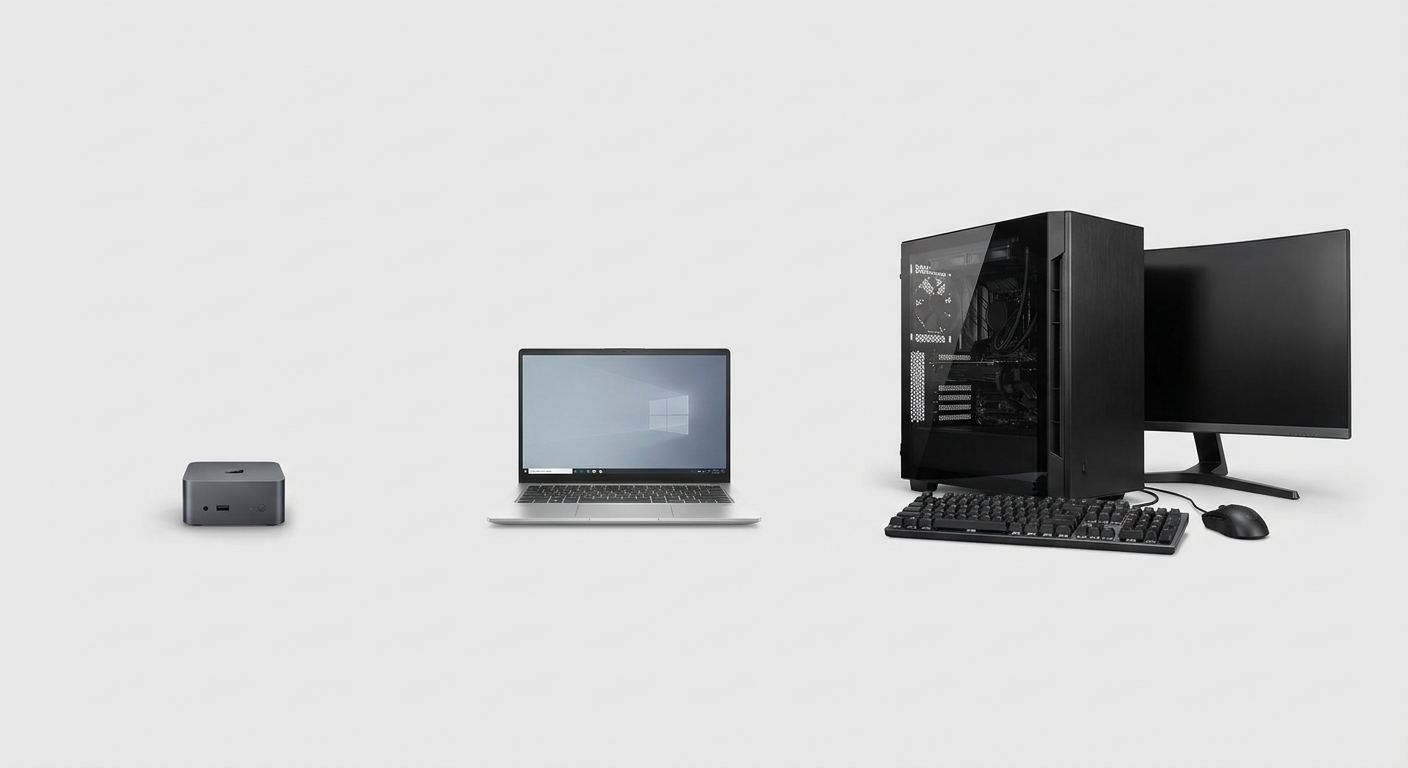
A Mini PC sits in a very useful middle ground. Compared with a laptop, it can offer a more comfortable desktop setup because you can pair it with the monitor, keyboard, and mouse you actually want. Compared with a tower desktop, it usually takes up far less space and is easier to tuck away.
The tradeoff is that Mini PCs usually have less room for upgrades and fewer high-performance options than larger desktops. If your priority is heavy gaming, advanced 3D rendering, or demanding professional workloads, a full-size desktop may still be the better investment.
- Mini PC: best for compact, quiet, everyday use
- Laptop: best for mobility
- Desktop tower: best for performance and expandability
5. What to look for before buying one
When you’re shopping for a Mini PC, the key is to focus on what will affect daily use. Size matters, but it’s the processor, memory, storage, and ports that determine how well the system fits your workflow.
Here’s a simple checklist to help you shop smarter:
- Processor: choose a current Intel Core, AMD Ryzen, or similar chip for smoother multitasking.
- Memory: 8 GB is the minimum for light use, while 16 GB or more is better for multitasking.
- Storage: an NVMe SSD is strongly preferred for fast boot and app loading.
- Ports: check for HDMI, DisplayPort, USB-C, and enough USB-A connections.
- Networking: Wi-Fi and Ethernet are important for stable home and office use.
If those specs line up with how you plan to use it, a Mini PC can be one of the most efficient upgrades you make.
Summary
Mini PCs are popular because they make desktop computing easier to fit into real life. They’re compact, versatile, and well suited for everyday productivity, entertainment, kiosk use, and even light server duties. If you want a capable PC that won’t dominate your desk, this category deserves a spot on your shortlist.
Frequently Asked Questions
Can a Mini PC handle everyday office work?
Yes, a modern Mini PC is usually a strong fit for email, web browsing, document editing, spreadsheets, and video calls. For smoother multitasking, choose a model with a current CPU, 16 GB of RAM, and an NVMe SSD.
Is a Mini PC a good value compared with a laptop?
It can be a very good value if you already own a monitor, keyboard, and mouse. A Mini PC often gives you a more comfortable desktop-style setup for the money, while a laptop includes portability that you may not need.
How much performance can I expect from a Mini PC?
Most Mini PCs are best for daily computing, media streaming, office apps, and light creative work. They are not usually the best choice for heavy gaming, advanced 3D rendering, or demanding workstation tasks.
What should I check about warranty before buying one?
Look at the warranty length, who handles support, and whether accidental damage is covered. It is also worth checking how easy it is to get service, replacement parts, or a swap if something goes wrong.
Are Mini PCs usually in stock, and do models change often?
Stock and configurations can change quickly because Mini PCs are often refreshed with new processors, RAM, or storage options. If you find one that fits your needs, it is smart to confirm availability and return policies before waiting too long.
Read More
- ASUS ExpertCenter PB64 — Official ASUS product page for a compact business mini PC with modern Intel processors.
- Lenovo Desktop Mini PCs — Lenovo’s mini PC category page, useful for comparing small-form-factor business systems.
- AMD Ryzen Embedded V2000 Series — AMD’s official overview of an embedded processor family used in compact systems and mini PCs.
- AMD Ryzen Embedded Mini PC Solutions Application Brief — A technical AMD brief explaining where mini PCs fit in consumer and commercial deployments.
- ASUS PB Series Mini PCs — ASUS’s broader PB Series mini PC lineup for buyers comparing multiple compact models.
Related Posts
- How to Choose the Right Business Desktop for Work on Newegg
- ASRock DeskMini X600: Small Form Factor, Big Capabilities with USB4 Boost
- Ockel Sirius B Black Cherry Mini PC
- Back-to-School Portable Storage: What Students Should Actually Buy in 2026
- Buying the Ryzen 7 7700X3D on Newegg: Everything in One Cart