

Storage is the back-to-school purchase most students get wrong in both directions. Some spend nothing, rely entirely on cloud sync, and eventually lose a week of work to a corrupted folder or a campus network outage the night before a deadline. Others spend $290 on a rugged 1TB drive to carry around a semester’s worth of lecture notes and PDFs, which is like renting a moving truck to bring home groceries. The right answer depends on what you actually produce. Here is how the tiers break down, with prices verified on Newegg on July 28, 2026.

First, a Note on 2026 Prices
It is worth setting expectations. Flash memory pricing has been elevated through 2026, which is why a name-brand 1TB portable SSD now sits around $250 rather than the sub-$100 figures some older buying guides quote. This is not a temporary sale you missed; it reflects current market conditions. The practical consequence is that buying more capacity than you need is more expensive than it used to be, and buying carefully matters more. It also means the value-oriented options in the middle of this list are worth a serious look rather than being an obvious compromise.
Tier 1: A Flash Drive, $30 to $36 — Most Students Stop Here
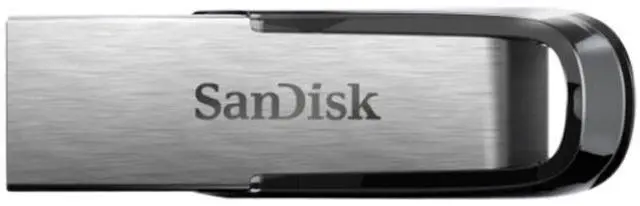
If your coursework is documents, slides, spreadsheets, code and PDFs, 128GB is plenty for four years and then some. The SanDisk 128GB Ultra Flair at $29.98 is a metal-bodied USB 3.0 drive rated up to 150MB/s, which is fast enough that copying a folder of readings takes seconds.
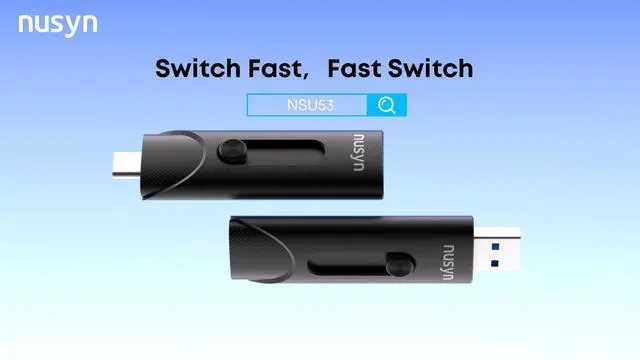
The version worth the extra six dollars is the SanDisk 128GB Ultra Dual Drive Luxe at $35.98, which has USB-C on one end and USB-A on the other. That matters in practice: your laptop probably has USB-C, the lab desktop probably has USB-A, and your phone may have either. One drive that fits everything without an adapter is worth more than a slightly faster drive that needs a dongle you left in your room.
Tier 2: A Value 1TB Portable SSD, $79.99 — Best Value on This List
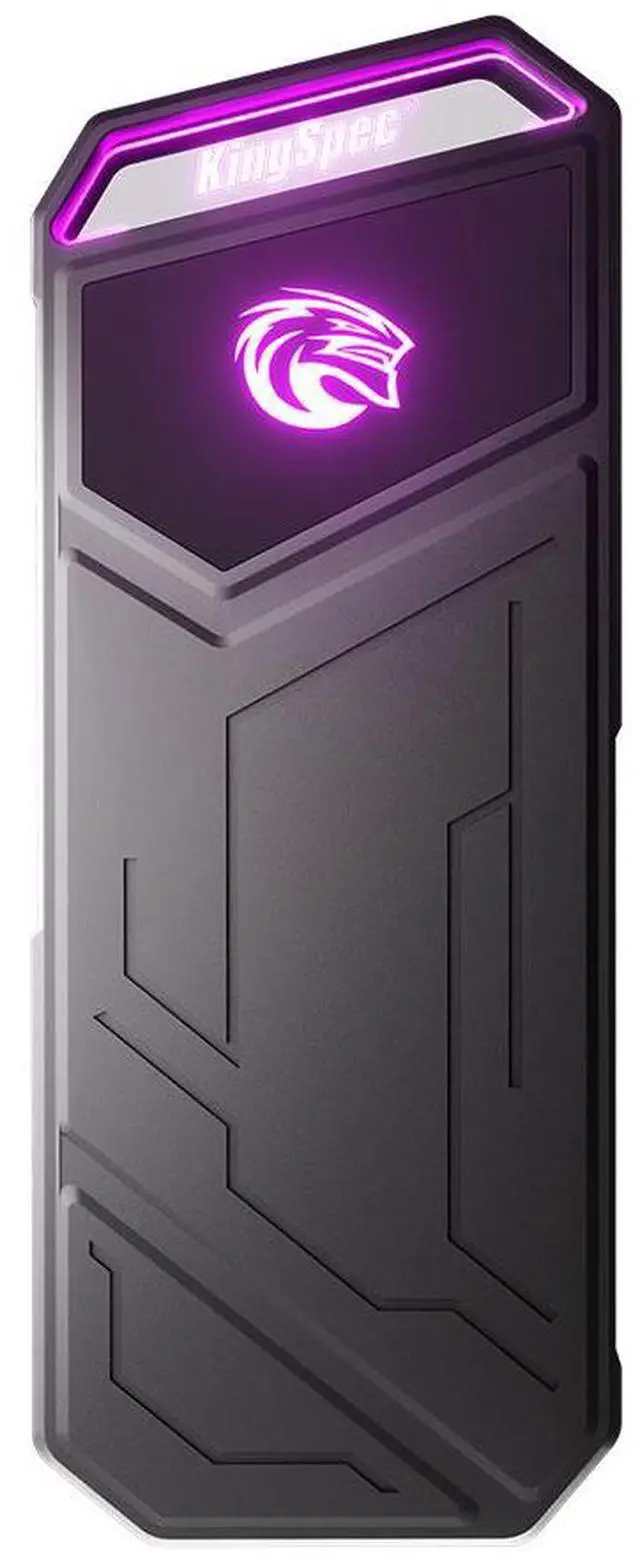
If you produce media, video projects for a communications course, RAW photos for a design portfolio, large datasets for a statistics class, then a flash drive will not keep up and 128GB will not be enough. The KingSpec Memostone 1TB at $79.99 is the standout on price: a USB 3.2 Gen 2×2 Type-C portable SSD with 1TB of capacity for less than a third of what the premium options cost.
The trade-offs are honest ones. It is a less established brand than SanDisk or Samsung, and it does not carry an ingress protection rating for water and dust. If it lives on your desk and travels in a padded pocket of a backpack, neither of those is likely to matter. If you need a drive you can genuinely mistreat, keep reading. For a student on a budget who needs real capacity and real speed, this is where the money goes furthest in 2026.
Tier 3: A Rugged 1TB Portable SSD, $250 to $288 — For Work You Cannot Redo
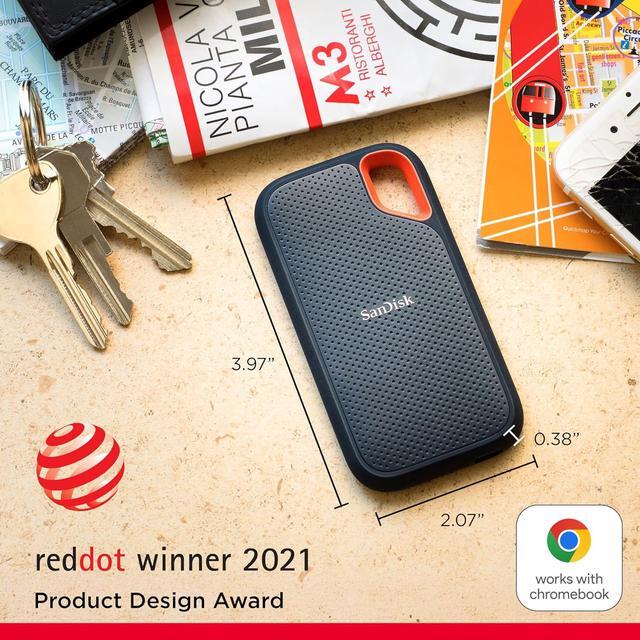
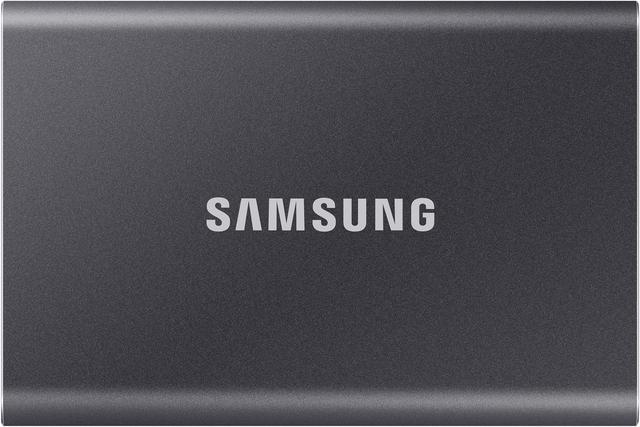
There is a real case for spending here, and it is not about speed. The SanDisk 1TB Extreme Portable SSD at $249.99 and the Samsung T7 Shield 1TB at $287.99 both deliver up to 1050MB/s over USB 3.2 Gen 2, which is quick but not dramatically quicker than the value pick. What you are actually buying is an IP65 rating for water and dust resistance, a rubberized shell that survives being dropped on a sidewalk, and a warranty from a company that will still exist in three years.
That combination is worth it for a specific type of student: someone shooting footage on location, carrying a thesis dataset between labs, or running a small business alongside classes. If losing the drive would mean losing work you cannot recreate, buy the rugged one and treat the extra $170 as insurance. If it would mean losing copies of things that also exist elsewhere, buy the value pick.
Tier 4: Upgrade the Laptop Instead, $300 to $350
Here is the option people overlook. If your laptop has a 512GB drive that is perpetually full and it has an accessible M.2 slot, replacing the internal drive is often a better use of money than carrying an external one, because internal storage is always connected, always fast, and never left in a lecture hall.
The Crucial P310 2TB at $299.99 is a Gen4 NVMe drive rated up to 7,100 MB/s, which is roughly seven times the sequential speed of any portable SSD above because it is not limited by a USB connection. The WD_BLACK SN850X 2TB at $349.99 is the higher-performance alternative. Two caveats: confirm your laptop actually has a user-accessible M.2 slot, since many thin models solder their storage, and check whether opening the chassis affects your warranty. On a desktop, neither is an issue.
The 3-2-1 Rule, Simplified for Students
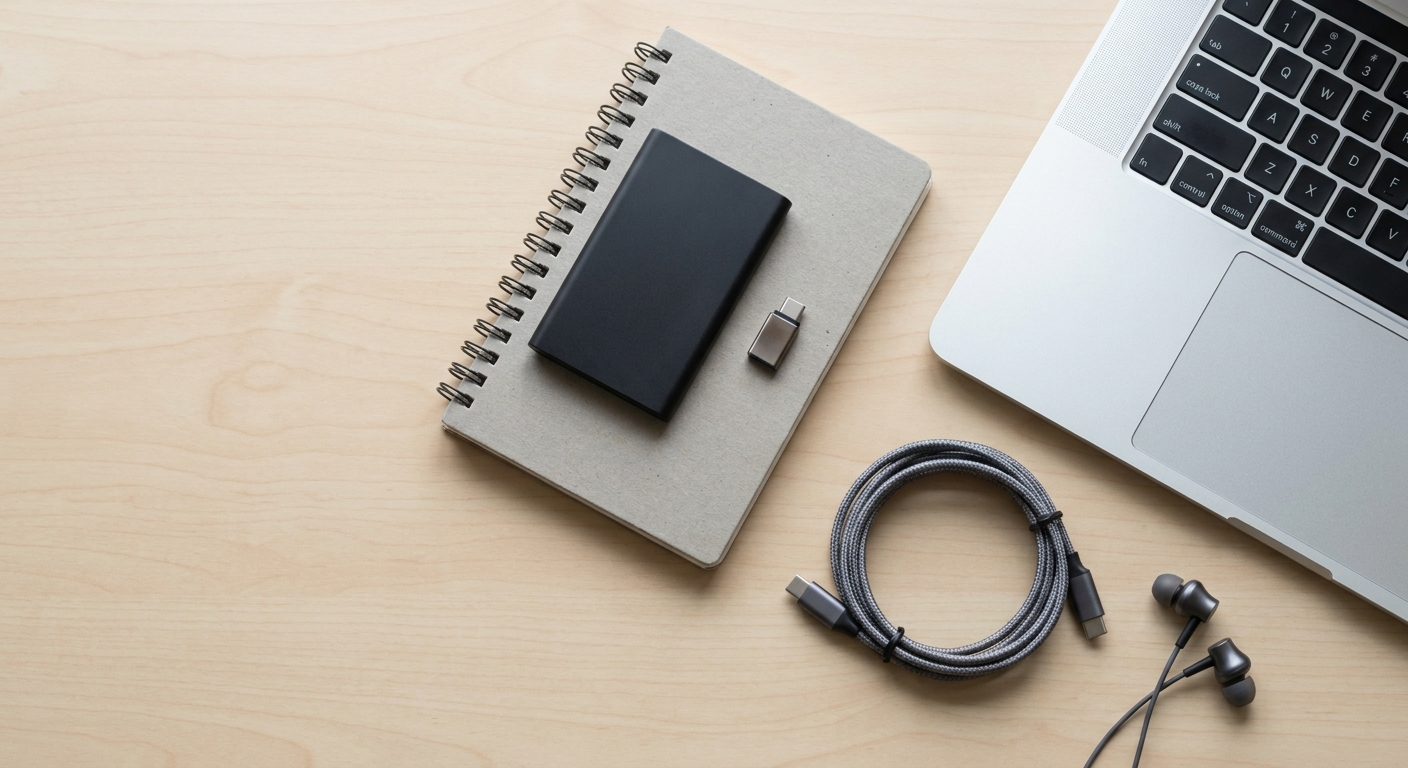
Professional backup advice says keep three copies of your data, on two types of media, with one off-site. For a student that translates into something simple: your laptop, a drive from this list, and whatever cloud storage your school provides. Three copies, two media types, one off campus. It costs $30 and about ten minutes a week.
Two habits make it work. Copy, do not move: dragging a folder to a drive so that it exists in only one place defeats the entire purpose. And use dates in filenames rather than “final” and “final_v2”, because you will not remember which was which in April. You can compare current options across capacities and speeds on Newegg’s portable SSD listings.
The Short List
Documents and slides only: the SanDisk 128GB Ultra Dual Drive Luxe at $35.98, because the dual connector saves you from adapters. Media projects on a budget: the KingSpec Memostone 1TB at $79.99, the best value here by a wide margin. Work that cannot be recreated: the SanDisk 1TB Extreme at $249.99 or the Samsung T7 Shield at $287.99 for the ruggedness and the warranty. Laptop permanently full: the Crucial P310 2TB internal at $299.99, assuming your machine has a slot you can reach. Whichever you choose, the drive you buy is only useful if you copy to it, so pick a day of the week and make it a habit.
Read More
- Tom’s Hardware: Best External SSDs and Hard Drives — Independent speed and durability testing across brands.
- Tom’s Hardware: Best SSDs — Benchmarked internal and external drives with value analysis at each capacity.
- SanDisk Official: Extreme Portable SSD — Manufacturer specifications, IP65 rating and warranty terms.
- PCWorld: How to Install an M.2 SSD — Step-by-step walkthrough before you open a laptop.
- Newegg: Portable SSDs — Filter by capacity, interface and brand.
Related Posts
- Titanium Micro Mercury: A portable external SSD built like a tank
- Titanium One portable SSD: Mobile performance for your rugged lifestyle
- Best NVMe SSDs in 2026
- GPU Prices Climbed Again. Here Is What I Would Buy in 2026
- Best Mechanical Keyboards in 2026
Frequently Asked Questions
Answers to the most common questions about portable storage for students.