
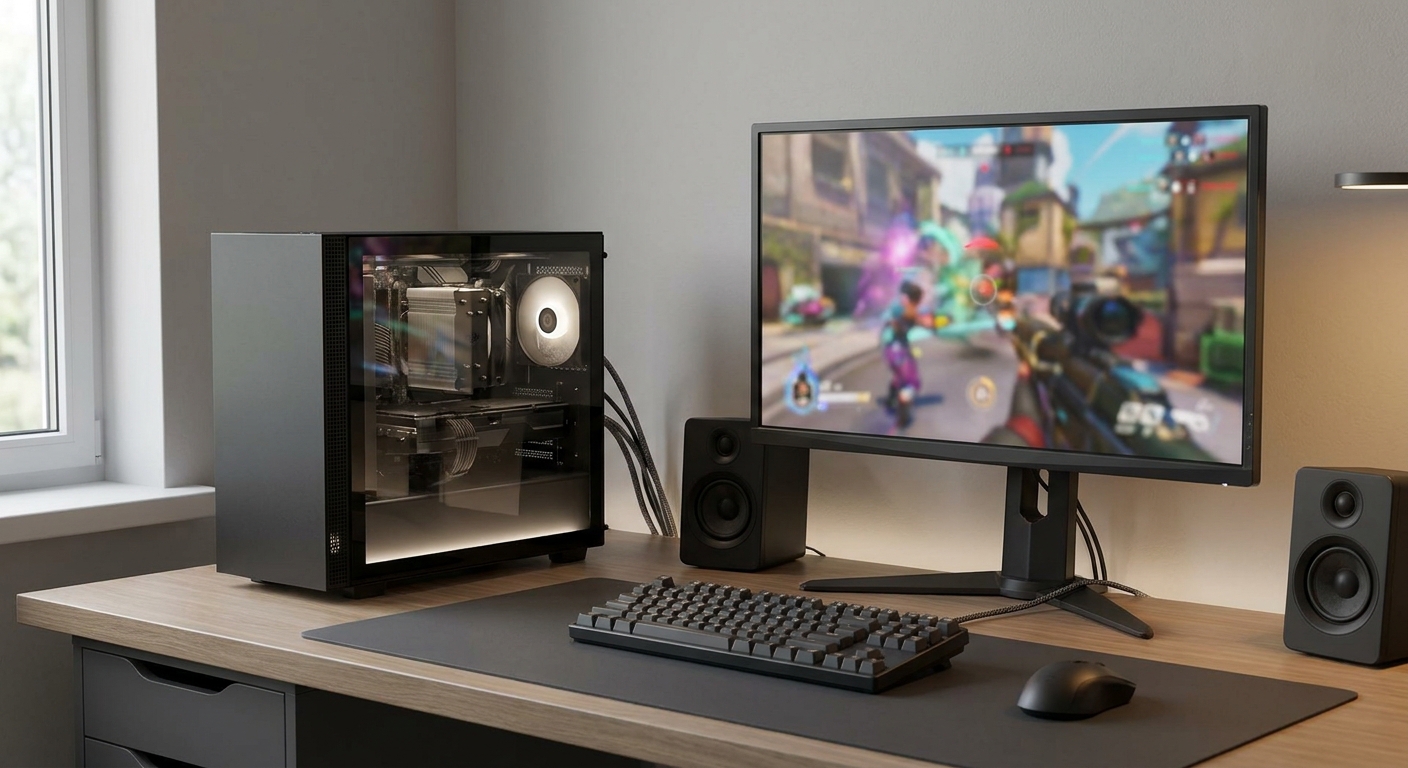
Shopping for an affordable budget PC is about getting the right balance of performance, features, and upgrade potential—not simply choosing the lowest-priced parts. A strong budget gaming PC pairs a capable graphics card with a well-matched processor, sufficient memory, fast storage, dependable power, and practical airflow. If you would rather skip assembly, a prebuilt desktop can deliver comparable value with less setup and compatibility work.
Why an Affordable Budget PC Still Matters
A carefully selected affordable PC can cover everyday productivity, schoolwork, streaming, esports, and modern gaming without making you pay for hardware you may never use. The key is matching the configuration to your actual needs. Resolution, refresh rate, the software you use, and your future upgrade plans should all influence where you spend your budget.
The STORMCRAFT SIRIUS is a useful example of a complete entry-level gaming setup. It combines an Intel Core i5-14400F with a GeForce RTX 5060 featuring 8GB GDDR7, 16GB of DDR4-3200 memory, and a 1TB SSD. Windows 11 Home, Wi-Fi, Bluetooth, a keyboard, and a mouse are also included, giving first-time PC shoppers a ready-to-use starting point.
What to Look For in a Budget Gaming PC
- Graphics: The graphics card typically has the biggest impact on gaming performance. The RTX 5060 configuration targets mainstream gaming, while an RTX 5090 system is built for premium performance and should not be treated as a typical budget option.
- Processor: The 10-core Intel Core i5-14400F is a sensible match for the STORMCRAFT configuration. More powerful choices, including the 8-core Ryzen 7 9800X3D and 24-core Intel Core Ultra 9 285K, are intended for significantly more demanding gaming and content workloads.
- Memory: 16GB remains a practical starting point for gaming, while 32GB provides more flexibility for multitasking. Check the motherboard’s open slots and supported memory type before planning a RAM upgrade.
- Storage: A 1TB NVMe SSD offers useful starting capacity for a new gaming library. Be cautious with systems that include only a small boot drive unless adding another SSD is simple.
- Power and cooling: Make sure the power supply has the necessary capacity and connectors for the installed hardware. The STORMCRAFT includes a 650W 80 Plus Gold PSU and air cooling. By comparison, premium RTX 5090 systems use 1000W to 1200W power supplies and 360mm liquid coolers.
Affordable Budget PC Comparison
When comparing desktops, look at the entire configuration instead of judging a system by its graphics card name alone. The processor, memory, storage, cooling, power supply, included accessories, and product condition all affect the value you receive.
- Best entry value: STORMCRAFT SIRIUS SI1440FBB-560N2 includes RTX 5060, 16GB DDR4-3200, 1TB storage, and peripherals.
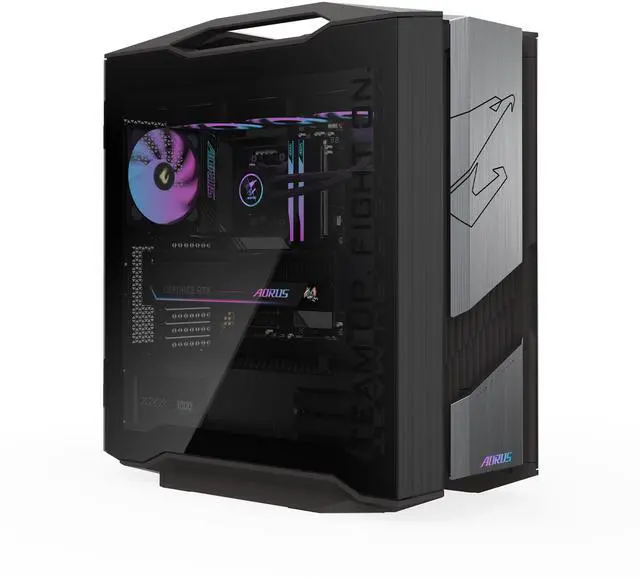
- Maximum gaming performance: GIGABYTE AORUS SUPREME 5 AS5A7N9-5000 combines Ryzen 7 9800X3D, RTX 5090 32GB GDDR7, 64GB DDR5, and a 2TB Gen5 NVMe SSD. It is a used system, so review the listing condition carefully before purchasing.
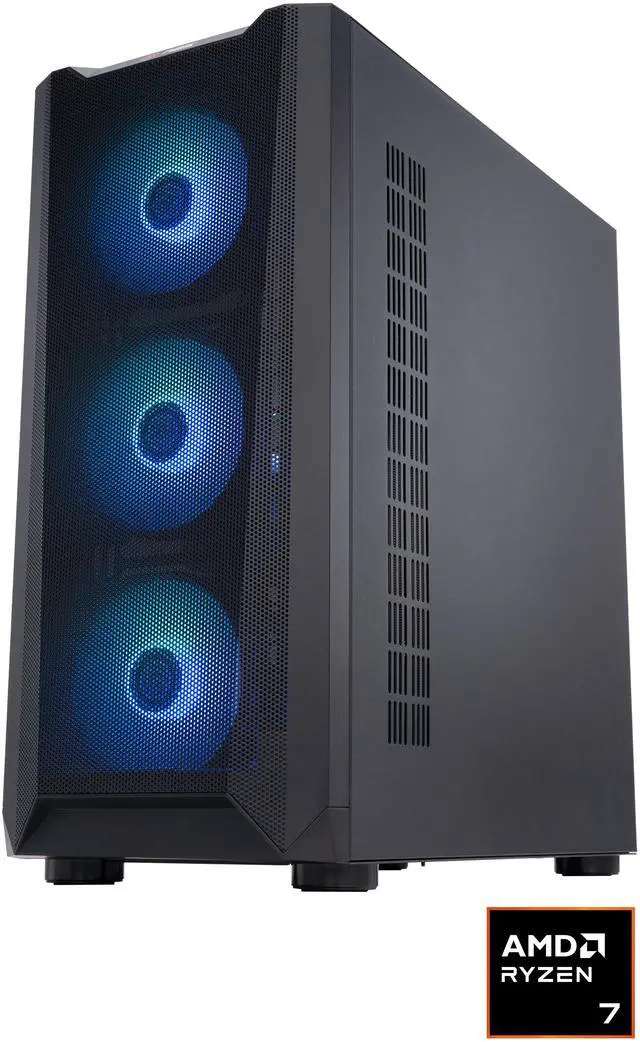
- AMD alternative: ABS Kaze Ruby KR9800X3D5090 offers Ryzen 7 9800X3D, RTX 5090, 32GB DDR5-6000, and a 2TB PCIe 4.0 x4 NVMe SSD.
- Intel premium alternative: Cooler Master TD5 Pro uses the Core Ultra 9-285K, 32GB DDR5-6000, a 2TB NVMe SSD, and a 1000W Gold power supply.
Top Picks and Upgrade Value
Choose the STORMCRAFT when you want a complete, affordable gaming PC for mainstream play with minimal setup. Its four total memory slots and two available slots create a clear path to adding more RAM, although the supplied configuration uses DDR4 rather than DDR5. If your game collection continues to grow, adding a larger SSD is another upgrade to consider.
The RTX 5090 desktops are not budget purchases, but they demonstrate what you pay for when you want substantially more performance headroom. The AORUS model supports up to 256GB of DDR5, while the ABS system has two open memory slots. Before placing an order, compare the total cost, warranty, product condition, monitor resolution, and upgrade needs. Some included Newegg listings are currently out of stock, so confirm availability before making your decision.
Final Verdict: Build or Buy?
For many first-time shoppers, a prebuilt affordable budget PC is the easier choice. The system arrives assembled, includes a tested operating system, and reduces the risk of mismatched components. Among these configurations, the STORMCRAFT SIRIUS is the best fit for a typical budget gaming purchase. A custom build offers more control, but you must verify the motherboard socket, memory type, case dimensions, cooling clearance, storage interface, and PSU requirements for every component.
Frequently Asked Questions
Can I upgrade the STORMCRAFT SIRIUS later?
Yes, the system provides a practical upgrade path with four memory slots and two available slots for additional RAM. Before purchasing parts, confirm the motherboard model, supported DDR4 memory, power supply capacity, graphics card clearance, and available storage connections.
Is 16GB or 32GB of RAM better for a budget gaming PC?
16GB is sufficient for mainstream gaming, esports, schoolwork, and everyday multitasking. Choose 32GB if you regularly stream, edit media, use creative software, keep many browser tabs open, or want more headroom for future games.
Is an RTX 5060 desktop a good budget gaming choice?
An RTX 5060 desktop is a sensible choice for mainstream gaming, especially at 1080p and selected 1440p settings. Actual performance depends on the game, resolution, graphics settings, processor pairing, cooling, and whether technologies such as DLSS are enabled.
Should I buy a prebuilt PC or build my own budget gaming PC?
A prebuilt PC is convenient because it arrives assembled, tested, and ready to use with an operating system. Building your own system offers more control over components and upgrades, but you must verify socket compatibility, RAM type, case clearance, cooling, storage interfaces, and power supply connectors.
What should I check before ordering a budget PC?
Review the seller, warranty coverage, return policy, product condition, included accessories, power supply specifications, and upgrade options. Also confirm current stock, shipping details, and the exact listing configuration because marketplace and used-system information can change before checkout.
Read More
- GeForce RTX 5060 Family Graphics Cards — NVIDIA’s official product page covers RTX 5060 family features, Blackwell architecture, DLSS, ray tracing, and gaming technologies.
- Intel Core i5-14400F Specifications — Intel’s official specifications provide details about the Core i5-14400F’s socket, memory support, power requirements, and connectivity.
- AMD Ryzen 7 9800X3D Desktop Processor — AMD’s product page explains the Ryzen 7 9800X3D specifications and platform features for shoppers comparing high-end gaming processors.
- GPU Benchmarks Hierarchy 2026 — Tom’s Hardware compares graphics cards with gaming benchmarks to help readers understand performance tiers and value.
- $668 Cheap Bastard’s Gaming PC Build Guide — GamersNexus presents a low-cost DIY gaming build and explains how component choices influence overall budget and performance.
Related Posts
- ASUS ProArt Motherboards Explained: For Creators — and Surprisingly Affordable Home AI Workstations
- Intel Xeon 600 Series Redefines the Professional Workstation
- What PC Hardware Do You Need for 1440p Gaming?
- Five Mac Studio Display Alternatives
- STEM Toys: Hands-on with Kits from Best Choice Products