
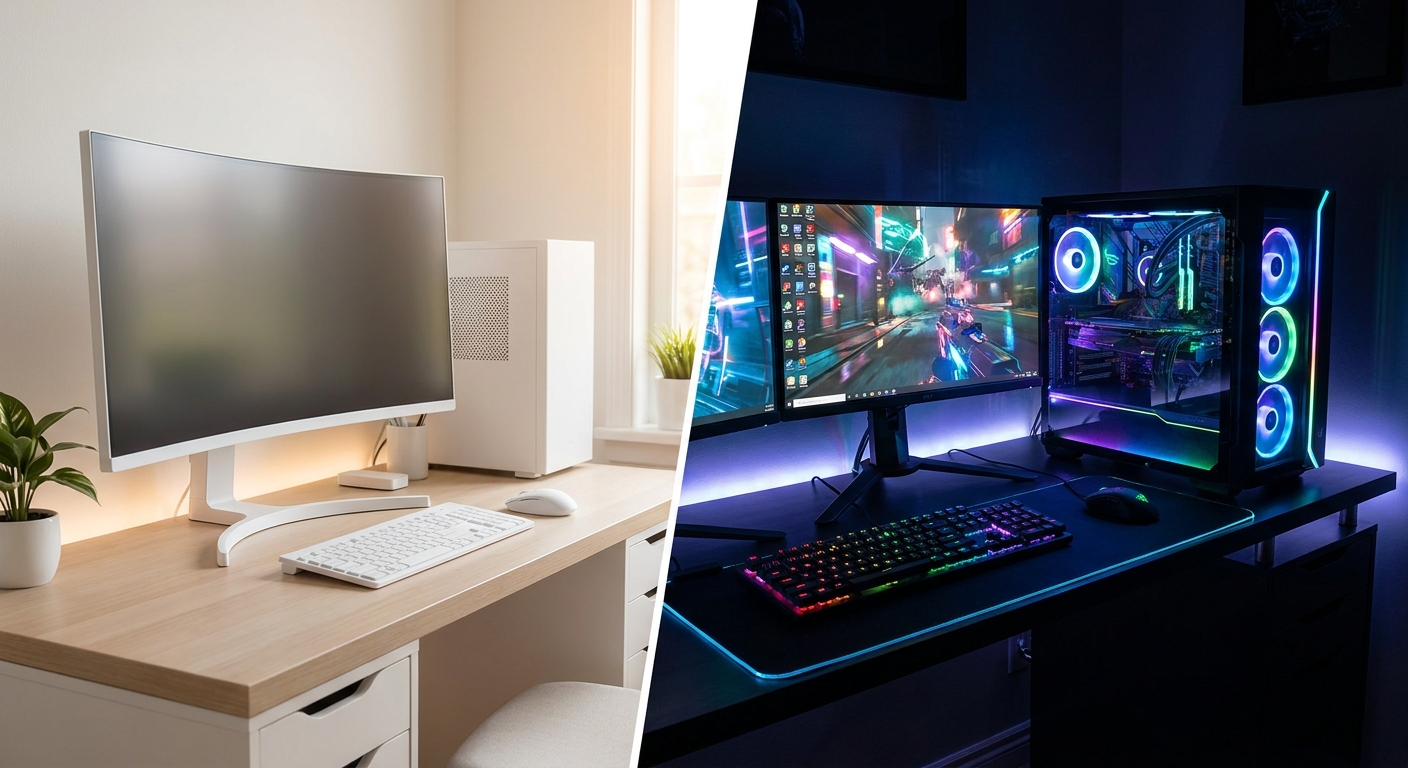
On paper a gaming PC and an AI workstation look like the same machine: a fast processor, a big graphics card, plenty of memory and a tower to hold it all. In practice they are tuned for opposite goals. A gaming build chases the highest possible frame rate in one game at a time, which rewards a high-clock CPU and a single strong GPU. A workstation chases throughput across many jobs at once, which rewards more cores, far more VRAM, lots of system memory and the ability to expand and run reliably for hours. Buy the wrong one and you either overpay for capability you never touch or hit a wall the day you try something ambitious. Here is how the two really differ, with verified Newegg prices to anchor the decision. All prices were checked on Newegg on August 15, 2026.
The Two Contenders
A gaming PC is optimized for latency and clock speed. Most games lean on a handful of CPU cores running as fast as possible, and on one graphics card feeding one monitor. The winning formula is a chip with a huge, fast cache and high boost clocks, paired with a GPU sized to your resolution. Everything beyond that, extra cores, extra VRAM, extra memory channels, mostly sits idle while you play.
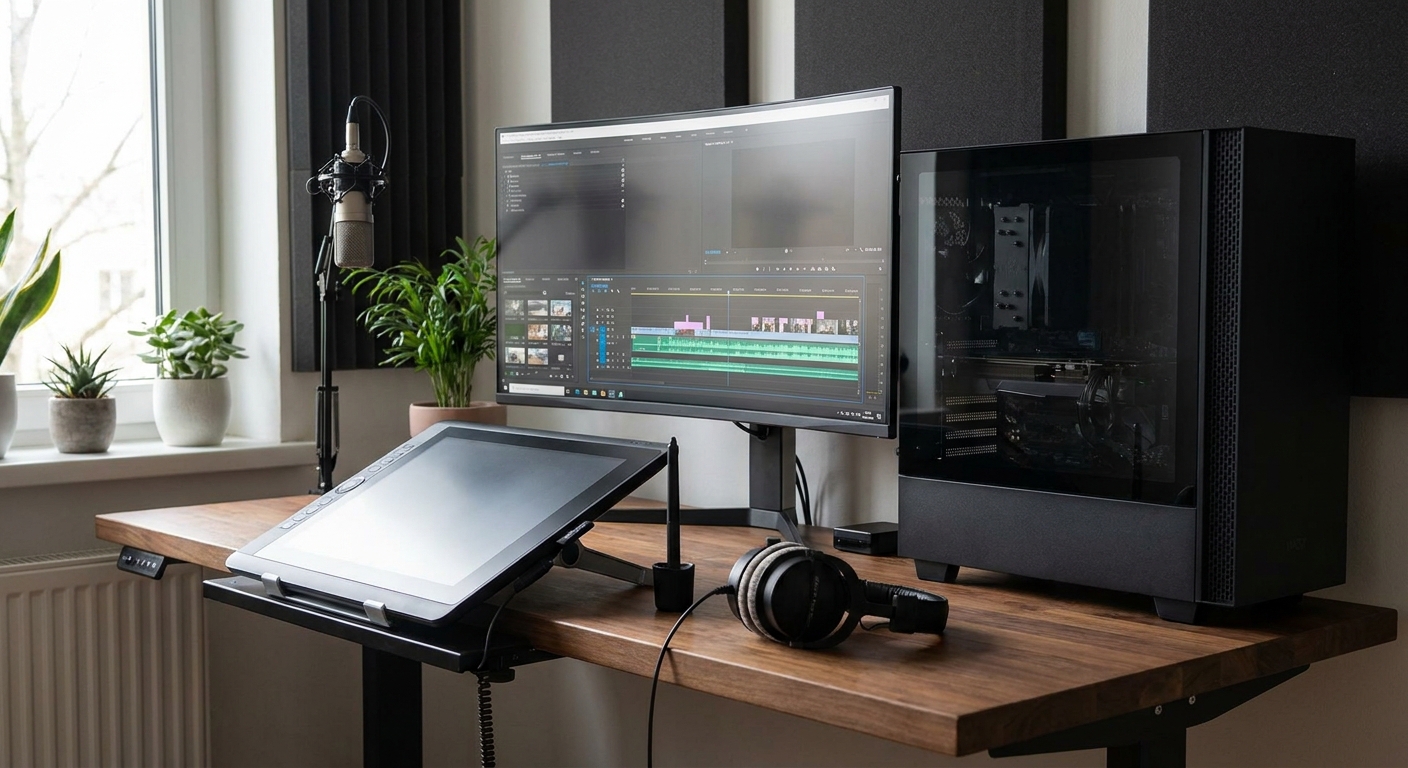
An AI workstation is optimized for parallel throughput and capacity. Rendering, code compilation, video exports and local AI models all scale with core count, VRAM and RAM, and they run for minutes or hours rather than milliseconds. That shifts the priorities toward many cores, the largest graphics memory you can afford, generous system memory, and a platform you can expand and trust to stay stable under sustained load.
Side by Side
| Attribute | Gaming PC | AI Workstation |
|---|---|---|
| CPU priority | High clocks, large cache, fewer cores | Many cores and threads |
| Best-fit chip | Ryzen 7 9800X3D | Ryzen 9 9950X |
| GPU priority | One strong card for your resolution | Maximum VRAM for models and scenes |
| Typical GPU | RTX 5080 16GB | RTX 5090 32GB |
| Memory | 32GB is plenty | 64GB and up, ECC a plus |
| Expandability | Nice to have | Essential (lanes, slots, drives) |
| Workload style | Short bursts, one game | Sustained, many jobs at once |
Deep Dive: CPU
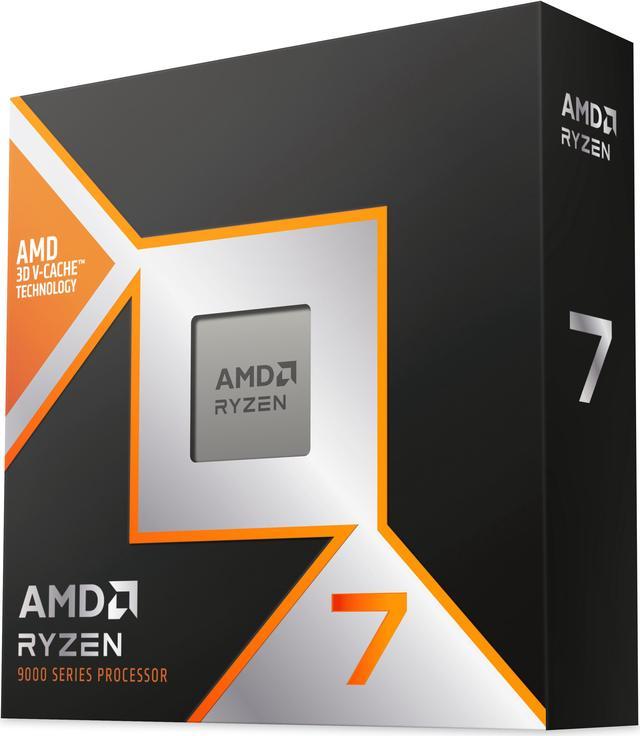
For pure gaming, the AMD Ryzen 7 9800X3D at $469.00 is the champion. Its stacked 3D V-Cache keeps game data close to the cores, which lifts frame rates in exactly the CPU-bound scenarios where it matters most. Eight fast cores are all a game needs. For a workstation, the AMD Ryzen 9 9950X at $549.00 is the multitasker’s choice: 16 cores and 32 threads chew through renders, compiles and batch jobs while you keep working. If you refuse to choose, the AMD Ryzen 9 9950X3D at $699.00 is the best of both, pairing 16 cores with 3D V-Cache so it games like an X3D chip and grinds like a 9950X.
Deep Dive: GPU and VRAM
This is where the two builds diverge hardest. For gaming, the GIGABYTE RTX 5080 16GB at $1,599.99 delivers excellent high-refresh performance at 1440p and 4K, and 16GB of VRAM is ample for any game. For local AI and heavy 3D, VRAM is the ceiling that decides which models and scenes even load, so the GIGABYTE RTX 5090 32GB at $4,699.99 is in a different class. Its 32GB lets you run larger language models and image generators locally and keep big timelines and textures resident, work the 5080 simply cannot hold.
Deep Dive: Memory, Reliability and Expandability
Games rarely use more than 32GB of RAM, so a gaming build can stop there. A workstation benefits from 64GB or more, and from platforms that support ECC memory to guard against errors during long jobs. Expandability matters too: a creator board like the ASUS ProArt X870E-CREATOR at $509.99 adds extra PCIe lanes, more M.2 slots and 10GbE networking, so you can add capture cards, fast storage arrays and a second GPU as your work grows. Gaming boards focus their budget on memory overclocking and a single fast GPU slot instead.
Winner by Category
Gaming: the gaming PC wins outright. A 9800X3D and an RTX 5080 will out-frame a pricier workstation because games love cache and clocks, not core count.
Local AI: the workstation, decisively. The 32GB RTX 5090 and 64GB-plus of RAM let you run models the gaming rig cannot load at all.
Content creation: the workstation again. Rendering, exports and color-critical work scale with cores, VRAM and expandable storage.
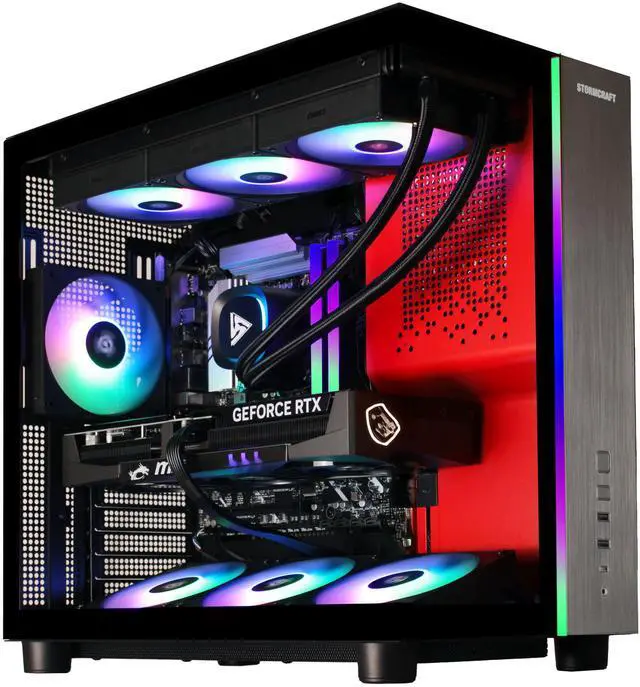
Value: the gaming PC. You get the most frames per dollar, and a prebuilt like the STORMCRAFT PHANTOM 9800X3D at $2,949.99 arrives tuned and ready.
The Verdict
If you mostly play games and want the best frames per dollar, build or buy a gaming PC around the 9800X3D and an RTX 5080. If you train or run models locally, render, or edit for a living, an AI workstation with the 9950X, an RTX 5090 and a ProArt board earns its price. Want one machine that does both without compromise? The 9950X3D is the bridge. Compare current towers and configurations in Newegg’s gaming PC listings.
Read More
- Puget Systems: Workstation vs Gaming Hardware — Application-specific benchmarks that show where extra cores and VRAM actually pay off.
- NVIDIA Studio vs GeForce — How NVIDIA positions creator-focused drivers and GPUs against the gaming lineup.
- Tom’s Hardware: Best CPUs — A regularly updated CPU buying guide ranking chips for gaming and productivity.
- AMD 3D V-Cache Explained — Why stacked cache makes X3D chips the frame-rate leaders in games.
- Newegg: Gaming PCs — Browse and filter current gaming desktops by CPU, GPU and price.
Related Posts
- Best Gaming Benchmark PCs for Everyday Play: What to Look For
- How to Use Newegg’s Custom PC Builder: From Blank Page to Complete Build
- Exploring Newegg Shopping Tools: Optimizing Your Tech Purchases
- Why Gaming PC Prices Are Rising in 2025 — And How Newegg Shoppers Can Stay Ahead
- Newegg Gaming PC Finder – Smart Tool for Every Gamer