Scroll r/buildapc for a day and you'll find the same question asked a dozen ways: stay on AM4 or jump to AM5? One poster in late October 2026 had already swapped a Ryzen 5 3600 for a 5800X3D instead of moving to AM5, "mainly due to the current RAM prices." Another had an RX 9070 XT on the way and a Ryzen 5 3600 on an A520 board. Neither is wrong. The right answer depends on what you already own.
Two things frame the decision. DDR5 is expensive, and SK Hynix said in October 2026 that it expects memory shortages to persist until 2030. Meanwhile, AMD documentation confirms that its next desktop chips, Zen 6, will use the AM5 socket, which makes AM5 a longer-lived platform. AM4 has no new architecture coming.
Scenario 1: You have a Ryzen 3000 or 5000 CPU and 16GB or 32GB of DDR4
This is where an AM4 drop-in shines. The Ryzen 7 5800X3D has 96MB of L3 cache, and that cache is what lifts minimum frame rates in CPU-heavy games. Hardware Unboxed has looked at exactly this question, and the 5800X3D remains a strong buy if you already own DDR4. The Ryzen 7 5700X3D is the same idea with lower clocks, also 96MB of L3. Note that this particular listing is a tray CPU, so it doesn't include a cooler.
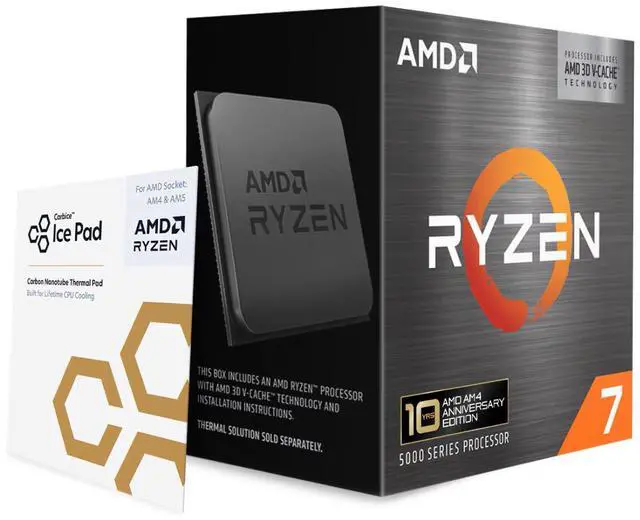
Before buying, check two things. First, update your BIOS to a version that supports 5000-series X3D chips, which you'll need to do with your old CPU still installed. Second, if you're on a budget board like an A520, a 105W X3D chip will work, but I'd keep an eye on temperatures and use a decent tower cooler.
Scenario 2: You're on DDR4 but your board is old or limited
If you want PCIe 4.0 for a new GPU or SSD, or your current board is a basic A320 or A520, swapping just the motherboard can make sense. The ASUS TUF Gaming B550-PLUS WIFI II gives you PCIe 4.0 to the main slot with a 5000-series CPU, 2.5Gb Ethernet and Wi-Fi, and keeps your DDR4. If you only have 16GB, adding a G.SKILL Ripjaws V 32GB DDR4-3600 kit is a cheaper memory upgrade than any DDR5 kit.

If an X3D chip is hard to find or out of budget, the Ryzen 7 5700X is a 65W eight-core upgrade over a Ryzen 5 3600. It won't match the X3D chips in games, but it's a meaningful step up for mixed use.
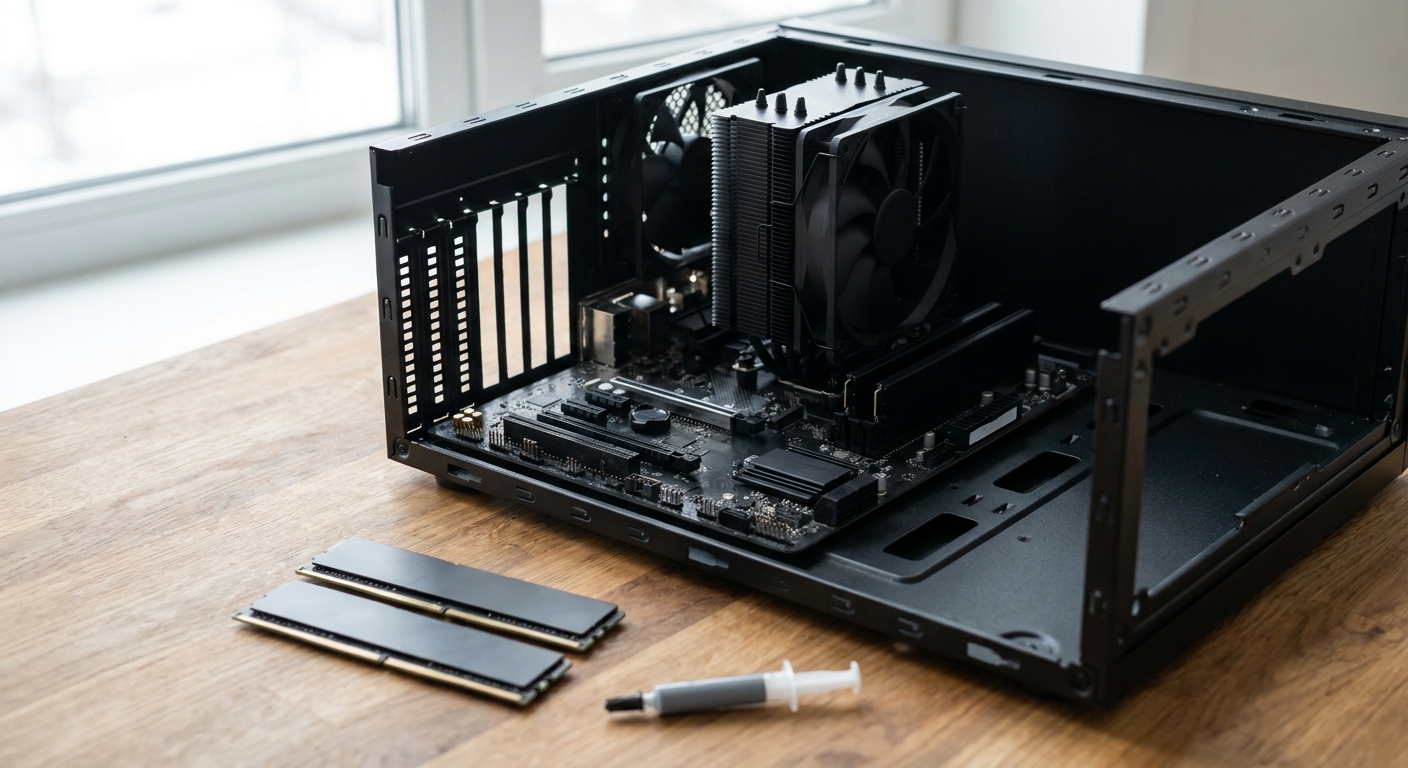
Scenario 3: You're buying a new GPU and want this platform to last
This is where AM5 earns its cost. If you're pairing a card like an RX 9070 XT with a CPU you intend to keep for years, the Ryzen 7 7800X3D on a MSI B850 Gaming Plus WiFi is a solid base. The board supports PCIe 5.0 for the graphics slot, has Wi-Fi 7 and 5Gb Ethernet, and its socket should accept Zen 6 later with a BIOS update. For memory, a G.SKILL Trident Z5 Neo 32GB DDR5-6000 CL30 kit with AMD EXPO is the speed most AM5 builds target.

The honest downside is cost. Moving to AM5 means a new CPU, motherboard and DDR5 kit at once, and memory is the part that has gone up the most in 2026.
Scenario 4: You're mostly GPU-limited
If you play at 4K, or you're running a midrange GPU at high settings, the CPU may not be your bottleneck at all. Check GPU usage in your games with an overlay. If it sits near 99 percent, a new CPU platform won't change much, and the money is better spent on the graphics card.
The A520 plus RX 9070 XT case
That second Reddit poster is a good example of how these decisions stack up. An A520 board limits the graphics slot to PCIe 3.0, which costs a modern card a little bandwidth, though usually not a dramatic amount in games. The bigger issue is the Ryzen 5 3600 itself, which will hold back a card as fast as an RX 9070 XT in CPU-heavy games at 1440p.
In that situation, I'd keep the board for now, drop in a 5700X3D or 5800X3D after a BIOS update, and pair it with a solid tower cooler, since A520 boards tend to have basic power delivery. That gets most of the gaming benefit for a fraction of a full platform change. If the board ever becomes the limit, a B550 swap later keeps the same CPU and RAM.
What I wouldn't do is buy a Ryzen 5 5600 as a stopgap if an X3D chip is within reach. The cache is what makes the difference in the games where a 3600 struggles, and you'd likely end up upgrading twice.
What I'd do
If I already had a working AM4 board and DDR4, I'd buy a 5800X3D or 5700X3D, update the BIOS and call it done for a couple of years. If I were starting fresh or replacing most of the system anyway, I'd go AM5 and accept the memory cost, because the socket has a future. The worst option is spending heavily on an older platform you plan to replace within a year.
Frequently Asked Questions
Is it worth upgrading to a 5800X3D instead of moving to AM5 in 2026? If you already have an AM4 board and DDR4 memory, yes for most gamers. It avoids buying DDR5 during a memory shortage and gives a big boost in CPU-heavy games.
Do I need a BIOS update for the Ryzen 7 5800X3D or 5700X3D? Usually yes. Update the motherboard BIOS to a version that lists support for the chip while your old CPU is still installed.
Will Zen 6 CPUs work on AM5 motherboards? AMD has confirmed Zen 6 desktop CPUs will use the AM5 socket. Exact board support will depend on BIOS updates from each motherboard maker.
Is DDR4-3600 fast enough for a 5800X3D? Yes. The large L3 cache makes X3D chips less sensitive to memory speed, and DDR4-3600 is a common pairing.
Should I move to AM5 if I'm GPU-limited? Probably not. If your GPU usage is already near 99 percent in games, a new CPU platform will make little difference.
Read More
- AMD: Ryzen 7 5800X3D specifications - Official cache, clock and platform details for the AM4 chip.
- AMD: Ryzen 7 7800X3D specifications - Official specs for the AM5 gaming chip in this guide.
- VideoCardz: Zen 6 desktop Ryzen reportedly set for 2027 - Reporting on the timing of AMD's next desktop CPUs.
- Tom's Hardware: CPU Benchmarks Hierarchy - Gaming and application rankings for current and older CPUs.
- Newegg Insider: Ryzen 9 9950X3D2 vs 9950X3D vs 9850X3D - How AMD's top X3D chips compare on AM5.