
Mid-range motherboards are where most builds should land, and B850 and B860 are the two chipsets that own that ground in 2026 — one for AMD’s AM5 socket, one for Intel’s LGA 1851. They look similar on a spec sheet and behave quite differently in a few places that matter. This guide answers the questions people actually ask, in the order they usually ask them.
What Does B850 Actually Give Me?
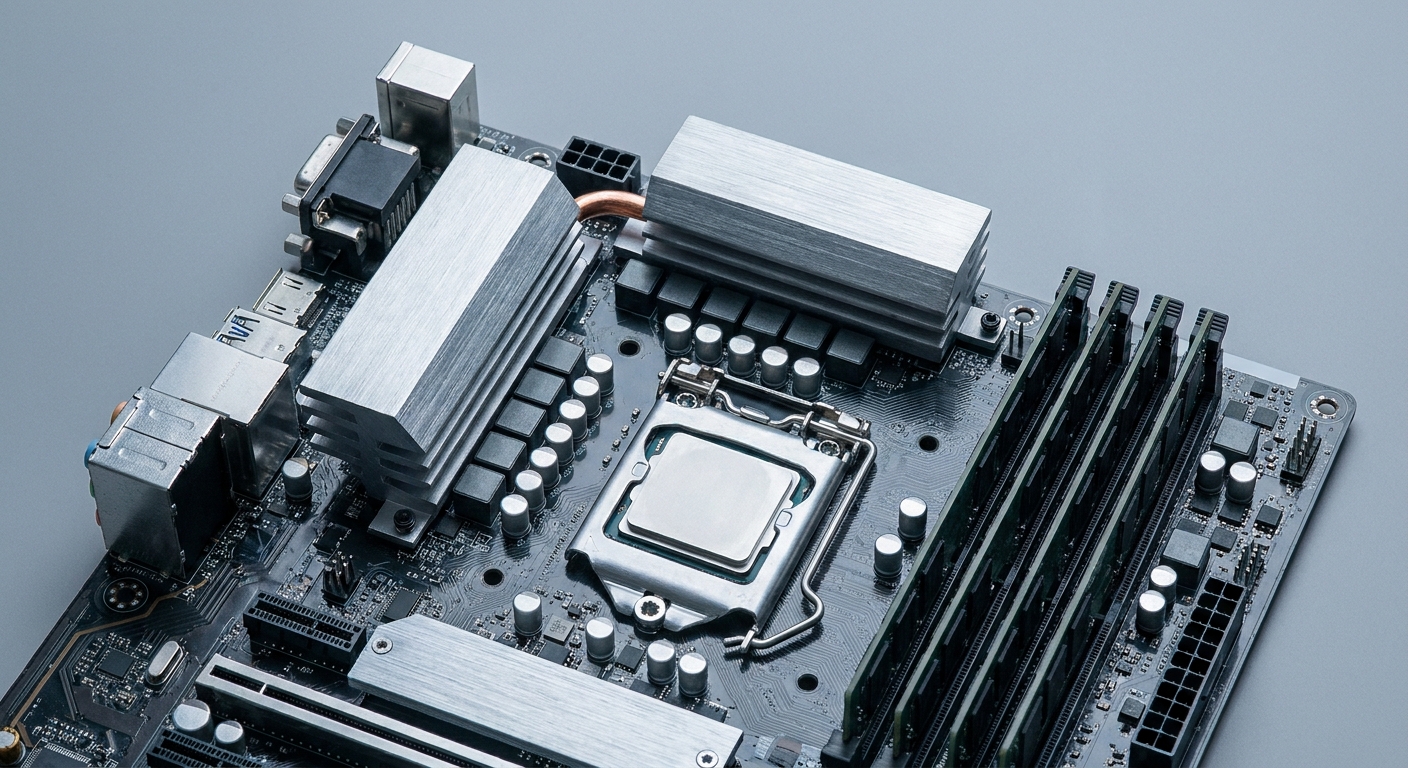
B850 is AMD’s mainstream AM5 chipset, and its defining requirement is storage: every B850 board must provide at least one PCIe 5.0 x4 M.2 slot. That is the clean upgrade over B650, where Gen5 storage was optional. PCIe 5.0 for the graphics slot is optional on B850, and USB4 is optional too — in practice most B850 boards ship a PCIe 5.0 x16 slot anyway, and almost none ship USB4.
It supports CPU and memory overclocking, roughly 36 usable PCIe lanes and four SATA ports, and covers Ryzen 7000, 8000 and 9000 processors. AMD has said it is transitioning B650 out in favour of B850 as the mainstream option. Worth knowing about the tier below: B840 uses older chipset silicon, provides no PCIe 4.0 or 5.0 from the chipset and does not support CPU overclocking at all.
What Does B860 Actually Give Me?
B860 is Intel’s mainstream LGA 1851 chipset for Core Ultra Series 2 processors. Per Intel’s own chipset documentation it provides PCIe 5.0 from the CPU as one x16 plus one x4, a DMI 4.0 x4 link, up to 14 chipset PCIe 4.0 lanes, four SATA ports and support for up to four displays from the integrated graphics.
The critical line in Intel’s spec sheet is the overclocking row: B860 supports memory overclocking, but not CPU overclocking. If you want to tune the processor itself on LGA 1851, you need Z890. That is a much sharper split than AMD’s, where B850 permits both.
So Which One Is Better?
Neither, in isolation — the chipset follows the processor you want. What is worth comparing is the handful of practical differences.
| Question | AMD B850 | Intel B860 |
|---|---|---|
| CPU overclocking | Yes | No (Z890 required) |
| Memory overclocking | Yes (EXPO) | Yes (XMP) |
| PCIe 5.0 M.2 | Required, at least one | One from the CPU |
| PCIe 5.0 graphics | Optional (common anyway) | Yes, CPU x16 |
| USB4 / Thunderbolt | Rare on B850 | Thunderbolt 4 common, from the CPU |
| Socket runway | AM5 confirmed to 2029 | New socket reported for next generation |
The Thunderbolt point is the most useful tie-breaker. Because Intel’s 40Gbps Type-C comes off the processor rather than the chipset, mid-range B860 boards routinely include a Thunderbolt 4 port — both Intel boards below do — whereas USB4 on AMD is effectively an X870/X870E feature. If you want one-cable docking on a mainstream board, that favours Intel.
The socket point favours AMD. At Computex 2026 AMD confirmed AM5 support through 2029. Reporting indicates Intel’s next architecture moves to a new LGA1954 socket later in 2026 — treat that as reported rather than officially confirmed, but it is the safer planning assumption.
Will a B-Series Board Cost Me Gaming Performance?
No. Tom’s Hardware benchmarked an inexpensive board against a flagship in March 2026 and found the results “extremely close together,” sometimes within the margin of error. Puget Systems reaches the same conclusion from the other direction: the chipset governs connectivity — PCIe lanes, USB ports, SATA, Gen5 support — not processing speed. Spend the difference on the processor, the graphics card or memory.
The AMD B850 Picks
For a compact build, the MSI PRO B850M-P WIFI is the value micro-ATX option: four DDR5 slots to 256GB, a PCIe 5.0 x16 slot, three M.2 slots with one at PCIe 5.0 x4, Realtek 5GbE and Wi-Fi 7 with Bluetooth 5.4.
For a full ATX build, the ASUS TUF GAMING B850-PLUS WIFI is the mainstream pick: a 14+2+1 80A DrMOS power stage on an 8-layer board, four DDR5 slots supporting 8000+ MT/s overclocked, three M.2 slots each with its own heatsink, 2.5GbE and Wi-Fi 7.
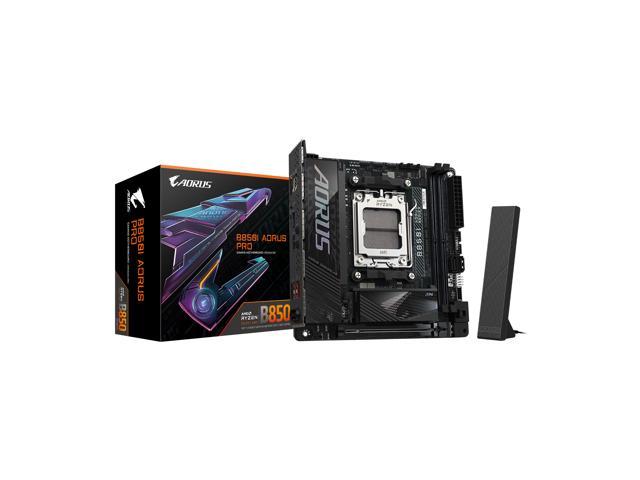
And for small-form-factor, the GIGABYTE B850I AORUS PRO packs a PCIe 5.0 x16 slot, two DDR5 slots to 128GB at up to DDR5-8400 overclocked, two M.2 slots including a PCIe 5.0 x4, 2.5GbE, Wi-Fi 7 and a stated five-year warranty into Mini-ITX.
The Intel B860 Picks
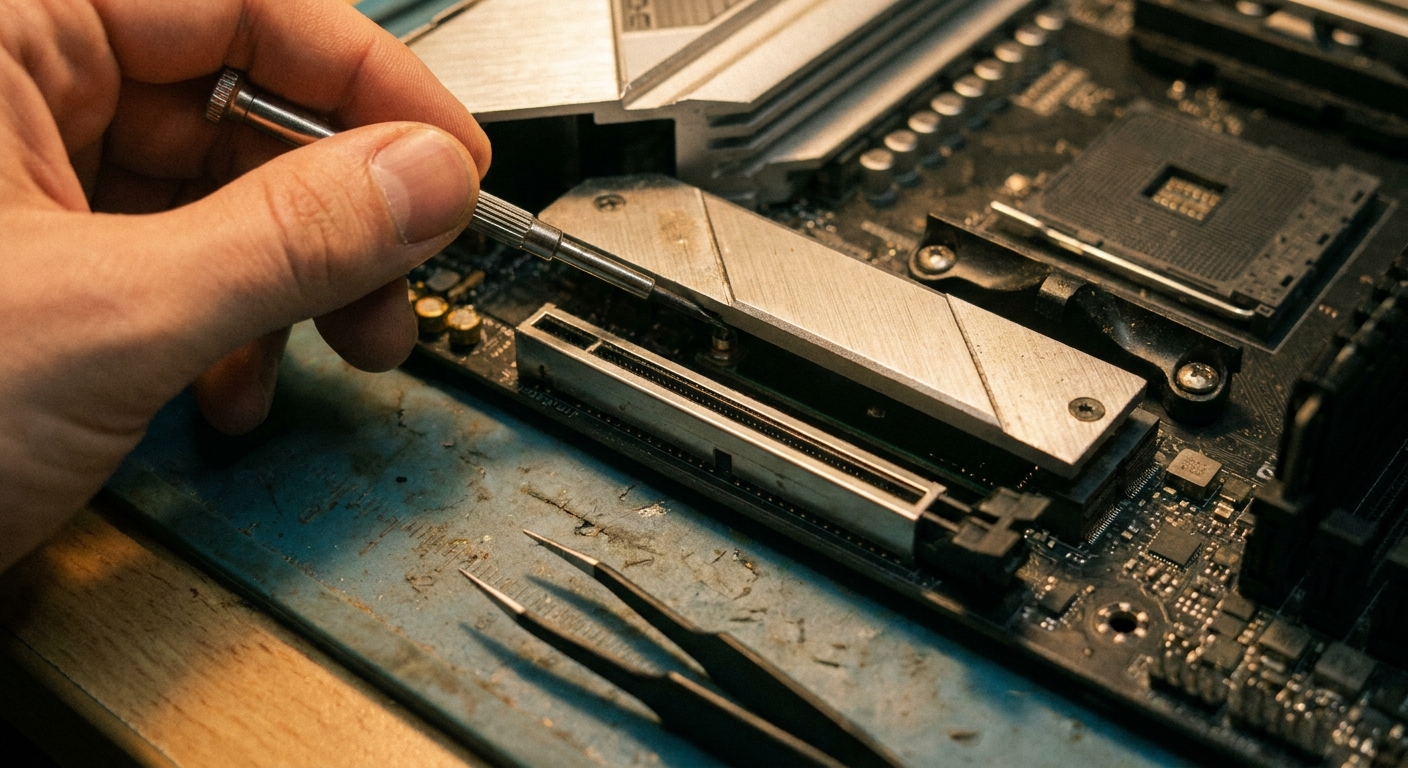
The ASRock B860M Pro RS WiFi is the value micro-ATX entry: four DDR5 slots to 256GB with DDR5-8666+ overclocked support, a CPU-attached PCIe Gen5 x16 slot, three M.2 slots with the first at Gen5 x4, and 2.5GbE. One honest caveat — it ships Wi-Fi 6E rather than Wi-Fi 7, which is a useful reminder that Wi-Fi 7 is not universal at this tier.
The MSI MAG B860 TOMAHAWK WIFI is the mainstream ATX choice: four DDR5 slots rated to 9200+ MT/s overclocked, a PCIe 5.0 x16 slot, three M.2 slots with one at Gen5, a 12-phase Duet Rail power system with 60A stages, Killer 5G LAN, Killer Wi-Fi 7 — and a Thunderbolt 4 port on the rear.
For Mini-ITX, the ASUS ROG STRIX B860-I GAMING WIFI fits a 10+1+2+1 80A power stage, two DDR5 slots to 96GB at 9066+ MT/s, a Gen5 x4 M.2 with a heatsink and backplate, Intel 2.5GbE, Wi-Fi 7 and a Thunderbolt 4 Type-C port into 17 by 17 centimetres.
When Should I Step Up to X870E or Z890?
Two clear reasons. On AMD, USB4 and more Gen5 storage: the GIGABYTE X870E AORUS PRO mandates what B850 makes optional, with two USB4 Type-C ports carrying DisplayPort, four M.2 slots of which three run PCIe 5.0 x4 with a Ryzen 9000 or 7000 processor, a 16+2+2 80A power stage and a five-year warranty.
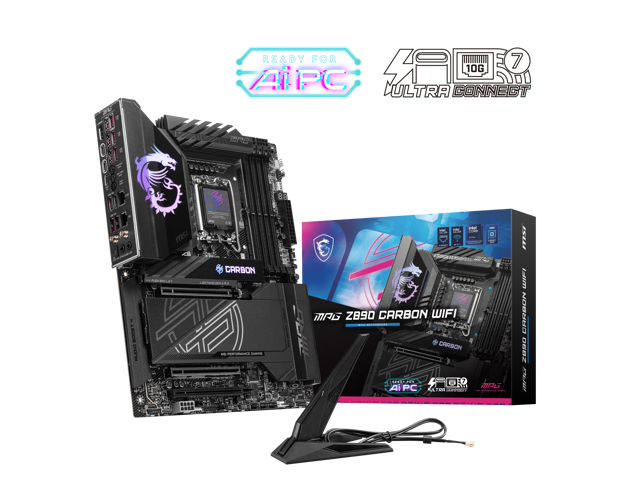
On Intel, CPU overclocking and lane splitting: the MSI MPG Z890 CARBON WIFI brings a 110A power stage, two PCIe 5.0 x16 slots plus a PCIe 4.0 x16, five M.2 slots with the first at Gen5, dual LAN combining 2.5G and 5G, Wi-Fi 7, two Thunderbolt 4 ports and ten rear USB 3.2 Gen2 Type-A ports. Z890 is also the only LGA 1851 tier that lets you overclock the CPU cores and base clock.
What Should I Look For on the Board Itself?
The VRM. This is the one place a very cheap board can genuinely cost you performance — Tom’s Hardware warns that budget MOSFETs and chokes may not let a high-power CPU hold its clocks, and advises avoiding boards with no VRM heatsink unless the processor is low-power.
M.2 heatsinks. Count them against the M.2 slot count. Gen5 drives run hot enough that an unheatsinked slot is a throttling risk.
Rear USB count and a front-panel Type-C header. Budget boards frequently omit the internal header, which leaves your case’s front USB-C port dead.
Wi-Fi 7, but do not overpay for it. It is near-standard on B850 in 2026 and less consistent on cheaper B860 boards. If a board you otherwise like has Wi-Fi 6E, an add-in card is an easy fix.
One 2026 caution: the very high memory speeds printed on these boxes — DDR5-8400, 8666+, 9200+ — are overclocked ceilings gated by firmware maturity and the memory support list, not guarantees. AMD’s AGESA 1.2.8.0 caused boot and memory-training failures on some 800-series boards in late 2025, which is a reminder to stay on a known-good BIOS unless you need a fix. Compare current boards in Newegg’s B850 motherboard listings.
Frequently Asked Questions
What is the main difference between B850 and B860? They serve different sockets — B850 is AMD AM5, B860 is Intel LGA 1851 — and the sharpest functional difference is overclocking: B850 supports both CPU and memory overclocking, while B860 supports memory overclocking only and requires Z890 for CPU tuning. B850 also guarantees a PCIe 5.0 M.2 slot, while B860 boards more often include Thunderbolt 4.
Will a cheaper B-series board make my games slower? No. Tom’s Hardware measured an inexpensive board against a flagship and found results extremely close, sometimes within the margin of error. Chipset tier governs connectivity, not processing speed. The exception is a board with a genuinely weak VRM and no heatsink paired with a high-power processor.
Do B850 boards have USB4? Rarely. USB4 is optional on B850 and mandatory on X870 and X870E, so if you want 40Gbps Type-C on AMD you generally need the higher tier. On Intel, Thunderbolt 4 comes from the processor rather than the chipset, so it appears on mainstream B860 boards.
Which socket should I build on for the longest life? AM5. AMD confirmed support through 2029 at Computex 2026, which should cover at least two more processor generations on the same board. Reporting points to Intel moving to a new socket with its next architecture, so LGA 1851 is the shorter runway — though that has not been confirmed by Intel.
Read More
- Intel ARK: Desktop Chipsets — The official side-by-side of Z890, B860 and H810, including which tiers allow overclocking.
- Tom’s Hardware: Best Motherboards — Current picks across AM5 and LGA 1851, with guidance on where extra spend is and is not worth it.
- Puget Systems: Z890 vs B860 vs H810 — A line-by-line chipset comparison of overclocking tiers, PCIe lanes, DMI width and USB counts.
- ASUS: 2026 AM5 X870 and B850 Motherboard Lineup — The manufacturer’s own walkthrough of what separates the AM5 board tiers.
- Newegg: B850 Motherboards — Filter current AM5 boards by form factor, M.2 count and networking.