
Move-in day comes with a long checklist, and somewhere near the bottom most students scribble “figure out the internet.” It deserves to sit much higher. Whether you are streaming lectures, submitting an assignment at 11:58 p.m., or squeezing in a ranked match between classes, your connection is the thing that either fades quietly into the background or ruins your entire night. The catch is that no single gadget fixes every living situation. This guide walks through four common back-to-school setups and names the best pick for each, so you can buy once and get online fast.

Who Needs This
Before you buy anything, figure out which situation you are actually in. A dorm room on a locked campus network is a completely different problem from a shared off-campus apartment with thick walls and long hallways. Some students only need a small device that makes the school Wi-Fi private and friendly to their own gear; others need whole-home coverage for a two-bedroom unit shared with roommates. Match the hardware to the space and the rules, not to the flashiest box on the shelf. The four scenarios below cover almost every student, and each one ends with a clear recommendation.
You Can’t Run Your Own Router (Dorm with Locked Network)
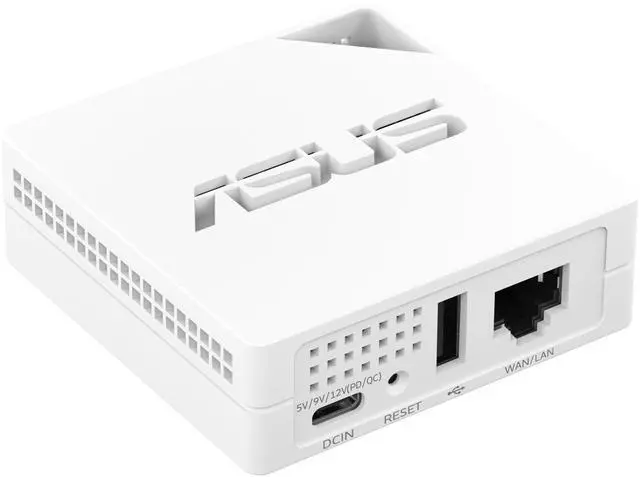
Most campus dorms hand you a single wired jack or a captive-portal Wi-Fi login, and they frequently forbid plugging in a normal home router. That is where a travel router earns its keep. It connects to the existing dorm network and rebroadcasts a small private Wi-Fi bubble that only you control. That also lets devices like a printer, a streaming stick, or a game console talk to one another without fighting the campus firewall.
Best pick: the ASUS RT-AX50 Go ($69.99 at the time of writing). It is a portable Wi-Fi 6 router built for exactly this job, with multiple connection modes so it can share a wired jack, a hotel-style captive portal, or even your phone’s tethered signal. Toss it in a backpack for dorm life, then reuse it on trips home and over breaks.
You Have Your Own Room or Apartment
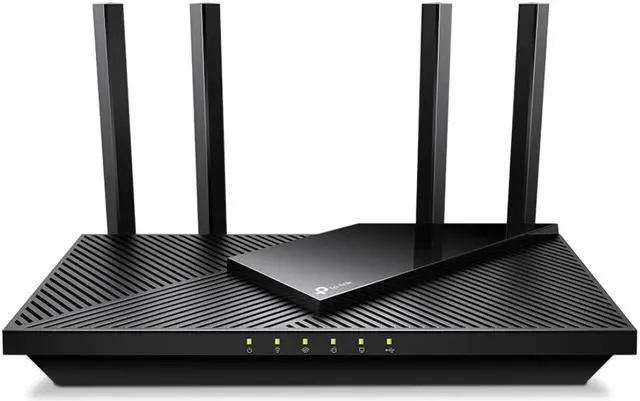
If you live off campus or in a suite where you control the modem, a standalone router is the simplest and most reliable choice. One good box sitting in a central spot will blanket a typical room or small one-bedroom with fast, low-latency Wi-Fi, and you avoid the extra cost and complexity of a multi-unit system you do not need yet.
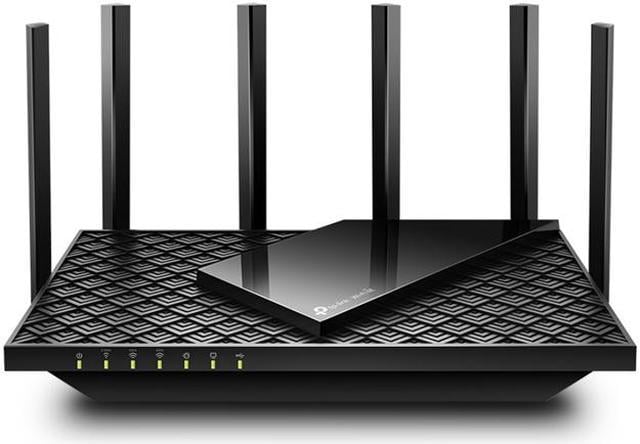
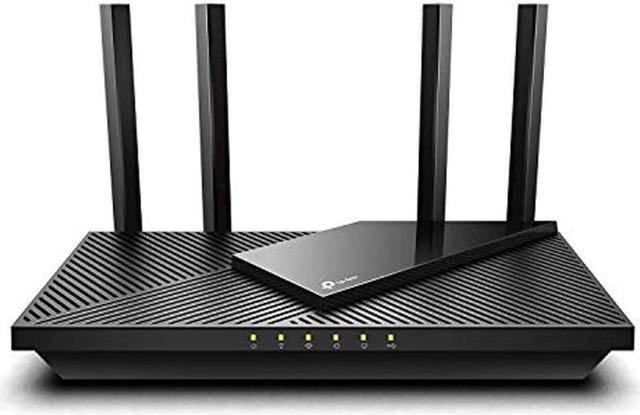
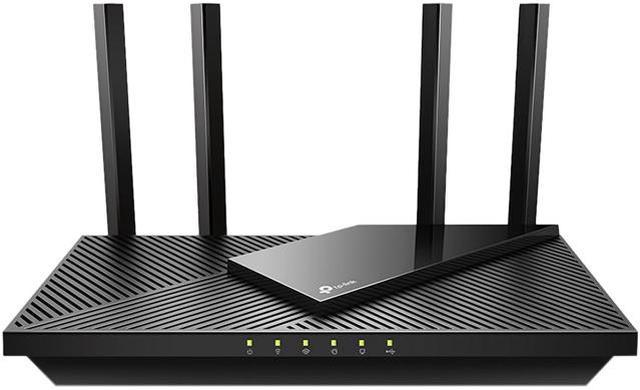
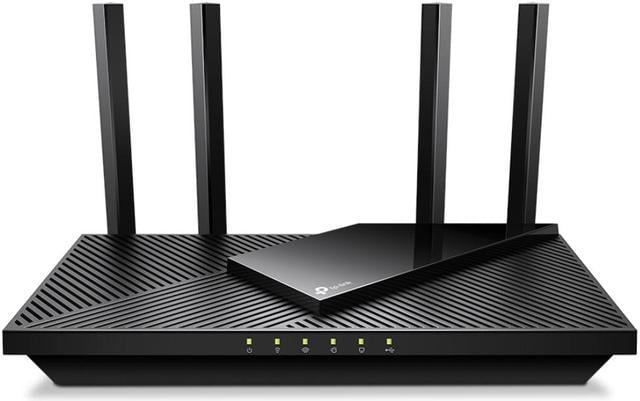
Best pick: the TP-Link Archer AX55 Pro ($84.99 at the time of writing). It is an AX3000 Wi-Fi 6 router with a multi-gig port, so it keeps pace with faster internet plans and handles a full load of laptops, phones, and smart devices without choking during video calls.
Best budget: the TP-Link Archer AX10 ($49.96 at the time of writing), an AX1500 Wi-Fi 6 router that covers the basics for a single room at a very friendly price. If you want to compare more options, browse Wi-Fi 6 routers to see the full range.
Wi-Fi Won’t Reach the Whole Apartment
Older buildings, long hallways, and dense walls are the natural enemy of a single router. If the signal is strong in the living room but dies in your bedroom, one box cannot fix it no matter how powerful it claims to be. A mesh system solves this by placing two or more units around the space that work together as one seamless network, so your laptop hands off automatically as you move from room to room.
Best value: the TP-Link Deco X55 ($65.97 at the time of writing), an AX3000 Wi-Fi 6 mesh that delivers real multi-room coverage without a painful price tag.
Best coverage: the TP-Link Deco XE75 Pro ($199.99 at the time of writing), an AXE5400 Wi-Fi 6E system whose extra 6 GHz band gives crowded apartment buildings a clean, less congested lane for your most demanding devices. Want to compare kits by size? Browse mesh Wi-Fi systems to match units to your square footage.
You Need a Rock-Solid Connection for Class or Gaming
When a dropped connection means a failed proctored exam or a lost ranked match, reliability beats raw speed. Two tools help here: future-proof Wi-Fi and a cable. On the wireless side, buying newer technology now means fewer upgrades later, because your phone, laptop, and console will all keep adding support for it.
Best future-proof pick: the TP-Link Deco BE23 ($159.99 at the time of writing), a BE3600 Wi-Fi 7 mesh. Wi-Fi 7 adds efficiency and headroom that pay off as more of your devices support it over the next few years, making it a smart buy if you want to keep this hardware all the way through graduation.
Don’t Forget Wired Networking
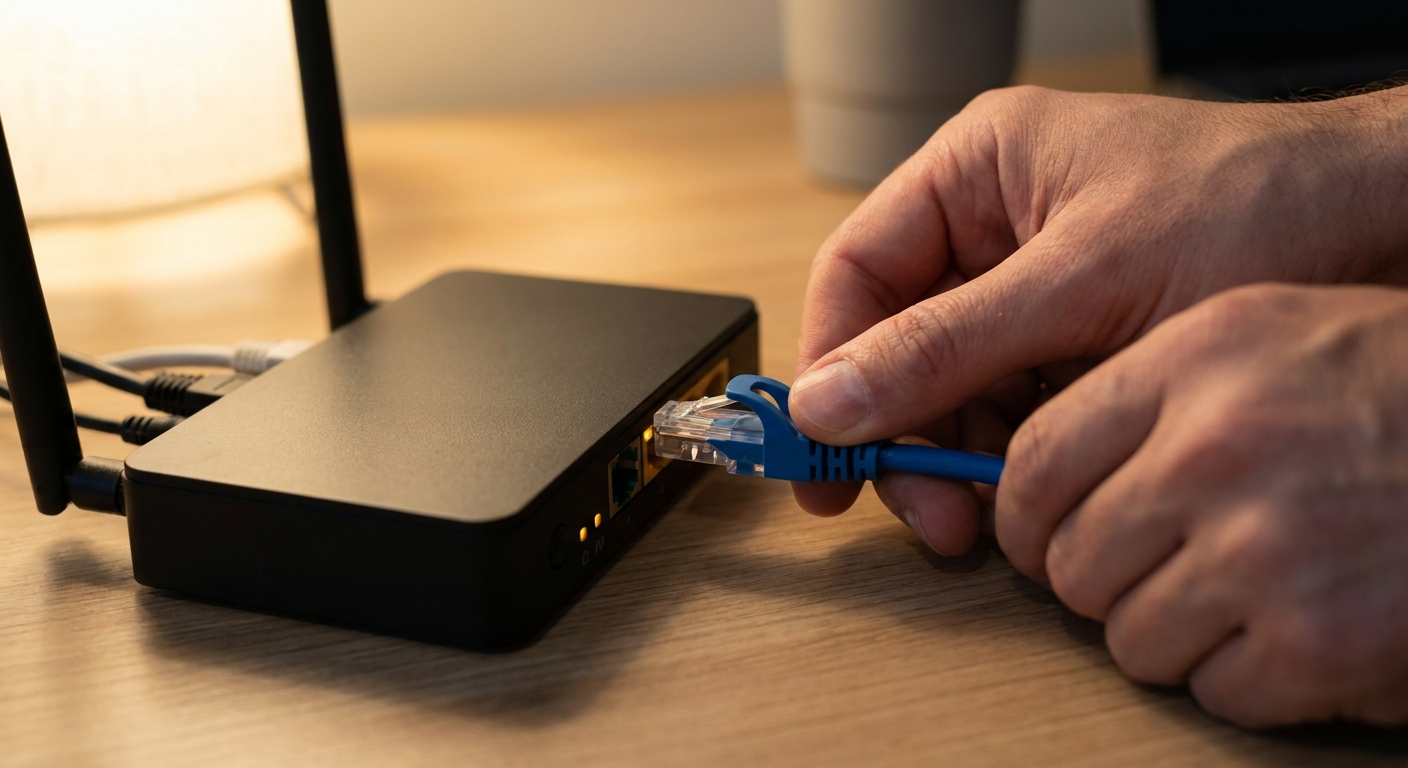
For anything that truly cannot fail, a wired connection is still the gold standard. Ethernet is more stable and consistent than even the best Wi-Fi because it is immune to interference from microwaves, neighboring networks, and the dozens of devices crowding the airwaves in a packed dorm. For a proctored exam, a large file upload, a live video presentation, or a competitive gaming session, plugging a laptop or console directly into your router with an inexpensive cable is the single easiest reliability upgrade you can make. Most of the routers above include Ethernet ports for exactly this reason, so keep a cable long enough to reach your desk on hand. There is no special product to research here, just a standard cable and a free port.
Quick Picks by Scenario
| Scenario | Best Pick | Price |
|---|---|---|
| Locked dorm network | ASUS RT-AX50 Go (travel router) | $69.99 |
| Your own room or apartment | TP-Link Archer AX55 Pro (standalone) | $84.99 |
| Whole-apartment coverage | TP-Link Deco XE75 Pro (mesh) | $199.99 |
| Rock-solid for class or gaming | TP-Link Deco BE23 (Wi-Fi 7) plus a wired cable | $159.99 |
The Verdict
Start with your living situation, not the spec sheet. If the campus network is locked down, the ASUS RT-AX50 Go makes it yours. If you control your own space, the Archer AX55 Pro is the reliable all-rounder, with the Archer AX10 covering tight budgets. When coverage is the problem, step up to the Deco X55 or the Deco XE75 Pro. And if you want to future-proof your setup or need competition-grade stability, the Deco BE23 paired with a simple Ethernet cable is the combination that keeps you online when it matters most.
Read More
- Tom’s Hardware Networking — in-depth router reviews and buying advice from a trusted tech outlet.
- RTINGS Router Reviews — lab-tested performance and range data to compare models objectively.
- PCMag Wireless Routers — editor ratings and roundups of the latest Wi-Fi hardware.
- TP-Link Official Site — setup guides, firmware, and support for the Archer and Deco lines.
- TechSpot — reviews and explainers on Wi-Fi 6, 6E, and Wi-Fi 7 for shoppers who want the details.