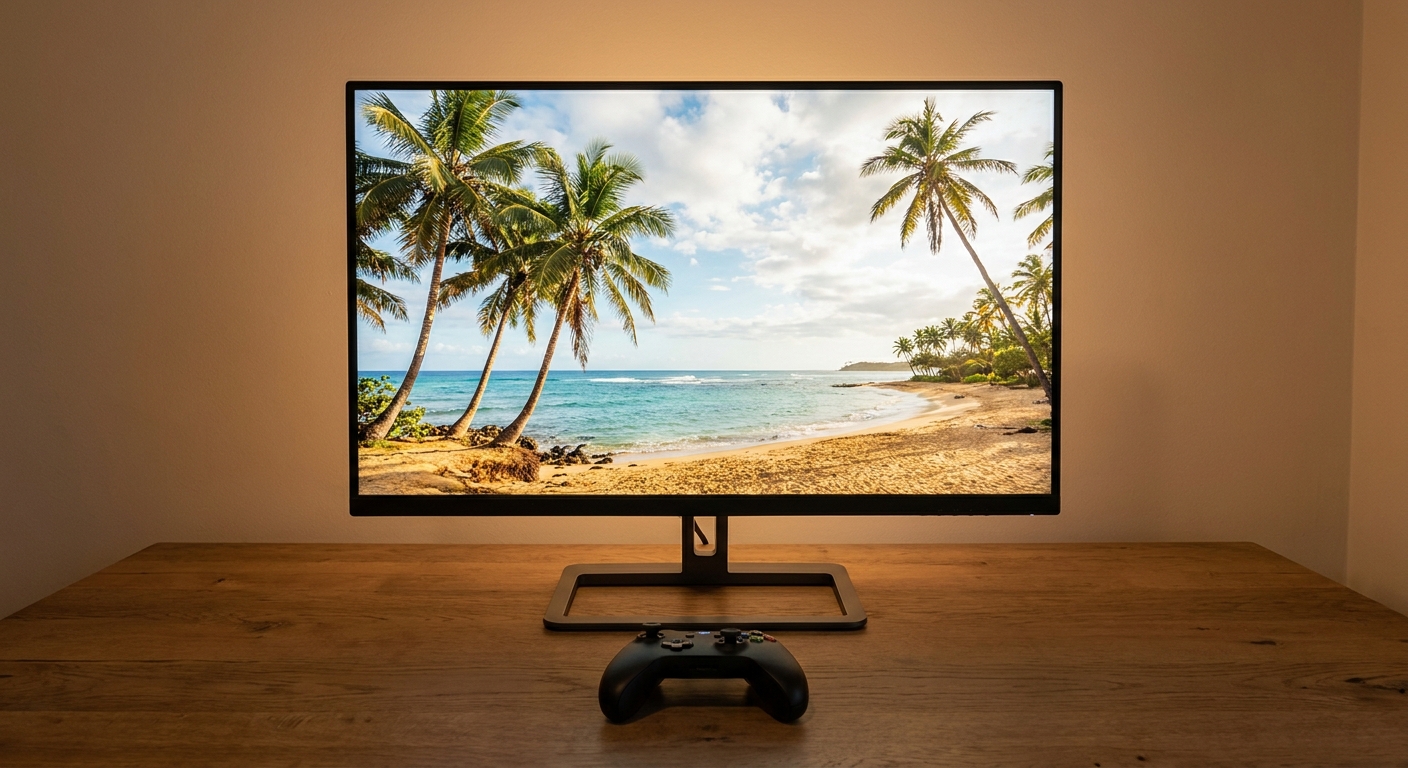
A lot of people are going to play GTA 6 at a desk rather than on the living-room TV. Shared houses, small apartments, a partner who wants the TV back. A monitor makes sense in those cases, but most gaming monitor advice is written for PC players, and it pushes you toward specs a console cannot use.
So let me start with what a PS5 or Xbox Series X|S actually sends out. Both consoles support HDMI 2.1, variable refresh rate and up to 120Hz. A 240Hz panel is not a downside, but the console will never drive it past 120Hz. What you need for 4K at 120Hz is an HDMI 2.1 port. Everything else is about how you play.
Scenario One: A Desk That Is Only for the Console
If the monitor is basically a small TV, I would prioritise built-in speakers, because without them you need a headset or a separate speaker on day one. That narrows things down fast.

The LG UltraGear 32GX870A is my pick for this setup. It is a 32-inch 4K OLED with two HDMI 2.1 ports, so a PS5 and an Xbox can both stay plugged in, and it has two 7W speakers. It is also a dual-mode panel that can switch to a 1080p mode at 480Hz, which matters to PC players, not to you.
The Acer Predator X32 is the alternative if you like a slight curve. It is a 32-inch 4K OLED with a 1700R curve, two HDMI 2.1 ports and two 5W speakers. Curved screens at 32 inches are a matter of taste. I find the curve helps a little when I sit close.
Scenario Two: You Share the Desk With a PC
If a gaming PC lives at the same desk, the 240Hz panels start to make sense, because the PC can use the refresh rate the console cannot. Here I care about two HDMI 2.1 ports plus a DisplayPort, so the PC and console never fight over an input.
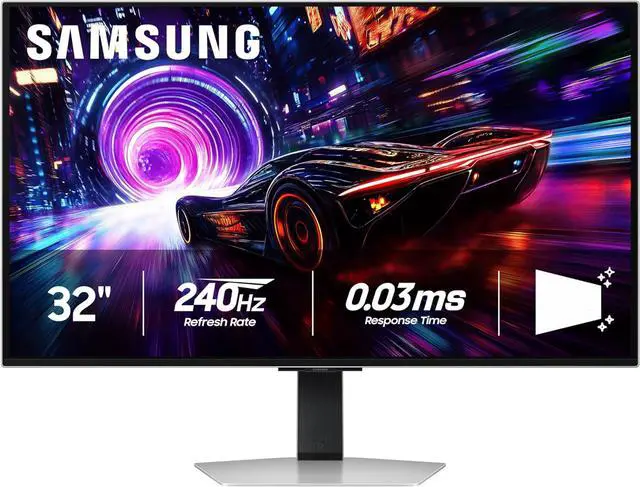
The MSI MPG 321URX QD-OLED fits that well: 32-inch 4K at 240Hz, two HDMI 2.1 ports, DisplayPort 1.4a, and a USB-C input with 90W charging if a laptop also lands on the desk. The Samsung Odyssey G8 32-inch OLED is a similar recipe, 4K 240Hz with two HDMI 2.1 ports and a glare-free finish, which I would pick for a room with a window behind you.
The ASUS ROG Strix XG32UCWMG is the other one I would consider: 32-inch 4K OLED at 240Hz with a 1080p 480Hz mode, two HDMI 2.1 ports and DisplayPort 1.4. Pick between these three on stand, finish and which brand's menus you can tolerate, because the console experience on each is going to be very similar.
Scenario Three: Bright Room or Long Sessions
OLED is gorgeous in a dim room. In a bright room, or if you leave the same HUD on screen for hours, some people simply prefer an LCD. GTA has always had a lot of static on-screen elements, so I do not think this concern is silly.
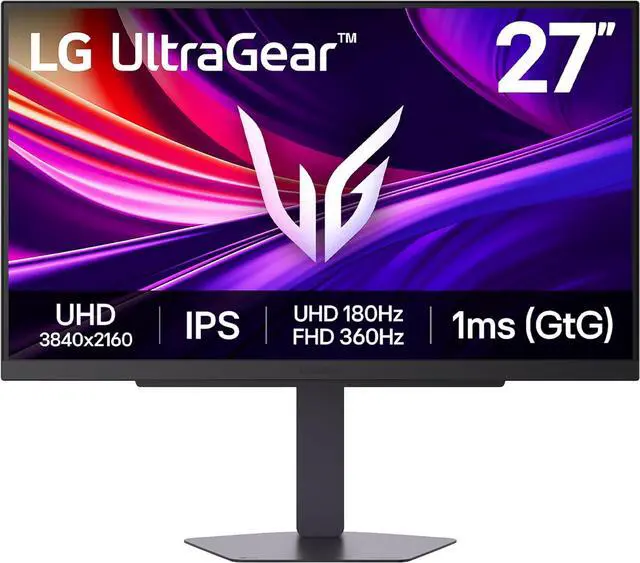
The LG UltraGear 27G810A is a 27-inch 4K IPS panel at 180Hz, rated at 400 nits with DisplayHDR 400, and two HDMI 2.1 ports. At 27 inches, 4K looks very sharp at desk distance. For something bigger, the Samsung Odyssey G75F 37-inch is a curved 4K VA panel at 165Hz with DisplayHDR 600 and two HDMI 2.1 ports. A 37-inch screen is a lot of monitor, so measure your desk depth first.
Scenario Four: One Console, One Input
If you only ever plug in a single console, the Samsung Odyssey G7 32-inch OLED is worth a look. It is 4K at 165Hz with a 1080p 330Hz mode, but it has one HDMI 2.1 port alongside DisplayPort 1.4. That one port is fine for a single PS5. It gets awkward the day you add a second console.
What I Would Buy
Console only: LG 32GX870A, for the speakers and two HDMI 2.1 ports. Shared with a PC: MSI 321URX or Samsung G8. Bright room: LG 27G810A. Whatever you choose, turn on VRR in the console's video settings once it is connected. More options are in Newegg's 4K HDMI 2.1 gaming monitor listings.
Frequently Asked Questions
Do I need HDMI 2.1 for PS5 or Xbox Series X? For 4K at 120Hz, yes. HDMI 2.0 tops out lower at 4K, so an HDMI 2.1 port is the feature to look for on a console monitor.
Will a 240Hz monitor make console games smoother? No. The consoles output up to 120Hz. A 240Hz panel will still work well, and the extra refresh rate is useful if you also connect a PC.
What frame rate will GTA 6 run at? Rockstar has not published performance targets for GTA 6 on PS5 or Xbox Series X|S, so I would not buy a monitor based on a rumoured frame rate.
Do these monitors have speakers? The LG 32GX870A (2 x 7W) and Acer Predator X32 (2 x 5W) are the two whose spec sheets list built-in speakers. For the others, plan on a headset or external speakers.
Is OLED a good idea for GTA? In a dim room it looks excellent. If you play for long sessions in a bright room, an IPS panel like the LG 27G810A is the more relaxed choice.
Read More
- RTINGS: The Best Monitors for PS5 -- Lab-tested monitor recommendations specifically for PlayStation 5.
- LG UltraGear 32GX870A-B -- LG's official product page with full specs for the 32GX870A.
- Wikipedia: Xbox Series X and Series S -- Background on the consoles' HDMI 2.1, VRR and refresh rate support.
- Rockstar Games: Grand Theft Auto VI -- Rockstar's official GTA VI page with trailers and platform details.
- Newegg: 4K HDMI 2.1 Gaming Monitors -- Filter 4K gaming monitors with HDMI 2.1 for console play.