
If you’re shopping for a gaming desktop that can do more than post a flashy benchmark number, you’re in the right place. The best everyday gaming PC is the one that feels fast, stays stable, and gives you the performance you actually notice while you play. That usually means a well-matched CPU and GPU, plus enough memory and storage to keep everything moving without slowdowns.
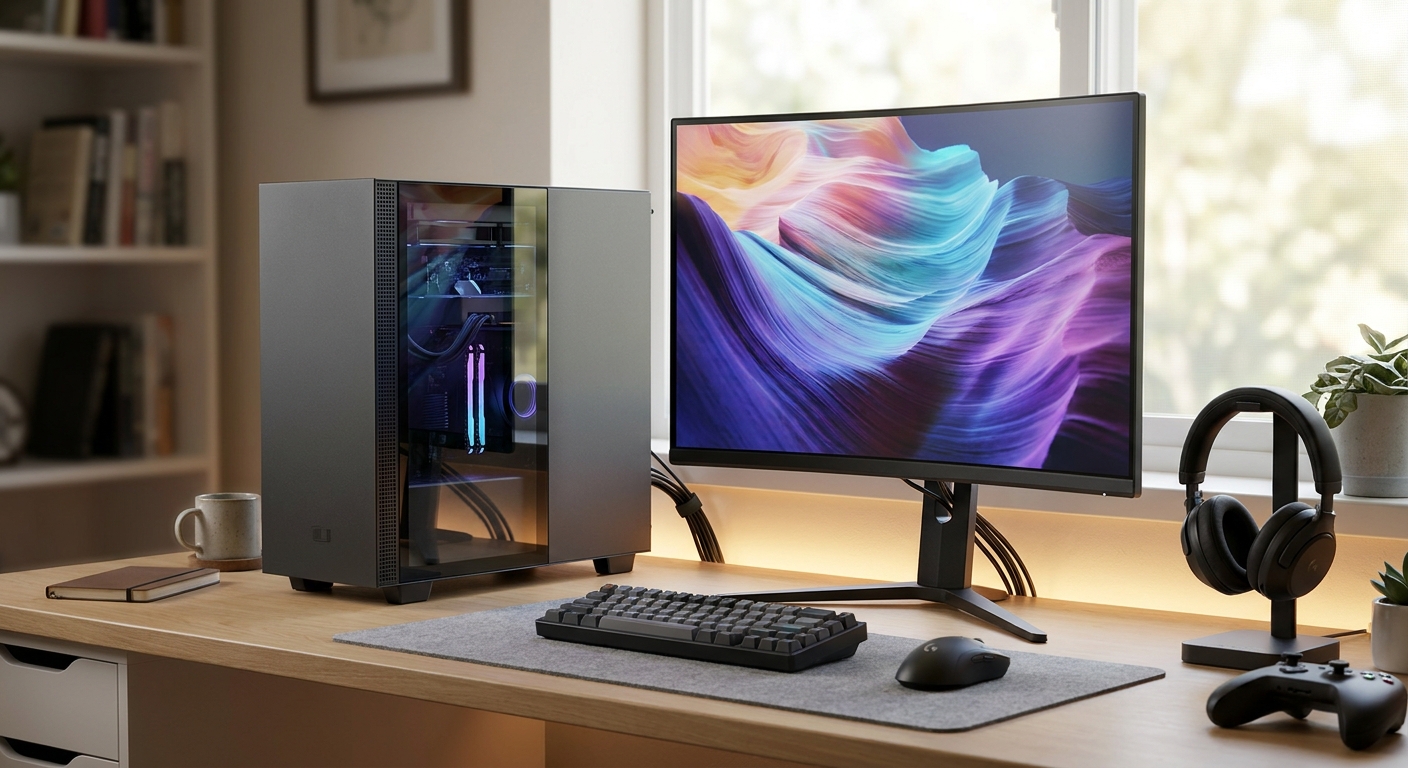
For most gamers, the sweet spot lives between entry-level and high-end. You want enough power for smooth 1080p and 1440p gaming, with extra room for voice chat, streaming, browser tabs, and whatever else you run in the background. That kind of balance is what makes a benchmark PC feel like a smart buy instead of a spec sheet flex.
Overview: What Defines a Good Everyday Gaming Benchmark PC?
A strong everyday gaming benchmark PC should deliver consistency first. Peak frame rates are nice, but the real win is smooth frame pacing, responsive load times, and the kind of performance that holds up in actual games. A modern 6-core or 8-core CPU, 16 GB to 32 GB of RAM, and an SSD can make a huge difference in day-to-day feel compared with older systems that only look similar on paper.
If you’re trying to decide whether a desktop is worth it, ask a simple question: does it fit the way you play? The best choice is usually a PC that can handle competitive titles, open-world games, and everyday multitasking without constant tweaking. If you want something that works well after work, for shared household use, or as an all-around desktop, real-world benchmark performance matters more than chasing the highest score.
Key Features to Prioritize
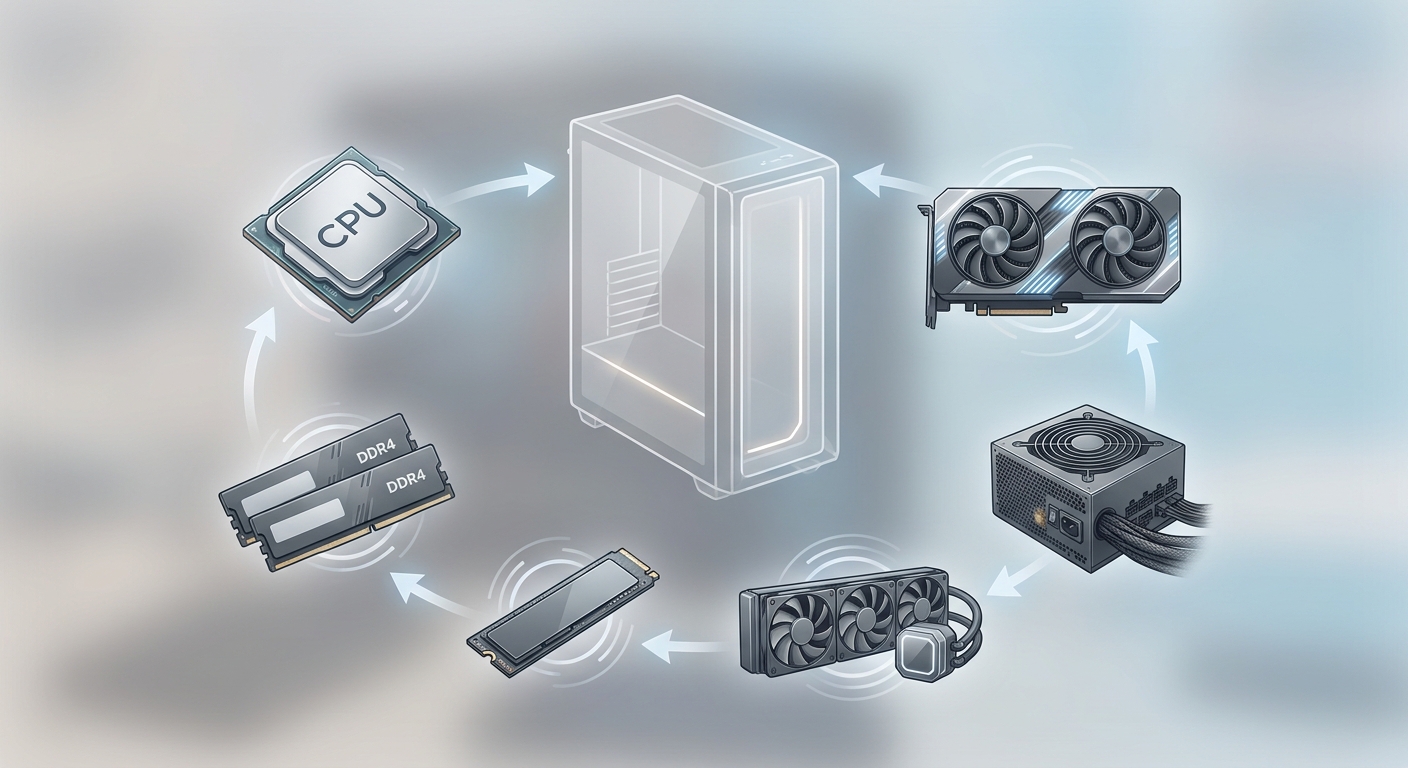
When you’re comparing gaming desktops, focus on the parts that have the biggest impact on your experience:
- CPU: A modern 6-core or 8-core processor helps with game logic, background tasks, and smoother multitasking.
- GPU: The graphics card matters most for gaming performance, especially at 1440p and with higher settings.
- Memory: 16 GB is the practical minimum; 32 GB is a better long-term choice for heavy multitasking.
- Storage: A fast NVMe SSD improves boot times, game launches, and patch installs.
- Cooling and power delivery: Stable thermals help maintain performance during long gaming sessions.
A balanced build almost always beats an uneven one. A powerful GPU paired with a weak CPU can still stutter in CPU-heavy games, while an overbuilt CPU with a modest graphics card may not give you the gaming results you were hoping for. Matching the parts properly is what makes a benchmark PC feel impressive in daily use, not just in charts.
Hands-on Performance: What You Should Expect
For everyday gaming, the best benchmark PC should feel smooth in real titles, not just look good in synthetic tests. Competitive shooters benefit from high, stable frame rates, while larger AAA games need enough GPU muscle and CPU headroom to keep things steady. A well-built desktop should also handle Discord, game launchers, and a few browser tabs without turning your session into a lagfest.
In practical terms, the right benchmark PC for most shoppers is one that can handle 1080p gaming comfortably and still hold up at 1440p with sensible settings. If your game library mixes esports and big story-driven releases, that flexibility is more useful than a single headline result.
Simple Comparison Table
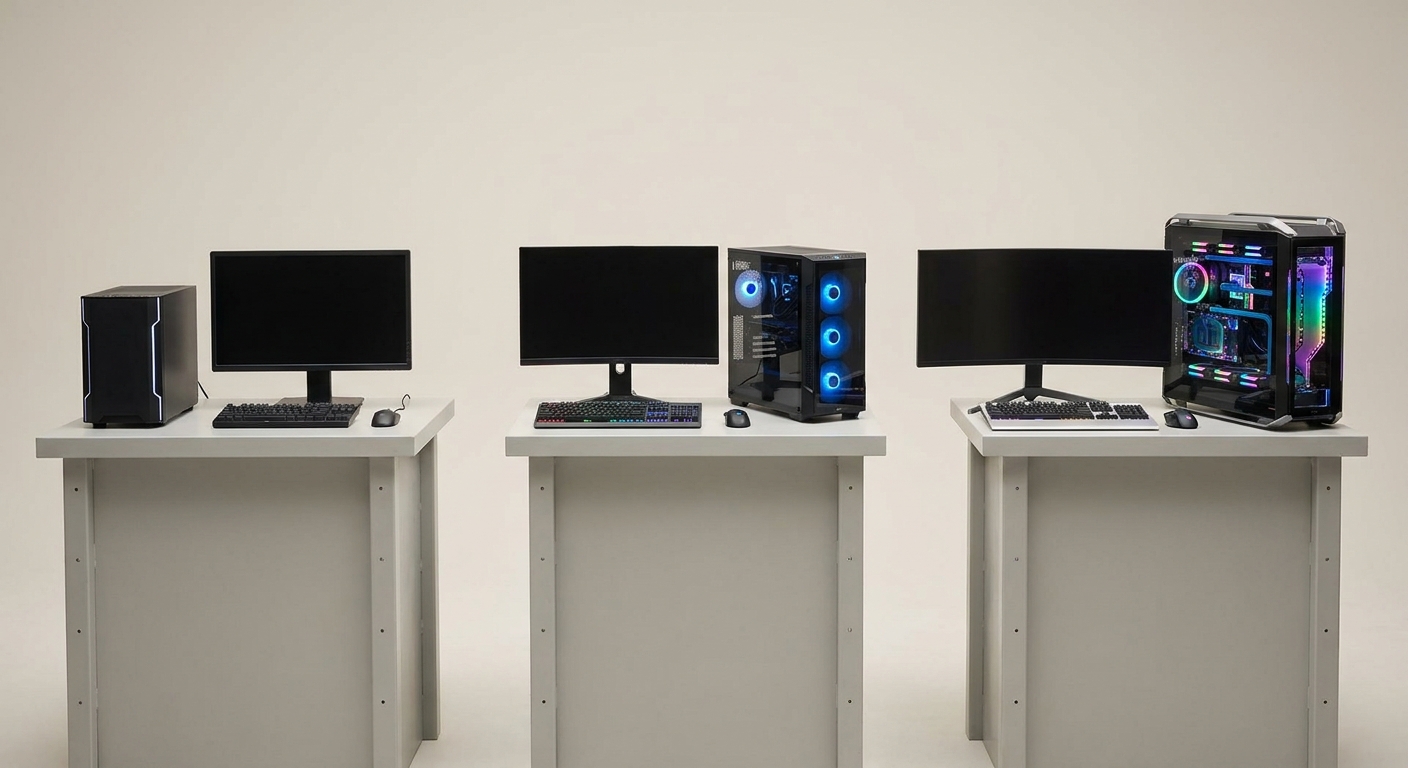
The breakdown below shows the kind of balance most everyday gamers should aim for.
- Entry-level: Best for 1080p esports and lighter games, but may require lowered settings in new AAA titles.
- Midrange benchmark PC: Best balance for 1080p high refresh or 1440p gaming with better longevity.
- High-end: Great for maximum settings and demanding workloads, but often unnecessary for everyday gaming.
Pros and Cons of a Balanced Gaming Benchmark PC
Pros
- Better real-world gaming consistency than spec-heavy but unbalanced systems.
- Handles modern games, multitasking, and daily use with less compromise.
- Usually offers stronger value than top-tier builds for most players.
- More likely to stay relevant for several years without immediate upgrades.
Cons
- May not deliver the absolute highest FPS in benchmark charts.
- Can be less exciting on paper than premium flagship desktops.
- Some prebuilt models may prioritize appearance over cooling or component quality.
Final Verdict: Who Is This PC Best For?
The best benchmark PC for everyday gaming is a smart pick for players who want a dependable, balanced desktop that performs well in real games without overspending. It’s ideal if you care more about smooth gameplay, quick loading, and long-term value than chasing the biggest benchmark score. If your routine includes esports, AAA titles, streaming, or a mix of work and play, this is the category worth targeting.
For most shoppers, the formula is simple: choose a modern midrange CPU, a capable GPU, at least 16 GB of RAM, and an NVMe SSD. That combination delivers the most practical gaming experience and the least buyer’s remorse over time.
Ready to buy? Browse all gaming PCs at Newegg
Frequently Asked Questions
What specs matter most in a gaming benchmark PC?
Focus first on the GPU, CPU, RAM, and SSD, because those parts have the biggest effect on real gaming smoothness and load times. For most players, a modern 6-core or 8-core CPU, a capable midrange GPU, 16 GB to 32 GB of RAM, and an NVMe SSD is the most practical combination.
Is a midrange gaming PC better value than a high-end build?
Yes, in many cases a midrange gaming PC is the smarter buy because it delivers strong 1080p and 1440p performance without pushing you into premium pricing. High-end systems can be impressive, but the extra performance is often harder to notice in everyday play unless you game at very high settings or use demanding workloads.
Can a balanced benchmark PC handle both AAA and esports games?
Absolutely, as long as the CPU and GPU are matched well. Esports titles benefit from stable high frame rates, while AAA games need enough graphics power and memory to maintain smooth settings and consistent frame pacing.
How much RAM should a gaming desktop have in 2026?
16 GB is still the practical minimum for most gamers, especially if you usually play one game at a time. If you stream, keep many apps open, or want more future-proofing, 32 GB gives you more headroom and can make the system feel more responsive.
What should I verify before buying a prebuilt gaming benchmark PC?
Check the exact CPU and GPU models, plus the cooling, power supply quality, and SSD capacity. You should also confirm the warranty, return policy, and current stock status so you know what support and availability to expect after purchase.
Read More
- Best Gaming PCs of 2026 — Tom’s Hardware — A benchmark-focused roundup of gaming desktops across different budgets.
- Best PC builds for gaming 2026 — Tom’s Hardware — Helpful for comparing balanced DIY gaming builds with prebuilt systems.
- Best Gaming PCs in 2026 — PC Gamer — An updated buyer’s guide to tested gaming PCs with value-oriented picks.
- Best Gaming PC Builds Guide — PC Gamer — A practical guide for understanding component balance and performance tradeoffs.
- Best Gaming PC for the Money — Digital Trends — A mainstream guide that helps readers compare gaming desktop value.
Related Posts
- How to Choose the Right ABS Gaming PC by GPU
- 5 ROG-Inspired Gaming PCs to Build Your Dream Battlestation
- AI Workstation vs Gaming PC: Which Do You Actually Need?
- How to Use Newegg’s Custom PC Builder: From Blank Page to Complete Build
- Exploring Newegg Shopping Tools: Optimizing Your Tech Purchases
Frequently Asked Questions
Answers to common questions about choosing a gaming benchmark PC for everyday play.