GTA 6 arrives on November 19, and digital pre-loading opened on November 10. A lot of people will spend that week making sure the console and the TV are ready, then play the first night through the TV's built-in speakers. That's the part of the setup I'd fix first.
Rockstar games lean heavily on sound: radio stations, traffic, crowds, a score that changes with the action. Thin TV speakers flatten all of it. A soundbar is one of the most noticeable upgrades most living rooms can make.
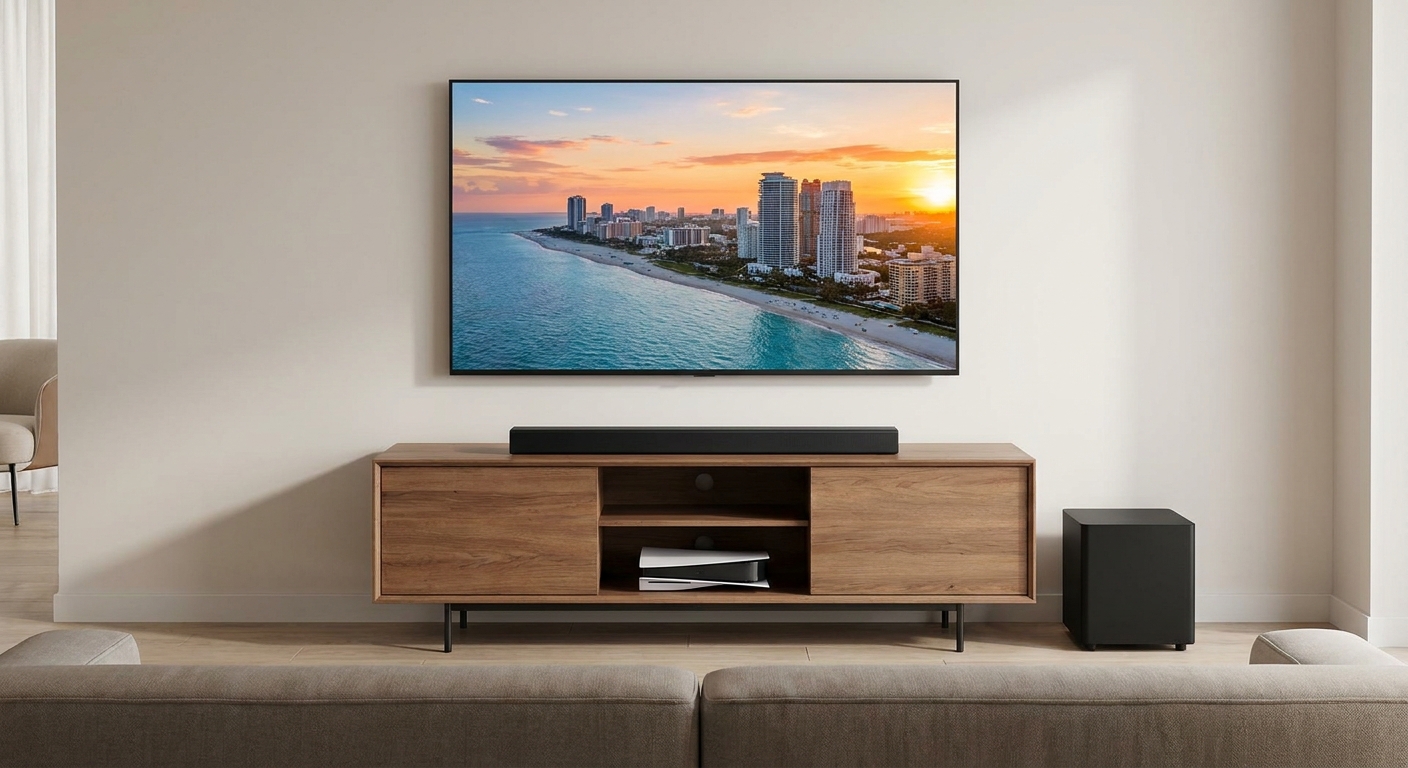
Why it matters more than you'd think
Modern TVs are so thin that there's barely room for speakers. Dialogue gets buried under music and effects, and anything below the midrange just disappears. A soundbar with a center channel keeps voices clear, and a subwoofer adds weight you can actually feel.
What I look for
HDMI eARC. This is the connection I care about most. Plug the PS5 or Xbox into the TV's HDMI 2.1 port, then connect the soundbar to the TV's eARC port. The TV handles 4K at 120Hz and VRR, and audio flows out to the bar. I wouldn't route the console through the soundbar unless the bar explicitly supports 4K 120Hz passthrough.
A center channel. In "3.1.2," the 3 means left, center and right. A dedicated center is the simplest way to stop shouting "what did he say?"
A subwoofer that fits your room. In an apartment, a compact bar with a built-in or modest sub might be the more neighbor-friendly choice.
Quick comparison
| Soundbar | Channels (per listing) | Separate subwoofer | Best for |
|---|---|---|---|
| Sony BRAVIA Theater Bar 8 | 11 speakers | No (add-on available) | All-in-one Atmos |
| Sony BRAVIA Theater Bar 6 | 3.1.2 | Yes | Mid-size rooms |
| Samsung HW-Q800H | 5.1.2 | Yes | Bigger rooms |
| Samsung HW-Q990F | 11.1.4 | Yes, plus rears | Full surround |
| Yamaha SR-B40A | 2.1 | Yes, wireless | Mid-size rooms |
| JBL BAR 300 | 5.0 | No | Compact spaces |
The bars I'd shortlist
If I wanted one box under the TV with no subwoofer to place, I'd look at the Sony BRAVIA Theater Bar 8. The listing highlights 11 speakers in a single bar, and it's the cleanest way to get Dolby Atmos without running any extra cables.

The Sony BRAVIA Theater Bar 6 is the more practical pick for a lot of rooms: a 3.1.2 bar with a separate subwoofer, so you get the center channel and real low end.
For a larger living room, the Samsung HW-Q800H is a 5.1.2 bar and subwoofer from Samsung's 2026 Q-Series. If you want to go all the way, the Samsung HW-Q990F is an 11.1.4 system with rear speakers included. That's the closest thing on this list to real surround, but it's also the most to set up.
The Bose Smart Soundbar is a good fit if your TV stand is shallow. Bose lists it at 27.5 inches wide and just over 2 inches tall, with Dolby Atmos and voice control.

For mid-size rooms where you want a wireless sub, the Yamaha SR-B40A is a 2.1 Dolby Atmos bar with a wireless subwoofer. Yamaha lists one HDMI eARC output and 200W of total power. The wireless sub is genuinely handy when the outlet is on the other side of the room.

The JBL BAR 300 is a compact 5.0 all-in-one bar with MultiBeam and Dolby Atmos, about 32 inches wide. And the Klipsch Flexus 200 is a 3.1.2 bar if you prefer Klipsch's tuning.
How I'd match the bar to the room
Size matters in a practical way. A bar that's much wider than the TV looks odd, and one that's too tall can block the bottom of the screen or the TV's IR sensor. Measure the gap between the stand and the bottom of the screen before you order, especially if the TV sits on its own feet rather than a center pedestal.
Room size is the other half. In a small apartment living room, a 2.1 or 3.1 bar with a modest subwoofer is plenty, and you'll actually turn it up without worrying about the neighbors. In a big open-plan space, a 5.1.2 system or one with rear speakers fills the room much better. Placing the subwoofer near a wall or corner usually gives you more bass, but it can also make it boomy, so try a couple of spots before you settle.
One setup tip for launch night
After you connect everything, open the console's audio output settings and confirm the output device and format. Then run a quick test with something dialogue-heavy. If voices sound thin, look for a center or dialogue enhancement setting on the bar before you change anything else.
My verdict
For most people, I'd pick a 3.1.2 bar with a separate subwoofer and connect it over eARC, with the console plugged into the TV. That gets you clear dialogue, real bass and none of the 4K 120Hz headaches that can come from routing video through a soundbar.
Frequently Asked Questions
Should I plug my PS5 into the soundbar or the TV? For most setups, plug the PS5 or Xbox into the TV's HDMI 2.1 port and connect the soundbar to the TV's HDMI eARC port. That keeps 4K 120Hz and VRR handled by the TV while audio goes to the soundbar.
What is HDMI eARC and do I need it? eARC is an enhanced audio return channel over HDMI. It lets the TV send higher-bandwidth audio, including Dolby Atmos formats, to the soundbar. If both your TV and soundbar support it, use it.
Do I need a subwoofer for gaming? Not strictly, but a separate subwoofer adds the low-end weight that small bars struggle with, especially for explosions, engines and music.
Is Dolby Atmos worth it for console games? If your TV and soundbar support it and the game outputs it, Atmos height channels can add a sense of space. A good stereo or 3.1 bar with clear dialogue is still a big upgrade over TV speakers.
How many channels do I need? For a small room, a 2.1 or 3.1 bar is plenty. A dedicated center channel, the middle number in 3.1, helps dialogue stay clear. 5.1 and up adds more surround effect.
Read More
- The Best Soundbars (RTINGS): Lab-tested soundbar recommendations across sizes and budgets.
- Soundbar Reviews and Recommendations (RTINGS): Individual soundbar reviews with frequency response and connectivity tests.
- Best 4K TVs for GTA 6 on PS5 and Xbox (Newegg Insider): Pick the TV first, then match the soundbar to its eARC port.
- Grand Theft Auto VI Pre-Load Begins on November 10 (Rockstar Games): Rockstar's official pre-load timing for PS5 and Xbox.
- Soundbars (Newegg): Browse current Dolby Atmos and compact soundbars.