
Cloud storage subscriptions add up, and they never really belong to you. A NAS, network attached storage, is the fix: your own private cloud, sitting on your shelf, accessible from every device you own. The catch has always been choosing one: bays, RAID levels, network speeds. Newegg’s free NAS Builder turns that decision into a guided flow. Here is how it works, through three real households.
How the Tool Works
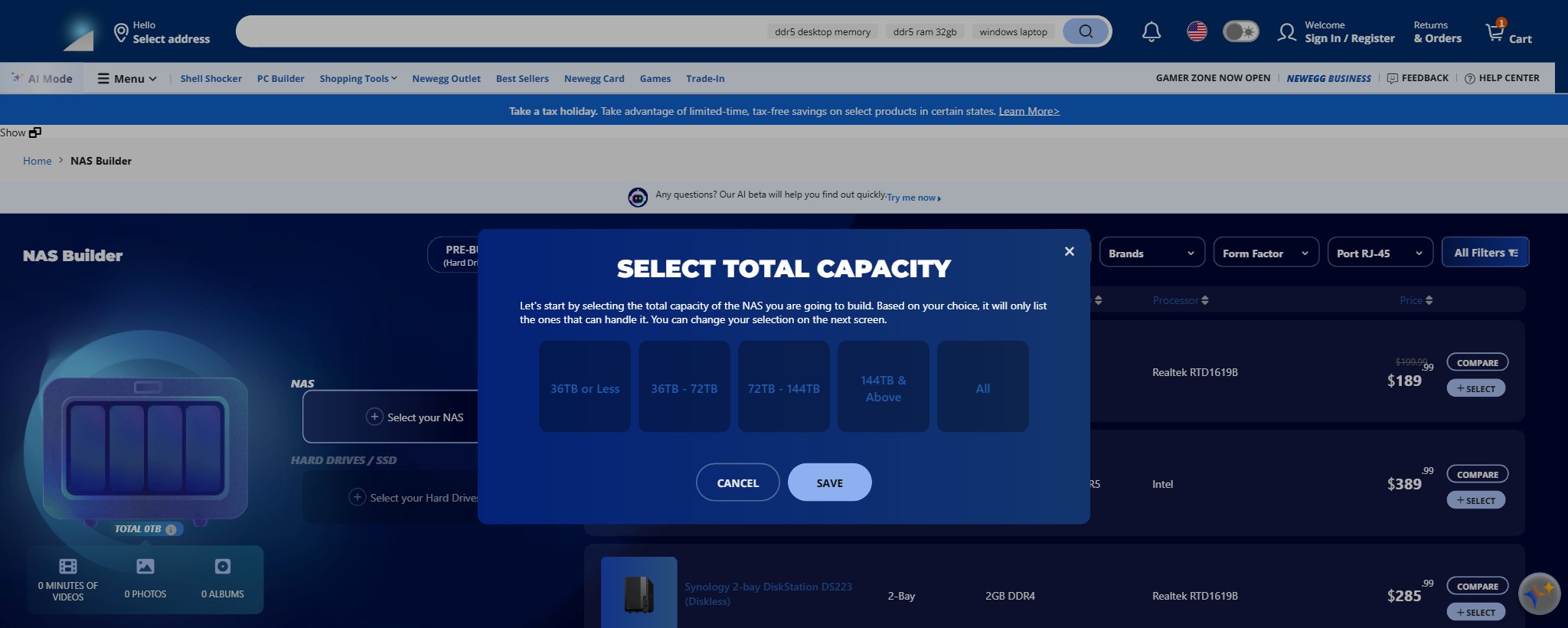
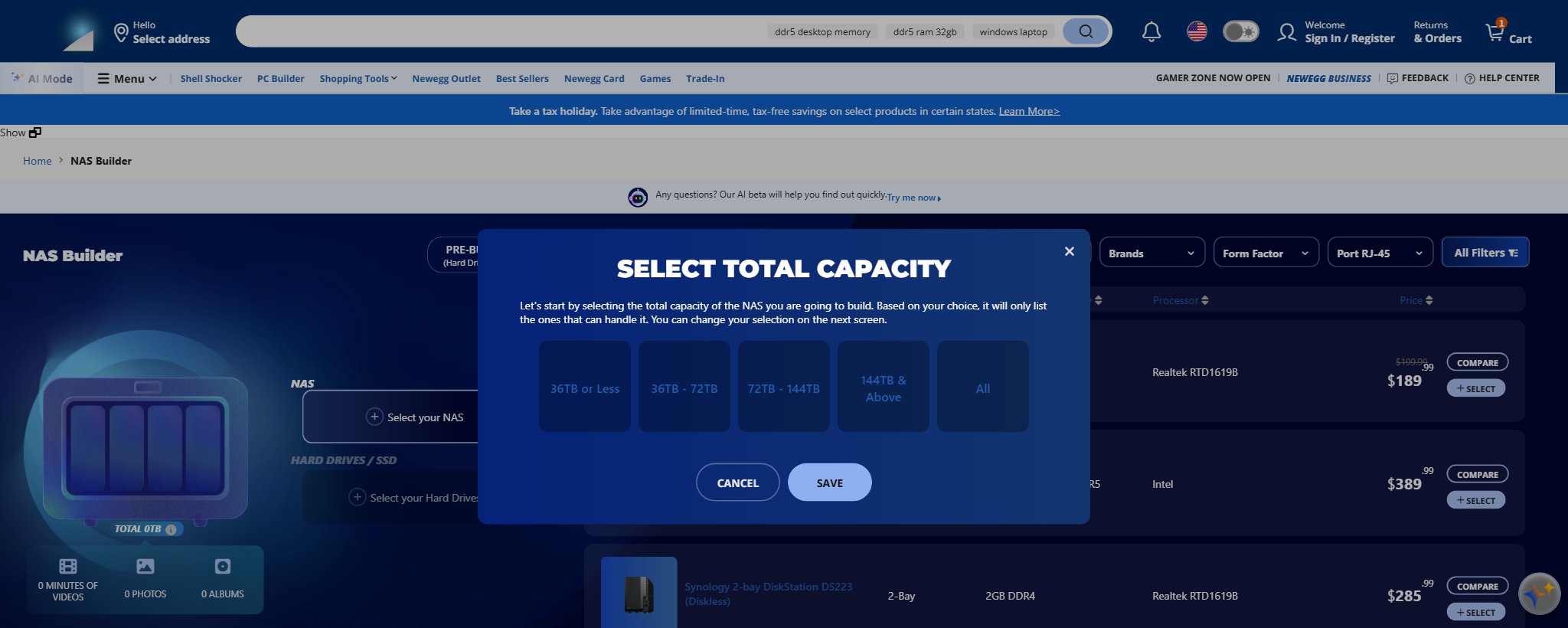
The Builder starts with one question: how much total capacity do you need, from 36TB or less up to 144TB and beyond. It then lists only enclosures that fit, filterable by brand, bay count, memory, and network ports. Add drives, and the built-in RAID Calculator instantly shows how much space you keep, how much protects you from a drive failure, and how much goes unused. A running meter even translates terabytes into minutes of video and numbers of photos.
Scenario 1: The Family Photo Vault

Two phones full of photos, a shared laptop, and a decade of memories in too many places. A two-bay unit like the Synology DiskStation DS223J ($189.99 verified) with two mirrored drives is the classic answer: one drive can fail and every photo survives. In the Builder, choose “36TB or Less”, filter to 2-Bay, and let the RAID calculator show RAID 1 mirroring. Total spend lands well under most families’ two-year cloud bill.
Scenario 2: The Media Streamer
Movie collection, home videos, and a Plex habit. Step up to a four-bay: the Synology DS423 ($399.99 verified) covers streaming duty, while the UGREEN NASync DXP4800 Plus ($656.99 verified) adds an Intel 5-core chip, 8GB of DDR5, and a 10GbE port for serious headroom. Four bays mean you can start with two drives and add more as the library grows, and the Builder’s compatibility filter keeps drive choices honest.
Scenario 3: The Creator’s Studio
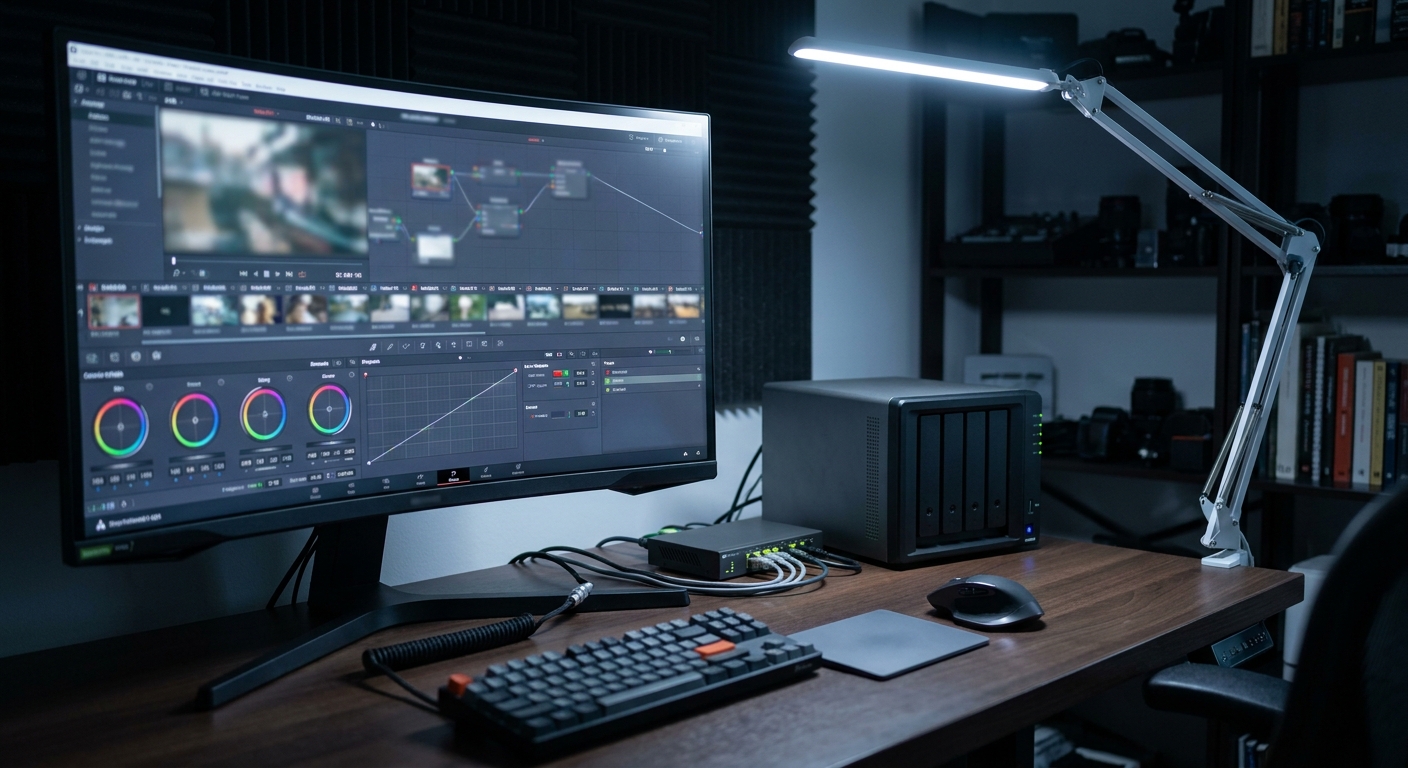
Editing 4K video straight off the NAS demands network speed. The tool’s own guide puts numbers to it: gigabit Ethernet tops out around 125 MB/s, while 10GbE delivers roughly 1,250 MB/s, enough to scrub multi-camera timelines remotely. Filter the model list to 10GbE-equipped units, like the DXP4800 Plus above or the six-bay UGREEN DXP6800 Pro ($1,099.99 verified) with Thunderbolt, then let the RAID calculator balance speed and redundancy across your drive set.
Best Pick per Scenario
| Scenario | Pick | Bays | Price (7/17) |
|---|---|---|---|
| Family photo vault | Synology DS223J | 2 | $189.99 |
| Media streamer | Synology DS423 / UGREEN DXP4800 Plus | 4 | $399.99 / $656.99 |
| Creator’s studio | UGREEN DXP6800 Pro | 6 | $1,099.99 |
Verdict
You do not need to understand RAID math to own your data anymore; you need ten minutes with the NAS Builder. Declare your capacity, pick the scenario that sounds like your house, and let the calculator do the honest accounting before checkout.
Read More
- XDA: Ditch the Cloud with a Budget NAS — Why a $240 NAS can replace cloud subscriptions.
- Synology Official — DSM software features for the DiskStation units above.
- UGREEN NASync Official — Specs for the DXP series and its 10GbE models.
- TechRadar: Best NAS Devices — Independent reviews across home and prosumer tiers.
- Newegg: NAS Listings — The full diskless NAS catalog with live pricing.
Related Posts
- Best Home and Small-Office NAS in 2026: Pick by Scenario
- Best NAS for Home Users in 2026 (Backup, Media, Home Server)
- AI-Powered NAS in 2026: How Intelligent Storage Is Changing the Way We Manage Data
- NAS Storage Explained: How to Build the Right Capacity for Your Data in 2026
- Personal Cloud NAS vs. Rackmount NAS: Which Storage Solution Is Right for You in 2026?
Frequently Asked Questions
Answers to the most common questions about building a home NAS.