
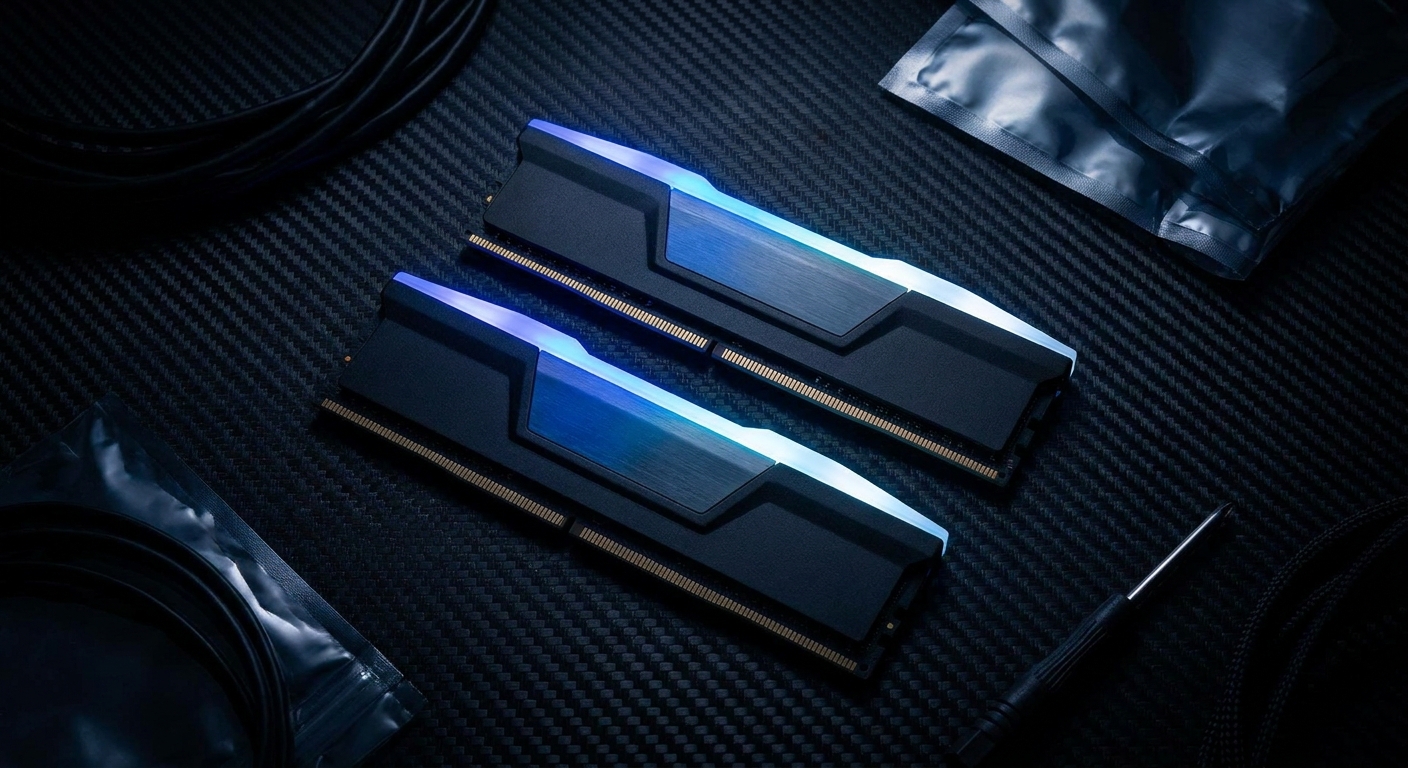
DDR5 has become the standard memory platform for new PC builds in 2026. With both AMD AM5 and Intel LGA1851 platforms requiring DDR5, it’s no longer a premium upgrade — it’s just the baseline. But not all DDR5 kits are equal. Speed ratings, latency timings, and capacity all vary significantly, and choosing the wrong kit can leave performance and platform capability untapped.
This guide cuts through the spec sheet confusion by matching the right DDR5 kit to your actual use case.
Who Needs This?
This guide is for anyone building a new AM5 or Intel LGA1851 PC in 2026. If you’re on DDR4 (older Intel LGA1700, Ryzen 5000 or earlier), this guide doesn’t apply — DDR4 remains an excellent platform for existing builds.
Use-Case Scenarios
Scenario 1: Gaming-First Build (Maximize FPS)
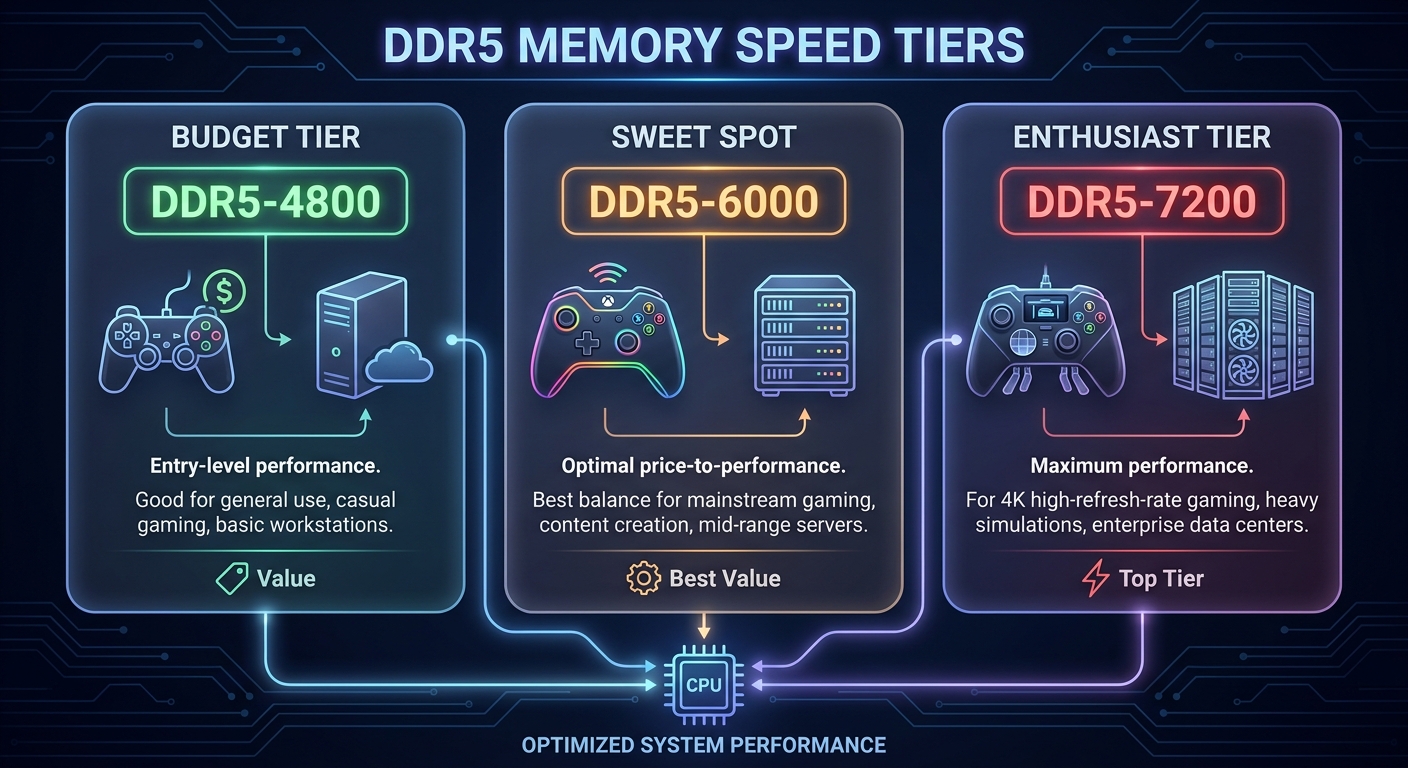
For AMD Ryzen 9000 series builds, the memory sweet spot for gaming is DDR5-6000 with tight CL30 timings. AMD’s Infinity Fabric runs 1:1 with memory at 6000 MT/s, which maximizes memory bandwidth to the CPU. Going above DDR5-6000 yields diminishing returns for games.
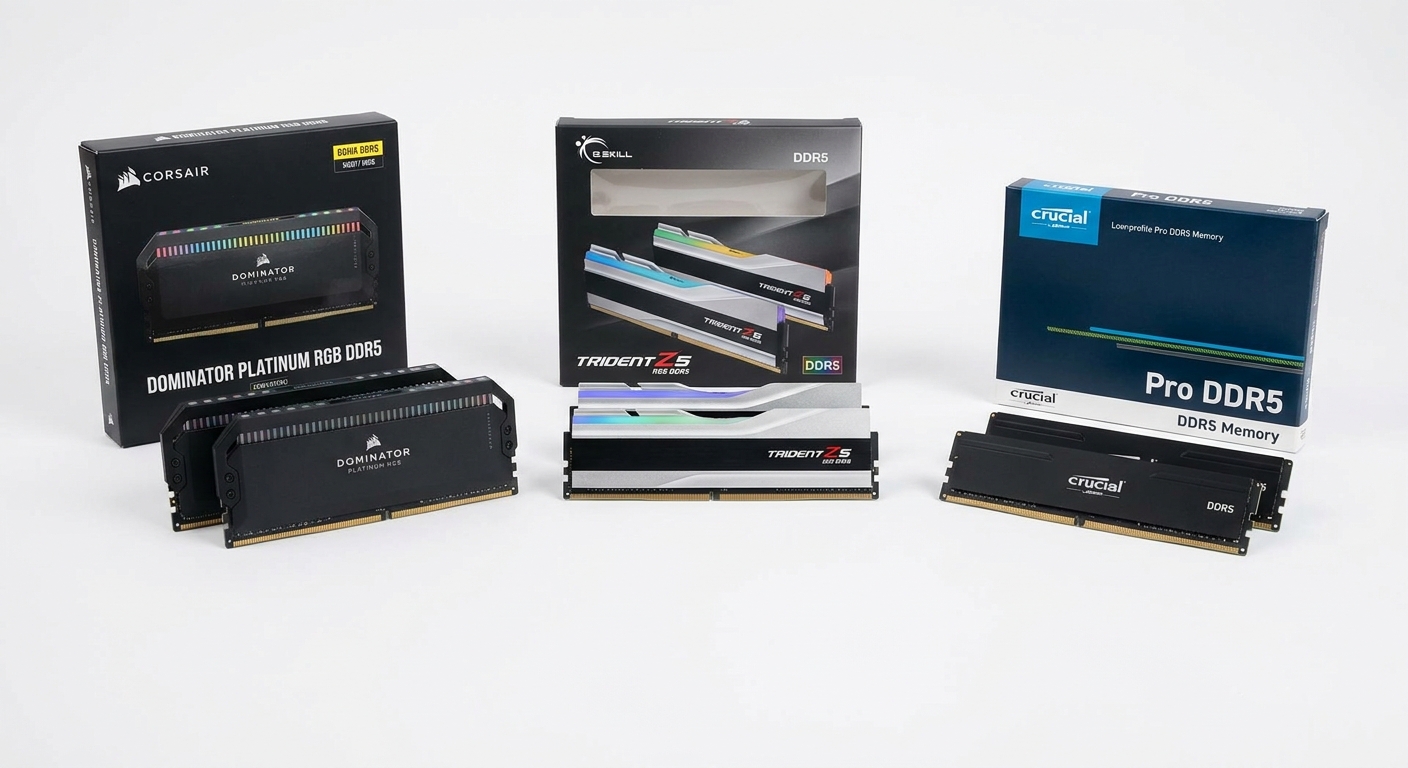
Best Pick: G.Skill Trident Z5 Neo 32GB (2x16GB) DDR5-6000 CL30
Browse G.Skill Trident Z5 Neo DDR5-6000 on Newegg
Scenario 2: Content Creation and Productivity
For video editing and large file processing, memory capacity matters as much as speed. 64GB (2x32GB) ensures you can edit 4K timelines without constant caching to disk. DDR5-6400 or DDR5-6600 provides a bandwidth bump that benefits memory-hungry applications.
Best Pick: Corsair Dominator Platinum RGB 64GB (2x32GB) DDR5-6400 CL32
Browse Corsair Dominator Platinum DDR5-6400 on Newegg
Scenario 3: Budget Build (Best Value)
For budget builders, DDR5-5600 CL36 is a solid baseline — it’s JEDEC standard speed, which means virtually every AM5 or Intel Z790 board will run it out of the box without XMP/EXPO tuning.
Best Pick: Crucial Pro 32GB (2x16GB) DDR5-5600 CL46
Browse Crucial Pro DDR5-5600 on Newegg
Scenario 4: Enthusiast / Overclocking
For overclockers and enthusiasts, DDR5-7200 and beyond is now achievable on both AM5 and Intel platforms with quality kits.
Best Pick: G.Skill Trident Z5 RGB 32GB (2x16GB) DDR5-7200 CL34
Browse G.Skill Trident Z5 DDR5-7200 on Newegg
DDR5 Kit Comparison Table
| Kit | Speed | Capacity | Latency | Best For |
|---|---|---|---|---|
| G.Skill Trident Z5 Neo | DDR5-6000 | 32GB | CL30 | Gaming (AMD) |
| Corsair Dominator Plat. | DDR5-6400 | 64GB | CL32 | Content creation |
| Crucial Pro | DDR5-5600 | 32GB | CL46 | Budget / mainstream |
| G.Skill Trident Z5 RGB | DDR5-7200 | 32GB | CL34 | Enthusiast / OC |
Verdict: Best Pick Per Scenario
For most gamers on AM5, the G.Skill Trident Z5 Neo DDR5-6000 CL30 is the clear sweet-spot pick. Content creators who need capacity should prioritize 64GB with the Corsair Dominator DDR5-6400. Budget builders don’t need to stress — the Crucial Pro DDR5-5600 runs reliably without tuning. Enthusiasts will find the G.Skill Trident Z5 DDR5-7200 the top-bin option for serious overclocking.
Read More
- TechSpot: Best RAM — Benchmark-backed RAM buying guide covering DDR5 speed tiers and their real-world gaming impact.
- Tom’s Hardware: Best RAM — Comprehensive DDR5 memory tier list and buying guide with platform-specific recommendations.
- Corsair Dominator Platinum RGB DDR5 Official Page — Full specifications and iCUE compatibility information.
- G.Skill Trident Z5 Neo Official Page — Full specs and AMD platform validation details for the Z5 Neo DDR5 series.
- Newegg DDR5 Memory Category — Browse all DDR5 RAM kits with filters by speed, capacity, and brand.
Related Posts
- Best Power Supplies in 2026
- Best Gaming Laptops in 2026
- How Much Memory an AM5 Build Actually Needs in 2026
- CL36, CL30, CL28 or CL26? Picking a DDR5-6000 Latency Tier
- Best G.SKILL Trident Z5 NeoX RGB Kits with AMD EXPO ULL in 2026
Frequently Asked Questions
Answers to the most common questions about this topic.