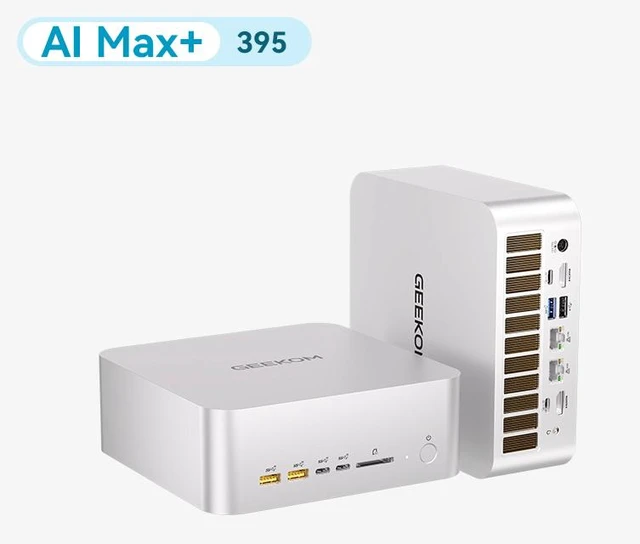
Want the convenience of an AI assistant without sending private files to the cloud? Running an open source model locally can reduce cloud costs, keep data on your own network, and provide useful AI access when an internet connection is unavailable. The challenge is finding a compact system with enough memory for modern models. The GEEKOM A9 Mega is built for that challenge, pairing 128GB of LPDDR5X-8000 unified memory with an AMD Ryzen AI Max+ 395 processor, Radeon 8060S graphics, and a 2TB PCIe 4.0 SSD.
This guide walks through the hardware, system preparation, local model deployment, and workloads that make the most sense for this mini PC. The advertised ability to run select 128B 4-bit models depends on the model, quantization, operating system, drivers, and inference software. Consider it a compatibility target—not a guarantee that every large model will run at a practical speed.
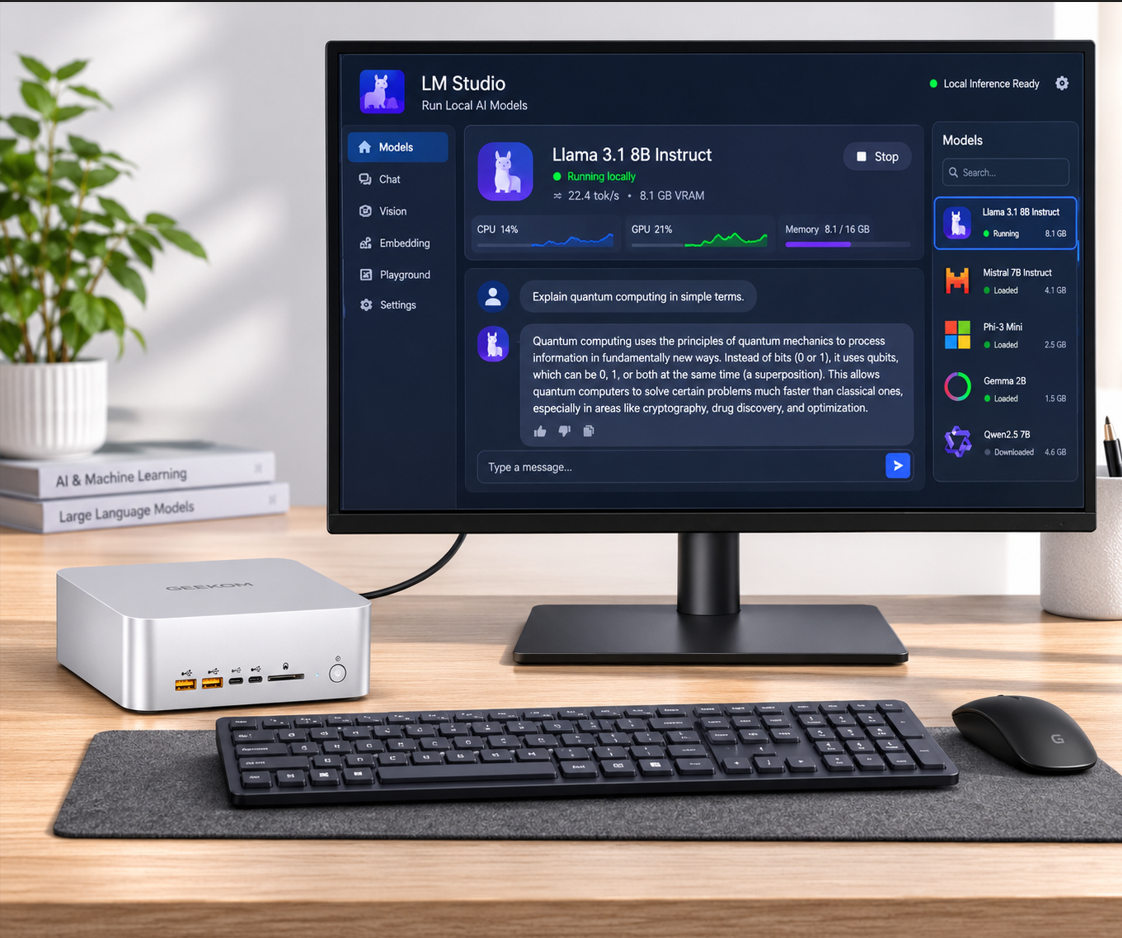
1. Understand the Hardware Before You Begin
For local AI, system memory can matter just as much as the processor or graphics hardware. The A9 Mega includes 128GB of LPDDR5X-8000 memory shared between the CPU and Radeon 8060S graphics. Because this is a unified-memory design, a large model can use more of the system memory than it could on a conventional mini PC paired with a small discrete GPU. GEEKOM states that the system can use up to 96GB of shared VRAM, while its product information describes testing with an approximately 111.4GB quantized model.
The AMD Ryzen AI Max+ 395 contributes 16 Zen 5 CPU cores and 32 threads, and the Radeon 8060S includes 40 compute units. The system is rated for up to 126 TOPS across its AI-capable hardware. However, TOPS is not a direct prediction of chatbot response speed. Results depend on GPU support, model architecture, context length, quantization, and the selected software backend.
Memory: 128GB LPDDR5X-8000, shared by the CPU and GPU.
Storage: 2TB PCIe 4.0 SSD, with dual M.2 2280 slots supporting up to 8TB total according to the product information.
Network: dual 10GbE ports and Wi-Fi 7 wireless connectivity.
Display and expansion: dual HDMI 2.1 ports, dual 40Gbps USB4 ports, and support for up to four displays under the stated configuration.
Physical design: a 171 x 171 x 70.9mm mini PC weighing approximately 1.554kg.
2. Choose an Operating System and AI Backend
Linux is generally the most flexible starting point because many open source inference projects document Linux installation first. Ubuntu or another current, supported Linux distribution provides a practical environment for Python, Docker, llama.cpp, and related tools. Windows can also work well for desktop applications, although AMD acceleration support may vary between applications and driver packages.
You have several practical software options. Ollama simplifies model management and provides a local API. llama.cpp offers more control over GGUF models, GPU layers, context size, and quantization. Open WebUI can sit on top of a local API to provide a browser-based chat experience for household or office users. AMD GPU acceleration may require a compatible ROCm, Vulkan, or other supported backend, so check the documentation for the exact application and driver versions before choosing a model.
Choose Ollama when easy installation and a simple local API matter most.
Choose llama.cpp when you want detailed control over GGUF files and GPU offloading.
Choose Open WebUI when several authorized users need a browser interface.
Choose a containerized deployment when reproducible services and easier rollback are priorities.
3. Prepare the A9 Mega for Local Inference
Begin by connecting the included 330W power adapter, a display, keyboard, and network connection. Install operating-system updates, firmware updates, and the appropriate AMD graphics driver. Position the mini PC where its bottom-to-top airflow remains unobstructed. The IceBlast 5.0 cooling system uses a vapor chamber and dual fans, but extended model inference can still create a continuous thermal load.
It is also worth planning your storage before downloading models. The 2TB SSD can hold the operating system, applications, several quantized models, and a modest document collection, but large model files can fill available space quickly. If you plan to keep many models or a large private knowledge base, reserve capacity carefully or add storage through the second M.2 slot. Never expose a model API directly to the public internet; use authentication and a protected local network.
Install system and firmware updates.
Install the graphics driver and confirm that the operating system detects the Radeon 8060S.
Create a dedicated model directory on the SSD.
Check available memory and storage before downloading large model files.
Select a performance and fan profile appropriate for extended inference sessions.
4. Deploy a Small Model First
The smartest way to validate the software stack is to begin with a smaller model. Start with a current instruct-tuned model in the 7B to 14B class and use 4-bit quantization when available. This initial test confirms that the model downloads correctly, the local service launches, the GPU backend functions, and the system remains stable under load. It also establishes a response-speed baseline before you move to a much larger model.
With Ollama, the general process is to install the application for your operating system, download a supported model, and start a local chat session. Model names and commands can change, so use the official distribution page and Ollama documentation instead of relying on an unverified command. With llama.cpp, download a compatible GGUF file, start the server, and adjust GPU offload, context length, and batch settings gradually. If GPU acceleration does not work, test CPU inference first and then investigate the supported AMD backend.
Confirm that the download is an instruct or chat variant rather than only a base model.
Start with a moderate context window to keep memory usage under control.
Measure first-token delay, tokens per second, and system temperature.
Increase context length or model size only after the baseline is stable.
Use model files from trusted sources and verify published checksums when available.
5. Move to Larger Models Carefully
Quantization reduces the memory required for model weights, making larger models possible on systems such as the A9 Mega. As a rough planning rule, a 4-bit model requires about half a byte per parameter for the weights before accounting for metadata, runtime buffers, the key-value cache, and the operating system. A 128B model therefore needs approximately 64GB for raw 4-bit weights, while the complete runtime may require substantially more. The A9 Mega's 128GB unified memory provides useful headroom, but you still need to manage context length and software overhead.
File size alone does not determine real-world performance. A model that technically fits may produce an unsuitable response rate if the backend cannot use the Radeon 8060S efficiently. Test multiple quantization levels and compare quality, memory consumption, and speed. For everyday use, a smaller 32B or 70B model may be a better assistant than a 128B model if it responds more quickly and handles your documents accurately.
Begin with a 4-bit build for the largest model you want to test.
Keep enough memory available for the operating system, application, and context cache.
Set the context window according to the task instead of making it unnecessarily large.
Use shorter prompts and retrieve relevant documents rather than inserting an entire archive.
Compare factual accuracy with a fixed question set before selecting a production model.
6. Build a Private Document Assistant
A local retrieval-augmented generation system is one of the A9 Mega's strongest use cases. A document parser extracts text, an embedding model converts passages into vectors, and a local database retrieves relevant passages for the language model. The model then answers with those passages as context instead of relying only on its training data. This setup can support manuals, project notes, internal policies, research papers, and personal records without sending source files to a cloud API.
Start with a small, organized document collection. Convert supported files to clean text, divide them into overlapping sections, create local embeddings, and inspect the retrieved passages before relying on the final answer. The A9 Mega can host the language model, embedding model, and document database on one compact system, although retrieval quality depends more on document cleaning and chunking than on raw hardware.
Separate documents by collection, department, project, or access level.
Include source names and page references with every retrieved passage.
Instruct the assistant to say when the supplied sources do not contain an answer.
Back up the document database and model configuration separately from the original files.
7. Best Scenarios for the GEEKOM A9 Mega
The A9 Mega is especially appealing if you want more local memory than a typical office mini PC offers without moving to a full-size workstation. Its small 171mm square footprint, dual 10GbE ports, and low-clutter design fit naturally into a home office, lab, studio, or small business. It can operate as a local AI server while also driving displays and handling everyday productivity tasks.
It is also a practical platform for private experimentation. Multiple systems can connect through the dual 10GbE interfaces, and the product information describes compatible distributed-inference software for spreading workloads across machines. That setup requires software configured for multi-system inference; it does not mean every model will automatically scale across devices.
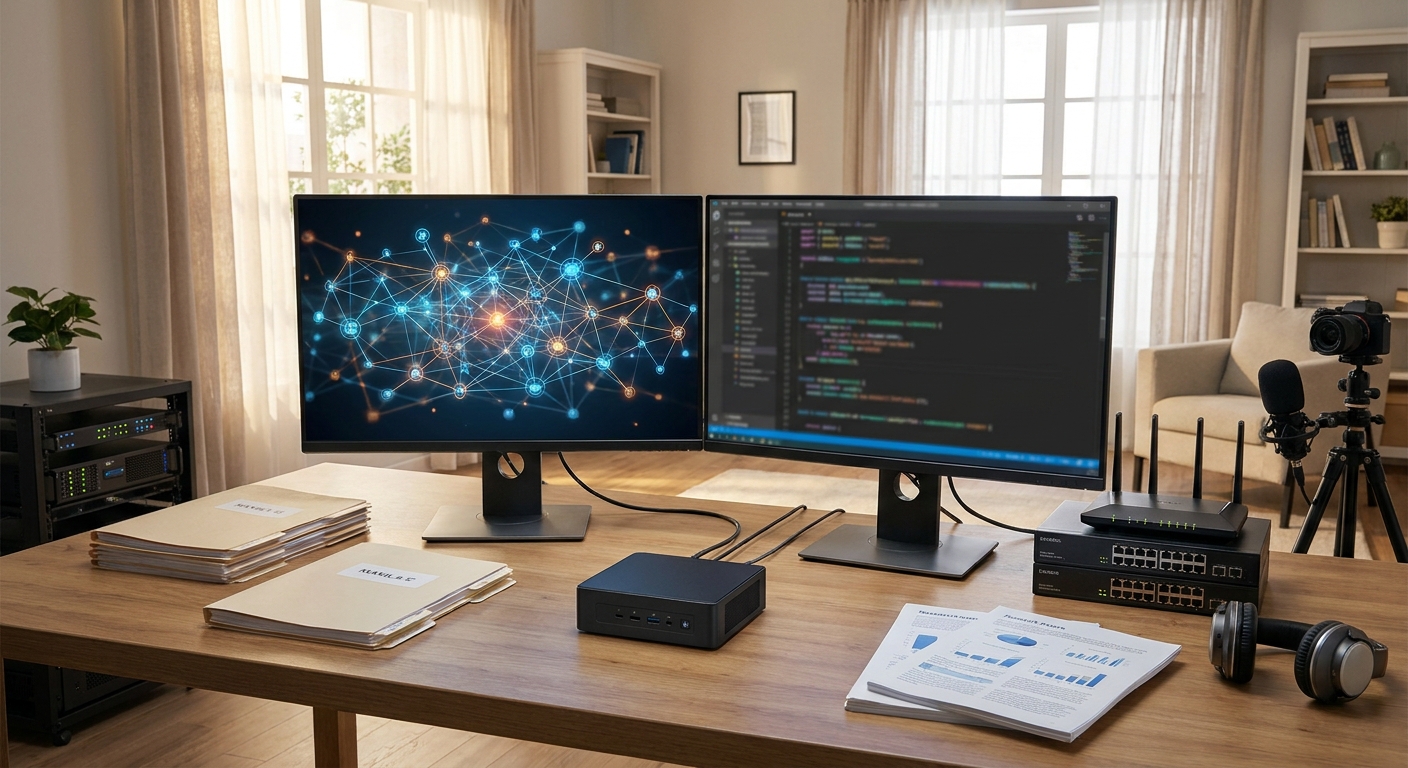
Private knowledge bases: query internal documents without uploading them to a third-party service after setup.
Local coding assistance: review code, explain functions, draft tests, and search a private codebase.
Document summarization: process reports, meeting notes, and research material on the local network.
Creative workflows: combine local language models with supported image-generation or media tools.
Edge and office AI: provide a local endpoint for authorized users when internet access is limited.
Mixed workstation use: edit photos, work with 4K video, use CAD applications, and run AI experiments on the same machine.
8. When It May Not Be the Right Choice
Local AI is not automatically a better fit than a cloud service. If you need the newest proprietary model, guaranteed uptime, or support for many simultaneous users, a hosted platform may be easier to operate. The A9 Mega also depends on compatible AMD software support. Some applications are optimized first for other GPU ecosystems, and driver configuration may require more troubleshooting than a cloud-based service.
Large-model inference can generate fan noise and heat, and responses may be slower than on a dedicated server GPU. Treat support for select 128B 4-bit models as a capability statement with conditions. Before purchasing for a production project, test the exact model, quantization, backend, prompt length, and concurrent-user count your application requires.
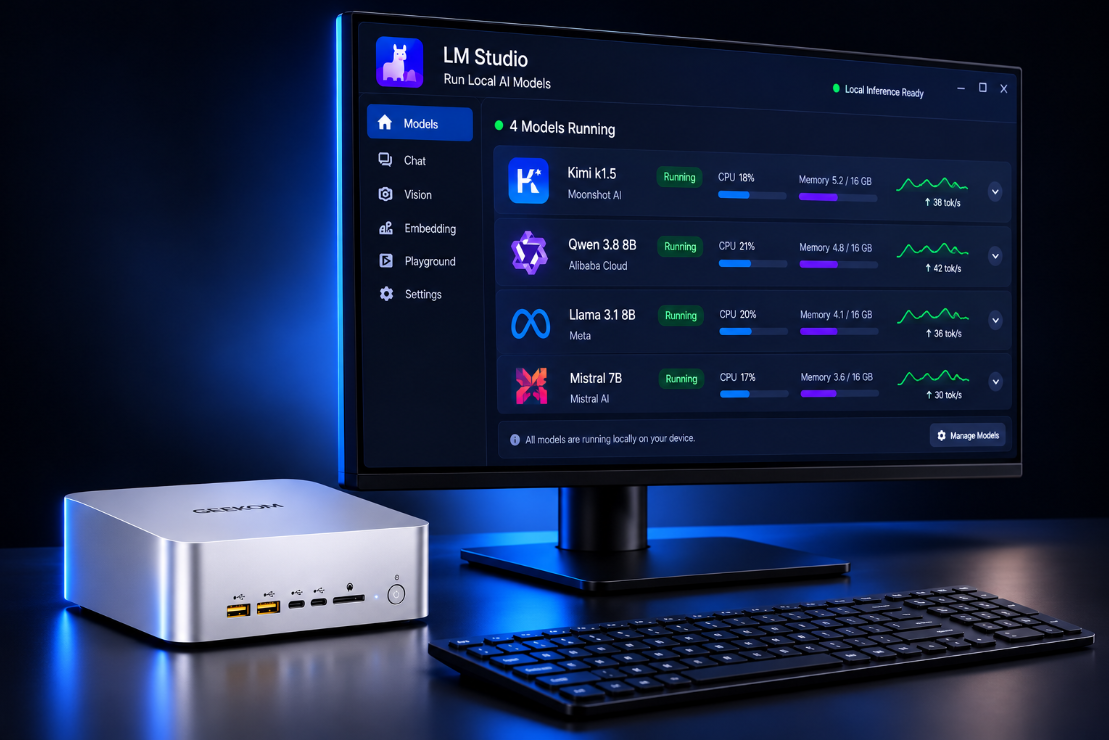
9. Recommended Starting Configuration
For shoppers looking for a compact local AI workstation, the GEEKOM A9 Mega AI Mini PC with Ryzen AI Max+ 395, 128GB LPDDR5X-8000, 2TB SSD, and Radeon 8060S graphics is the configuration to evaluate. Its 128GB unified memory is the key advantage for experimenting with larger quantized models, while the dual 10GbE ports make it more suitable as a shared local service than a basic personal mini PC.
A practical rollout is straightforward: install updates, validate a small instruct model, configure a local API, add a protected document-retrieval workflow, and then test larger models. Monitor memory usage, temperature, response speed, and answer quality at each step. With that approach, the A9 Mega becomes more than a specification-heavy mini PC—it becomes a manageable local AI platform.
Summary
The GEEKOM A9 Mega is best viewed as a compact unified-memory AI workstation. Its 128GB LPDDR5X-8000 memory, Ryzen AI Max+ 395 processor, Radeon 8060S graphics, 2TB SSD, and high-speed networking give it the resources to explore local open source models beyond the practical limits of many ordinary mini PCs. The best experience comes from matching the model size and software backend to your workload, validating AMD acceleration, and preserving enough memory for context and runtime overhead.
Frequently Asked Questions
Which AI models can the GEEKOM A9 Mega run locally?
The 128GB unified memory configuration can run many quantized models ranging from smaller 7B and 14B models to larger 32B, 70B, and selected 128B 4-bit models. Actual usability depends on the model format, context length, AMD acceleration backend, operating system, and available memory.
Is the GEEKOM A9 Mega compatible with Ollama and llama.cpp?
Yes, both Ollama and llama.cpp are practical options for deploying local models on the A9 Mega. Ollama is easier for model management and APIs, while llama.cpp provides more control over GGUF files, GPU offloading, context size, and inference settings.
Is the GEEKOM A9 Mega good value for local AI?
It can offer strong value if you need a compact system with 128GB of unified memory and do not want to build a full-size workstation. It is less compelling for basic chatbot use, where a smaller mini PC or cloud service may cost less and provide a simpler experience.
How fast will large language models run on the A9 Mega?
Performance varies significantly between models, quantization levels, context lengths, and software backends. A smaller model may feel responsive, while a large model that technically fits in memory can be much slower if the Radeon 8060S is not fully supported or if runtime memory becomes limited.
Does the GEEKOM A9 Mega include enough storage for local AI models?
The 2TB SSD is enough for the operating system, applications, several quantized models, and a modest document database. Large models can consume storage quickly, so users with many models or extensive private files should plan for a second M.2 SSD and maintain regular backups.
Read More
GEEKOM A9 Mega AI Mini PC Official Product Page — Review the official specifications, processor options, memory configurations, storage support, ports, and operating-system compatibility.
Ollama Official Linux Download and Setup — Use the official Ollama installation page to set up a local model runtime and review current platform guidance.
llama.cpp Official GitHub Repository — Explore the official llama.cpp inference engine, GGUF model support, server tools, and AMD-compatible backends.
Open WebUI Quick Start Guide — Learn how to add a browser-based interface to a local Ollama or compatible model server.
GEEKOM A9 Mega Local LLM Benchmark Records — Review published local-LLM test configurations and performance records for the A9 Mega platform.