AI PCs are becoming practical tools rather than just another label on a product page. Today’s mini PCs can combine a general-purpose CPU, integrated graphics, and a neural processing unit (NPU) to handle selected artificial intelligence workloads locally. That can make a difference for transcription, image generation, document search, meeting summaries, coding assistance, and software agents.
When you shop for an AI mini PC, the most useful question is not simply whether the system carries an AI designation. Pay attention to the processor, AI performance, memory capacity, supported local models, and the kinds of workloads you want to keep off the cloud. A mini PC with an NPU may be excellent for background effects and real-time speech processing, while a system with a stronger integrated GPU and 64 GB or 96 GB of memory may be a better fit for local chatbots and agentic workflows.
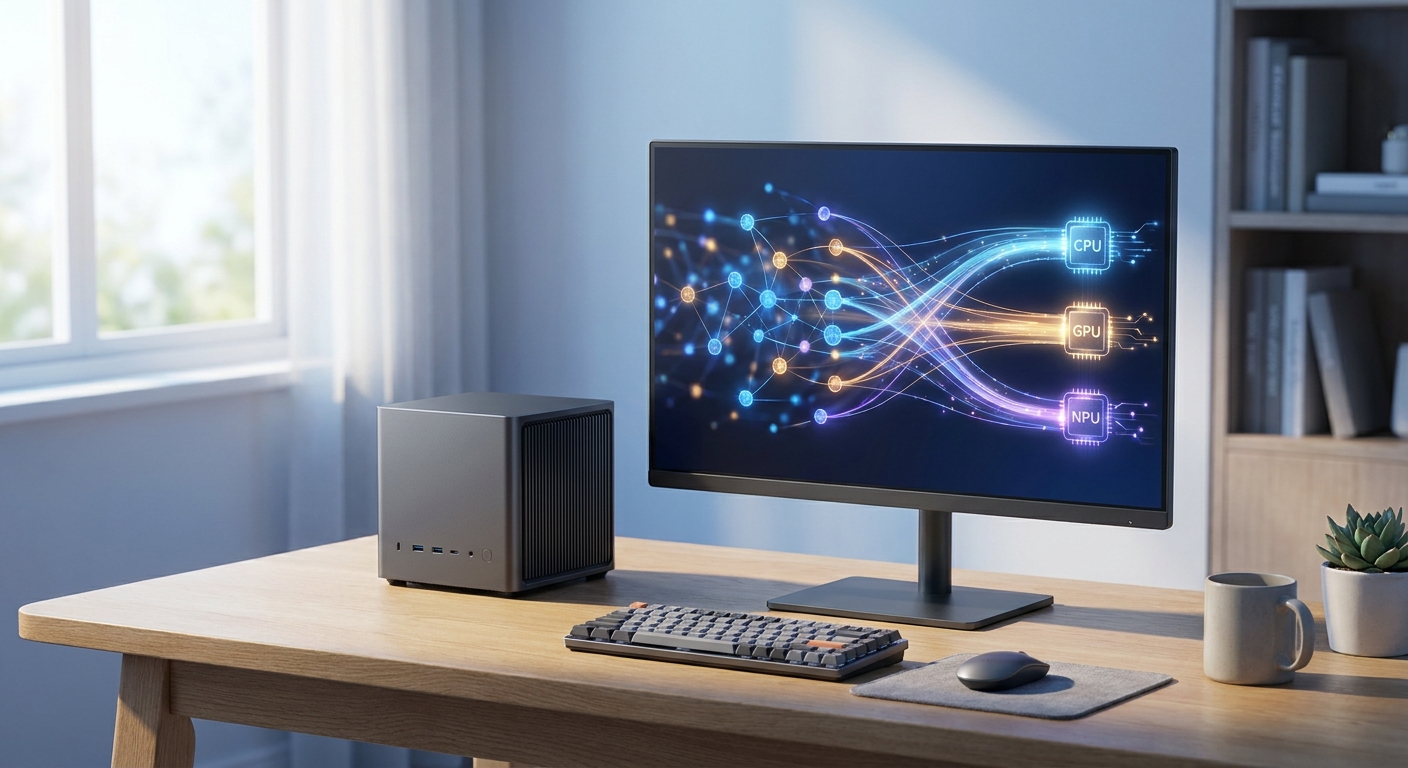
This guide breaks down the major AI PC tiers, explains how local models can reduce paid API token usage, and helps you match a mini PC class to your needs. It also separates verified hardware capabilities from the broad AI claims that frequently appear in product marketing.
Contenders Overview: Three AI PC Tiers
AI PC tiers are best viewed as capability ranges, not as one universal industry standard. Microsoft uses the Copilot+ PC designation for systems with a neural processing unit capable of more than 40 trillion operations per second, or 40 TOPS, along with compatible hardware and software requirements. The wider AI PC category also includes systems below that level, including Intel Core Ultra computers with first-generation NPUs and older AMD Ryzen processors with integrated AI acceleration.
For shoppers comparing mini PCs, three practical tiers provide a more useful starting point than a simple AI-or-no-AI label.
- Tier 1: AI-ready mainstream systems. This group includes processors such as Intel Core Ultra 5 125H, Core Ultra 7 155H, and similar chips with an integrated NPU. They can accelerate selected video, audio, camera, and productivity features, but their NPU performance is below the 40 TOPS Copilot+ threshold. They are still capable general-purpose computers for office work and light local AI.
- Tier 2: Copilot+ class systems. Qualcomm Snapdragon X processors and newer AMD Ryzen AI 300-series processors are examples of platforms designed to meet or exceed the 40 TOPS NPU requirement. They are better suited to sustained local AI features such as real-time translation, image effects, and supported generative tools.
- Tier 3: Enthusiast local-AI systems. These mini PCs combine a high-end CPU or APU with a larger memory pool, stronger integrated graphics, or a discrete GPU. AMD Ryzen AI 9 HX 370 systems stand out because the chip combines a 50 TOPS NPU with Radeon 890M integrated graphics. Mini PCs with a discrete GeForce RTX GPU can go beyond NPU-focused tasks and run larger quantized language models more quickly.
These categories should not be confused with model size. A 50 TOPS NPU does not automatically mean a computer can run a 50-billion-parameter language model. TOPS measures peak arithmetic capability, while actual model performance also depends on memory capacity, memory bandwidth, software support, quantization, and whether the workload runs on the CPU, NPU, integrated GPU, or discrete GPU.
Side-by-Side Comparison of AI PC Mini PC Tiers
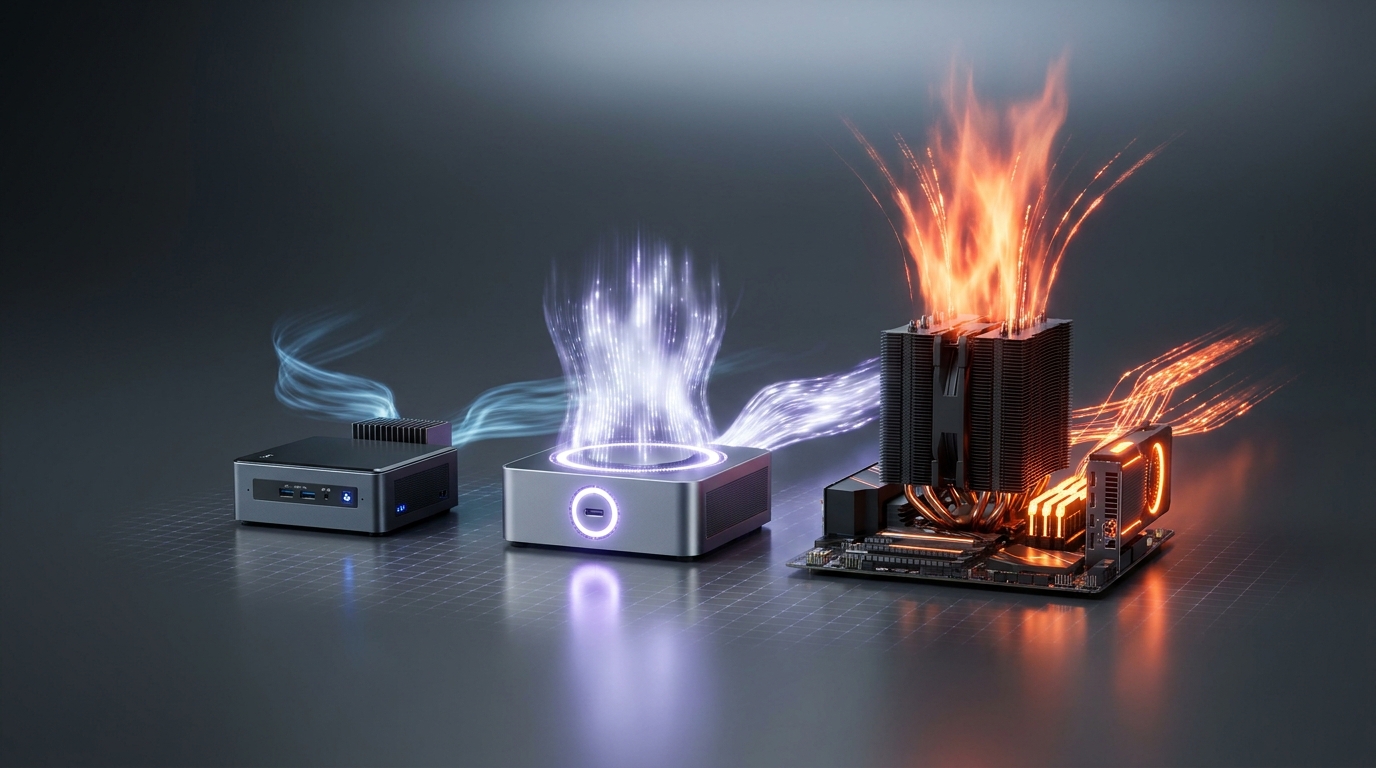
The following examples represent processor families rather than a guarantee that every mini PC using one of these chips will perform identically. Cooling, firmware, memory configuration, operating-system support, and power limits can all affect real-world results.
- Tier 1, mainstream AI-ready: Intel Core Ultra 100H mini PCs. Typical examples include mini PCs equipped with Core Ultra 5 125H or Core Ultra 7 155H processors. These chips use a hybrid CPU design with performance and efficiency cores, Intel Arc integrated graphics on qualifying configurations, and an NPU rated at approximately 11 TOPS. They are a good match for office software, video meetings, noise suppression, image effects, and small local models. Their key limitation is that the NPU alone does not reach the 40 TOPS Copilot+ threshold.
- Tier 2, Copilot+ class: Qualcomm Snapdragon X systems. Snapdragon X Elite and X Plus processors include an NPU rated at up to 45 TOPS. They can support Copilot+ features when the operating system and applications are compatible. Their ARM architecture can deliver strong efficiency, but buyers should verify support for x86 applications, drivers, virtualization, and specialized peripherals before using one as a primary workstation.
- Tier 2 and Tier 3 crossover: AMD Ryzen AI 300 systems. Processors such as the Ryzen AI 9 HX 370 combine 12 CPU cores, Radeon 890M graphics, and a 50 TOPS XDNA 2 NPU. A mini PC based on this processor can provide a stronger integrated graphics path than many low-power systems, giving it more flexibility for local image tools and smaller language models. It still benefits from generous system memory because the integrated graphics and AI applications share memory.
- Tier 3, GPU-focused local AI: mini PCs with discrete graphics. A system with a GeForce RTX 4060, RTX 4070, or newer RTX GPU may have a smaller or less important NPU, but its CUDA and Tensor Core resources can matter more for local language models, image generation, and video upscaling. The trade-offs include higher power consumption, more heat, a larger chassis, and a higher purchase price.
For AI workloads, memory can be just as important as the processor model. A 7-billion-parameter model in 4-bit quantization may need roughly 4 to 6 GB for its weights before accounting for the runtime, context window, and operating system. A 14-billion-parameter model may require approximately 9 to 12 GB or more under similar conditions. These figures are planning estimates rather than fixed specifications because model, quantization format, and inference engine overhead vary.
As a result, a mini PC with 32 GB of RAM may be comfortable with 7B or 8B models but restrictive with larger models. A 64 GB configuration offers considerably more flexibility, while 96 GB or 128 GB can suit users experimenting with larger quantized models or running several services simultaneously. On systems with shared memory, the integrated GPU also uses part of that capacity.
Deep Dive: What an AI PC Actually Does
An AI PC typically includes three different computing engines. The CPU handles general software and tasks involving complex branching. The GPU is designed for highly parallel workloads such as image generation, graphics, and many neural-network operations. The NPU is a specialized low-power processor intended for supported AI inference, especially when tasks run continuously or repeatedly.
The NPU is not automatically the fastest choice for every model. Its strengths are efficiency and predictable power use. For example, a video-conferencing application can use the NPU for background blur, eye-contact correction, or voice isolation without keeping the CPU or GPU fully active. A local language model may perform better on the GPU, particularly when the NPU lacks an optimized runtime or does not support enough of the model’s operators.
- CPU workloads: document parsing, application logic, small language models, orchestration, scripting, and tasks that do not map efficiently to neural accelerators.
- GPU workloads: image generation, video enhancement, embedding creation, large-batch processing, and language models supported by frameworks such as llama.cpp, Ollama, or GPU-accelerated runtimes.
- NPU workloads: supported real-time effects, speech enhancement, transcription pipelines, translation features, and low-power inference applications optimized for the relevant vendor software stack.
- Hybrid workloads: agentic applications may use the CPU to plan, the NPU to classify or summarize, the GPU to generate embeddings, and cloud services only when a task exceeds local capability.
Software support is one of the biggest differences between AI PC platforms. An NPU may be present in the hardware but go largely unused if an application lacks support for its driver, runtime, or instruction set. Intel uses its OpenVINO software ecosystem for optimized inference on Intel hardware. AMD supports AI applications through its Ryzen AI software stack, while Windows applications may use Microsoft APIs and vendor-specific acceleration paths. Framework support changes quickly, so verify the exact applications you plan to use instead of relying only on the processor’s TOPS rating.
How Local AI Saves Tokens
“Token savings” can refer to several different things. A token is a unit that a language model uses to process text. It may represent a short word, part of a longer word, punctuation, or a space-related sequence, depending on the tokenizer. Cloud AI providers generally charge for input tokens, output tokens, or both. Running a model locally does not make the text contain fewer tokens. Instead, it can keep selected prompts and responses from being sent to a paid cloud endpoint.
For example, a local model can summarize a 20-page document, extract action items, or classify incoming support messages without sending the full source text to a cloud API. The cloud service may then receive only a short summary or structured result. For applications processing thousands of repetitive documents, this local-first approach can substantially reduce input-token volume, although the computer still uses electricity and hardware resources to perform the work.
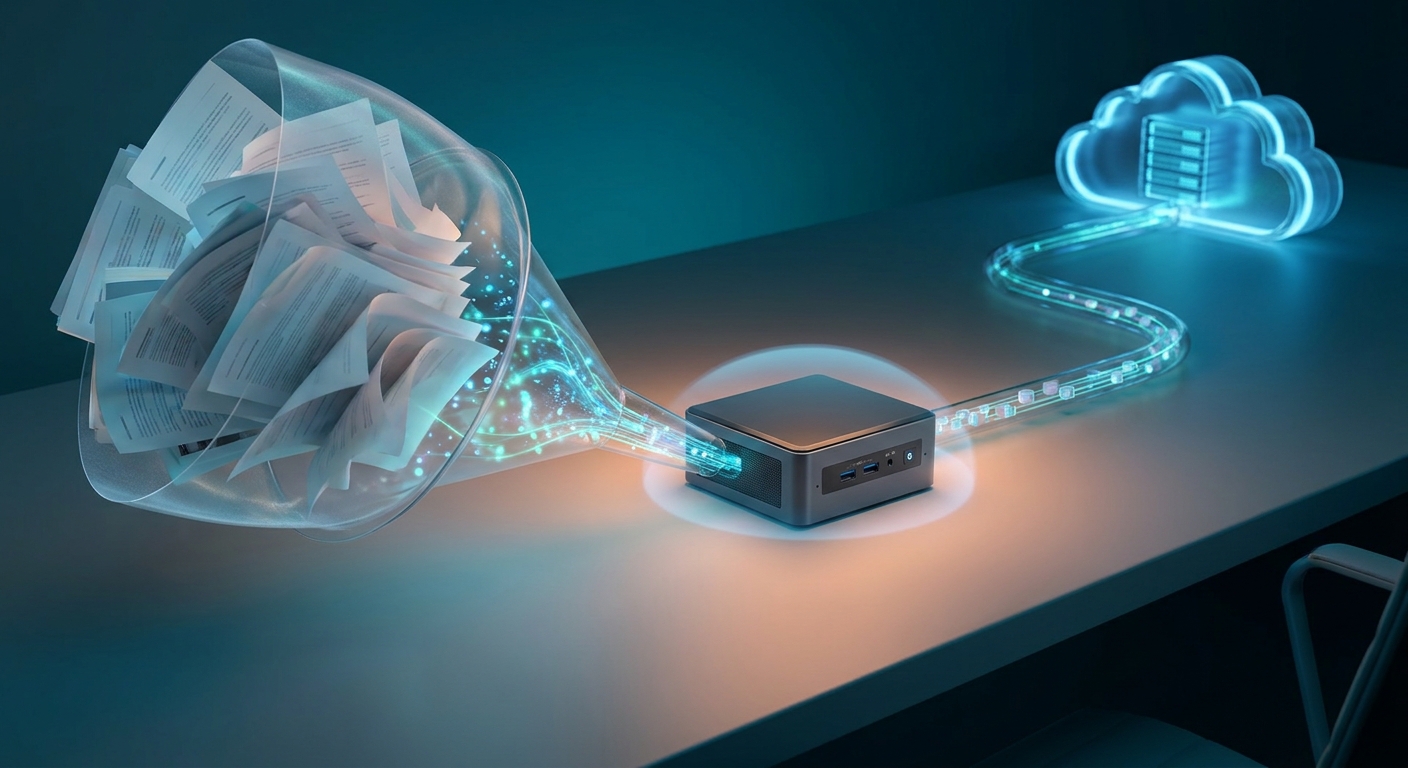
Token savings can be especially valuable in agentic workflows. An agent may read a goal, select a tool, examine the tool’s output, update its plan, and decide what to do next. If every intermediate observation goes to a large cloud model, usage can increase quickly. A local model can handle low-risk routing, filtering, memory retrieval, and short summaries before a more capable cloud model receives the reduced context.
- Local classification: identify whether a message is billing-related, technical, urgent, or irrelevant before forwarding it.
- Local retrieval: search a local document index and return only the most relevant passages instead of transmitting an entire folder.
- Context compression: convert a long conversation or tool log into a compact state summary.
- Local tool selection: determine whether a request needs a calculator, calendar, file search, or web lookup before invoking a larger model.
- Privacy filtering: remove names, account numbers, and internal identifiers before a cloud model receives the remaining request.
Local execution can also reduce latency and help avoid rate limits. It does not guarantee a lower total cost, however. A powerful mini PC may cost more upfront, use more electricity, and require time for model installation and maintenance. The best financial result comes from matching the local model to repetitive workloads and reserving cloud inference for tasks where its quality or context window justifies the expense.
Deep Dive: Which Models Can AI Mini PCs Run?
Most modern mini PCs can run at least some local language models, but practical model size depends primarily on available memory and acceleration support. Small models in the 1B to 4B range work well for lightweight chat, classification, rewriting, and local automation. Models in the 7B to 8B range are common targets for 16 GB or 32 GB systems, especially with 4-bit quantization. Models around 12B to 14B are more comfortable with 32 GB to 64 GB of memory.
Local model families include Llama, Mistral, Gemma, Phi, Qwen, and DeepSeek variants. Availability, licensing, language quality, and hardware support vary by release. Parameter count is only one part of the buying decision. A smaller modern model may outperform an older larger model for a particular task, while a multilingual model may need more memory or produce different results than an English-focused model.
- 8 GB RAM mini PC: best suited to compact 1B to 3B models, speech utilities, embeddings, and lightweight classification. Larger models may require aggressive memory use and generate text slowly.
- 16 GB RAM mini PC: workable for compact models and selected 7B models with careful quantization, but multitasking and long context windows can become restrictive.
- 32 GB RAM mini PC: a practical starting point for 7B or 8B models, local retrieval, coding assistance, and several background services.
- 64 GB RAM mini PC: a better fit for 12B to 14B models, larger context windows, local document indexing, and simultaneous applications.
- 96 GB or 128 GB system: useful for experimenting with larger quantized models and multi-service workflows, although generation speed may still be limited by memory bandwidth or accelerator support.
For image generation, the graphics processor is generally more important than the NPU. Integrated graphics can run smaller Stable Diffusion workflows with reduced image sizes and fewer optimization features, but a discrete RTX GPU is usually more practical for repeated generation. Video models are even more demanding because they require substantial memory and sustained compute performance.
Model formats also affect the experience. Quantized formats such as GGUF lower memory requirements by storing weights at reduced precision, commonly 4-bit or 8-bit. Lower precision can make models more accessible, but it may affect quality, speed, or compatibility. Check whether your chosen inference tool supports the mini PC’s CPU instruction set, integrated GPU, NPU, or discrete GPU.
Deep Dive: Agentic PCs and Local-First Workflows
An agentic PC is more than a computer with a chatbot installed. It is a system that can interpret a goal, create a plan, call tools, inspect results, and continue until it reaches a stopping condition. Examples include organizing files, preparing a meeting brief, monitoring a project folder, drafting a response from internal documents, or controlling approved desktop applications.
For most users, the most reliable design is a supervised, local-first workflow rather than a fully autonomous one. The local model can manage routine steps, while the user approves actions that change files, send messages, purchase products, or expose sensitive information. This approach can reduce cloud-token usage because the local model handles repeated intermediate decisions and sends only selected tasks to a larger model.
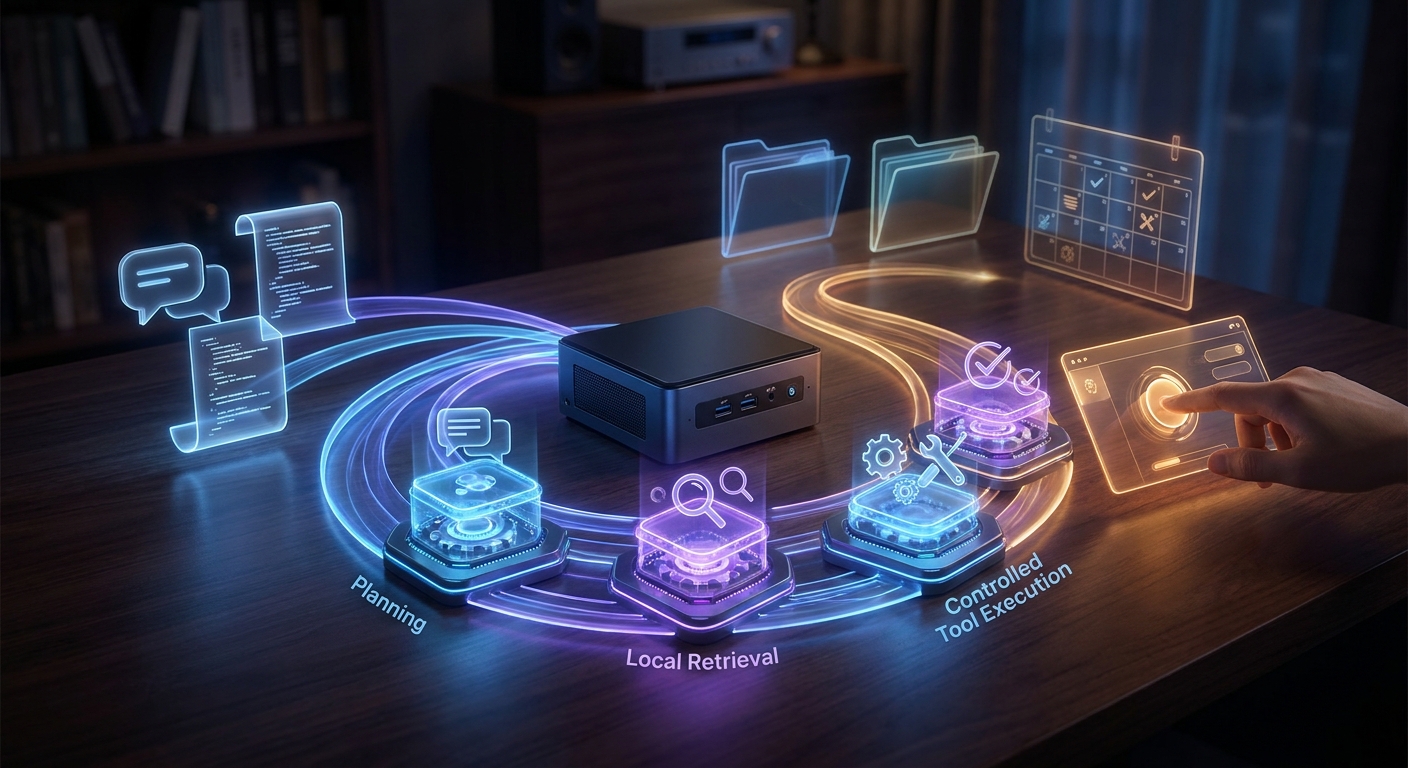
- Perception: local speech recognition, OCR, file indexing, or email classification turns raw inputs into structured data.
- Planning: a small local model breaks the goal into steps or selects an approved tool.
- Retrieval: an embedding model searches local files and returns relevant passages.
- Execution: a controlled tool performs a calendar, spreadsheet, file, or browser operation.
- Verification: a local checker validates the result before the agent requests approval or escalates to a cloud model.
A mini PC suits this architecture because it can remain available as a low-power local server. It can host a document index, small model, automation service, and web interface while a separate laptop or phone provides the user interface. For this role, a wired Ethernet connection, fast NVMe storage, and adequate cooling can matter more than a flashy NPU specification alone.
Winner by Category
There is no single winner for every AI PC use case. The best choice depends on whether you prioritize low power, application compatibility, local model size, graphics performance, or cloud-token reduction.
Best mainstream value: Intel Core Ultra 100H mini PCs
A mini PC built around the Intel Core Ultra 5 125H or Core Ultra 7 155H is a sensible pick for buyers who want modern CPU performance, an integrated NPU, and broad Windows software compatibility. These systems suit office work, video conferencing, transcription, local search, and compact models. They are not the strongest option for Copilot+ requirements or large local language models because the first-generation NPU has substantially lower peak performance than newer 40 TOPS-class designs.
Best NPU-focused option: Qualcomm Snapdragon X
Snapdragon X systems offer an NPU rated at up to 45 TOPS and can deliver excellent efficiency for supported Copilot+ workloads. They are appealing for users who value battery life, quiet operation, and compatible AI features. Application compatibility is the main consideration. Before choosing an ARM-based system, mini PC buyers should confirm support for x86 software, drivers, virtualization, development tools, and peripherals.
Best integrated-graphics flexibility: AMD Ryzen AI 9 HX 370
Ryzen AI 9 HX 370 systems pair a 50 TOPS NPU with Radeon 890M graphics and 12 CPU cores. This makes them one of the more flexible integrated designs for local AI experimentation, light gaming, image tools, and compact language models. A 64 GB configuration is preferable for serious local inference because the GPU and applications share system memory.
Best for larger local models and image generation: discrete-GPU mini PCs
A compact system with a discrete GeForce RTX GPU is the better choice when local AI speed matters more than low power consumption. RTX Tensor Cores and CUDA software support are valuable for image generation, embeddings, and language models that can be offloaded to the GPU. Pay close attention to VRAM: 8 GB may be adequate for smaller workflows, while 12 GB or more provides additional headroom for larger models and higher-resolution generation.
Best for token reduction: a 32 GB or 64 GB local-first system
For reducing token usage, memory capacity and dependable uptime matter more than a badge on the chassis. A 32 GB mini PC can host a small assistant, document retrieval, and classification services. A 64 GB system is more comfortable with a local model, vector database, automation platform, and several background processes running together. The strongest design uses local processing for repetitive private work and cloud models only when a task needs greater reasoning ability.
Buying Checklist for an AI Mini PC
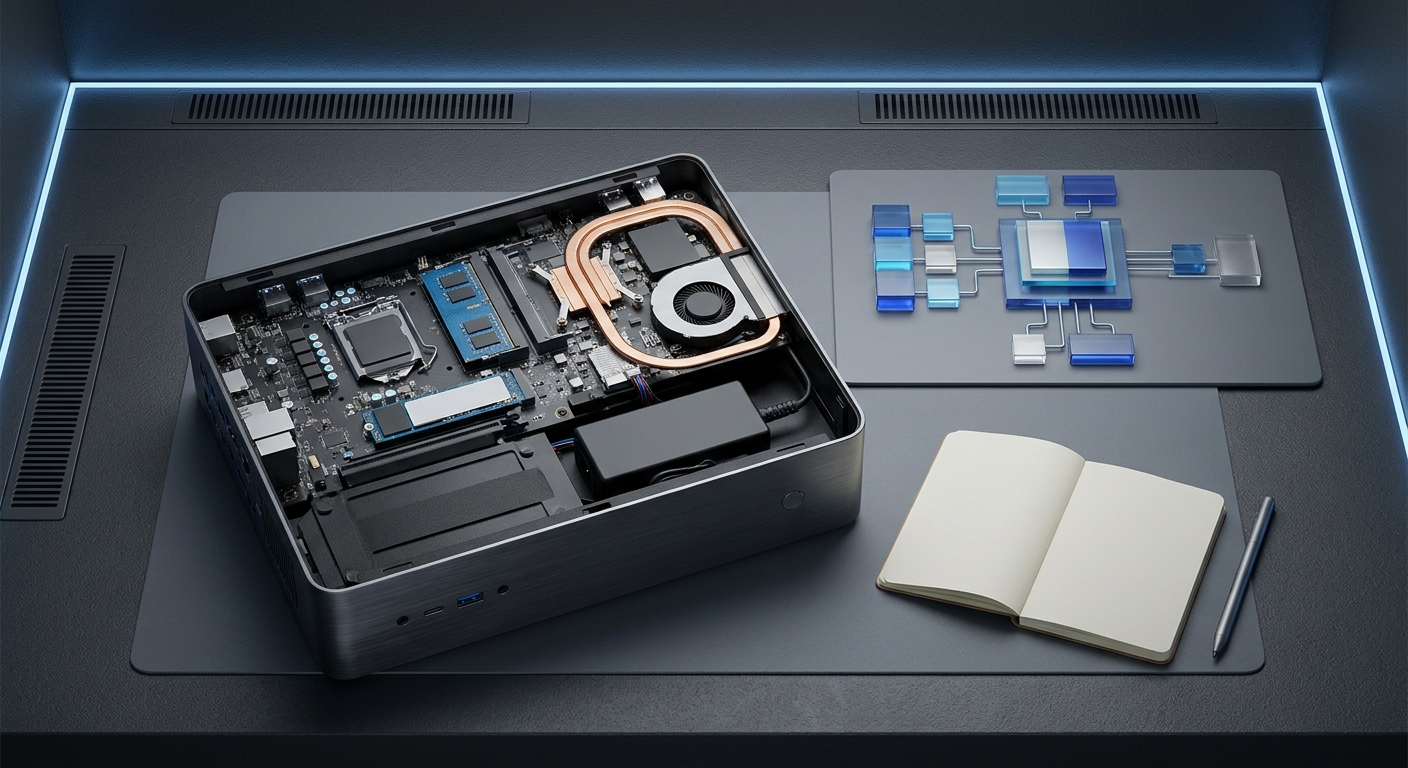
Before choosing an AI mini PC, compare the complete platform instead of focusing only on the NPU number in a product listing. This checklist can help prevent a mismatch between the hardware you buy and the workload you want to run.
- Confirm the processor generation. Intel Core Ultra 100H, AMD Ryzen AI 300, and Snapdragon X represent different software ecosystems and AI acceleration levels.
- Check NPU performance. A 40 TOPS threshold is associated with Copilot+ PC requirements, but supported features and regional availability still depend on the operating system and applications.
- Prioritize memory capacity. Choose at least 32 GB for serious local language-model experimentation and consider 64 GB if the memory cannot be upgraded.
- Review memory architecture. Integrated graphics and NPUs may share system memory. Soldered memory can make a system more compact but limits future expansion.
- Check storage expansion. Local models can occupy several gigabytes each, while document indexes and image assets need additional space. A replaceable M.2 NVMe drive is useful.
- Inspect cooling and power limits. Two mini PCs with the same processor may perform differently if one has a higher sustained power limit or a more capable cooling system.
- Verify operating-system compatibility. ARM-based systems may not support every x86 application, driver, container, or virtualization feature.
- Check software support before purchase. Confirm that the desired inference engine can use the CPU, integrated GPU, NPU, or discrete GPU in the selected system.
- Plan for privacy. Local inference can keep documents on the device, but telemetry, plugins, cloud fallbacks, and synchronization settings may still transmit information.
Also distinguish peak TOPS from sustained performance. A mini PC running a short NPU task may remain cool and quiet, while a long language-model or image-generation session can push the system toward its thermal limits. Independent testing that measures generation speed, power use, noise, and memory behavior is more useful than one theoretical acceleration figure.
Final Verdict
AI PCs are most useful when the hardware matches a specific workflow. A mainstream Intel Core Ultra mini PC can provide efficient AI-assisted conferencing, transcription, and lightweight local automation. A Copilot+ class system with a Snapdragon X or AMD Ryzen AI processor offers stronger NPU capability for supported operating-system features. An enthusiast mini PC with Ryzen AI 9 HX 370 or a discrete RTX GPU is better suited to users who want local models, image tools, retrieval systems, and agentic applications.
Local AI does not magically reduce the number of tokens in a prompt. It can reduce token spending by keeping selected work on the device, compressing context before cloud submission, filtering unnecessary content, and handling repetitive agent steps locally. The best token-saving setup is therefore not necessarily the mini PC with the highest TOPS rating. It is the system with enough memory, reliable software support, fast storage, and sufficient sustained performance for the local models your workflow actually requires.
For most buyers, 32 GB of memory is the practical entry point for local AI, while 64 GB provides a stronger long-term foundation. Choose an NPU-focused system when low-power supported features are the priority. Choose a stronger integrated GPU or discrete GPU when local model size and generation speed matter more. With those distinctions in mind, an AI mini PC can be more than a specification upgrade—it can serve as a private, efficient local layer between everyday computing and expensive cloud inference.
Frequently Asked Questions
How much RAM should an AI mini PC have for local models?
A 32 GB system is a practical starting point for 7B or 8B quantized models, document retrieval, and local automation. Choose 64 GB or more if you want to run larger 12B to 14B models, longer context windows, vector databases, or multiple AI services simultaneously.
Is an NPU more important than a GPU for local AI?
An NPU is valuable for efficient supported tasks such as speech enhancement, transcription, translation, and video-conferencing effects. A stronger integrated or discrete GPU is usually more important for local language models, image generation, embeddings, and other workloads that require substantial parallel compute.
Can an AI mini PC really reduce cloud AI token costs?
Yes, it can keep classification, document filtering, retrieval, summarization, and other repetitive tasks on the device instead of sending every prompt to a paid cloud API. It does not reduce the number of tokens in the original text, and electricity, hardware, model maintenance, and setup costs should be included in the total cost calculation.
Are ARM-based Snapdragon X mini PCs compatible with all Windows software?
No, compatibility should be checked before purchase because some x86 applications, drivers, virtualization tools, development environments, and peripherals may behave differently on ARM. Confirm support for the exact programs and accessories you depend on, especially if the mini PC will be your primary workstation.
What should I check for warranty, upgrades, and availability before buying?
Verify the seller's warranty length, regional service process, return window, replacement-part policy, and whether the warranty covers memory or SSD upgrades. Also check current stock, shipping estimates, RAM configuration, storage capacity, and whether the system is sold barebone or with Windows installed, because these details vary widely between mini PC brands.
Read More
- Copilot+ PCs Developer Guide — Microsoft explains the 40+ TOPS NPU requirement, supported AI features, and software considerations for Copilot+ PCs.
- AMD Ryzen AI 9 HX 370 Product Specifications — Review the official specifications for the Ryzen AI 9 HX 370, including its CPU, Radeon 890M graphics, and up to 50 TOPS NPU.
- Snapdragon X Elite Official Product Page — Qualcomm provides platform details for Snapdragon X Elite systems, including efficiency features and up to 45 TOPS AI performance.
- Sapphire Edge AI 370 Review — This review examines a Ryzen AI 9 HX 370 mini PC's performance, upgradeability, memory capacity, connectivity, and AI-oriented workload potential.
- Minisforum AI X1 Pro 470 Review — Tom's Hardware compares CPU, GPU, AI, and memory behavior in a high-performance AMD AI mini PC and highlights the impact of dual-channel memory.