
The AM5 platform is about to get more interesting. AMD’s 3D V-Cache processors already rule the gaming benchmarks, and strong industry signals point to the X3D family growing very soon, with a new option designed to bring stacked-cache gaming to more budgets. The good news for planners: Socket AM5 is a stable, well-supported platform, and every current X3D chip drops into boards you can buy today. Here is how to pick the right foundation now so you are ready on day one.
Why It Matters
When a hot CPU launches, motherboards with mature BIOS support and good availability become the difference between building that weekend and waiting weeks. AM5 boards also carry forward: AMD has committed to the socket through 2027 and beyond, so a quality board bought today supports Ryzen 7000, 8000, and 9000 chips, including every X3D variant, usually after a simple BIOS update.
What to Look For
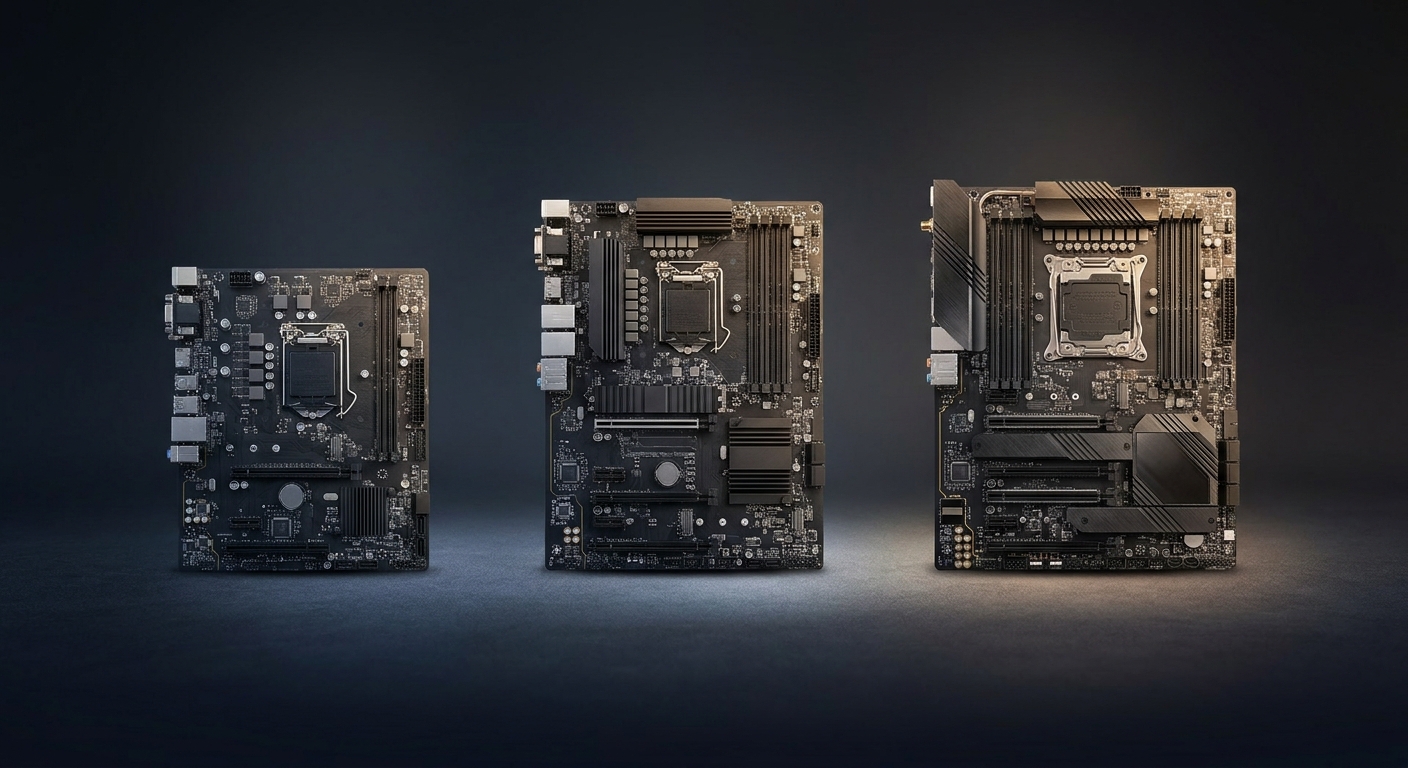
Focus on four things. First, VRM quality: X3D chips are efficient at 120W TDP, so even mid-range boards handle them, but better VRMs run cooler. Second, BIOS flashback: a button that lets you update firmware without a CPU installed, essential if your board shipped before the newest chips. Third, storage lanes: at least one PCIe 5.0 M.2 slot future-proofs your fast storage. Fourth, networking: Wi-Fi 6E or Wi-Fi 7 and 2.5G LAN are now standard at surprisingly low prices.
Comparison at a Glance
| Board | Chipset / Size | Highlights | Newegg price (verified) |
|---|---|---|---|
| GIGABYTE B650M Gaming Plus WiFi | B650, Micro-ATX | Wi-Fi 6E, 2.5GbE, PCIe 4.0 M.2 | $107.00 |
| MSI B850 Gaming Plus WiFi6E | B850, ATX | Wi-Fi 6E, PCIe 5.0 M.2, Ryzen 9000 ready out of box | $149.99 |
| MSI MAG X870 Tomahawk WiFi | X870, ATX | 80A VRM, Wi-Fi 7, 5G LAN, M.2 Gen5 | $189.00 |
Budget Pick: GIGABYTE B650M Gaming Plus WiFi
At $107.00, the GIGABYTE B650M Gaming Plus WiFi is the value play. You get Wi-Fi 6E, 2.5GbE LAN, and PCIe 4.0 M.2 storage in a compact Micro-ATX layout. B650 boards may need a BIOS update for the newest CPUs, so look for the Q-Flash Plus button that handles this without a processor installed.
Sweet Spot: MSI B850 Gaming Plus WiFi6E
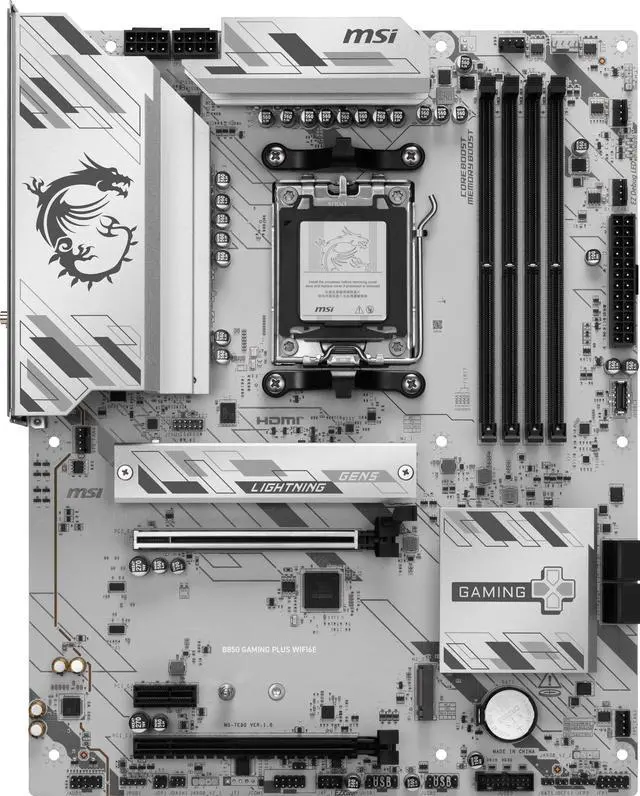
The MSI B850 Gaming Plus WiFi6E at $149.99 is our recommendation for most builders. The newer B850 chipset means current-generation Ryzen support from day one, a PCIe 5.0 M.2 slot for future storage, and a full ATX layout with room to grow.
Enthusiast Pick: MSI MAG X870 Tomahawk WiFi
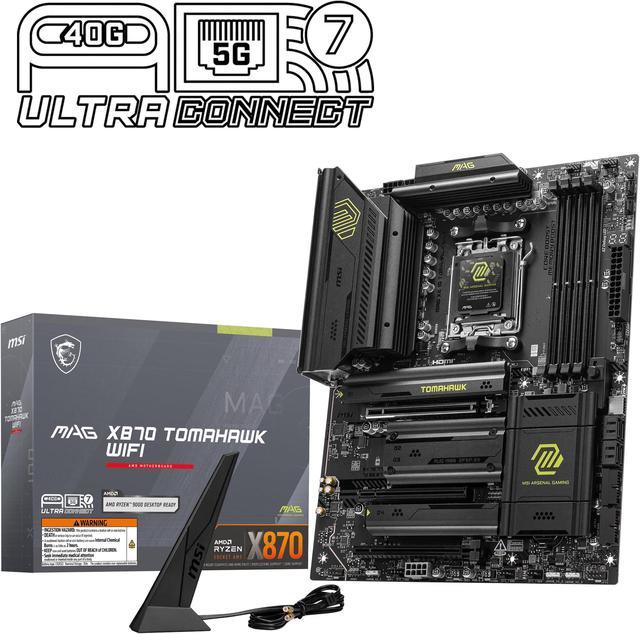
At $189.00, the MSI MAG X870 Tomahawk WiFi is a lot of motherboard. An 80A power stage design, Wi-Fi 7, 5G LAN, and Gen5 M.2 make it the pick for builders who want every modern feature and maximum headroom for whatever AMD releases next.
Final Verdict
Any of these three boards will happily host today’s X3D champions and whatever joins them. If you have been putting off an AM5 build, assembling the platform now, board, memory, and cooling, means the only thing left to drop in later is the CPU everyone will be talking about. Browse the full range of AM5 motherboards on Newegg to compare more options.
Read More
- Tom’s Hardware: Best Motherboards — Regularly updated motherboard rankings across chipsets.
- MSI Official: MAG X870 Tomahawk WiFi — Full specifications from the manufacturer.
- AMD Official: AM5 Chipset Lineup — How B650, B850, X870, and X870E differ.
- Newegg: AM5 Motherboard Listings — Current stock and pricing across all AM5 chipsets.
- Newegg Insider: Which DDR5 Kit Is Right for Your Build — Complete your AM5 platform with the right memory.
Related Posts
- Best AM5 Motherboards in 2026
- AM4 or AM5 in 2026? What the Memory Price Surge Changed
- Ryzen 7 7700X3D Motherboard and BIOS Guide: Official Support, Step by Step
- Best AM5 Motherboards for Ryzen 9000 Series in 2026
- MSI Prestige N16 Flip AI+: The RTX Spark Laptop That Brings the Full N1X Chip for $3,299 at Newegg
Frequently Asked Questions
Common questions about choosing an AM5 motherboard.