How to Get Protected From AI Scams in 2026: A Four-Layer Plan With Product Kits
By Mark Fan|September 29, 2026|Updated October 7, 2026
Learning how to get protected from AI scams in 2026 starts with one shift in thinking. You no longer need to spot every fake, because AI makes fakes look real. Instead, you build layers that keep working even when a scam fools you for a moment. This guide is the pillar of Newegg Insider's Help Me Get Protected series. First, it maps four protection layers: identity, devices, network, and money and data. Next, it explains how AI changes each threat in plain scenarios. Finally, it matches each layer to specific products and bundles them into kits for six kinds of shoppers. Most readers can finish the core setup in one weekend, and the 15-minute checklist gets you started today.
The Four Layers You Need to Get Protected From AI Scams
To get protected from AI scams, cover four layers: who you are online, the devices you use, the network they share, and the money and files scammers want. Each layer catches a different kind of mistake. In practice, one slip rarely turns into real damage.
AI helps scammers in two ways. First, it removes the old warning signs, such as broken grammar or a stranger's voice. Second, it lets one scammer run thousands of personalized attempts at once. Therefore, habits still matter, but hardware and software should carry more of the load.
Layer
How AI changes the threat
Newegg solution category
What it does for you
Identity
Flawless phishing pages; fake support bots ask for codes
Security keys; fingerprint keys; passkeys
A stolen password alone no longer opens your account
Devices
Fake apps; malicious installers; webcam snooping
Internet security suites; webcam covers; privacy screens; Copilot+ PCs
Flags risky downloads and hides what you see and show
Network
Automated scans; malicious links on every device
Firewalls; security gateways; secure routers and mesh
Filters traffic for phones, TVs, and smart devices
Hardware crypto wallets; metal seed backups; encrypted USB; NAS
Keeps keys offline and keeps copies you control
Layer 1: Identity Protection With Security Keys and Passkeys
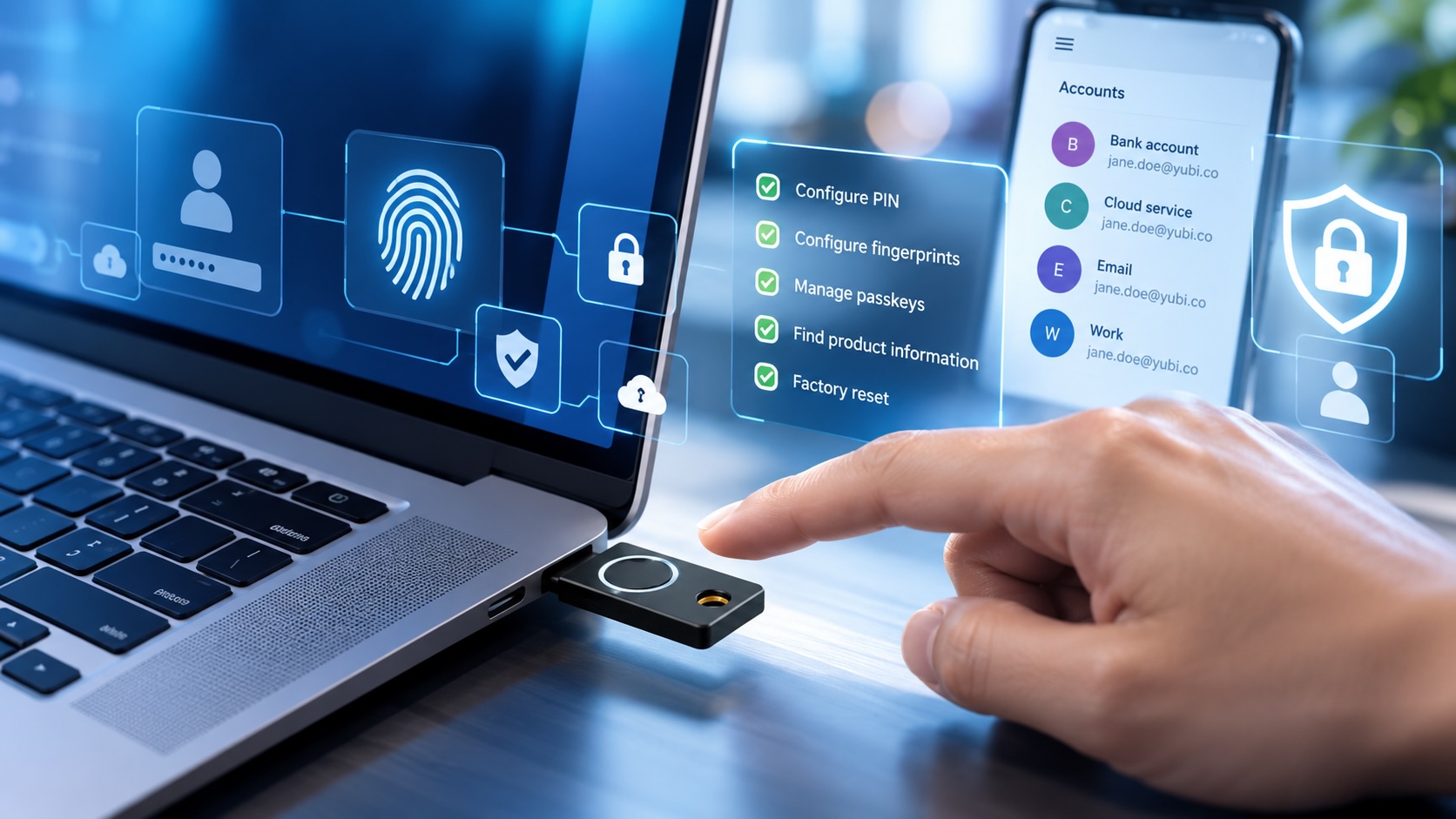
Identity protection is the first step to get protected from AI scams, because a scammer who steals your password still cannot sign in. Hardware security keys and passkeys do this because they check the real website address before they respond.
How AI changes identity theft
Picture a login page that copies your bank's design perfectly. AI also writes the email that sends you there. Meanwhile, a fake support chatbot may ask you to "confirm" a six-digit code. However, text-message codes and passwords both fail here, because you can type them into the wrong site.
What helps
A FIDO2 security key refuses to sign in to a look-alike domain. The fake page gets nothing useful. For most people, the Yubico YubiKey 5C NFC fits a USB-C laptop and taps against an NFC phone. However, buy two keys and store the backup at home.
For fingerprint sign-in, the Kensington VeriMark Guard 2.1 USB-C fingerprint key supports FIDO2, WebAuthn, and FIDO U2F across platforms. Similarly, the YubiKey Bio Series (FIDO Edition) suits people who want biometric sign-in on a key. Next, turn on passkeys wherever your email and bank offer them.
Layer 2: Device Protection Against Fake Apps and Malicious Installers
Device protection keeps harmful software off your PC and phone and keeps prying eyes off your screen. A current security suite, a supported operating system, and simple privacy hardware cover most of this layer.
How AI changes device threats
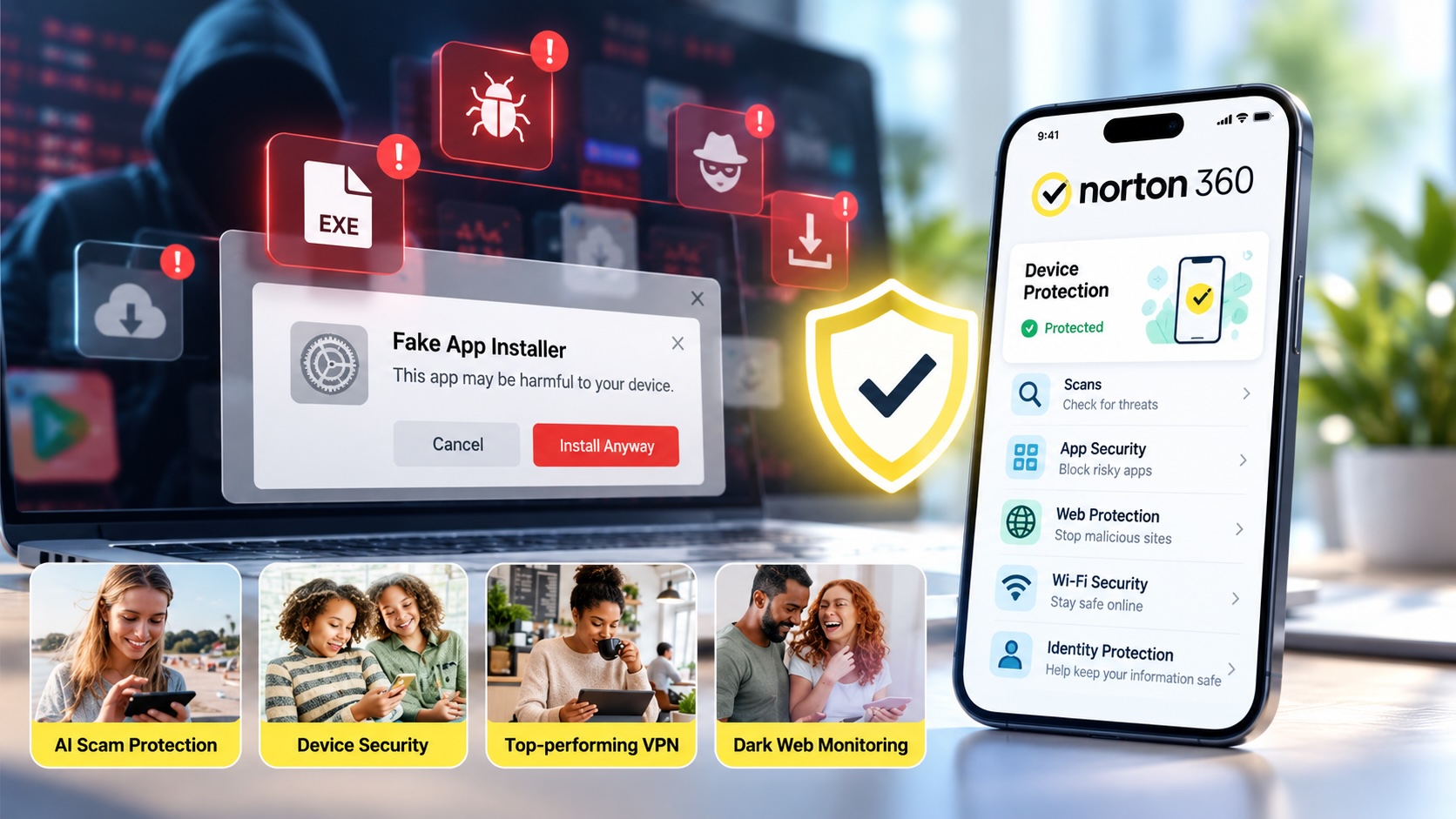
Scammers now use AI to clone app store pages and build ads for "free" game tools. The download looks legitimate, but the installer adds a password stealer. In other cases, a fake support agent instead talks you into installing remote-access software.
What helps
A security suite flags risky downloads and websites. For example, Norton 360 Deluxe 2026 for 5 devices includes Advanced AI Scam Protection, a VPN, and PC cloud backup, according to its listing. However, larger households may prefer a family plan that covers more devices.
Next, privacy hardware handles the physical side. The Logitech C920s webcam has a built-in privacy shutter. Meanwhile, a Kensington Snap2 privacy screen for 25- to 27-inch monitors narrows the viewing angle in shared spaces.
Finally, an old PC that no longer gets updates leaves gaps. A current machine such as the Microsoft 13-inch Surface Laptop Copilot+ PC runs a supported Windows 11 platform.
Layer 3: Network Protection to Get Protected From AI Scams at Home
Network protection filters traffic before it reaches any device, including smart TVs and cameras that cannot run antivirus. To get protected from AI scams across the whole house, start at the router or gateway.
How AI changes network threats
Automated tools scan home networks for weak router passwords and outdated firmware around the clock. Meanwhile, AI-written links arrive on every device in the house, not just the PC. As a result, one child's tablet or one smart plug can become the weak point.
What helps
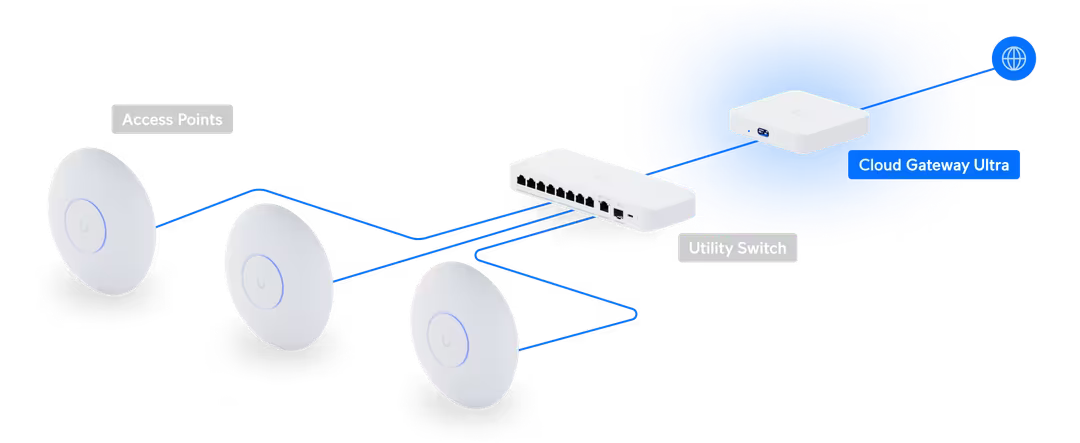
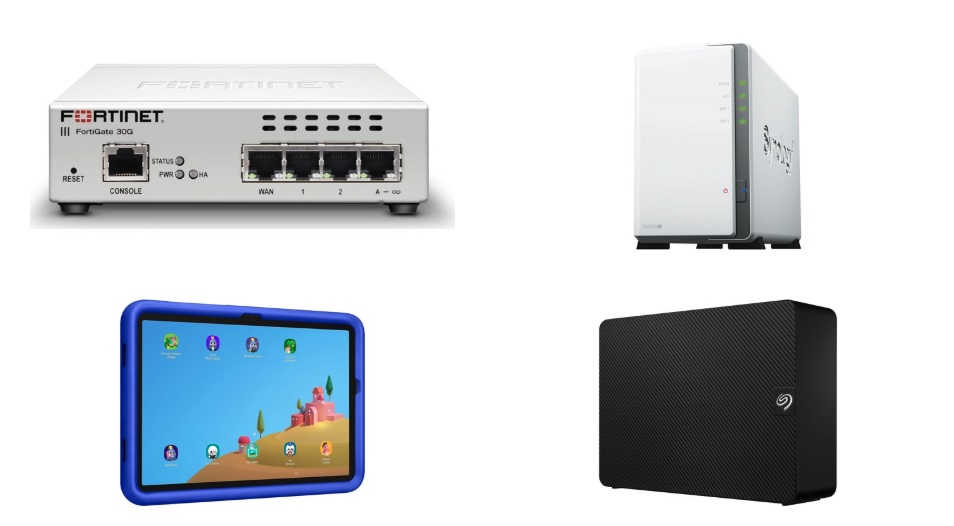
A dedicated firewall adds a checkpoint between your modem and your devices. The Firewalla cyber security firewall is designed for homes and small businesses, with listed malware protection, parental controls, and ad blocking. On the other hand, enthusiasts who want a managed network often start with the Ubiquiti Cloud Gateway Ultra.
If you only replace one box, choose a router with security features built in. For instance, the ASUS RT-AX3000S Wi-Fi 6 router lists Instant Guard, parental control scheduling, and a built-in VPN. Finally, change the admin password and turn on automatic firmware updates on day one.
Layer 4: Money and Data Protection for Crypto, Files, and Backups
To get protected from AI scams where it hurts most, keep money and data offline or encrypted, with copies you control. This layer limits the damage when a scam or ransomware attack gets through the first three.
How AI changes money and data threats
A cloned voice of a relative calls in a panic and asks for a wire or a crypto transfer. Next, a fake wallet app or "recovery" website asks for your seed phrase. Meanwhile, ransomware locks every file it can reach, including connected backups.
What helps
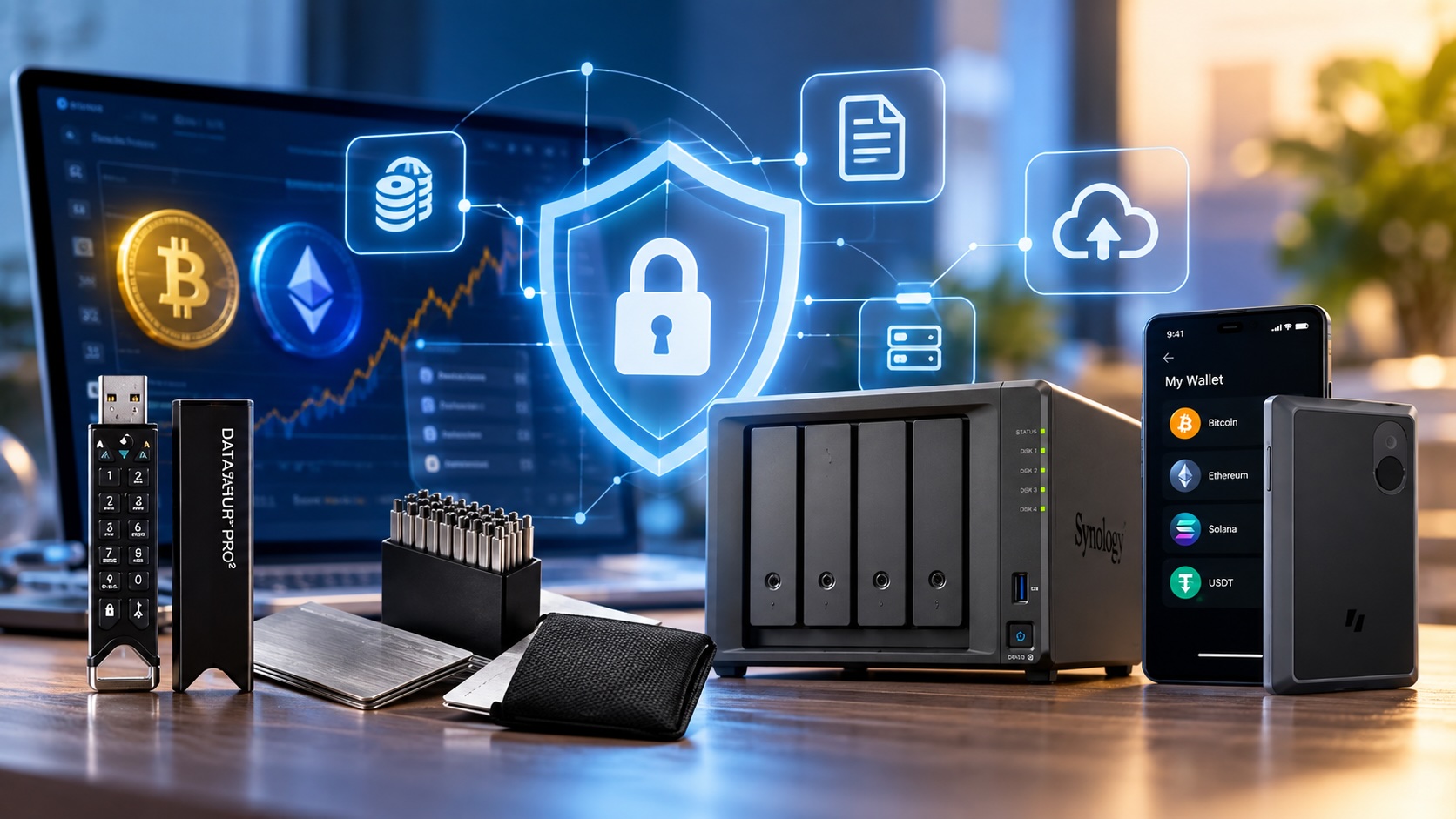
First, a hardware wallet keeps crypto keys off your internet-connected computer. The Trezor Safe 5 lists a secure element, passphrase support, and a color touchscreen for reviewing transactions. In addition, a SecuX XSEED PLUS metal seed backup stores your recovery words on steel plates instead of paper.
For files, use the iStorage datAshur PRO2 64GB. This hardware-encrypted drive unlocks with a PIN and carries FIPS 140-2 Level 3 certification. At home, a Synology DS425+ 4-bay NAS centralizes backups. In addition, keep one extra copy disconnected.
Protection Kits to Get Protected From AI Scams by Lifestyle
A protection kit bundles three to five products that cover the layers you actually use. First, pick the row that matches you. Next, read the matching section below.
Home kits focus on accounts and shared devices, because that is where most AI scams land first.
Everyday user
Start with two YubiKey 5C NFC keys on your email and bank. Next, add Norton 360 Deluxe 2026 for up to five devices, a six-pack of ultra-thin webcam cover slides, and a Seagate Expansion 8TB external drive for weekly backups.
Family with kids or aging parents
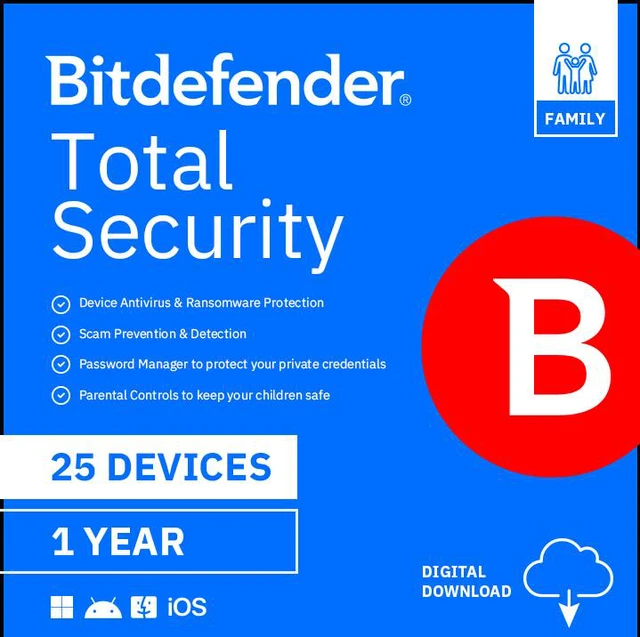
For families, the Bitdefender Premium Security Family plan for 25 devices covers phones, tablets, and PCs under one subscription. Next, pair it with the ASUS RT-AX3000S for scheduled screen time. A YubiKey 5 NFC lets a grandparent tap a phone to sign in, so no code needs reading aloud. Also, agree on a family safe word for any urgent money call.
Gamer or creator
For example, gamers face fake mods and cheat tools. In practice, Norton 360 for Gamers lists Advanced AI Scam Protection, gamer tag monitoring, and dark web monitoring. Add a YubiKey 5C Nano that stays in the PC, a Ubiquiti gateway, and a Synology DS223J 2-bay NAS for project files.
Kits for Remote Workers, Small Businesses, and Crypto Holders
Work and wealth kits add stronger network control and offline storage, because the stakes per mistake run higher.
Remote worker or home office
First, use a Kensington VeriMark Guard 2.1 fingerprint key for work sign-ins. Next, add a Logitech C920s with its privacy shutter and a Kensington Snap2 screen. For travel, a StarTech 14-inch magnetic laptop privacy screen fits 14-inch 16:9 laptops. Carry client files on a datAshur PRO2 rather than a plain flash drive.
Small business
First, small offices need a real firewall. The SonicWall TZ80 with 1-Year Secure Connect suits a small team, and the Fortinet FortiGate-30G targets small offices with four Gigabit ports. Give every employee a YubiKey, back up to a Synology DS425+, and refresh aging machines with Copilot+ PCs such as the Dell Pro 16 Plus. Also, confirm every payment change by phone.
Crypto holder
First, choose a Trezor Safe 5, or pick the air-gapped Keystone 3 Pro with its 4-inch touchscreen. Next, stamp your seed onto a SecuX XSEED PLUS. Then protect your exchange account with a YubiKey Bio key.
How Newegg Helps You Choose and Set Up Protection
Newegg's free shopping tools help you pick protection-ready hardware without guessing at specs. They pair naturally with the kits above.
If your current laptop no longer gets updates, the Newegg Laptop Finder filters by budget and use case. For desktops you want to keep, the Newegg PC Upgrader shows compatible parts. If you would rather start fresh, the Custom PC Builder checks compatibility as you add components.
Backups, however, deserve the same care. The Newegg NAS Builder helps you match a NAS enclosure with drives for your storage goal. Together, these tools let you get protected from AI scams with hardware that fits your setup, not someone else's.
The 15-Minute Get Protected Checklist
This checklist helps you get protected from AI scams in about 15 minutes by handling the highest-impact steps first. It will not finish the job, but it closes the most common openings right away.
Turn on two-step sign-in for your main email account (3 minutes).
Update your phone, PC, and browser; restart each one (4 minutes).
Change your router admin password and enable automatic updates (3 minutes).
Set a family safe word for urgent calls about money (1 minute).
Delete apps you did not install on purpose (2 minutes).
Pick your protection kit from the table above and note what you still need (2 minutes).
What to do if a scam gets through
Act fast but calmly. First, contact your bank or card issuer. Next, change passwords from a clean device, starting with email. Then report it to local law enforcement and keep screenshots of every message.
Frequently Asked Questions
What is the fastest way to get protected from AI scams?
The fastest way to get protected from AI scams is securing your email first. Add a security key or passkey, update every device, and agree on a family safe word. Those three steps cover identity, devices, and voice-clone calls.
Do I need a security key if I already use text-message codes?
Text codes help. However, you can still type them into a fake site. A FIDO2 security key checks the real website address, so it refuses to sign in to look-alike pages. That makes it much harder to phish.
Can antivirus software detect AI scams?
Some suites now target scams directly. For example, Norton 360 2026 listings include Advanced AI Scam Protection. Still, no software catches everything, so pair it with security keys and backups.
Is a firewall worth it for a home network?
A firewall helps most in homes with many smart devices or kids. For example, it filters traffic for devices that cannot run antivirus, such as TVs and cameras. For smaller homes, a router with built-in security features may be enough.
How often should I review my protection kit?
Review it once a year. In addition, review it whenever you add a new device. Renew security suite subscriptions, test a backup restore, and confirm that each security key still works on your key accounts.
Conclusion: Build Your Layers and Keep Them Current
To get protected from AI scams, you do not need to outsmart every fake. Instead, you need layers that hold when one fails. Use security keys for identity and a current suite for devices. Then add a firewall for the network and offline storage for money. First, start with the 15-minute checklist. Then build the kit that matches how you live. Next, browse the full range of multi-factor authentication devices on Newegg to take the first step.