Call of Duty: Modern Warfare 4 launches on PC on October 23, and the part of the spec sheet I expect to cause the most trouble has nothing to do with frame rates. Activision lists TPM 2.0 and Secure Boot as requirements, and the game needs 115GB on an SSD. A hard drive won't do. If you haven't tried the early-access campaign yet, this is the order I'd check things in.
What Activision Actually Requires
The official PC specs on the Call of Duty blog come in three tiers. Minimum is a Ryzen 5 1400 or Core i5-6600, 8GB of RAM and a GTX 970/1060, RX 470 or Arc A580. Recommended, which Activision says targets 90 fps in multiplayer at High settings, is a Ryzen 5 3600 or Core i7-8700K, 16GB of RAM and an RTX 3060 Ti, RX 6600 XT or Arc B580 with 8GB of video memory. The ray tracing tier, aimed at high-quality ray tracing at 4K with upscaling, asks for an RTX 5070 Ti or RX 9070 XT, 16GB of VRAM and 32GB of system memory.
Below the tables: only Intel and AMD processors with AVX are supported, Intel Arc cards need Resizable BAR, and Activision's support page says Windows 10 must be version 22H2 or later.
Step 1: Check TPM 2.0
Press Windows + R, type tpm.msc and hit Enter. You want to see "The TPM is ready for use" with a specification version of 2.0. If it says a compatible TPM cannot be found, it is often just switched off in the BIOS: look for AMD CPU fTPM on AMD boards, or Intel PTT or Security Device Support on Intel boards. On those platforms an add-in module usually isn't needed.
Step 2: Check Secure Boot
Run msinfo32 and look at two lines. BIOS Mode should say UEFI, and Secure Boot State should say On. If BIOS Mode says Legacy, that is the harder case, because Secure Boot only works with UEFI booting and your Windows drive is probably using the older MBR partition style. Microsoft's mbr2gpt tool can convert it without reinstalling, and Activision's support article walks through the commands, but I would back up anything important before touching partitions. After converting, disable CSM in the BIOS, switch to UEFI and enable Secure Boot.
On a PC that has run Windows 11 from day one, both of these are usually already on. The machines I'd worry about are older Windows 10 builds that were set up years ago in legacy mode.
Step 3: Make Room on a Fast Drive
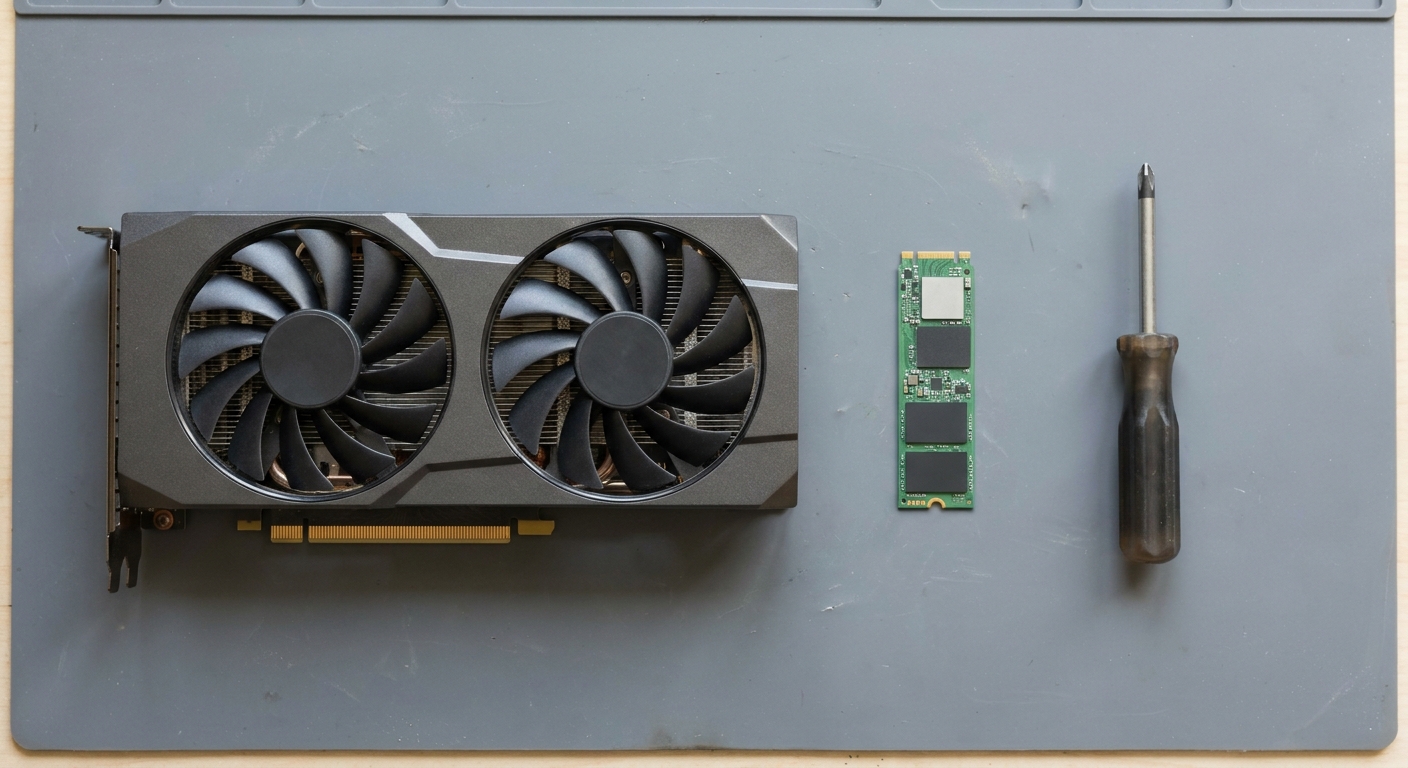
115GB is the size before patches, and Call of Duty updates tend to grow. Rather than squeezing it onto a nearly full 1TB boot drive, I'd add a 2TB NVMe drive just for games.
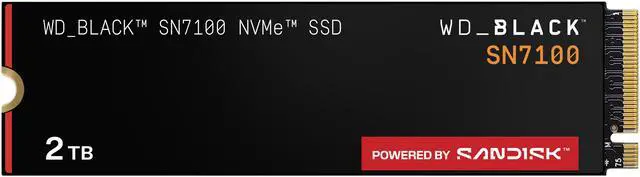
The WD_Black SN7100 2TB is the one I'd reach for first: PCIe 4.0 x4, up to 7,250 MB/s reads and a 1,200TBW endurance rating. The Samsung 990 EVO Plus 2TB is rated for the same 7,250 MB/s reads and 1,200TBW, and it can run as PCIe 4.0 x4 or PCIe 5.0 x2, which is handy in a laptop or a slot that only gets two Gen 5 lanes.
Step 4: Match the GPU to the Tier You Want
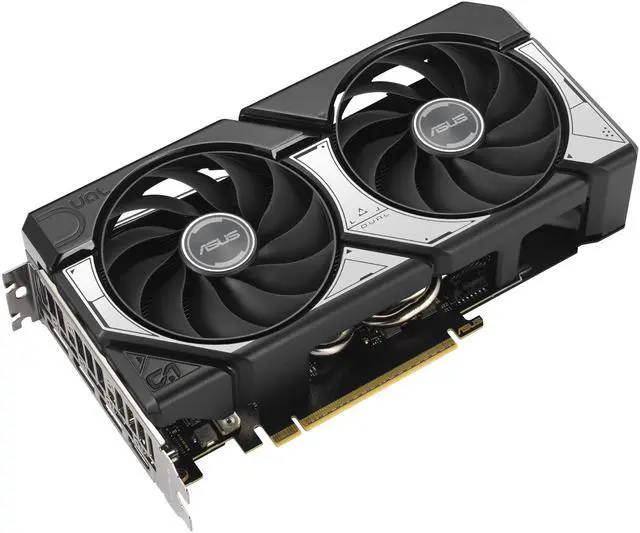
For the recommended 90 fps target, I would skip 8GB cards if you are buying new today. The ASUS Dual GeForce RTX 5060 Ti 16GB is compact at 229mm, runs off a single 8-pin connector, and ASUS recommends a 550W power supply. On the AMD side, the SAPPHIRE PULSE Radeon RX 9060 XT 16GB is a similar size at 240mm with a 450W PSU recommendation. Both have the 16GB of memory that the game's top tier asks for, even if they won't run that tier at 4K.
In between sits the ASUS PRIME GeForce RTX 5070 12GB. It is clearly faster than the 5060 Ti class for high-refresh multiplayer, but 12GB falls short of the 16GB Activision lists for its ray tracing tier, so I see it as a 1440p competitive card rather than a max-settings one.
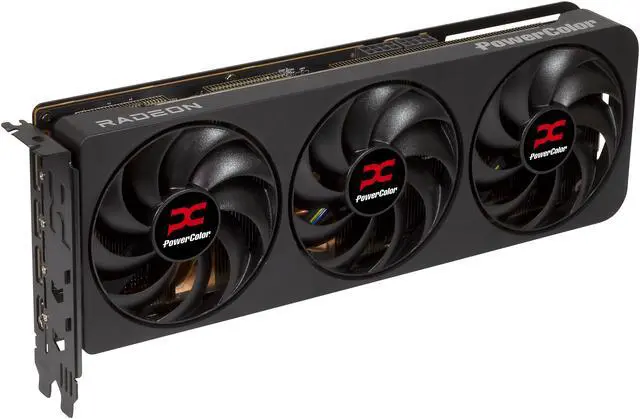
If you want the ray tracing tier as Activision describes it, buy the exact GPUs on the list. The MSI GeForce RTX 5070 Ti 16G GAMING TRIO OC boosts to 2572 MHz, uses a 16-pin power connector and is 338mm long, so measure your case first. The PowerColor Reaper Radeon RX 9070 XT 16GB is the easier fit at 289mm (304mm with the bracket) and two slots, and it uses two standard 8-pin connectors. Both makers recommend a 750W power supply.
Do You Need a New Windows License?
Probably not. An eligible Windows 10 PC upgrades to Windows 11 for free. You only need a license for a new build or a clean install, which is when I'd use Microsoft Windows 11 Home on USB. Boot the installer in UEFI mode with CSM off and Windows sets the new drive up as GPT, then enable Secure Boot in the BIOS.
My Short Version
Check tpm.msc and msinfo32 before you blame your graphics card, then give the game its own 2TB SSD. A 16GB RTX 5060 Ti or RX 9060 XT covers the recommended tier, and the RTX 5070 Ti or RX 9070 XT is what Activision names for ray tracing at 4K. More options are in Newegg's 16GB graphics card listings.
Frequently Asked Questions
Does Modern Warfare 4 require TPM 2.0 and Secure Boot on PC? Yes. Activision lists both as requirements for Modern Warfare 4 on PC, and its support page says players who do not meet them are restricted from online modes.
Can I install Modern Warfare 4 on a hard drive? No. The official specs list 115GB of storage with an SSD required at every tier, and Activision notes that updates may need more space.
What graphics card do I need for Modern Warfare 4? Activision's recommended tier, which targets 90 fps in multiplayer at High settings, is an RTX 3060 Ti, RX 6600 XT or Arc B580. Its ray tracing tier at 4K upscaled lists an RTX 5070 Ti or RX 9070 XT with 16GB of VRAM.
Does Modern Warfare 4 still run on Windows 10? Windows 10 64-bit is in the minimum spec, but Activision's support page says Windows 10 needs version 22H2 or later for the TPM and Secure Boot checks. The recommended spec lists Windows 11.
When does Modern Warfare 4 launch on PC? October 23, 2026, on Battle.net, Steam and Xbox on PC. Digital pre-orders got campaign early access starting October 16.
Read More
- Call of Duty Blog: Modern Warfare 4 PC Specs and Features -- Activision's official minimum, recommended and ray tracing specs, plus driver and security notes.
- Activision Support: TPM 2.0 and Secure Boot for Call of Duty -- Step-by-step checks for tpm.msc, msinfo32, BIOS settings and MBR to GPT conversion.
- Microsoft Support: Enable TPM 2.0 on Your PC -- Microsoft's guide to finding and enabling TPM in your PC's firmware settings.
- Tom's Hardware: GPU Benchmarks Hierarchy -- Ongoing graphics card rankings to compare the cards named in the spec sheet.
- Newegg Insider: Best Graphics Cards for Open-World Games -- Our GPU picks for big open-world games in 2026.