One comment in an r/pcmasterrace thread about rising graphics card prices in late October 2026 stuck with me: "undervolt those existing GPUs." It was half a joke, but it's good advice. If replacing a card is getting more expensive, making the one you have run cooler and quieter is the cheapest upgrade there is.
Undervolting means asking the GPU to hit its clock speeds with less voltage. Less voltage means less heat and power, which often lets the card hold its boost clocks longer. Done carefully, many cards lose little or no performance. Done carelessly, you get crashes, though nothing that a reset to defaults won't fix.
Background: why modern cards have room to spare
GPU makers set voltages with a safety margin so every chip off the line is stable. Your specific chip may need less. That margin is what you're reclaiming. Results vary from card to card, so I won't promise numbers. Two identical models can land on different stable settings.
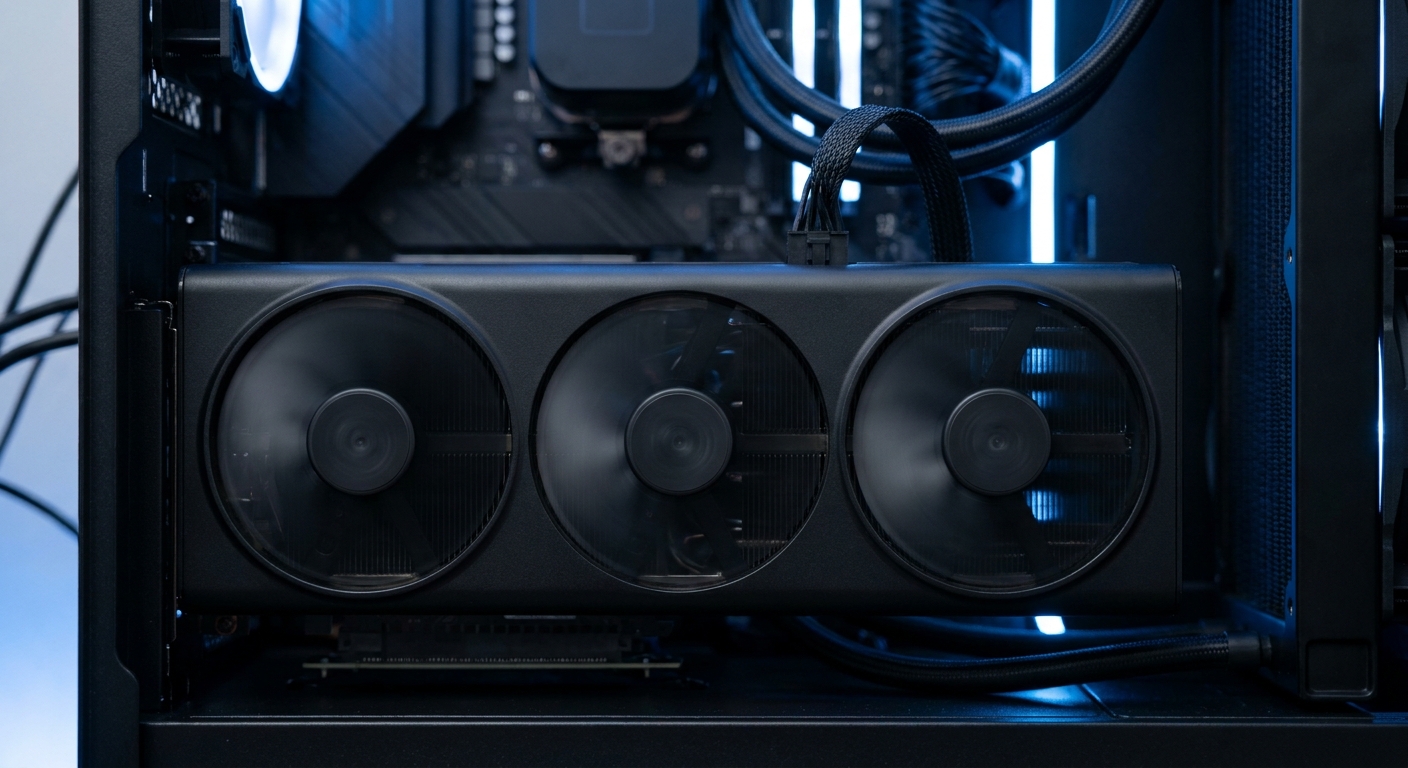
Step 1: Record a baseline
Pick a demanding game or benchmark you can repeat, play for 10 to 15 minutes, and note the average frame rate, GPU temperature, clock speed and power draw. An overlay from your GPU software or a tool like HWiNFO works. Without a baseline, you can't tell whether a change helped.
Step 2: On NVIDIA RTX 50 cards, use the curve editor
MSI Afterburner is the usual tool, and MSI has its own video walkthrough for RTX 50 cards. Open the voltage-frequency curve with Ctrl+F. The common approach is to pick a target clock, find the voltage point where you want it, drag that point up to the target, then flatten everything to the right so the card never asks for more voltage. Apply, then test.
A card like the GIGABYTE AERO RTX 5070 Ti has a 2,588MHz boost clock and 16GB of GDDR7, and its listing recommends a 750W power supply. Cards in this class are good candidates because they're often power and temperature limited under sustained load. The PNY RTX 5070 Ti OC uses the same GPU with a 300W TDP listed on its spec table.

Step 3: On Radeon RX 9000 cards, use Adrenalin
AMD makes this easier. In the AMD Software: Adrenalin Edition, go to Performance, then Tuning, enable manual tuning for the GPU, and use the voltage offset slider. A small negative offset is the starting point. You can also lower the power limit if your main goal is less heat and noise rather than extra speed.
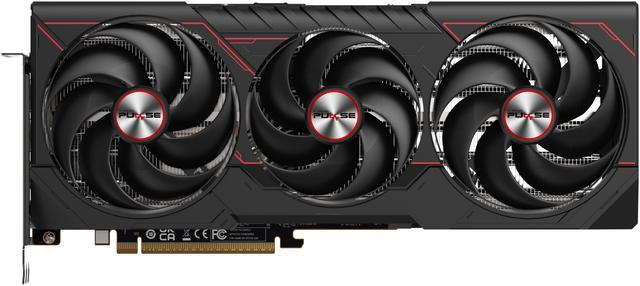
The SAPPHIRE PULSE RX 9070 XT, ASRock Steel Legend RX 9070 XT and PowerColor Reaper RX 9070 XT all list a 304W TDP, so there's real heat to manage. A modest undervolt is also a common first step when people on Reddit report shutdowns under load, though if your PC turns off completely, the power supply should be checked too.
Step 4: Test properly
Change one thing at a time. After each step, run your game or benchmark for at least 15 minutes. If it crashes, back off by a small step. When it passes, play normally for a few days. Some instability only shows up in specific games, so don't declare victory after one run.
Step 5: Save a profile
Once you're happy, save the profile and set it to apply at startup. Driver updates can reset settings, so it's worth checking after major updates.
Cards I'd point people toward
If you're shopping anyway and want a card that's easy to keep cool, midrange options run cooler to begin with. The GIGABYTE Gaming RX 9060 XT 16GB lists a 450W recommended power supply, and the ASUS Dual RTX 5060 Ti 16GB lists 550W, which makes either a good fit for smaller cases. The MSI Ventus 3X RTX 5070 sits in between with 12GB of GDDR7 and a 250W TDP.

Mistakes I'd avoid
Running two tuning tools at once. Afterburner, Adrenalin and some board-partner utilities can fight over the same settings. Pick one and close or disable the others.
Going too far on the first try. Big jumps make it hard to tell which change caused a crash. Small steps are slower but save time overall.
Testing only one game. A setting that's stable in one title can crash in another that loads the GPU differently, especially games with heavy ray tracing. I'd test at least two different games before calling it done.
Ignoring memory tuning. Changing VRAM clocks at the same time as voltage makes troubleshooting harder. Leave memory at stock until the core undervolt is stable.
Forgetting the fan curve. If quieter operation is the goal, a gentler custom fan curve on top of an undervolt often makes the biggest audible difference. Just keep an eye on hotspot and memory temperatures in your monitoring tool when you change it.
If something goes wrong and the driver crashes or the screen goes black, a reboot usually brings everything back at default settings. Both MSI Afterburner and AMD's software have a reset option to return to stock if a saved profile keeps causing trouble.
Summary
Undervolting is reversible, free and usually worth trying, especially on cards in the 250W to 300W-plus range. Get a baseline, change one setting at a time, test longer than feels necessary, and save the profile. If your goal is quieter fans, a lower power limit alone may get you most of the way there with even less tinkering.
Frequently Asked Questions
Is undervolting a GPU safe? Yes, lowering voltage doesn't damage the card. The worst case is an unstable setting that causes a crash, which you fix by stepping back or resetting to defaults.
Does undervolting reduce performance? Often very little. Because the card runs cooler, it may hold boost clocks longer. Results vary from chip to chip.
How do I undervolt an RTX 50 series card? Use MSI Afterburner's voltage-frequency curve editor. Set your target clock at a lower voltage point and flatten the curve after it, then test for stability.
How do I undervolt an RX 9070 XT? In AMD Software: Adrenalin Edition, open Performance and Tuning, enable manual GPU tuning, and apply a small negative voltage offset. Test and adjust from there.
Will undervolting fix my PC shutting down under load? It can reduce power spikes, but a full shutdown under load can also point to the power supply. Check your PSU's capacity and cabling as well.
Read More
- Guru3D: MSI Afterburner download - The tool most people use for NVIDIA curve-based undervolting.
- NVIDIA: GeForce RTX 5070 Family - Official specs for the RTX 5070 and 5070 Ti.
- AMD: Radeon RX 9070 XT - Official specifications and board power for the RX 9070 XT.
- Tom's Hardware: GPU Benchmarks Hierarchy - How current graphics cards rank in games.
- Newegg Insider: Can a Graphics Card Last 7 Years? - How to pick a GPU you can keep for the long haul.