Black Friday shopping goes wrong in a predictable way: a deal pops up, the timer starts, and you buy a part without checking whether it fits the rest of your system. The fix is boring but effective. Plan the build before the deals go live, so when a price drops, you already know whether that part belongs in your cart.
Newegg has a set of shopping tools that make that planning easier. Here's how I'd use them, organized around the questions people actually have.
Should I upgrade or build from scratch?
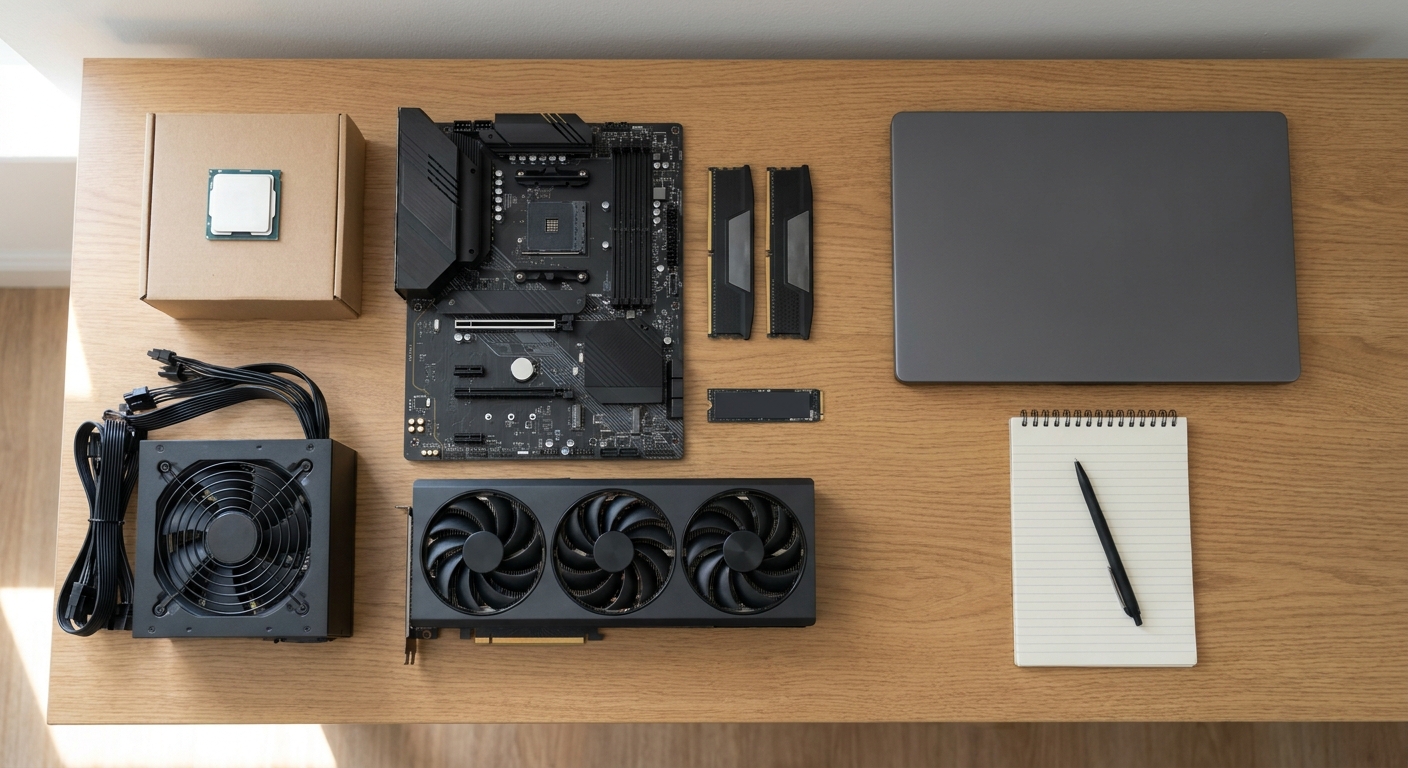
Start with the PC Upgrader if you already have a PC. Newegg describes it as an AI-powered tool that gives compatibility-checked upgrade recommendations based on your existing system, your goals and your budget. It's a quick way to see whether a GPU swap alone will get you there, or whether the CPU and platform are holding you back.
If the answer is "start over," move to the Custom PC Builder. It also offers suggested starting configurations at entry-level, mainstream and enthusiast tiers, for both Intel and AMD, which you can customize.
How does the PC Builder help with compatibility?
You add parts by category, and the builder helps you find compatible components, compare options and save or share the build. Here's a sample AM5 gaming build I'd plan with it:
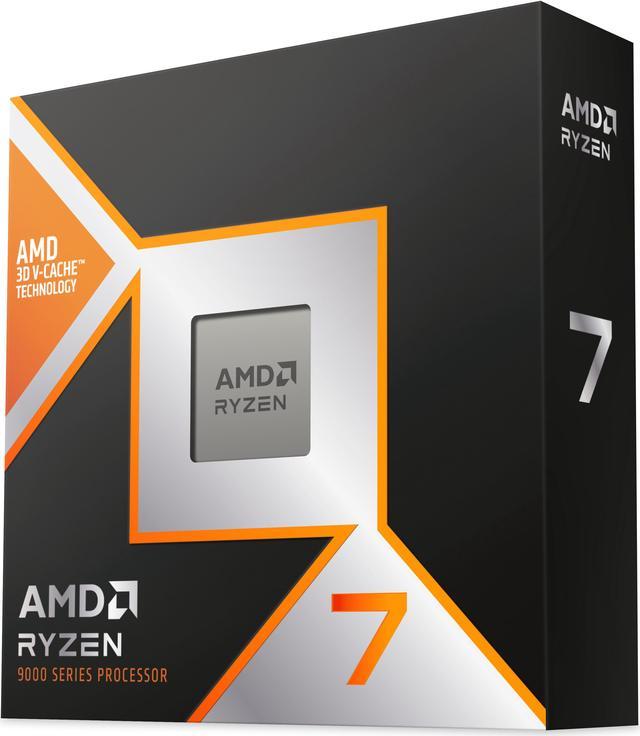
- CPU: AMD Ryzen 7 9800X3D, 8 cores and 16 threads with up to 5.2GHz boost
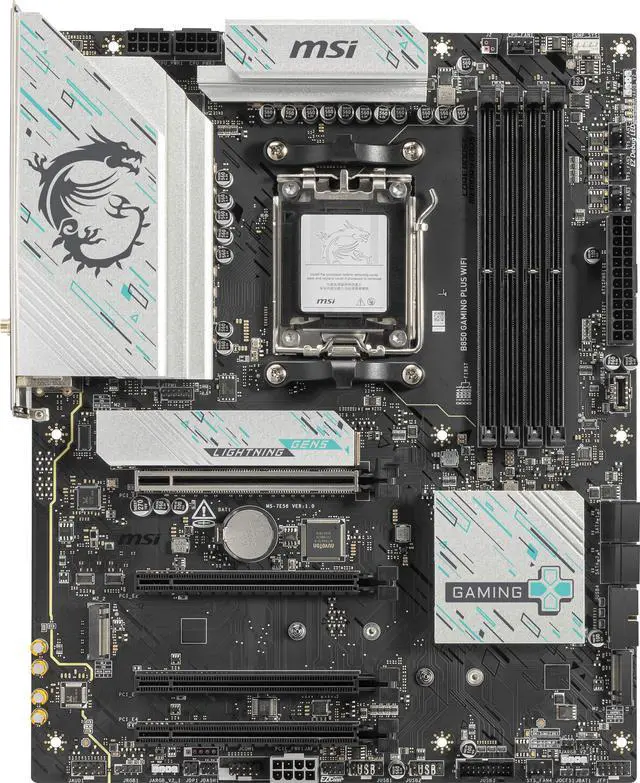
- Motherboard: MSI B850 GAMING PLUS WIFI, with four DDR5 slots and support for up to 256GB
- Memory: G.SKILL Flare X5 32GB (2 x 16GB) DDR5-6000 CL30
- GPU: GIGABYTE Gaming RTX 5070 Ti, 16GB of GDDR7
- Storage: Samsung 990 PRO 2TB, PCIe 4.0 with up to 7,450MB/s reads
- Cooler: Thermalright Phantom Spirit 120 SE
- Case: Fractal Design North
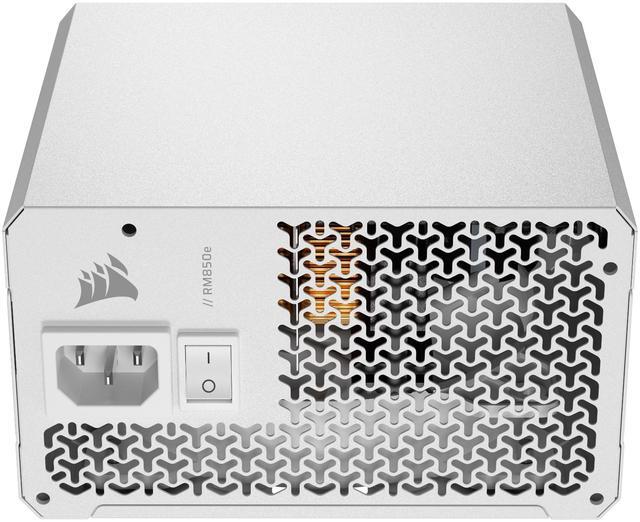
- PSU: CORSAIR RM850e (2025)
Do I still need to check anything myself?
Yes, the physical fits. The builder helps you find compatible parts, but I always check two numbers by hand. The Fractal North's listing gives a 355mm maximum GPU length, and the GIGABYTE Gaming RTX 5070 Ti is listed at 342mm, so it fits with a little room to spare. For the cooler, the Phantom Spirit 120 SE is listed at 154mm tall, under the North's 170mm cooler limit.
How big a power supply do I need?
That's what the Power Supply Calculator is for. You enter your CPU, motherboard form factor, GPU and memory, and it estimates the wattage. As a cross-check, the GIGABYTE Gaming RTX 5070 Ti's listing recommends a 750W PSU. The RM850e is an 850W ATX 3.1 unit with a 12V-2x6 cable, which leaves headroom for that card and a future upgrade.
What if I just need more RAM for an existing PC or laptop?
Use the Memory Finder. You choose the device category, manufacturer, product line and model, and it shows memory or storage that's compatible with that exact device. It's the fastest way to avoid buying desktop DDR5 for a laptop that takes SO-DIMMs, or the wrong speed for an older system.
What about buying a whole PC or laptop as a gift?
The Gaming PC Finder lets you pick up to four games, a resolution and a budget, then shows prebuilt systems that fit. The Laptop Finder asks what the laptop is for, your budget and the features you want, like a backlit keyboard or long battery life. Both are useful when you're shopping for someone else and don't know every spec they care about.
Can I trade in my old parts?
Newegg's Trade-In program covers eligible GPUs, CPUs and RAM. You fill out the trade-in form on the product page, buy your upgrade with the trade-in added to the cart, ship your old part with a prepaid label within 14 days, and get the credit back to your original payment method once it's received and accepted.
How do I get a second opinion on my build?
Save the build in PC Builder and share the link with the person you're buying for, or with someone who knows their PC. It's an easy way to get a second opinion on a part list before the deals start, without anyone having to read through a long chat thread of model numbers.
How I'd put it together
Build the list ahead of time in PC Builder and save it. Run the PSU calculator once. Check card length and cooler height by hand. When Black Friday deals appear, you'll know in seconds whether a deal fits your plan, and you won't end up with a great price on the wrong part.
Frequently Asked Questions
What shopping tools does Newegg have? Newegg's Shopping Tools page includes the Custom PC Builder, the AI-powered PC Upgrader, the Gaming PC Finder, the Memory Finder, the Laptop Finder and the Power Supply Calculator.
Does Newegg's PC Builder check compatibility? Yes. The PC Builder is designed to help you find compatible parts, compare components, and save and share builds. I would still double-check physical fits such as graphics card length and cooler height against the case listing.
How does the Memory Finder work? You choose your device category, manufacturer, product line and model, and it shows compatible memory or storage for that device.
What does the PC Upgrader do? Newegg describes it as an AI-powered tool that gives compatibility-checked upgrade recommendations based on your existing system, goals and budget.
Can I trade in old parts on Newegg? Newegg's Trade-In program covers eligible GPUs, CPUs and RAM. You submit the trade-in on the product page, ship your item with a prepaid label within 14 days, and receive the credit once it is received and accepted.
Read More
- Shopping Tools (Newegg): All of Newegg's build and shopping tools in one place.
- Custom PC Builder (Newegg): Pick parts, check compatibility and save or share a build.
- Power Supply Calculator (Newegg): Estimate the wattage your build needs.
- Memory Finder (Newegg): Find compatible RAM for a specific PC or laptop model.
- B850 vs X870: Which AM5 Motherboard I'd Actually Buy (Newegg Insider): How to pick the board that goes with a Ryzen CPU.